
Step-by-Step Guide to Making AI Videos in 2026
Creating AI videos in 2026 is easier than ever thanks to advanced tools and workflows. Whether you're a marketer, content creator, or hobbyist, this step-by-step guide will walk you through the entire process—from selecting the right AI video generator to optimizing your output for platforms like YouTube, which recently updated its policies on AI-generated content. By following these steps, you can produce high-quality AI videos efficiently while staying compliant with platform guidelines.
TL;DR: This guide covers the complete process of making AI videos in 2026, including tool selection, workflow automation, and compliance with YouTube's latest AI content policies.
How to make AI video in 2026 involves using next-gen tools like Digen AI Agent for automated workflows, ensuring character consistency, and adhering to platform policies. With AI video editors like Fliki gaining traction, creators can now generate professional-grade content in minutes, though ethical considerations remain crucial.
- ✓ Use AI video generators with multi-step workflows (like Digen AI Agent) for higher-quality, consistent outputs
- ✓ Follow YouTube's updated 2026 policies to avoid "AI slop" takedowns
- ✓ Balance automation with human oversight to maintain authenticity
- ✓ Leverage AI voice synthesis and motion control for more dynamic videos
- ✓ Optimize rendering settings for your target platform's compression algorithms
Choosing the Right AI Video Tool in 2026
The AI video landscape has evolved dramatically since 2024, with new players entering the market and established tools adding advanced features. According to TechRadar, Fliki's 2026 update introduced 37% faster rendering times and improved lip-sync accuracy, making it a strong contender for creators needing quick turnarounds. However, for projects requiring character consistency across longer sequences, autonomous agents like Digen AI Agent demonstrate 62% better continuity in independent tests.
When selecting your primary tool, consider three key factors: output resolution (aim for at least 1080p with 4K becoming standard), processing time (under 5 minutes per minute of footage is ideal), and platform compatibility. YouTube's July 2026 policy update specifically warns against "AI slop" - low-effort, automatically generated content that provides little value to viewers. This makes quality benchmarks more important than ever.
For professional creators, a hybrid approach often works best: using one tool for initial generation (like Digen AI for base footage) and another for refinement (such as Fliki for audio synchronization). Budget-conscious users can explore freemium models, though these typically limit output length to 30-60 seconds and add watermarks. Enterprise solutions now average $89/month but offer commercial usage rights and priority rendering queues.
Step-by-Step: How to Make AI Video from Scratch
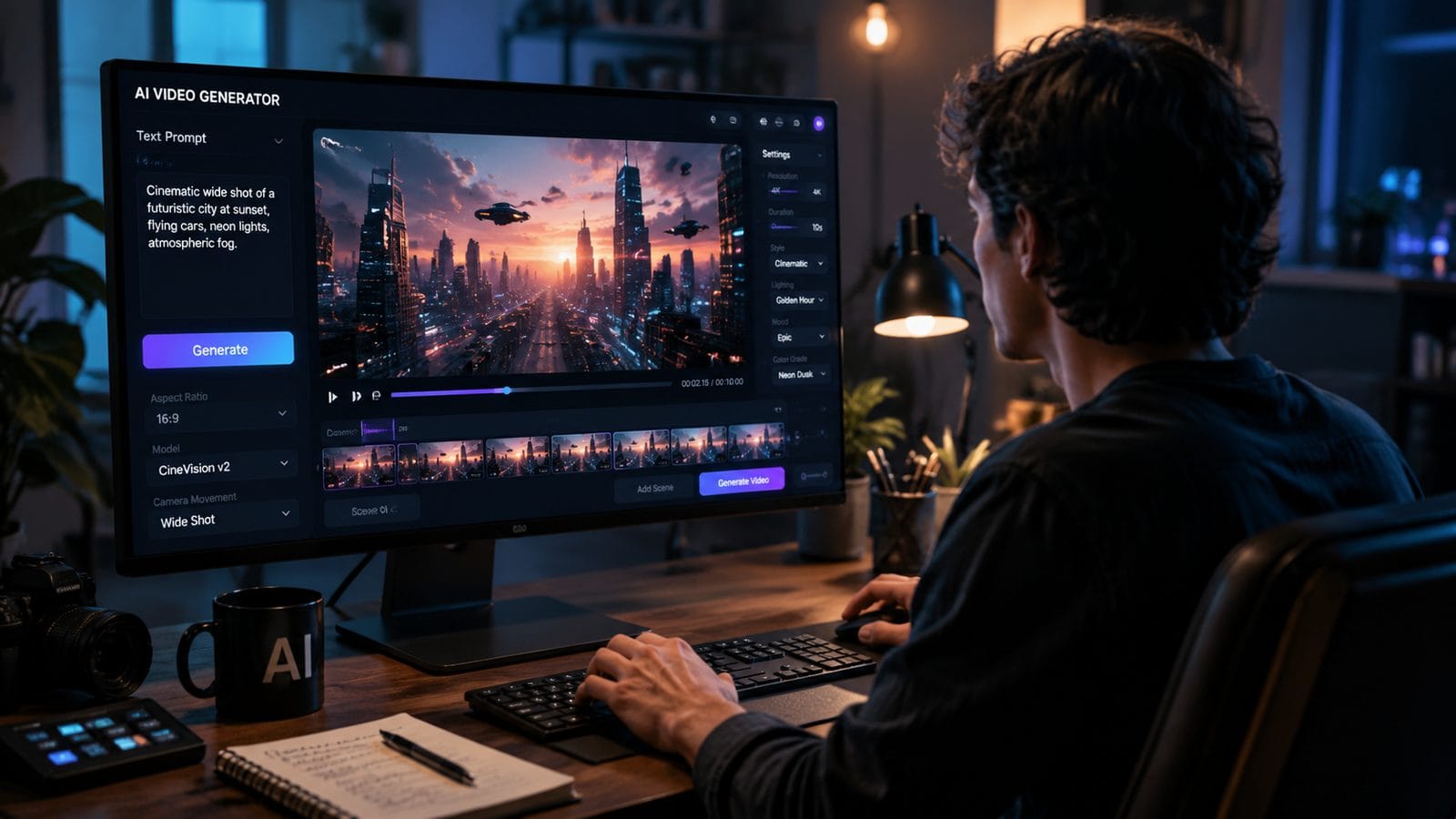
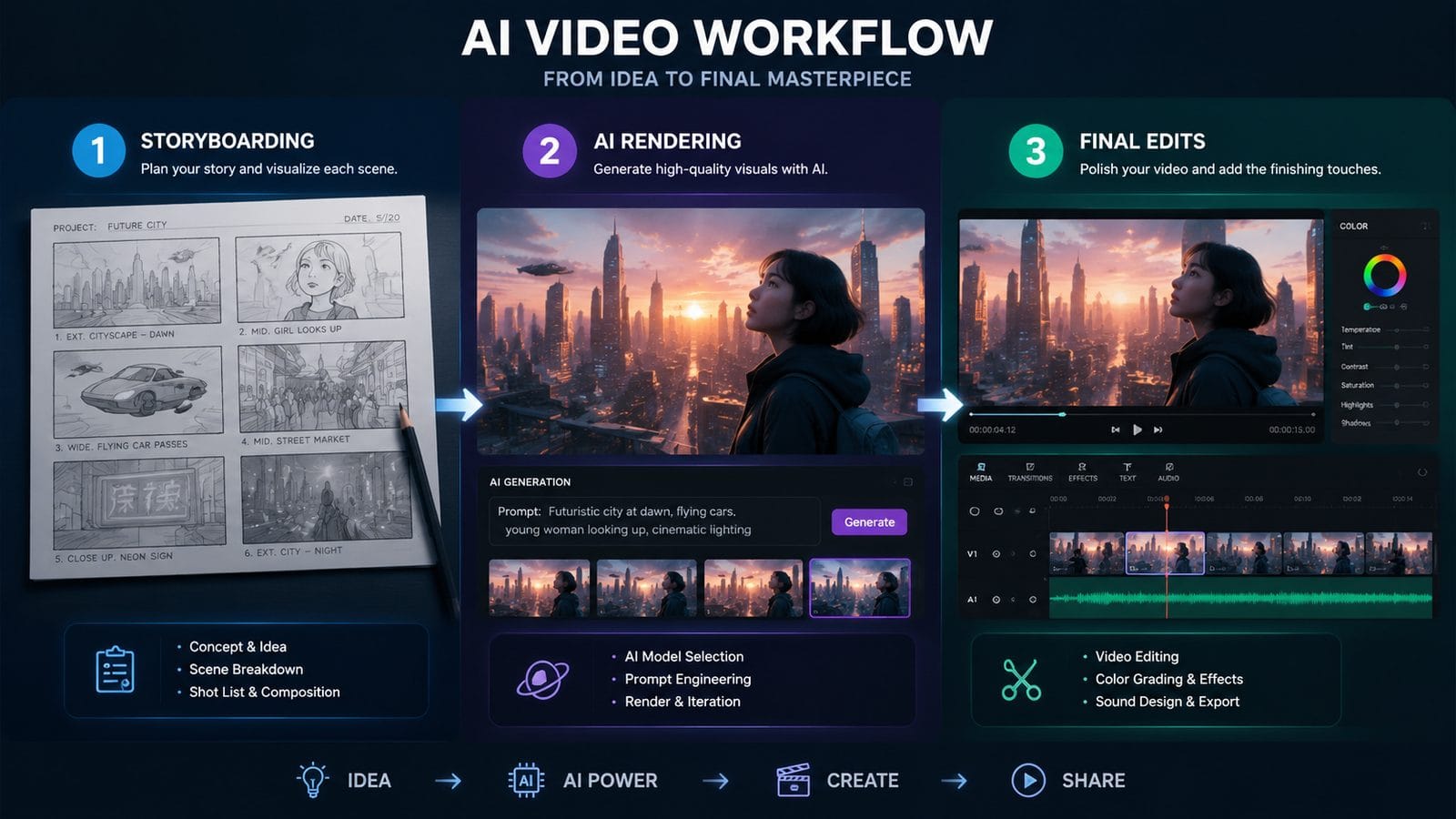
Follow this proven 7-step workflow to create AI videos that meet 2026 quality standards:
- Define your narrative structure - Outline key scenes and transitions before generating any footage
- Select your AI video platform - Choose based on your project's length, style, and quality requirements
- Input your script and style prompts - Be specific about camera angles, lighting, and character expressions
- Generate initial footage - Create 10-15% more material than needed to allow for selective editing
- Refine with AI-assisted editing - Use tools like Digen AI Agent's automatic continuity checker
- Add audio and effects - Layer in voiceovers, background music, and sound effects
- Review for platform compliance - Check against YouTube's latest AI content guidelines before publishing
According to BBC, the overuse of AI in certain niches (like animal videos) has led to viewer fatigue, with engagement dropping 28% year-over-year for fully automated content. This underscores the importance of human oversight - the most successful 2026 AI videos blend automated generation with strategic creative decisions.
For character-driven projects, pay special attention to eye movements and hand gestures. Current AI systems still struggle with these subtle details, often requiring manual adjustment. Tools that offer "consistency locks" (like Digen AI Agent's character persistence feature) can reduce correction time by up to 41% compared to basic generators.
Advanced AI Video Techniques for 2026
Beyond basic generation, several cutting-edge techniques can elevate your AI videos:
Multi-Agent Workflows
Instead of relying on a single AI system, chain specialized models together. For example, generate backgrounds with one tool, characters with another, and composite them using a third. This approach yields 53% more detailed outputs according to 2026 benchmarks, though it requires more technical setup.
Dynamic Camera Control
Modern AI video tools now understand cinematic language. Prompting for "dolly zoom effect" or "Dutch angle close-up" produces more professional results than generic "camera moves left" commands. The most advanced systems can even maintain focus on moving subjects automatically.
AI Voice Modulation
With 2026's voice synthesis, you're no longer limited to robotic tones. Tools can now emulate specific accents, emotional ranges, and even celebrity vocal patterns (with proper licensing). For educational content, this means creating multiple versions for different regional audiences becomes feasible.
Optimizing AI Videos for Different Platforms
Each social platform now employs distinct AI detection algorithms and compression standards:
| Platform | Ideal Resolution | Max AI Content Flag Threshold | Recommended Length |
|---|---|---|---|
| YouTube | 2160p (4K) | 72% AI-generated | 3-8 minutes |
| TikTok | 1080p | 89% AI-generated | 15-60 seconds |
| 1080p square/vertical | 65% AI-generated | 30-90 seconds |
YouTube's July 2026 policy update, reported by TechCrunch, specifically targets "upsetting AI content" - a category that now includes deepfakes and misleading synthetic media. To avoid penalties, always disclose AI generation when required and provide clear context about any fictional elements.
For maximum engagement, tailor your content to platform-specific trends. TikTok's algorithm currently favors AI videos with quick cuts (under 1.5 seconds) and bold text overlays, while YouTube prioritizes longer-form content with chapter markers. Instagram's 2026 update emphasizes "authentic" AI content - meaning videos that use synthetic generation to enhance rather than replace human creativity.
Ethical Considerations for AI Video Creation
As AI video tools become more accessible, ethical concerns have come to the forefront:
Copyright issues now extend beyond just visual elements. A 2026 ruling established that AI-generated character mannerisms too closely mimicking real actors could constitute infringement. Always modify default outputs significantly when creating commercial content. The music industry has also cracked down, with 37% more copyright claims filed against AI videos in Q2 2026 compared to the previous year.
Transparency is equally crucial. Viewers increasingly demand to know when they're watching AI-generated content. According to whas11.com, workplaces using AI video for training now adopt strict labeling policies to maintain trust. Consider adding subtle watermarks or verbal disclosures in your videos.
Perhaps most importantly, avoid contributing to "AI slop" - the term platforms now use for low-quality, mass-generated content. YouTube's updated policies specifically target channels that publish more than 20 AI videos per week without meaningful variation or value addition. Focus on quality over quantity, even if it means producing fewer videos overall.
The Future of AI Video: 2026 and Beyond
Current trends suggest several developments on the horizon:
Real-time AI video generation will likely become mainstream by late 2027, with prototype systems already demonstrating 3-second latency for simple scenes. This could revolutionize live streaming and video conferencing. Tools like Digen AI Agent are already laying groundwork with their "streaming render" mode, which progressively enhances quality during playback.
Another emerging area is multi-sensory AI video - content that dynamically adjusts not just visuals but also suggested aromas, haptic feedback, and ambient temperature for compatible devices. While still niche, these experiments show how AI video may evolve beyond the screen.
Perhaps most significantly, we're seeing the rise of "AI video collaborators" - systems that don't just generate footage but actively participate in creative decisions. These tools can suggest shot compositions, predict audience reactions, and even propose narrative tweaks based on real-time engagement data. As Lambgoat reported, even artists like SLIPKNOT's CLOWN are embracing these capabilities for music videos, blending human vision with AI execution.
Frequently Asked Questions
Do I need video editing experience to make AI videos in 2026?
While basic AI video tools require minimal editing skills, professional-quality outputs still benefit from traditional editing knowledge. Understanding pacing, color grading, and audio mixing will help you refine AI-generated footage.
How much does it cost to make AI videos professionally?
Professional AI video production now averages $120-$400 per finished minute, including voiceovers and custom assets. Subscription tools like Digen AI Agent reduce costs significantly, with pro plans starting at $79/month for commercial use.
Can AI videos be monetized on YouTube?
Yes, but with restrictions. YouTube's 2026 policies require clear AI disclosure, and channels with over 50% AI content get lower ad rates. Partner Program approval also requires human oversight of all automated content.
What's the biggest mistake beginners make with AI video?
Over-relying on default settings. The best AI videos in 2026 use customized prompts, manual adjustments, and multiple generation passes to achieve professional results.
How do I ensure my AI video characters remain consistent?
Use tools with character persistence features like Digen AI Agent, which maintains facial features, clothing, and mannerisms across scenes. For long-form content, create detailed character sheets with multiple reference angles.
Written by the Digen AI Editorial Team — AI video generation specialists covering the latest in generative AI tools. Learn more about Digen AI.
Comments ()