
Seedance 2.0 Free: Download and New Features Guide (2026)

Seedance 2.0 free access is available through the official Seedance2ai.online platform, which recently launched a dedicated free tier for global creators in early 2026. This updated version of the AI video generation model allows users to experiment with high-fidelity cinematography and advanced motion controls without an immediate financial commitment. By utilizing the free tier, users can generate high-definition clips and explore the controversial yet powerful capabilities of this ByteDance-developed technology.
Seedance 2.0 is a next-generation AI video generation model developed by ByteDance that allows users to create hyper-realistic video clips from text prompts. The free version is accessible via the official Seedance2ai.online portal, offering a daily allotment of credits for creators to generate, edit, and export AI-driven video content at no initial cost.
- ✓ Seedance 2.0 officially landed in the US in April 2026 as a highly advanced video model.
- ✓ A dedicated free tier is available through the Seedance2ai.online platform for global users.
- ✓ The update includes enhanced prompt engineering capabilities and improved temporal consistency.
- ✓ Recent legal scrutiny from Disney and Netflix highlights the model's extreme realism and data usage.
How to Access and Use Seedance 2.0 Free
Accessing the latest iteration of this AI video powerhouse has become significantly more streamlined since its February 2026 launch. Unlike previous versions that required complex API setups or invitation-only access, the 2.0 release focuses on a user-friendly web interface. For those looking to dive into the world of AI cinematography without a subscription, the free tier provides a generous entry point to test the limits of the software.
To get started with Seedance 2.0 free, follow these specific steps to ensure you are using the official and most secure version of the platform:
- Visit the Official Portal: Navigate to Seedance2ai.online, which is the primary hub for the 2.0 video creation platform.
- Create an Account: Register using a valid email address or linked social account to activate your free tier credits.
- Configure Your Workspace: Select the "Seedance 2.0" model from the dashboard to ensure you are using the latest 2026 architecture.
- Input Your Prompt: Enter a detailed description of the scene you wish to generate, focusing on lighting, camera movement, and subject matter.
- Generate and Refine: Click the "Generate" button. Once the preview is ready, you can use the built-in tools to upscale or adjust the motion dynamics.
New Features in the Seedance 2.0 Update
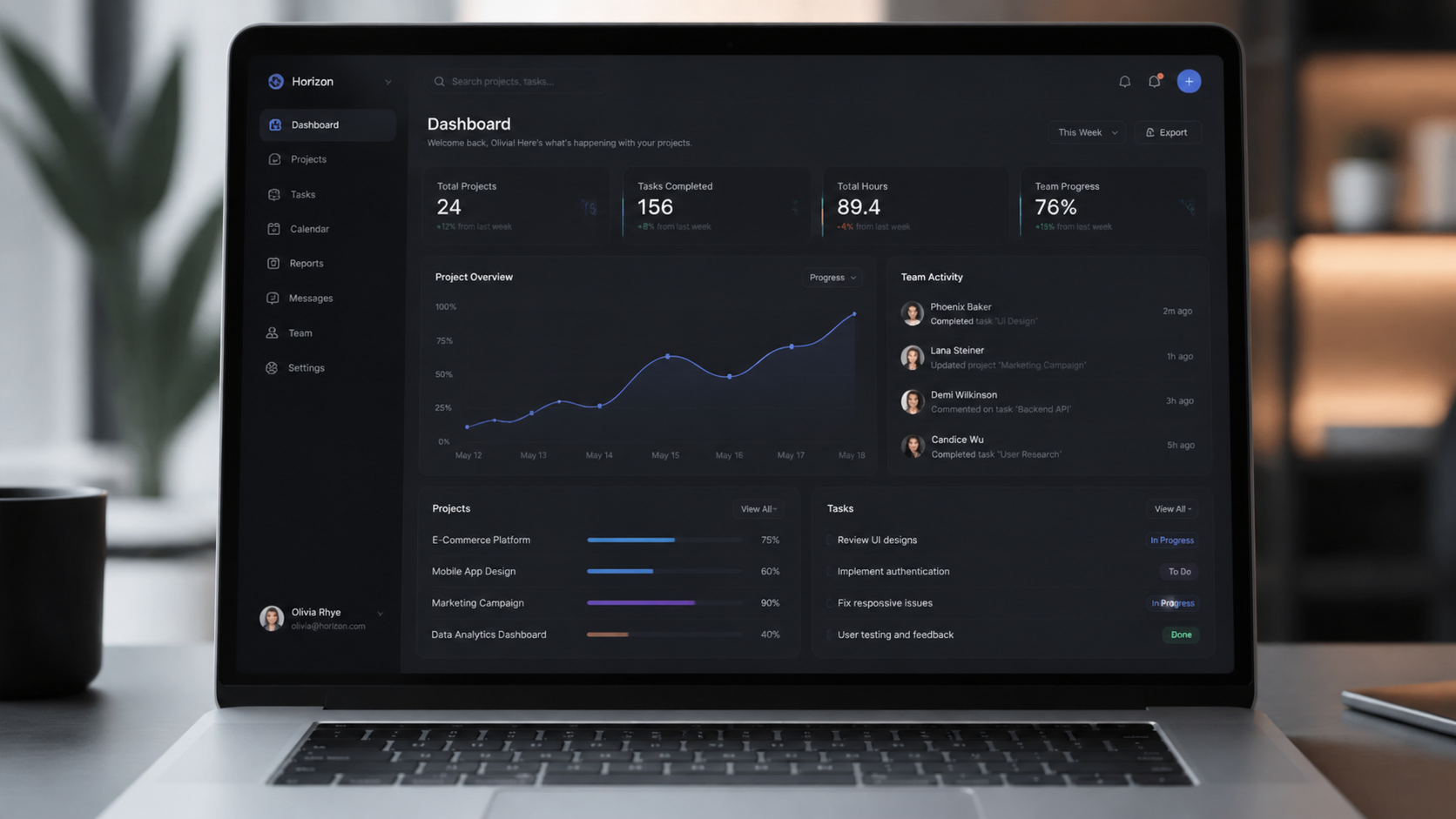
The transition from the original model to Seedance 2.0 represents a massive leap in generative capabilities. According to a report by Yahoo Finance, the new platform is designed as an "all-in-one" solution, meaning it handles everything from initial conceptualization to final post-production within a single browser window. The 2026 update specifically targets "global creators," offering localized interfaces and faster rendering speeds than its predecessor.
Advanced Prompt Engineering and Control
One of the standout features of the 2.0 release is the sophisticated prompt interpreter. As noted by openPR.com, the platform has introduced a specific guide on how to write Seedance 2.0 prompts to maximize output quality. Users can now specify complex camera instructions, such as "dolly zooms" or "tracking shots," with much higher accuracy. The model understands nuance in lighting—distinguishing between "golden hour" and "cinematic neon"—more effectively than any previous version.
Temporal Consistency and Realism
The "controversy" surrounding Seedance 2.0, as reported by No Film School, largely stems from its uncanny realism. The 2.0 engine has solved many of the "hallucinations" common in older AI videos, such as morphing limbs or flickering backgrounds. In the 2026 version, objects maintain their physical properties and volume throughout the duration of the clip, making it a viable tool for professional pre-visualization and short-form content creation.
Seedance 2.0 Free vs. Pro Comparison
While the free tier is robust, there are distinct differences between the complimentary access and the paid professional tiers. Depending on your project needs, you may find the free version sufficient for social media content, while professional filmmakers might require the expanded features of the Pro version.
| Feature | Seedance 2.0 Free | Seedance 2.0 Pro |
|---|---|---|
| Daily Credits | Limited (Refresh Daily) | Unlimited / High Volume |
| Max Resolution | 720p HD | 4K Ultra HD |
| Watermark | Included on Exports | No Watermark |
| Rendering Speed | Standard Queue | Priority GPU Access |
| Commercial Rights | Personal Use Only | Full Commercial License |
The Global Impact and Legal Landscape of Seedance 2.0
Since its arrival in the United States in April 2026, Seedance 2.0 has been at the center of a significant legal debate involving major media conglomerates. The sheer power of the model to replicate high-budget cinematic styles has put it in the crosshairs of traditional Hollywood studios. This tension highlights the disruptive nature of the 2.0 release and its potential to reshape the entertainment industry.
According to Axios, Disney issued a cease and desist letter to ByteDance in February 2026, citing concerns over how Seedance 2.0 might be utilizing copyrighted material in its training datasets. Similarly, Variety reported that Netflix threatened "immediate litigation" over AI-generated clips that appeared to mimic the aesthetic of their flagship series. For users of the Seedance 2.0 free version, this means being mindful of "fair use" and the terms of service regarding the generation of content that resembles existing intellectual property.
Despite these legal hurdles, the platform continues to grow. Cybernews recently published a review questioning if the upgrade to 2.0 is "worth it," concluding that for most creators, the technological advancements in motion fluidly and texture mapping make it the current industry leader, regardless of the ongoing legal discussions between ByteDance and the major studios.
Optimizing Your Seedance 2.0 Free Experience
To make the most of your limited daily credits on the free tier, efficiency is key. You don't want to waste your generations on poorly formatted prompts. The 2026 engine rewards specificity. Instead of writing "a car driving," try "a vintage 1960s sports car speeding through a rain-slicked Tokyo street at night, neon reflections on the asphalt, 35mm film grain."
Mastering the "Negative Prompt"
A new addition to the Seedance 2.0 interface is the negative prompt field. This allows you to tell the AI what not to include. If you find your free generations are coming out too blurry or with distorted faces, adding "low quality, blurry, distorted features, extra limbs" to the negative prompt box can significantly increase the success rate of your first attempt, saving you valuable credits.
Utilizing the Community Gallery
The Seedance2ai.online platform features a community gallery where you can see the prompts used by other creators. This is an invaluable resource for free users. By studying successful prompts that have already been rendered, you can learn the "syntax" of the 2.0 model without spending your own credits on trial and error. Many top-tier creators share their settings for lighting and camera focal lengths, which you can copy and adapt for your own projects.
Technical Requirements for Seedance 2.0
Because Seedance 2.0 is a cloud-based platform, you do not need a high-end NASA computer to run it. However, because the 2026 web interface is highly graphical, there are some baseline requirements to ensure a smooth experience. A stable internet connection is the most critical factor, as the high-definition video previews require significant bandwidth to stream during the editing process.
It is recommended to use the latest version of Chrome or Edge, as these browsers currently offer the best support for the WebGL and AI acceleration features used by the Seedance 2.0 dashboard. If you are using a mobile device, the Seedance2ai.online site is fully responsive, allowing you to generate videos on the go, though the "Pro" manual editing tools are much easier to navigate on a desktop monitor.
Seedance 2.0 Free FAQ
Is Seedance 2.0 actually free to use?
Yes, Seedance 2.0 offers a free tier through Seedance2ai.online. Users receive a set amount of daily credits that allow them to generate and download video clips without a paid subscription.
Where can I download the Seedance 2.0 app?
As of 2026, Seedance 2.0 is primarily a web-based platform. You do not need to download heavy software; you can access all features directly through your browser at the official website.
Can I use Seedance 2.0 for commercial projects?
The free version is generally intended for personal or educational use. For commercial rights and to remove watermarks, an upgrade to the Pro version is typically required.
Why are Disney and Netflix suing Seedance?
Major studios have raised concerns about the model's training data and its ability to recreate cinematic styles that closely resemble their copyrighted works, leading to several high-profile legal challenges in early 2026.
How do I get more credits on the free plan?
Free credits usually reset every 24 hours. Some promotional events on the Seedance2ai.online platform may offer bonus credits for participating in community challenges or sharing content.
Seedance 2.0 represents the pinnacle of AI video technology in 2026. Whether you are a hobbyist looking to see your imagination come to life or a professional exploring the future of digital media, the Seedance 2.0 free tier provides the perfect gateway. By understanding the prompt system and staying aware of the evolving legal landscape, you can harness this powerful tool to create stunning visual content that was once the exclusive domain of major Hollywood studios.
Comments ()