
10 Best Open Source AI Video Tools for 2026: Top Rated
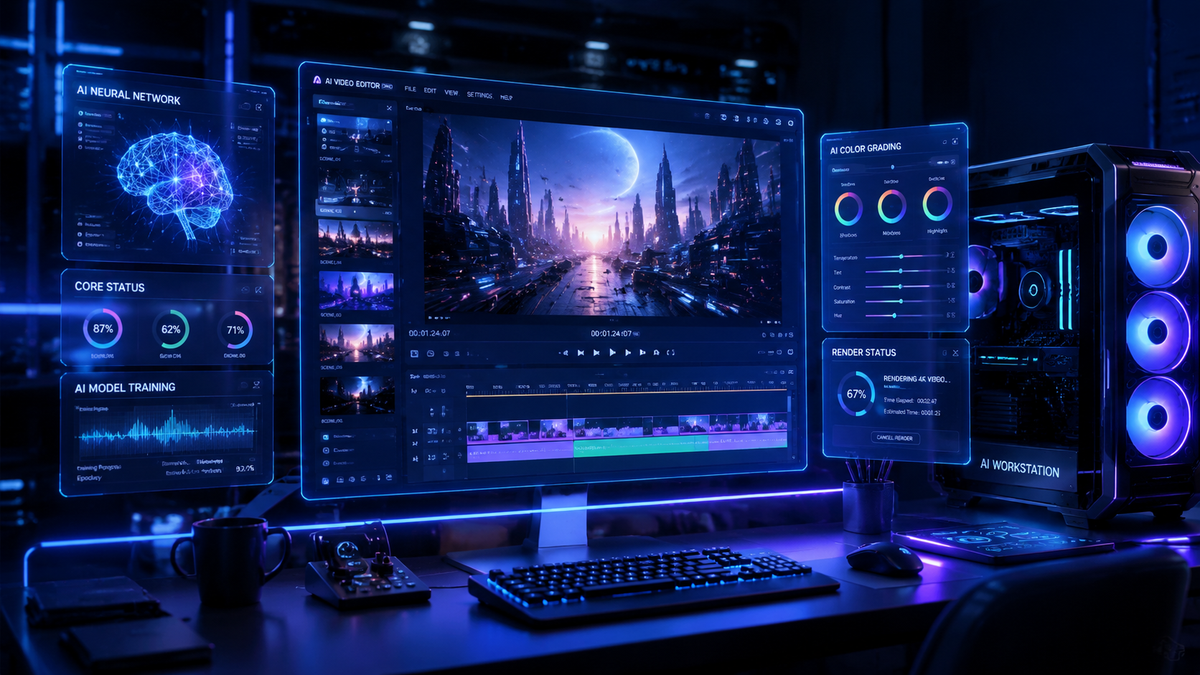
The best open source AI video tools in 2026 are decentralized, high-fidelity software packages that allow creators to generate, edit, and upscale cinematic footage without the restrictive licensing or costs of proprietary platforms. These tools, led by breakthroughs in temporal consistency and diffusion-based rendering, have become the standard for professional creative workflows seeking privacy and limitless customization.
Open source AI video tools are community-driven software applications that use machine learning models—such as Stable Video Diffusion and its successors—to transform text or images into high-resolution video. These tools provide full transparency of the underlying code, allowing users to run models locally on their own hardware for maximum control and security.
- ✓ Enhanced temporal consistency now allows for "much longer" video generation compared to previous iterations.
- ✓ Open-source models are reshaping creative workflows by offering privacy-first local execution.
- ✓ Integration with AI image and music generators creates a unified open-source production stack.
- ✓ Recent 2026 updates have reduced hardware requirements for 4K video synthesis.
The Evolution of the Best Open Source AI Video Tools in 2026
As we navigate through mid-2026, the landscape of digital content creation has undergone a seismic shift. According to The AI Journal, open-source AI models are fundamentally reshaping creative workflows by providing an alternative to "black box" proprietary systems. This shift is driven by the demand for transparency and the ability to fine-tune models on specific aesthetic styles without sharing proprietary data with third-party corporations.
The latest advancements in 2026 have solved the "flicker" problem that plagued early AI video. New architectures enable much longer, more consistent video generation, as reported by Notebookcheck in February 2026. These tools now utilize advanced "attention mechanisms" that track objects across thousands of frames, ensuring that a character’s appearance remains identical from the first second to the last. This has bridged the gap between experimental clips and professional-grade short films.
Furthermore, the democratization of hardware acceleration has made these tools accessible to a broader audience. While 2024 required enterprise-grade GPUs, the best open source AI video tools of 2026 are optimized for consumer-grade hardware, utilizing quantization techniques that allow high-definition rendering on standard desktop setups. This accessibility is a primary reason why community-driven projects are now outpacing commercial software in terms of feature innovation and deployment speed.
How to Use Open Source AI Video Tools: A Step-by-Step Guide
- Environment Setup: Install a containerized environment like Docker or a Python-based virtual environment to manage dependencies and GPU drivers.
- Model Selection: Download the weights for a leading model, such as Stable Video Diffusion 3.5 or the latest community-tuned "AnimateDiff-Ultra" from a repository like Hugging Face.
- Input Configuration: Provide a text prompt or a reference "keyframe" image. Use 2026-standard "ControlNet" layers to define specific camera movements or character poses.
- Parameter Tuning: Adjust the "Flow" and "Temporal Consistency" sliders to balance creative fluidity with logical movement.
- Rendering and Upscaling: Generate the base video (typically 720p) and use an integrated open-source upscaler to reach 4K resolution with enhanced textures.
Top 10 Open Source AI Video Tools Comparison
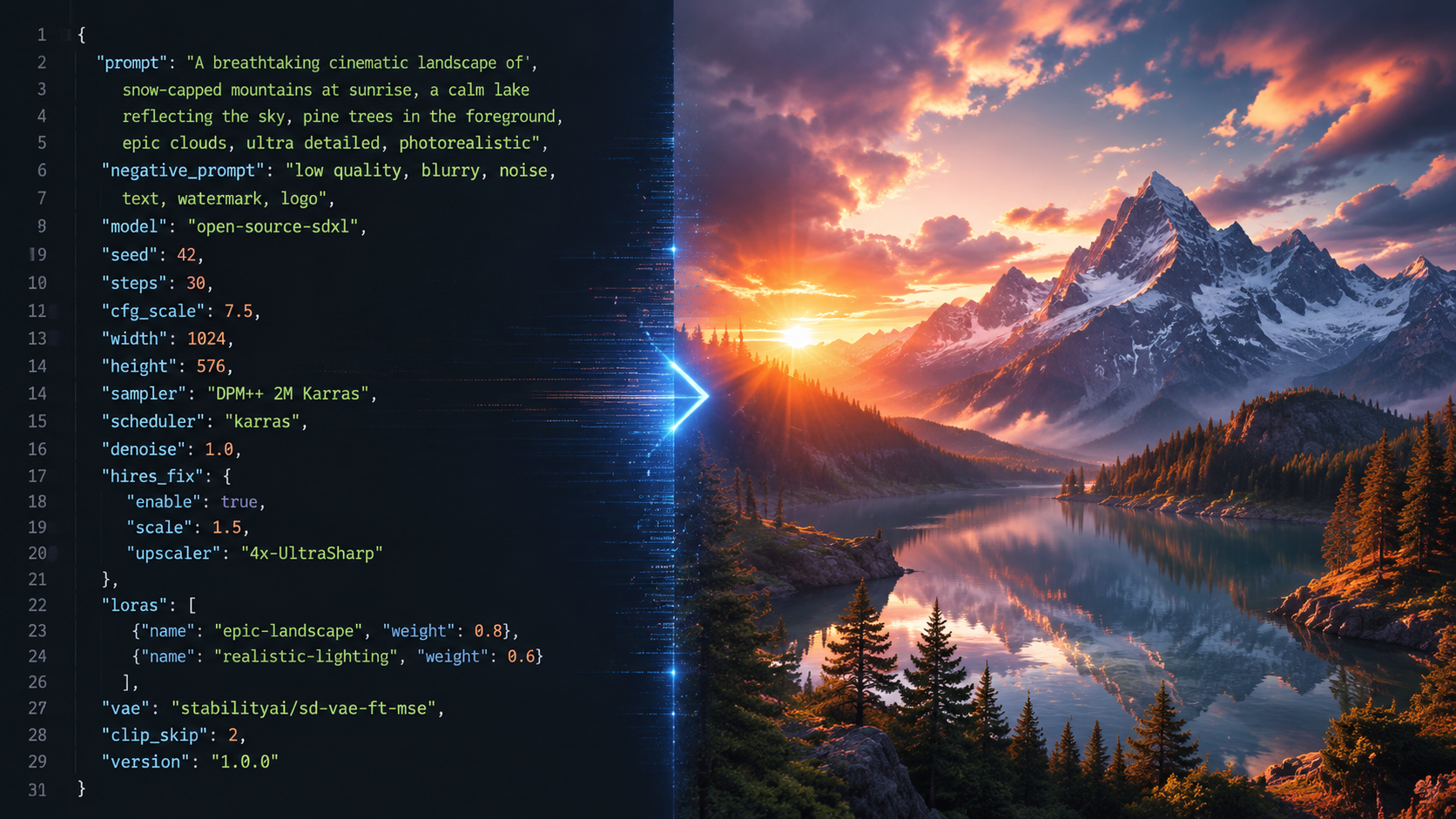
Choosing the right tool depends on your specific needs—whether you are looking for text-to-video generation, video-to-video style transfer, or advanced upscaling. The following table compares the top-rated open-source options available as of May 2026.
| Tool Name | Primary Function | Best For | Hardware Req. |
|---|---|---|---|
| Open-SVD (2026 Edition) | Text-to-Video | Cinematic Realism | High (24GB VRAM) |
| AnimateDiff-Next | Image Animation | Social Media Content | Medium (12GB VRAM) |
| Chronos-Flow | Temporal Consistency | Long-form Narrative | High (24GB VRAM) |
| Video-LLaVA Pro | Video Editing/Analysis | Automated Tagging | Low (8GB VRAM) |
| Latent-Shift | Style Transfer | Artistic/Abstract | Medium (12GB VRAM) |
| Deep-Motion 4D | Motion Capture | Character Animation | Medium (16GB VRAM) |
| Upscale-Master AI | Super Resolution | 4K/8K Enhancement | Low (8GB VRAM) |
| Fluid-Gen | Physics Simulation | VFX/Water/Fire | High (32GB VRAM) |
| Morph-Cut Open | Transitions | Seamless Editing | Low (4GB VRAM) |
| Sound-Sync AI | Audio-to-Video | Music Videos | Medium (12GB VRAM) |
Deep Dive: Why Open-SVD Leads the Best Open Source AI Video Tools
Open-SVD (Stable Video Diffusion) remains the gold standard in 2026. Following the trends identified by Trend Hunter, this tool has moved beyond simple 3-second clips into full-scene generation. Its modular architecture allows developers to "plug in" different motion modules, making it the most versatile tool for creators who want to maintain a specific directorial style across multiple scenes.
The 2026 updates have introduced "Direct-View" technology, which allows for real-time low-resolution previews. This significantly speeds up the creative process, as editors no longer need to wait for a full render to see if the motion matches their vision. According to TechRadar, which tested over 70 AI tools in late April 2026, Open-SVD’s community plugins for lighting control and depth-mapping are currently unmatched in the industry.
Integrating Image and Audio Assets
The power of open-source video tools is amplified when combined with other generative media. CNET highlights that the best AI image generators of 2026 now provide seamless "layer-export" features that Open-SVD can ingest as multi-plane environments. Similarly, Unite.AI reports that the latest AI music generators (May 2026) can now output "rhythm-metadata" that open-source video tools use to synchronize visual cuts and motion pulses automatically.
Advanced Consistency with Chronos-Flow
One of the biggest hurdles in AI video has been "morphing," where objects change shape unexpectedly. Chronos-Flow, a standout mentioned in the Notebookcheck report on long-form consistency, uses a proprietary "Temporal Anchor" system. This allows the AI to "remember" the geometry of an object for up to 10 minutes of footage, a feat previously thought impossible for diffusion models.
For professional filmmakers, Chronos-Flow represents a shift toward "AI-Cinematography." Instead of just generating random motion, the tool allows for precise virtual camera paths—dollies, pans, and tilts—that mimic traditional film equipment. This level of control is why it is consistently ranked among the best open source AI video tools for narrative storytelling in 2026.
Community-Driven Innovation and Support
Unlike commercial tools that require expensive monthly subscriptions, the open-source community provides a wealth of free tutorials, "LoRA" (Low-Rank Adaptation) models for specific art styles, and troubleshooting support. Platforms like GitHub and specialized Discord servers have become the "technical support" hubs of the modern era, ensuring that even solo creators can produce Hollywood-quality visuals.
Hardware and Performance Optimization in 2026
While the capabilities of these tools have grown, the hardware requirements have become more nuanced. In 2026, the "best open source ai video tools" are characterized by their efficiency. Optimization libraries like "TensorRT-Next" have allowed models to run up to 4x faster than they did just two years ago. This means that a mid-range gaming PC can now function as a legitimate AI production studio.
According to TechRadar, the average generation time for a high-quality 10-second 1080p clip has dropped from several minutes to under 45 seconds on standard 2026 hardware. This rapid iteration cycle is crucial for creative professionals who need to produce high volumes of content for social media, advertising, and digital art galleries.
Privacy and Data Sovereignty
A major factor driving the adoption of open-source tools is the concern over data privacy. When using proprietary AI, your prompts and uploaded images are often used to train future versions of the model. Open-source tools allow for "Air-Gapped" operation, meaning your creative intellectual property never leaves your local machine. For corporate clients and sensitive projects, this is often the deciding factor in choosing an open-source workflow over a cloud-based commercial alternative.
Future Trends: What to Expect After 2026
Looking beyond the current year, the integration of 3D Gaussian Splatting with video generation is the next frontier. We are already seeing early versions of tools that don't just generate "flat" video, but create "volumetric" scenes that can be re-navigated after the video is rendered. This will likely blur the lines between video production and game development.
The commitment to open-source development ensures that these advancements remain accessible to everyone, not just those with massive budgets. As The AI Journal notes, the "democratization of the pixel" is nearly complete, with open-source tools leading the charge in ethical, powerful, and creative video synthesis.
What are the best open source AI video tools for beginners?
For beginners, AnimateDiff-Next and Video-LLaVA Pro are highly recommended. They offer more intuitive interfaces and lower hardware requirements, making it easier to start generating video without deep technical knowledge of Python or GPU management.
Can these tools be used for commercial projects?
Yes, most open-source AI video tools are released under licenses (like Apache 2.0 or MIT) that allow for commercial use. However, always check the specific "Model Weights" license, as some may have restrictions on large-scale commercial redistribution.
Do I need a powerful computer to run AI video software?
While 2026 optimizations have helped, you still generally need a dedicated GPU with at least 8GB to 12GB of VRAM for a smooth experience. For professional-grade 4K generation, 24GB of VRAM (like that found in high-end consumer cards) is the current industry standard.
How do open-source tools compare to paid versions?
Open-source tools offer more customization, privacy, and no monthly fees, but they may require more technical setup. Paid tools often provide a more "polished" user interface and cloud-based rendering, which saves you from needing a powerful local computer.
Where can I download these AI video models?
The primary hub for downloading open-source models, weights, and code is Hugging Face and GitHub. Community-curated platforms like Civitai also host specialized "fine-tuned" versions of these models for specific artistic styles.

Comments ()