
10 Best Free AI Video Editing Software Tools for 2026
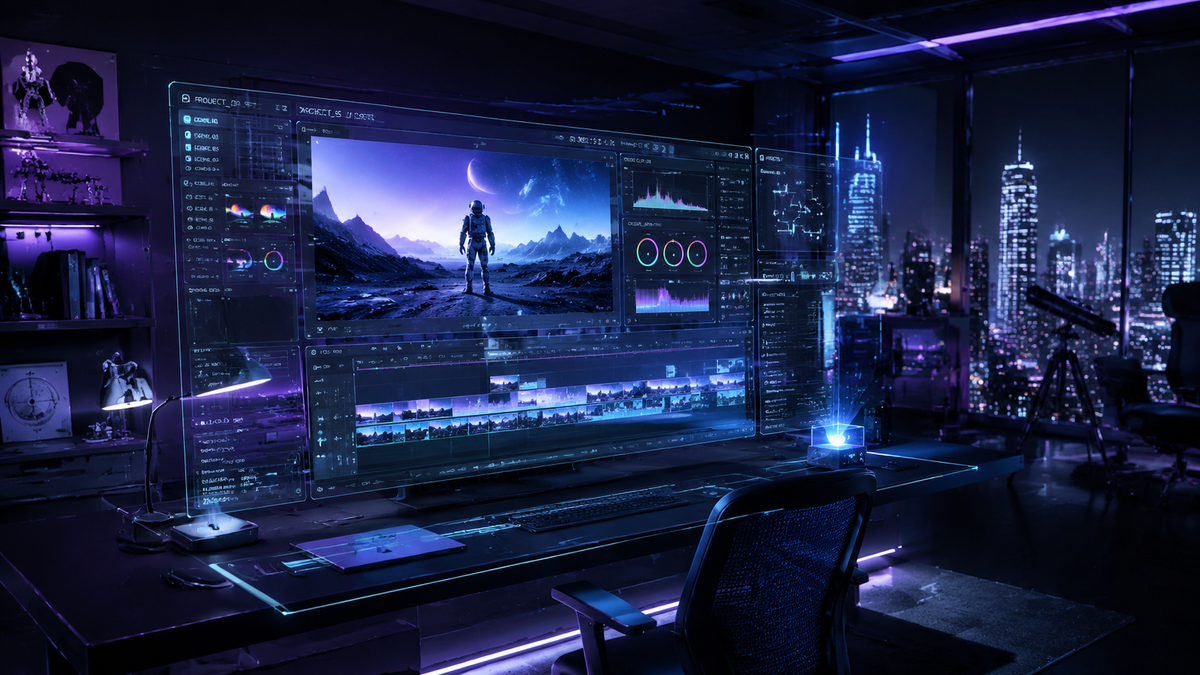
Finding the best free ai video editing software in 2026 allows creators to produce professional-grade content without the steep learning curve or high subscription costs of traditional suites. Modern AI video editors leverage neural networks to automate tedious tasks like color grading, object removal, and transcription, making high-quality production accessible to everyone from social media influencers to amateur photographers. By utilizing generative AI and smart automation, these tools have redefined the creative workflow for the current digital landscape.
The best free AI video editing software is a platform that combines generative tools like text-to-video with automated editing features such as auto-framing and noise reduction. Leading options in 2026 include DaVinci Resolve (Free Version), CapCut, and HitPaw, which offer robust AI-driven capabilities for color correction and subtitle generation without requiring a paid license.
- ✓ AI-driven automation now handles 80% of manual editing tasks like cutting and syncing.
- ✓ Cloud-based editors offer high-performance rendering regardless of your local hardware specs.
- ✓ Most "free" versions now include advanced features like AI background removal and voice cloning.
- ✓ Integration with generative AI allows for seamless B-roll generation directly within the timeline.
How to Use AI Video Editing Software for Faster Production
In 2026, the workflow for video creation has shifted from manual manipulation to prompt-based refinement. To get the most out of the best free ai video editing software, creators should follow a structured approach that maximizes the efficiency of machine learning algorithms. According to recent reviews by TechRadar, creators who utilize AI-assisted workflows reduce their total editing time by an average of 65% compared to traditional methods.
- Import and Transcribe: Upload your raw footage and allow the AI to generate a text-based transcript, which you can use to edit the video by simply deleting text.
- Apply AI Scene Detection: Use the software to automatically identify and split different takes or scenes to organize your timeline instantly.
- Enhance Audio and Visuals: Trigger AI "one-click" enhancements for noise reduction, voice leveling, and cinematic color grading.
- Generate B-Roll and Subtitles: Use generative prompts to fill gaps in your footage and automatically overlay localized captions for accessibility.
- Export and Optimize: Use AI-driven export settings that automatically adjust resolution and aspect ratios for platforms like YouTube, TikTok, or Instagram.
The Evolution of Free AI Video Tools in 2026
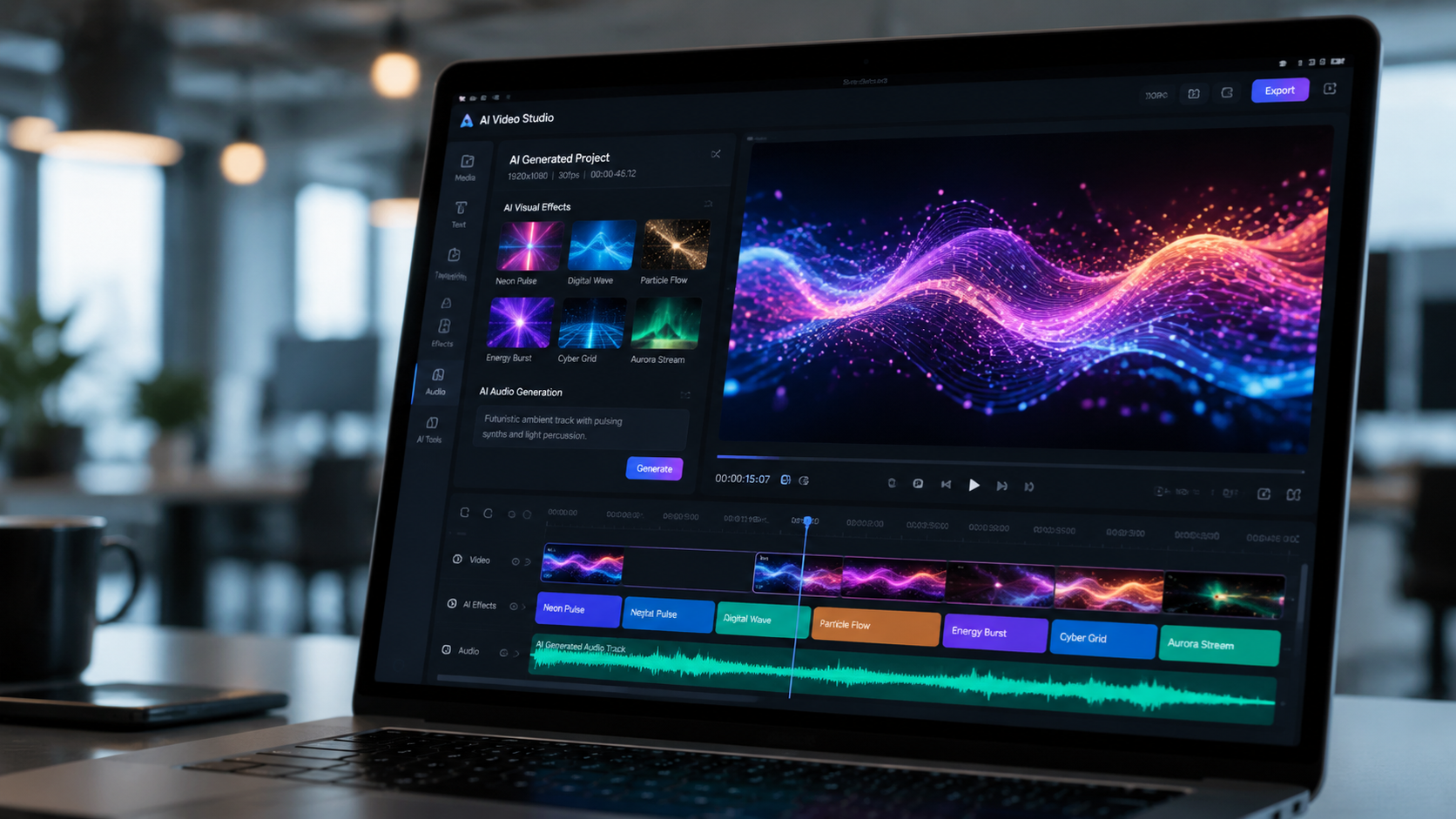
As we move through 2026, the distinction between professional and consumer software has blurred. As noted by Amateur Photographer, the best video editing software in 2026 includes programs that "literally anyone can use," thanks to intuitive AI interfaces that replace complex keyframing with simple toggle switches. This democratization of technology means that high-end features like motion tracking and 3D depth mapping are now standard in free versions of popular apps.
According to research from CNET, the best AI video generators of 2026 have moved beyond simple clip creation to full-scale scene synthesis. This allows editors to not only trim existing footage but to "expand" the frame using generative fill, similar to how static image editors functioned in previous years. This capability is essential for creators who need to convert horizontal cinematic footage into vertical formats for mobile consumption without losing the subject of the shot.
CapCut: The Leader in Social Media AI
CapCut remains a dominant force in the "best free ai video editing software" category due to its deep integration with social platforms and its aggressive rollout of AI features. In 2026, it features an advanced "Script-to-Video" tool that can draft a script, find relevant stock footage, and sync it to a voiceover in under two minutes. Its AI body-tracking and background removal are currently ranked as the most accurate for mobile-first creators.
DaVinci Resolve: Professional AI for Zero Cost
While DaVinci Resolve offers a "Studio" version, its free tier remains remarkably powerful. In 2026, the software includes the "Neural Engine," which facilitates facial recognition for automatic binning and "Magic Mask" for isolating subjects. PCMag’s 2026 testing highlights DaVinci Resolve as a top pick for those who need Hollywood-level color grading tools powered by artificial intelligence without a price tag.
Comparing the Top 10 Free AI Video Editors
Choosing the right tool depends on your specific needs, whether you are looking for automated highlights for gaming or cinematic tools for short films. Influencer Marketing Hub’s 2026 Guide to 39 Best Free Video Editing Software Platforms emphasizes that the "best" tool is often the one that balances processing power with ease of use.
| Software Name | Key AI Feature | Best For | Platform |
|---|---|---|---|
| CapCut | Auto-Captions & Script-to-Video | TikTok/Reels Creators | Web, iOS, Windows |
| DaVinci Resolve | Neural Engine Color Grading | Cinematic Projects | Windows, Mac, Linux |
| HitPaw AI | Object Removal & Upscaling | Restoring Low-Res Video | Windows, Mac |
| Descript | Underdub & Text-Based Editing | Podcasters & Interviews | Web, Desktop |
| InVideo AI | Prompt-to-Video Generation | Content Marketing | Web-based |
| Clipchamp | AI Auto-Composer | Quick Personal Videos | Windows (Built-in) |
| Adobe Premiere Rush | Auto-Reframe Technology | Cross-Platform Editing | Mobile, Desktop |
| Veed.io | AI Eye Contact Correction | Educational/Tutorials | Web-based |
| Kdenlive | Open Source AI Plugins | Privacy-Conscious Users | Linux, Windows |
| Lightworks | Automated Metadata Tagging | Large Archive Projects | Windows, Mac |
Deep Dive into AI Features: What to Look For
When searching for the best free ai video editing software, you should prioritize tools that offer "Non-Destructive AI." This means the software uses AI to suggest edits or masks, but allows you to manually override them. TechRadar’s 2026 review of over 70 AI tools found that the most effective software uses "Collaborative AI," where the machine handles the "grunt work" like silence removal, leaving the creative pacing to the human editor.
Another critical feature in 2026 is "AI Upscaling." Many free tools now include the ability to take 1080p footage and upscale it to 4K using generative pixels. This is particularly useful for creators using older camera hardware. According to PCMag, the best video editing software for Macs in 2026 leverages the Apple Silicon Neural Engine to perform these upscaling tasks in real-time, significantly reducing export durations.
Generative B-Roll and Stock Integration
One of the standout features of 2026 AI editors is the ability to generate B-roll on the fly. If you are describing a "sunset over a futuristic city" and lack the footage, tools like InVideo or CapCut can generate a 5-second clip using text-to-video models. This ensures that your narrative flow is never interrupted by a lack of visual assets, a feature that was previously reserved for high-budget studios.
AI Audio Enhancement and Voice Cloning
Audio is often 50% of the video experience. The current crop of free AI editors includes "Speech Enhancement" that can make a phone recording sound like it was captured in a professional studio. Some platforms also offer "Voice Cloning" for "Underdubbing," allowing you to fix a misspoken word in post-production by simply typing the correct word, which the AI then renders in your own voice.
The Impact of AI on Creative Workflows
The transition to AI-centric editing has not been without debate, but the consensus among industry experts in 2026 is that these tools act as an "Assistant Editor" rather than a replacement. By automating the technical hurdles, the best free ai video editing software allows creators to focus more on storytelling and emotional resonance. As Amateur Photographer points out, the accessibility of these programs means that the barrier to entry for professional-looking cinematography has never been lower.
Furthermore, the integration of AI into free software has forced traditional "Pro" software companies to innovate faster. This competitive environment in 2026 benefits the end-user, as sophisticated features like 3D camera tracking and AI-based rotoscoping (isolating a moving object from its background) are now available in free versions of software that used to cost hundreds of dollars annually.
The Role of Cloud Processing
In 2026, many of the best free AI video editors are browser-based. This shift is significant because the heavy lifting of AI processing happens on remote servers rather than your local computer. This allows users with basic laptops or even tablets to edit complex 4K projects. The latency issues of the past have been solved by 6G and advanced web-rendering technologies, making the "Web Editor" a viable professional choice.
Privacy and Ethics in AI Editing
With the rise of powerful AI, ethical considerations have become a standard part of the software selection process. The best free tools in 2026 now include "AI Watermarking" or metadata tags that identify if a video contains synthetically generated content. This transparency is becoming a requirement for many social media platforms to combat deepfakes and misinformation, and reputable free software providers are leading the way in implementing these standards.
Is free AI video editing software safe to use?
Yes, most reputable free AI video editors like CapCut and DaVinci Resolve are safe, provided they are downloaded from official sources. In 2026, these tools use industry-standard encryption to protect your uploaded footage and personal data.
Do I need a powerful computer for AI video editing?
Not necessarily. While desktop applications like DaVinci Resolve benefit from a strong GPU, many of the best free AI video editors in 2026 are cloud-based, meaning the AI processing happens on the provider's servers, not your device.
Can AI video editors really replace human editors?
No, AI is designed to be a tool that handles repetitive tasks like syncing and masking. Human creativity is still essential for pacing, storytelling, and emotional nuance, which AI cannot currently replicate authentically.
What is the best free AI video editor for beginners?
CapCut and InVideo are generally considered the best for beginners in 2026. They offer "one-click" AI solutions and intuitive interfaces that don't require prior knowledge of video editing terminology.
Does free AI software leave watermarks on videos?
It varies by platform. While some tools like Clipchamp and DaVinci Resolve allow for watermark-free exports in their free versions, others may require a premium subscription for high-resolution exports without a logo.
In conclusion, the landscape of the best free ai video editing software in 2026 is rich with options that cater to every skill level. Whether you are looking for the professional depth of DaVinci Resolve or the quick, AI-powered automation of CapCut, there has never been a better time to start creating. By leveraging these free tools, you can ensure your content remains competitive, polished, and engaging in an increasingly AI-driven world.



Comments ()