
Best Realistic Text to Video AI Tools in 2026: Top Rated
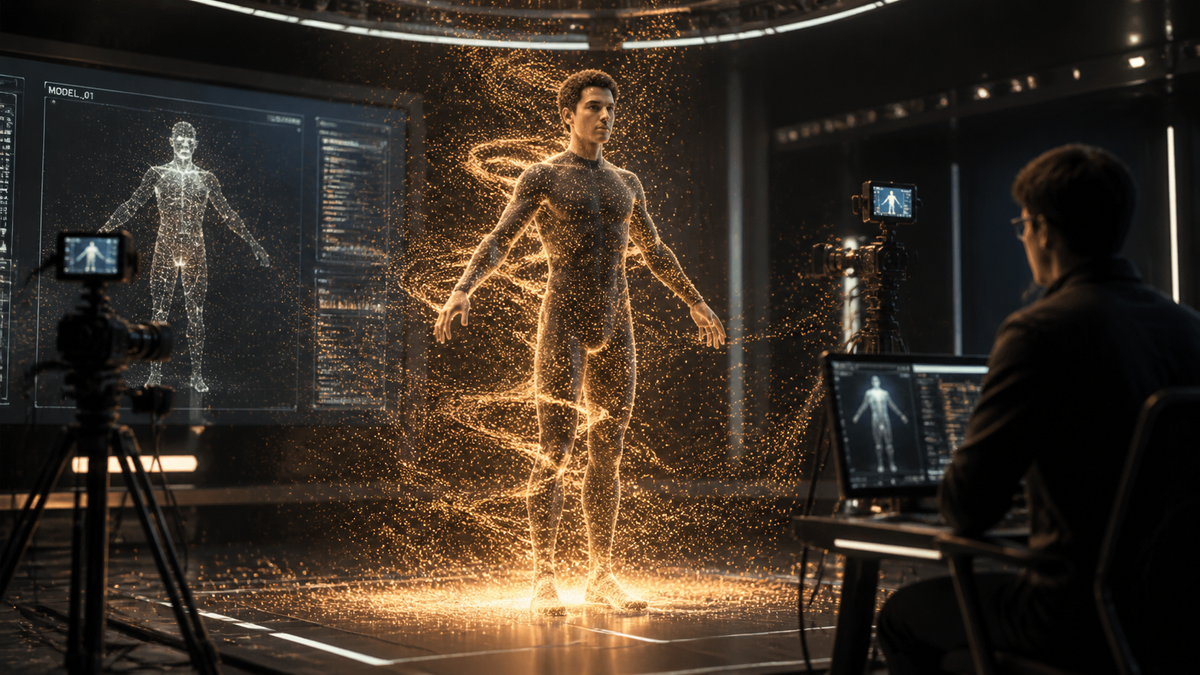
Finding the realistic text to video ai solution that fits your creative workflow has become the defining challenge for digital creators in 2026. As generative models have evolved from grainy animations to cinematic-quality footage, the distinction between AI-generated content and traditional videography has nearly vanished. The best tools today focus on temporal consistency, complex physics simulations, and precise prompt adherence to ensure that every pixel serves the narrative.
Realistic text to video AI is a generative technology that uses advanced diffusion models and transformers to convert written descriptions into high-fidelity video sequences. In 2026, these tools are defined by their ability to maintain character consistency, realistic lighting, and fluid motion across multiple shots, revolutionizing industries from Hollywood filmmaking to social media marketing.
- ✓ Sora and Magic Hour lead the 2026 benchmarks for scene stability and prompt adherence.
- ✓ Modern AI video generators now support 4K resolution and high-frame-rate cinematic outputs.
- ✓ Directorial controls like camera movement and lighting adjustments are now standard features.
- ✓ Integration with professional editing suites has bridged the gap between AI and post-production.
The Evolution of Realistic Text to Video AI in 2026
The landscape of video generation has shifted dramatically since the early experiments of previous years. In 2026, "realism" is no longer just about the texture of skin or the reflection of water; it is about the "physics of the world." Tools now understand how gravity affects a falling object or how light refracts through a glass of water in a three-dimensional space. This leap in capability is largely due to the scaling of transformer-based architectures that treat video frames not just as a sequence of images, but as a continuous temporal block.
According to research published by Digital Journal in May 2026, the features that actually matter to creators have shifted from "novelty" to "utility." Professional creators are now prioritizing temporal consistency—the ability for a character to look the same in the first second as they do in the tenth—over mere visual flair. This shift has forced developers to move beyond simple clip generation toward comprehensive scene orchestration, where the AI acts as both the cinematographer and the physics engine.
Furthermore, the democratization of these tools has led to what Futurism describes as a "scare in Hollywood." With the release of groundbreaking models in February 2026, independent creators can now produce visual effects that previously required multi-million dollar budgets. This has leveled the playing field, allowing for a new era of storytelling where the only limit is the creator's imagination and their ability to craft the perfect prompt for a realistic text to video ai model.
How to Use Realistic Text to Video AI: A Step-by-Step Guide
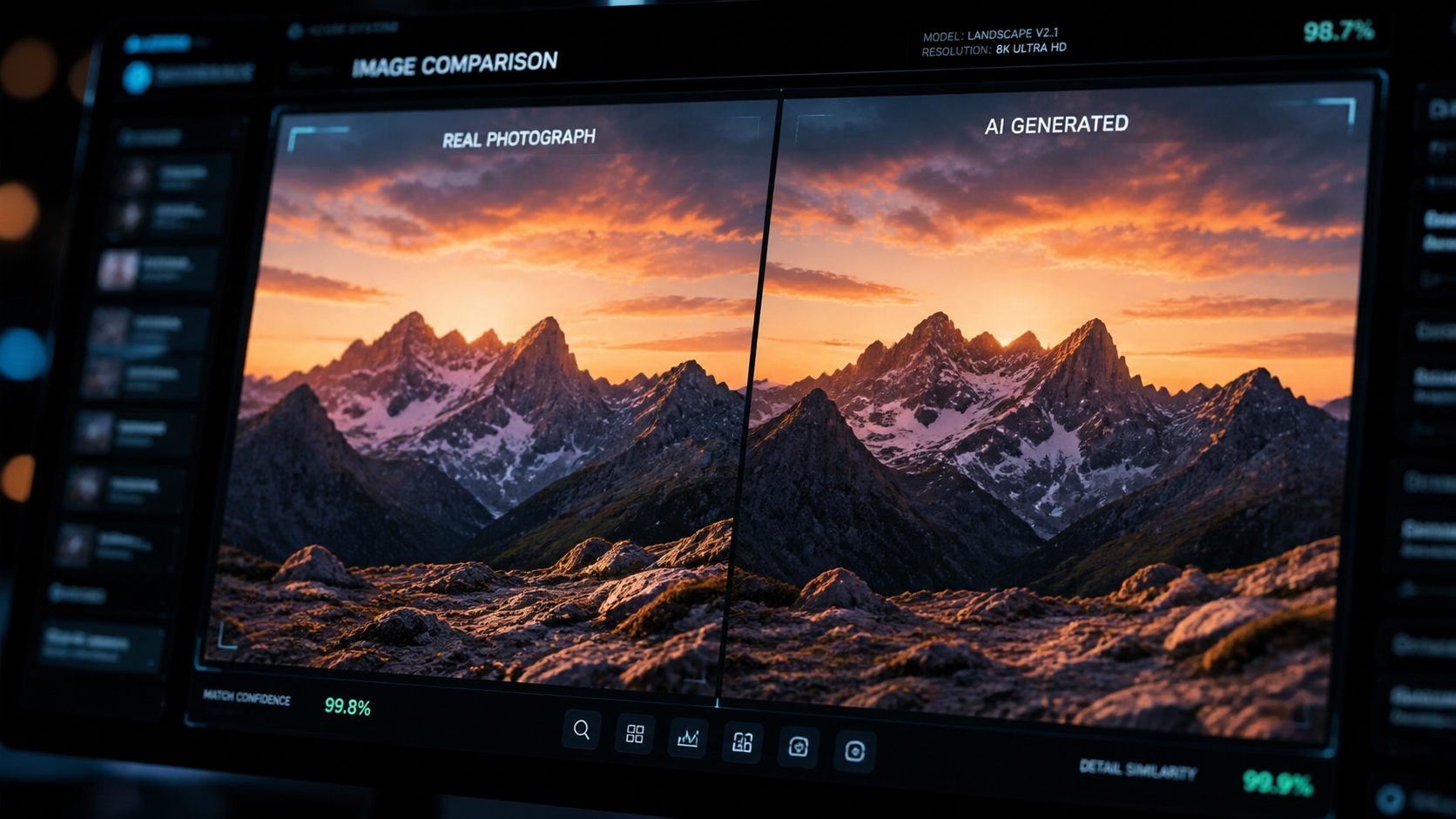
Generating high-quality video requires more than just a simple sentence. To achieve professional results in 2026, creators follow a structured workflow to ensure the AI interprets the vision accurately. Follow these steps to master the process:
- Define the Visual Style: Start by specifying the technical parameters such as "35mm film," "cinematic lighting," or "hyper-realistic textures" to set the baseline for the AI.
- Craft the Narrative Prompt: Describe the action using active verbs. Instead of "a man walking," use "a middle-aged man in a trench coat walking briskly through a rain-slicked neon street in Tokyo."
- Apply Directorial Constraints: Use the tool's advanced settings to set camera angles (e.g., "low angle," "tracking shot") and motion intensity.
- Generate and Iterate: Produce an initial low-resolution draft to check for motion consistency before committing to a full 4K render.
- Refine with In-Painting: Use 2026's latest "brush" tools to fix small artifacts or change specific elements within the generated video without re-rendering the entire scene.
Top Rated Realistic Text to Video AI Tools Comparison
Choosing the right platform depends on your specific needs, whether you are looking for the highest prompt adherence or the most stable motion. Based on the Magic Hour Research 2026 Benchmark, here is how the top contenders compare:
| AI Tool | Key Strength | Max Resolution | Benchmark Score (Stability) |
|---|---|---|---|
| OpenAI Sora | Physics Simulation | 4K Cinematic | 9.8/10 |
| Magic Hour | Prompt Adherence | 8K Upscaled | 9.5/10 |
| Runway Gen-4 | Directorial Control | 4K | 9.2/10 |
| Luma Dream Machine | Rapid Generation | 1080p Enhanced | 8.9/10 |
| Pika Pro | Animation & Style | 4K | 8.7/10 |
Deep Dive: Leading Platforms for Realistic Text to Video AI
OpenAI Sora: The Gold Standard for Realism
Sora remains at the forefront of the industry following its significant updates in February 2026. What sets Sora apart is its "world model" approach. It doesn't just predict pixels; it simulates a simplified version of physical reality. According to PCMag Australia, Sora's ability to handle complex occlusions—such as a person walking behind a tree and reappearing with the same features—remains the benchmark for the entire industry in 2026.
The 2026 version of Sora has introduced "Multi-Camera Sync," allowing users to generate the same scene from three different angles simultaneously. This ensures that the realistic text to video ai output is not just a single clip, but a piece of a larger, coherent production. While it remains a premium tool, its integration with professional non-linear editors (NLEs) has made it a staple in modern production houses.
Magic Hour: Excellence in Prompt Adherence
In April 2026, Magic Hour Research published its "Best Text-to-Video AI 2026" benchmark, where Magic Hour itself took the top spot for prompt adherence. This tool is specifically designed for creators who need precise control over every element in the frame. If you specify a "vintage 1920s Leica camera sitting on a mahogany table with three scratches on the left corner," Magic Hour is the most likely to include every one of those details accurately.
The platform’s "Scene Stability Scorecard" highlights its strength in reducing the "morphing" effect that plagued earlier AI video models. By utilizing a proprietary "Spatial-Temporal Attention" mechanism, Magic Hour ensures that backgrounds remain static and textures don't "crawl" during camera movements. This makes it a favorite for architectural visualization and product showcases where accuracy is non-negotiable.
G2’s Top Picks: User-Friendly Powerhouses
For those who need a balance between power and ease of use, the G2 Learning Hub identified several "loved" tools for 2026. These platforms focus on the user experience, providing presets and "style modifiers" that allow non-technical users to achieve professional results. These tools often feature "Video-to-Video" capabilities, allowing users to film a rough sketch on their phone and use AI to transform it into a cinematic masterpiece.
The emphasis here is on the "creator economy." With social media platforms now favoring high-production-value video, these tools have integrated direct-to-social publishing features. They include built-in AI audio generation that syncs perfectly with the visual beats of the realistic text to video ai content, providing a one-stop-shop for content creators who need to move from idea to post in minutes rather than days.
Key Features to Look for in 2026
As the market becomes saturated, it is vital to know which features actually contribute to high-quality output. Digital Journal notes that in 2026, "features that actually matter" have moved beyond basic generation. Creators should look for "Motion Brushes," which allow you to paint over a specific area of a still image to dictate where movement should occur. This level of granular control is what separates professional-grade tools from hobbyist apps.
Another critical feature is "Temporal Consistency Locks." This technology prevents the AI from changing the clothes, face, or environment of a character between different segments of a video. In the 2026 benchmark tests, tools that lacked this feature scored significantly lower because they required extensive manual correction in post-production. High-quality realistic text to video ai must be able to "remember" the scene parameters across a long-form generation.
Finally, look for "Neural Upscaling" and "Frame Interpolation" built directly into the cloud rendering process. Instead of generating a raw 480p file and upscaling it later, the best 2026 tools generate natively at high resolutions. This preserves the fine details—like the pores on a face or the fibers in a piece of clothing—that are essential for true photorealism.
The Impact on Industry and Ethics
The rise of hyper-realistic video has not been without controversy. Futurism reports that the level of realism achieved in early 2026 is so high that it has prompted new discussions regarding digital watermarking and provenance. Most leading tools now participate in the C2PA standard, which embeds metadata into the video file to prove it was generated by an AI. This transparency is crucial for maintaining trust in journalism and media.
From a creative standpoint, the impact is largely positive. Small studios are now producing "AI-first" films that are winning awards at independent festivals. The realistic text to video ai workflow has shortened the pre-visualization phase of filmmaking from months to hours. Directors can now "test" a scene's lighting and composition by generating a quick AI version before the crew even arrives on set, saving thousands of dollars in production costs.
What is the most realistic text to video AI in 2026?
As of mid-2026, OpenAI's Sora and Magic Hour are widely considered the most realistic tools. Sora leads in physics and environmental simulation, while Magic Hour holds the highest scores for prompt adherence and scene stability.
Can AI video generators create 4K content?
Yes, most top-rated AI video tools in 2026, including Sora and Runway Gen-4, support native 4K resolution. Some platforms even offer 8K upscaling specifically designed to maintain realistic textures and edge sharpness.
How long does it take to generate a realistic AI video?
Generation times vary, but a typical 10-second high-fidelity clip usually takes between 2 to 5 minutes to render on professional cloud servers. "Rapid" modes exist that can produce drafts in under 30 seconds at lower resolutions.
Is realistic text to video AI expensive to use?
Most professional tools operate on a subscription or credit-based model. While basic tiers are available for hobbyists, professional-grade output with 4K capabilities and directorial controls typically costs between $30 and $100 per month in 2026.
Do I need a powerful computer to run these AI tools?
No, almost all realistic text to video ai processing is handled on remote cloud servers. You only need a standard web browser and a stable internet connection to input prompts and download the finished video files.



Comments ()