
AI Video Generation for Professionals: 2026 Strategy Guide
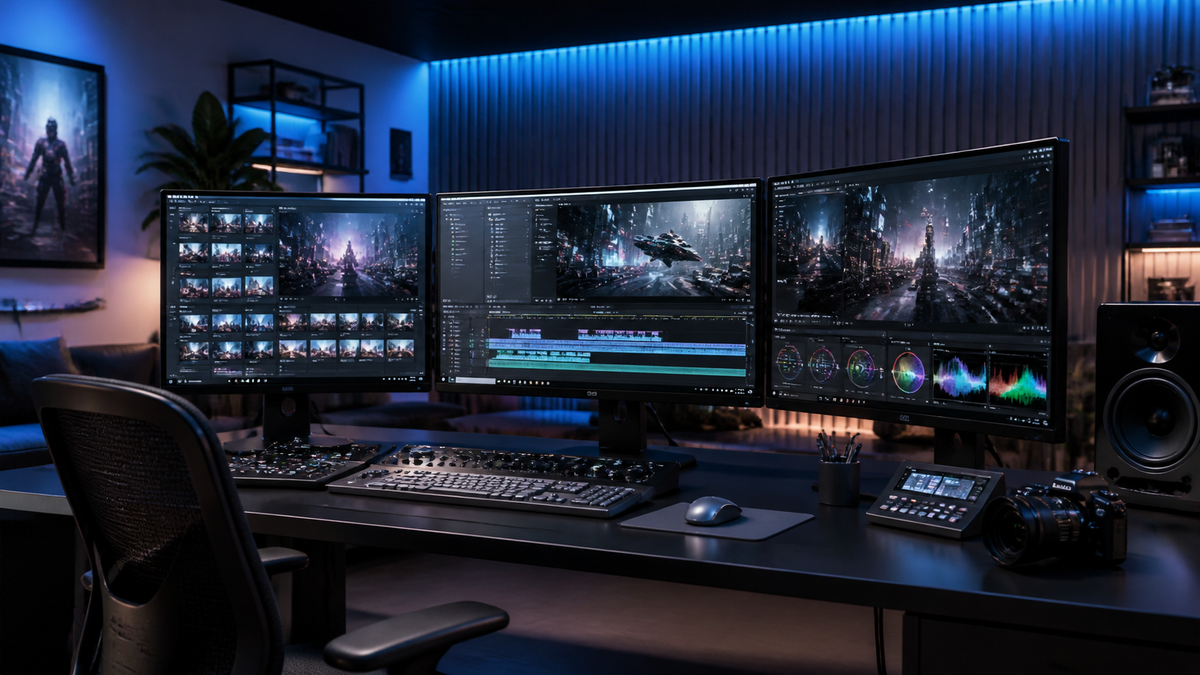
AI video generation for professionals is the use of sophisticated artificial intelligence models to synthesize high-fidelity video content from text, image, or audio prompts to streamline corporate communication, marketing, and creative workflows. In 2026, this technology has transitioned from experimental curiosity to a core enterprise requirement, allowing professionals to produce studio-quality assets in minutes rather than weeks. Effective ai video generation for professionals now focuses on maintaining brand consistency, ensuring ethical compliance, and leveraging multimodal inputs like Adobe Firefly’s latest video integration to achieve cinematic results.
AI video generation for professionals is a transformative workflow that uses generative models to automate the production of high-quality video assets. By 2026, these tools have evolved to support 4K resolution, consistent character rendering, and seamless integration with professional suites like Adobe Creative Cloud, enabling rapid content scaling without the traditional overhead of physical production or manual animation.
- ✓ Integration with established ecosystems like Adobe Firefly ensures creative control and legal safety for enterprise use.
- ✓ Only a small percentage of free tools meet professional standards; the majority of reliable output comes from vetted, paid platforms.
- ✓ 2026 is the year of "Multimodal Refinement," where text-to-video is supplemented by precise camera control and temporal consistency.
- ✓ Viral video success now relies on the hybrid approach of AI efficiency and human-led creative strategy.
The Evolution of AI Video Generation for Professionals in 2026
As we navigate through 2026, the landscape of digital media has been fundamentally rewritten. The era of grainy, flickering AI clips is over; today’s professional-grade generators produce video that is indistinguishable from live-action footage to the untrained eye. For professionals, the shift has moved from simply "generating a clip" to "managing a production pipeline." The focus is now on temporal consistency—ensuring that a character’s appearance and the environment remain stable across multiple shots and scenes.
According to a recent 2026 review by CNET, the best AI video generators of the year are ranked based on their ability to handle complex physics and lighting. Professionals no longer settle for "dream-like" aesthetics; they demand high-fidelity outputs that can be dropped into a Premiere Pro or After Effects timeline without extensive cleanup. This demand has led to the rise of specialized tools that cater specifically to corporate trainers, marketing directors, and independent filmmakers who need to scale their output without compromising on quality.
To implement ai video generation for professionals effectively, follow these five essential steps:
- Define the Visual Identity: Start by uploading brand guidelines or reference images to the AI tool to establish a consistent color palette and style.
- Prompt Engineering with Multimodal Inputs: Use a combination of descriptive text and "image prompts" to guide the AI on composition and subject matter.
- Select the Right Engine: Choose a platform based on the specific need—use Adobe Firefly for design-heavy assets or specialized viral generators for social media.
- Iterative Refinement: Utilize "In-painting" and "Region Control" features to fix specific areas of a video without regenerating the entire clip.
- Final Post-Production: Export the AI-generated layers into a professional NLE (Non-Linear Editor) for final color grading and sound design.
Comparing Top Professional AI Video Platforms

Choosing the right tool is critical, as the market is currently saturated with options. While many platforms claim to offer professional results, Geeky Gadgets recently tested 10 free AI video tools and found that only 3 actually delivered on their promises for professional-grade output. For those in a corporate environment, the "free" tier is often a playground, while the "Pro" and "Enterprise" tiers provide the necessary security and resolution.
The following table compares the leading platforms available in mid-2026 based on the latest industry reviews and feature sets.
| Platform | Primary Strength | Max Resolution | Professional Use Case |
|---|---|---|---|
| Adobe Firefly Video | Creative Ecosystem Integration | 8K Upscaled | Designers and Video Editors |
| CNET Top-Ranked Tool | Photorealism & Physics | 4K Native | Commercials & Film Pre-vis |
| Quasa.io Viral Suite | Social Media Optimization | 1080p (Optimized) | Content Creators & Influencers |
| Perfect Corp Pro | Beauty & Product Rendering | 4K | E-commerce & Fashion |
| Drift Travel Creative | Landscape & Scenic Fidelity | 4K | Tourism & Documentary |
The Role of Adobe Firefly in Professional Workflows
According to PCMag Australia, Adobe Firefly has become a cornerstone for professionals due to its deep integration with the Creative Cloud. Unlike standalone web apps, Firefly allows users to generate video frames that are natively compatible with Photoshop and Illustrator. This allows for a "round-trip" workflow where a professional can generate a video base, edit a specific frame in Photoshop to fix a logo, and then use the AI to propagate that fix across the entire video sequence.
Furthermore, Firefly’s commitment to "commercially safe" training data makes it the preferred choice for legal departments. In 2026, the risk of copyright infringement from AI models trained on scraped data is a significant concern for large enterprises. By using models trained on licensed content, professionals can deploy their AI-generated videos across global ad campaigns without the fear of litigation.
Advanced Strategies for AI Video Generation for Professionals
To truly master ai video generation for professionals, one must look beyond simple text-to-video prompts. The most successful creators in 2026 are using "Video-to-Video" synthesis. This involves taking a low-quality smartphone recording of a person moving and using the AI to "reskin" that movement into a high-end cinematic character or environment. This maintains the human nuance of movement while providing the visual polish of a multi-million dollar production.
Another key strategy is the use of "Temporal Consistency Masks." As noted by Drift Travel Magazine, creative professionals are now using AI to selectively animate parts of a still image. For example, in a travel video, the AI might be used to animate only the clouds and water while keeping the architectural elements perfectly static and sharp. This hybrid approach prevents the "uncanny valley" effect that often plagues fully AI-generated scenes.
Optimizing for Viral Engagement
For marketing professionals, the goal is often virality. Quasa.io identified the 5 best AI video generators specifically for viral content in 2026, emphasizing that the "hook" of the video—the first 1.5 seconds—is where AI excels. These tools use predictive analytics to suggest visual compositions that are statistically more likely to stop the scroll on platforms like TikTok and Instagram Reels. By leveraging AI to generate twenty different variations of a hook, professionals can A/B test their way to a viral hit.
Technical Considerations and Quality Standards
Not all AI video is created equal. A comprehensive study by perfectcorp.com, which tested and reviewed 22 of the best AI video generators for 2026, highlighted that bit-rate and motion blur are the two biggest differentiators between amateur and professional tools. Amateur tools often produce "mushy" textures during high-motion scenes, whereas professional tools utilize advanced motion estimation to maintain crisp edges.
Professionals must also consider the compute cost. High-fidelity video generation is resource-intensive. In 2026, many professionals are moving toward "Local-Cloud Hybrid" models. This involves using local GPUs for low-res prototyping and then sending the final "seed" and prompt to a cloud-based farm for 8K rendering. This strategy manages costs while ensuring the final output meets the rigorous standards of modern display technology.
Security and Ethical Implementation
As AI video becomes more prevalent, the importance of "Content Credentials" cannot be overstated. Professionals are now expected to include metadata that identifies which parts of a video were AI-generated. This is not just for transparency; it is increasingly becoming a requirement for distribution on major social and news platforms. Ensuring your chosen tool supports C2PA (Coalition for Content Provenance and Authenticity) standards is a non-negotiable requirement for professional use in 2026.
The Future of Video Production Roles
The rise of ai video generation for professionals has not replaced video editors; it has evolved their role into that of a "Creative Director of AI." Instead of spending hours masking out backgrounds or manually keyframing motion, editors are now curating AI outputs and stitching them into cohesive narratives. The skill shift is from "technical execution" to "conceptual curation."
As Geeky Gadgets pointed out in their May 2026 report, the tools that "actually deliver" are those that offer granular control. Professionals are looking for features like "Director’s View," which allows them to set virtual camera focal lengths and aperture settings within the AI prompt. This level of control ensures that the AI serves the vision of the professional, rather than the professional being limited by the whims of the AI model.
Frequently Asked Questions
What is the best AI video generator for professionals in 2026?
While "best" depends on the use case, Adobe Firefly Video and the top-ranked tools reviewed by CNET are the industry leaders for 2026. Firefly is preferred for brand-safe corporate work, while other specialized engines are better for high-end photorealism and viral marketing content.
Are there any reliable free AI video generators?
According to Geeky Gadgets, only about 30% of free AI video tools provide professional-quality results. Most free tools are suitable for testing and storyboarding, but paid versions are required for high-resolution, watermark-free, and commercially licensed output.
How do I ensure brand consistency in AI-generated videos?
Professionals should use tools that support "Style Reference" and "Character Reference" uploads. By feeding the AI your specific brand assets and color codes, the model can maintain a consistent visual identity across different video clips and campaigns.
Is AI video generation commercially safe?
It depends on the tool's training data. Platforms like Adobe Firefly are specifically designed for commercial safety, using licensed or public domain images. Always check the terms of service of your AI provider to ensure you have the rights for commercial distribution.
Can AI video generators create 4K content?
Yes, by 2026, most professional-grade AI video tools support native 4K generation or include high-quality integrated upscalers that can bring lower-resolution generations up to 4K or even 8K for cinematic use.



Comments ()