
How to Automate Video Editing: 2026 AI Workflow Guide
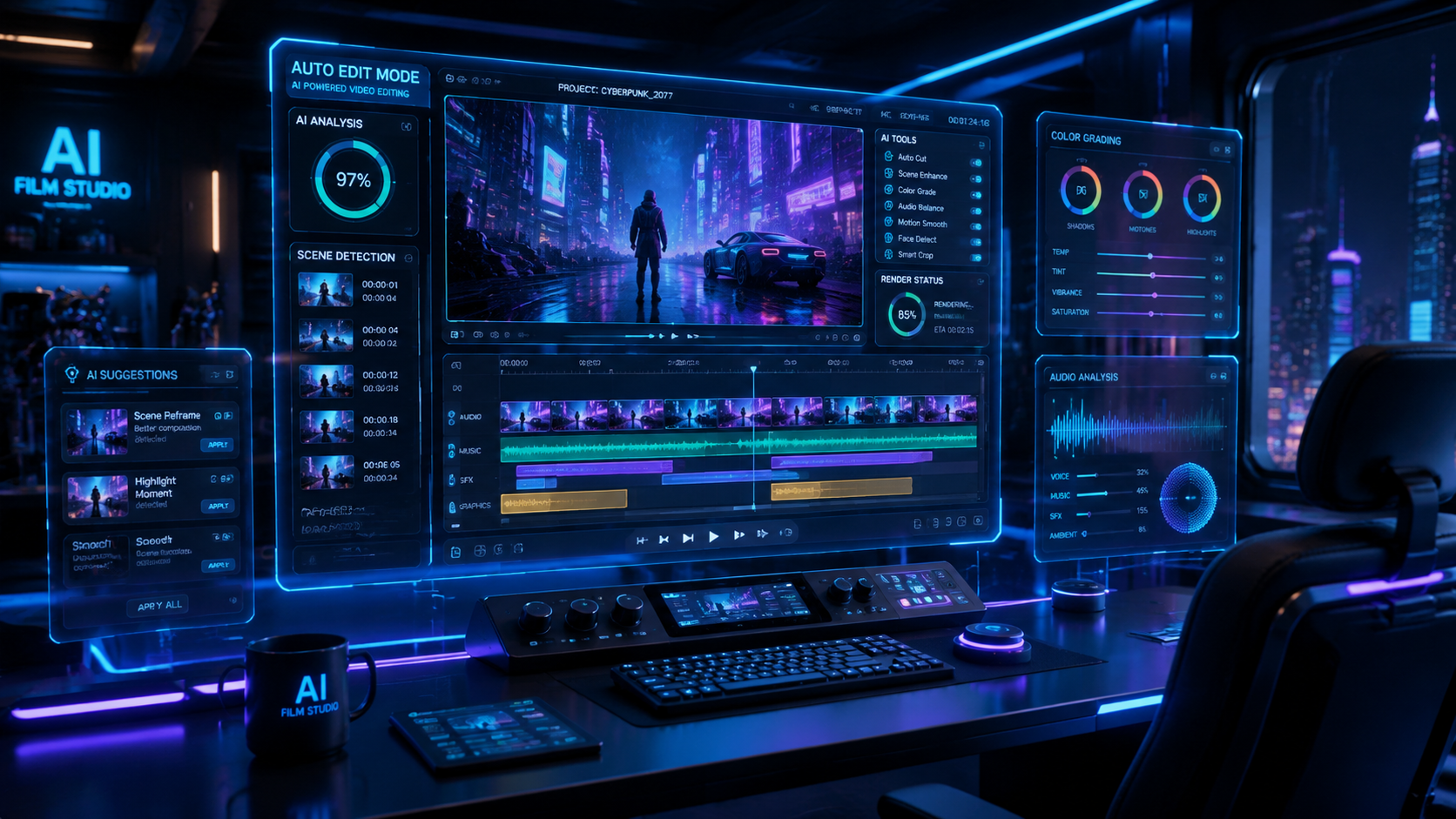
Learning how to automate video editing in 2026 involves integrating generative AI models and automated assembly tools into your creative pipeline to handle repetitive tasks like cutting, color grading, and captioning. By leveraging new technologies such as Adobe’s Quick Cut for Firefly and advanced LLM integration, creators can reduce manual editing time by up to 80% while maintaining high-quality output. This guide explores the specific workflows and tools required to master automated video production in the current digital landscape.
Automated video editing is the process of using artificial intelligence and algorithmic software to perform post-production tasks—such as rough cutting, noise reduction, and scene detection—without manual intervention. In 2026, this involves using multi-modal AI models to transform raw footage into social-ready content through automated workflows and smart assembly tools.
- ✓ Use Adobe Firefly’s Quick Cut for instant, AI-driven rough assemblies based on script analysis.
- ✓ Implement LLMs like Claude to automate complex metadata tagging and timeline organization.
- ✓ Utilize Xelta AI for rapid, free video generation and template-based automation.
- ✓ Balance AI speed with human oversight to ensure brand voice and emotional resonance.
The Evolution of Video Automation in 2026
As we navigate through 2026, the landscape of content creation has shifted from manual frame-by-frame manipulation to high-level directorial oversight. The primary goal of learning how to automate video editing today is not to replace the editor, but to eliminate the "drudge work" that consumes hours of the creative process. Recent advancements have made it possible for software to understand the context of a scene, allowing for intelligent trimming and pacing that matches the intended mood of the project.
According to research from Market.us, the AI video market is currently experiencing a massive surge, growing at a CAGR of 36.20%. This growth is reflected in the tools available to creators, which now feature deeper integration between generative text models and video timelines. Whether you are a solo YouTuber or part of a large enterprise marketing team, the ability to automate the assembly of footage is no longer a luxury—it is a competitive necessity for maintaining a consistent publishing schedule.
Furthermore, the industry has reached a consensus that while AI can handle the technical execution, the human element remains vital. As noted by Entrepreneur.com in late 2025, AI is not replacing human video editors; rather, it is empowering them to focus on storytelling and emotional impact while the software handles the technical optimization. This synergy is the cornerstone of the modern 2026 video workflow.
Step-by-Step Guide: How to Automate Video Editing
- Ingest and Tagging: Upload your raw footage into an AI-enabled Media Asset Manager (MAM). Tools like Claude are now being used to quietly automate complex metadata tagging, identifying speakers, locations, and even the emotional sentiment of clips.
- Automated Rough Cut: Use a tool such as Adobe Firefly’s "Quick Cut" (released February 2026) to generate an initial timeline. The AI analyzes your script or voiceover and automatically places the most relevant b-roll and "talking head" shots in sequence.
- Audio Enhancement and Sync: Apply automated leveling and noise reduction. Modern workflows use AI to instantly sync multi-cam setups and remove filler words (ums, ahs) across the entire project with one click.
- Visual Styling: Apply AI-driven color grading that matches the look of a reference image or a previous project. This ensures visual consistency across a series without manual color matching.
- Captioning and Localization: Generate dynamic, stylized captions and translate the audio into multiple languages using voice-cloning technology for global reach.
- Final Review and Human Polish: Review the AI-generated timeline to adjust pacing, fine-tune transitions, and ensure the narrative flow meets your specific creative vision.
Key Technologies Powering Video Automation
The current year has seen the rise of "Smart Assembly" features that go beyond simple templates. Adobe’s Quick Cut for Firefly Video Editor, introduced in February 2026, represents a significant leap in this area. It allows editors to input a text description of the desired scene, and the AI selects the best takes from the bin to create a cohesive sequence. This reduces the time spent on "logging" footage—traditionally the most time-consuming part of the edit.
Another major player in 2026 is Xelta AI, which provides high-speed video generation capabilities. For creators who need to produce high volumes of content, Xelta AI offers a way to create videos fast by using pre-defined parameters and generative assets. This is particularly useful for social media managers who need to turn a single blog post into dozens of short-form video variations for different platforms.
Beyond visual editing, the automation of complex workflows is being handled by sophisticated language models. Geeky Gadgets reports that Claude is increasingly being used to bridge the gap between creative briefs and technical execution. By feeding a creative brief into an LLM, editors can generate XML files that automatically organize folders, rename clips, and even suggest edit points within professional software like Premiere Pro or Resolve.
Comparing AI Video Automation Tools in 2026
| Feature | Adobe Firefly (Quick Cut) | Xelta AI | LLM-Based Workflows (Claude/GPT) |
|---|---|---|---|
| Primary Use Case | Professional Rough Cuts & B-Roll | Fast Social Media Generation | Workflow & Metadata Automation |
| Automation Level | High (Human-in-the-loop) | Fully Automated Generation | Script-to-Structure Automation |
| Best For | Commercials & Documentaries | Content Creators & SMBs | Technical Editors & Pipeline Managers |
| Integration | Deeply embedded in Creative Cloud | Web-based / API | Cross-platform XML/Scripting |
How to Automate Video Editing for Social Media
Social media requires a different approach to automation due to the high volume of content needed. In 2026, "repurposing" is the dominant strategy. An automated workflow for social media typically starts with a long-form video, such as a podcast or webinar. AI tools then scan the video for "viral moments" based on engagement patterns and speech sentiment, automatically cropping the video to a vertical 9:16 aspect ratio.
The Metricool 2026 trends report highlights that the future of video creation lies in "context-aware" automation. This means the software doesn't just cut the video; it understands that captions need to be placed in the "safe zones" of TikTok or Instagram Reels to avoid being covered by UI elements. This level of granular automation ensures that the final product is optimized for the platform it will be published on without any manual adjustments from the creator.
Furthermore, the use of AI video generators like Xelta AI allows for the creation of "faceless" niche channels. By automating the script, voiceover, and visual assembly, creators can manage multiple channels simultaneously. This has led to a democratization of video production where the barrier to entry is no longer technical skill, but the ability to prompt and direct AI tools effectively.
The Role of Human Creativity in an Automated World
While the question of how to automate video editing focuses on speed and efficiency, the human element remains the "final 10%" that determines a video's success. As Entrepreneur.com emphasizes, businesses must harness AI while recognizing that it cannot replicate human intuition or the subtle nuances of storytelling. An AI might know where to cut based on a pause in speech, but it may not understand the emotional weight of a lingering look or the specific comedic timing required for a joke to land.
In 2026, the most successful video editors are those who act as "AI Orchestrators." They spend less time clicking and dragging clips and more time refining the narrative arc and ensuring brand alignment. The automation handles the technical compliance—ensuring the video meets loudness standards, color space requirements, and export settings—leaving the editor free to experiment with creative transitions and unique visual styles that AI cannot yet conceive independently.
The goal is to create a "hybrid workflow." In this model, the AI provides a solid foundation (the rough cut, the color base, the initial captions), and the human editor provides the creative polish. This approach has been proven to increase output by 5x while actually improving the quality of the final product, as editors are no longer fatigued by repetitive tasks.
Future-Proofing Your Video Production Pipeline
To stay ahead in 2026, you must build a flexible pipeline that can incorporate new AI models as they emerge. The 36.20% CAGR in the AI video sector means that tools are evolving monthly. Relying on a single software solution may be risky; instead, focus on learning the logic of how to automate video editing across different platforms. This includes understanding how to use APIs to connect different tools—for example, using an LLM to write a script, an AI generator to create the visuals, and a cloud-based editor to assemble them.
Education is also shifting. Video editing courses in 2026 focus less on "which button to press" and more on "how to prompt the AI" and "how to manage AI-driven workflows." Understanding the underlying data structures of video—such as metadata, XML, and EDL (Edit Decision Lists)—is becoming more important than knowing how to use a trim tool. These technical skills allow editors to troubleshoot AI outputs and create custom automation scripts that give them a unique edge in the market.
Can AI fully edit a video from scratch in 2026?
Yes, tools like Xelta AI can generate entire videos from a text prompt, including visuals and audio. However, for professional or narrative-driven content, a "human-in-the-loop" approach is still recommended to ensure quality and emotional resonance.
What is Adobe Quick Cut?
Introduced in early 2026, Quick Cut is a feature within the Adobe Firefly Video Editor that uses AI to automatically create a rough cut of your footage based on a script or text description, significantly speeding up the initial editing phase.
Is automated video editing expensive?
While premium professional tools require subscriptions, there are many accessible options. Xelta AI, for instance, offers free tiers for fast video generation, making automation accessible to creators at all budget levels.
How does Claude help in video editing?
Claude is used to automate the "pre-edit" phase. It can analyze long transcripts to find key highlights, generate XML files for timeline organization, and write complex descriptions for metadata tagging that professional NLEs (Non-Linear Editors) can read.
Will AI replace professional video editors?
According to industry experts, AI is a tool for augmentation, not replacement. It handles the repetitive, technical tasks, allowing professional editors to focus on the high-level creative decisions that drive viewer engagement.



Comments ()