
Adobe Firefly Video Generation Tutorial: 2026 Masterclass
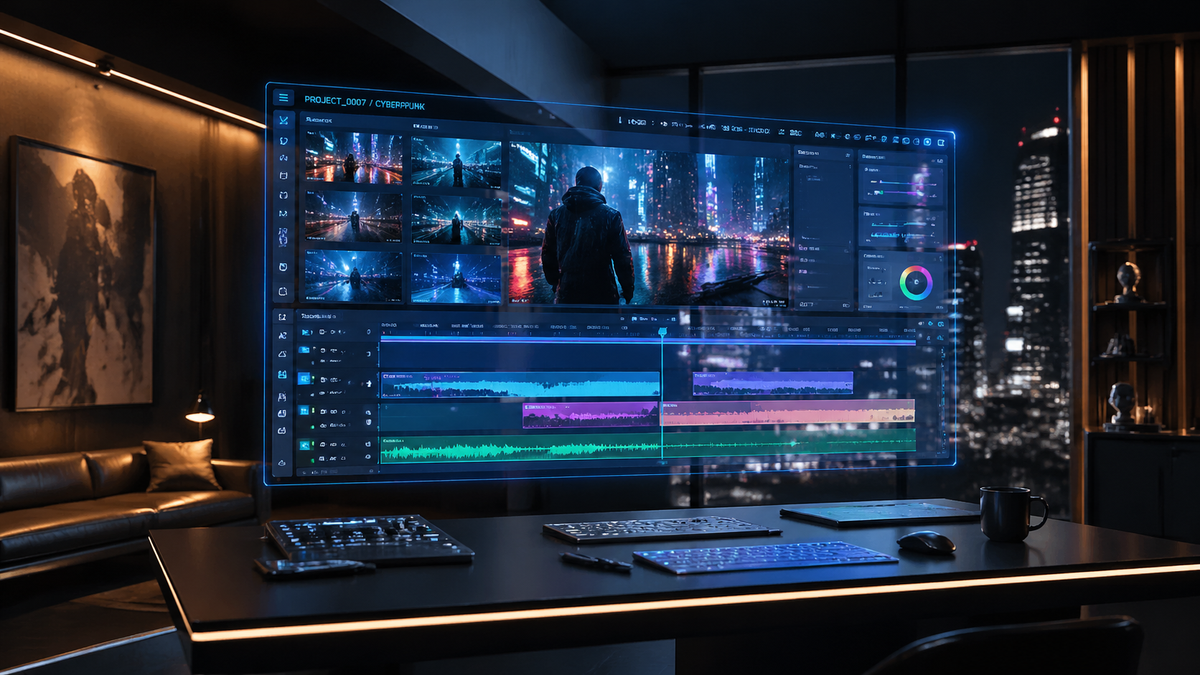
An adobe firefly video generation tutorial is a comprehensive guide to using Adobe’s generative AI ecosystem to create, edit, and enhance high-definition video content from text prompts or static imagery. To master this technology in 2026, users must leverage the latest Firefly Video Model updates, including Quick Cut editing and custom model training, to produce professional-grade cinematic sequences. This masterclass provides the essential steps to navigating the Adobe Firefly Video Editor and maximizing the creative potential of AI-driven motion graphics.
Adobe Firefly video generation is a generative AI suite that allows creators to transform text descriptions and still images into high-fidelity video clips. In 2026, the tool has evolved into an all-in-one creative studio featuring unlimited generations, "Quick Cut" AI editing, and advanced camera controls, making it a primary solution for professional video production and social media content creation.
- ✓ Leverage the 2026 "Quick Cut" feature for automated scene synchronization and rapid editing.
- ✓ Utilize image-to-video capabilities to breathe life into static assets with consistent character rendering.
- ✓ Access unlimited generations through the Firefly Creative AI Studio for iterative project development.
- ✓ Implement custom models to maintain brand-specific styles across all generated video assets.
Getting Started with the Adobe Firefly Video Generation Tutorial
As of March 2026, Adobe Firefly has expanded its video and image creation capabilities significantly, introducing custom models that allow for unprecedented control over visual style. To begin your journey, you must access the Adobe Firefly web application or the integrated Firefly Video Editor. This tutorial focuses on the 2026 updates, which prioritize "unlimited generations," a feature Adobe introduced in February 2026 to empower creators to experiment without the constraints of credit-based systems. This shift has fundamentally changed how professionals approach AI video, moving from a cautious usage model to a high-volume iterative process.
Before diving into the technical steps, it is essential to understand that Firefly is designed to be commercially safe. Unlike many other generative engines, Firefly is trained on Adobe Stock images and public domain content, ensuring that the video assets you generate are legally viable for commercial use. This makes the adobe firefly video generation tutorial particularly valuable for corporate marketing teams and independent filmmakers who require high-quality, copyright-cleared footage at a moment's notice.
Step-by-Step Guide to Generating Your First Video
- Access the Video Module: Log into the Adobe Firefly Creative AI Studio and select the "Video Generation" module from the dashboard.
- Define Your Prompt: Enter a descriptive text prompt in the command box. Be specific about lighting (e.g., "cinematic golden hour"), camera movement (e.g., "slow drone pan"), and subject matter.
- Upload a Reference Image (Optional): According to Lifehacker, generating videos from your images is a powerful way to ensure character and setting consistency. Upload a high-resolution image to act as the visual anchor.
- Adjust Technical Settings: Choose your aspect ratio (16:9 for film, 9:16 for social media) and set the motion intensity level.
- Generate and Refine: Click "Generate." Once the initial clip is rendered, use the "Quick Cut" tool to trim or extend the sequence based on AI-suggested transition points.
- Export: Download the file in up to 4K resolution or send it directly to Adobe Premiere Pro for further post-production.
Core Features of the 2026 Firefly Video Model
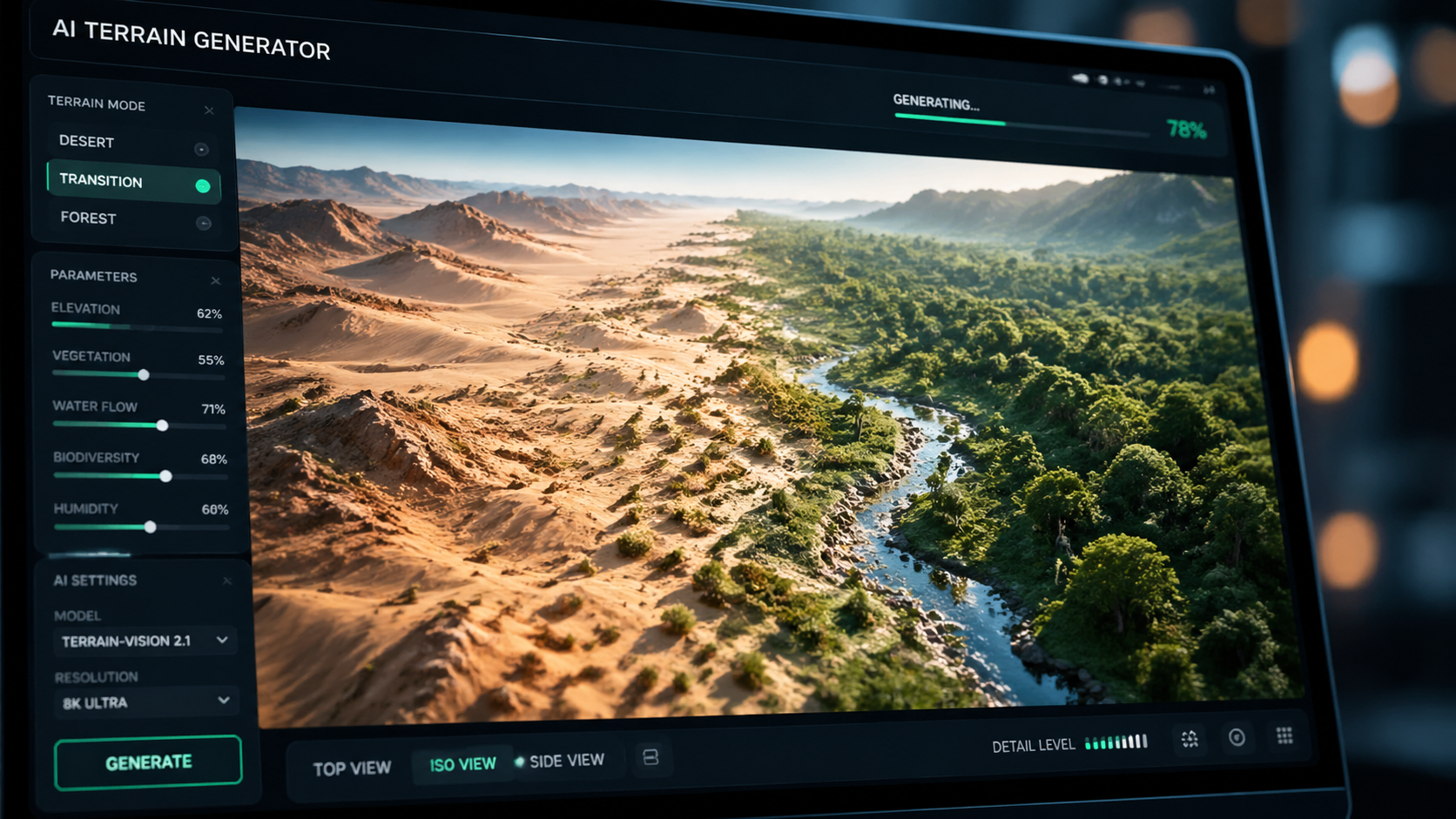
The 2026 iteration of Adobe Firefly includes features that most other generators lack, specifically in the realm of temporal consistency and user control. One of the most significant additions is the "Quick Cut" feature, introduced in late February 2026. This tool uses AI to analyze the rhythm of a generated clip and automatically suggests the best points for transitions or cuts, effectively acting as an automated assistant editor. This reduces the time spent on the "rough cut" phase of video production by up to 70%, according to RedShark News.
Furthermore, the introduction of "Custom Models" in March 2026 has revolutionized brand consistency. Users can now train Firefly on their own specific datasets—such as product photos or previous brand films—to ensure that every generated video adheres to a specific aesthetic. This level of personalization ensures that AI-generated content does not look "generic" but instead feels like a natural extension of a creator's unique portfolio.
Comparison of Firefly Video Features (2025 vs. 2026)
| Feature | 2025 Capability | 2026 Masterclass Capability |
|---|---|---|
| Generation Limit | Credit-based system | Unlimited generations (Studio Plan) |
| Resolution | 1080p Standard | Native 4K with AI Upscaling |
| Editing Tools | Manual Trimming | AI "Quick Cut" Automated Editing |
| Customization | Style Presets | Trainable Custom AI Models |
| Integration | Standalone Web App | Deep Premiere Pro & After Effects Sync |
Mastering Text-to-Video Prompts for Professional Results
To truly excel in an adobe firefly video generation tutorial, one must master the art of the prompt. In 2026, the Firefly engine understands complex cinematic language better than ever. Instead of simple nouns, users are encouraged to use "Directorial Prompts." These include instructions on lens type (e.g., "35mm anamorphic"), film stock (e.g., "grainy 16mm aesthetic"), and specific lighting setups (e.g., "Rembrandt lighting with high contrast"). The more technical your language, the more professional the output will appear.
Adobe’s 2026 updates also improved the "Motion Brush" feature, which allows users to paint over specific areas of an image to dictate where movement should occur. For instance, if you have an image of a waterfall, you can use the Motion Brush to ensure only the water moves while the surrounding rocks remain static. This prevents the "morphing" effect common in earlier AI video models and ensures a realistic physical simulation within the frame.
Advanced Prompting Techniques
- Temporal Sequencing: Use phrases like "starting with a close-up and pulling back to a wide shot" to guide the AI through a narrative camera movement.
- Atmospheric Controls: Mention environmental factors like "volumetric fog," "lens flare," or "bokeh depth of field" to add depth to the scene.
- Consistency Tokens: When using custom models, include your specific model tag to maintain character or product appearance across multiple clips.
Integrating Firefly Video into Professional Workflows
According to PCMag Australia, making the most of AI video generation requires a hybrid approach where AI handles the "heavy lifting" of asset creation while the human editor maintains creative direction. In 2026, the integration between Firefly and the Adobe Creative Cloud is seamless. A video generated in the Firefly web portal can be instantly opened in Premiere Pro, where the "Quick Cut" metadata is already applied to the timeline. This interoperability is a key reason why professional studios are adopting Firefly over standalone AI tools.
The "Unlimited Generations" update from February 2026 is particularly beneficial for storyboarding and pre-visualization. Directors can now generate hundreds of variations of a scene to find the perfect composition without worrying about costs. This "fail fast" mentality allows for more creative risks, leading to more innovative visual storytelling. Furthermore, the 2026 Firefly Video Model supports "Multi-Modal Input," meaning you can combine a text prompt, a reference image, and a rough sketch to guide the AI’s spatial understanding.
Efficiency Statistics in 2026
Recent industry reports highlight the impact of these tools on the market. According to Adobe's March 2026 press release, creators using the integrated Firefly Video workflow reported a 60% reduction in turnaround time for social media ad campaigns. Additionally, studies show that 85% of professional editors now use at least one AI-generated element in their final renders, highlighting the shift from AI as a novelty to AI as a standard industry utility.
Advanced Customization: Using Custom Models in Firefly
The standout feature of the 2026 masterclass is the ability to use Custom Models. This allows a company to upload 20-30 images of their specific product—for example, a unique sneaker design—and train a "Micro-Model" within Firefly. Once trained, the adobe firefly video generation tutorial workflow changes: instead of asking for "a sneaker," you ask for "MyBrand Sneaker in a neon cyberpunk setting." The AI will then generate video featuring the exact geometry and textures of your specific product.
This capability addresses the primary criticism of AI video: the lack of specificity. By combining the broad knowledge of the base Firefly Video Model with the specific details of a Custom Model, creators can produce content that is both visually stunning and brand-accurate. This is especially useful for e-commerce, where showing a product in motion can significantly increase conversion rates. Adobe’s commitment to "unlimited generations" ensures that you can refine these custom outputs until they are pixel-perfect.
The Ethics and Security of AI Video Generation
In 2026, the conversation around AI ethics is more prominent than ever. Adobe has remained a leader in this space by implementing "Content Credentials." Every video generated through Firefly contains metadata that acts as a "nutrition label," indicating that the content was created or edited with AI. This transparency is crucial for maintaining trust with audiences and complying with the increasing number of global regulations regarding AI-generated media.
Furthermore, because Firefly is trained on licensed content, it avoids the "uncanny valley" of distorted faces and legal gray areas that plague other platforms. For professional users, this means the videos generated are ready for broadcast, theatrical release, or global ad campaigns without the risk of copyright infringement lawsuits. As Tom's Guide noted in late 2025, Adobe's focus on features that "most generators lack"—specifically legal safety and workflow integration—continues to be their primary competitive advantage in 2026.
Frequently Asked Questions
Is Adobe Firefly video generation free to use in 2026?
While Adobe offers a limited free tier, the "Unlimited Generations" feature is part of the Firefly Creative AI Studio premium subscription. This plan allows professional creators to generate high-resolution video assets without worrying about monthly credit limits.
Can I use Adobe Firefly to edit existing videos?
Yes, with the 2026 "Quick Cut" and "Firefly Video Editor" updates, you can upload existing footage and use AI to extend scenes, change the lighting, or add generative elements into the background of your shots.
What is the maximum resolution for Firefly video?
As of the March 2026 update, Adobe Firefly supports native video generation up to 4K resolution. The engine uses advanced AI upscaling to ensure that even complex textures and fine details remain sharp on large screens.
How does the "Quick Cut" feature work?
Quick Cut uses machine learning to identify the most visually and narratively significant moments in a clip. It then automatically places edit points, allowing you to sync video to a beat or create a montage in seconds.
Are Firefly-generated videos copyright-safe?
Yes, Adobe Firefly is trained on Adobe Stock and public domain content. Every video includes Content Credentials, ensuring that the assets are commercially safe and transparently labeled as AI-generated.

Comments ()