
Adobe Firefly vs Runway ML: Best AI Video Tools in 2026
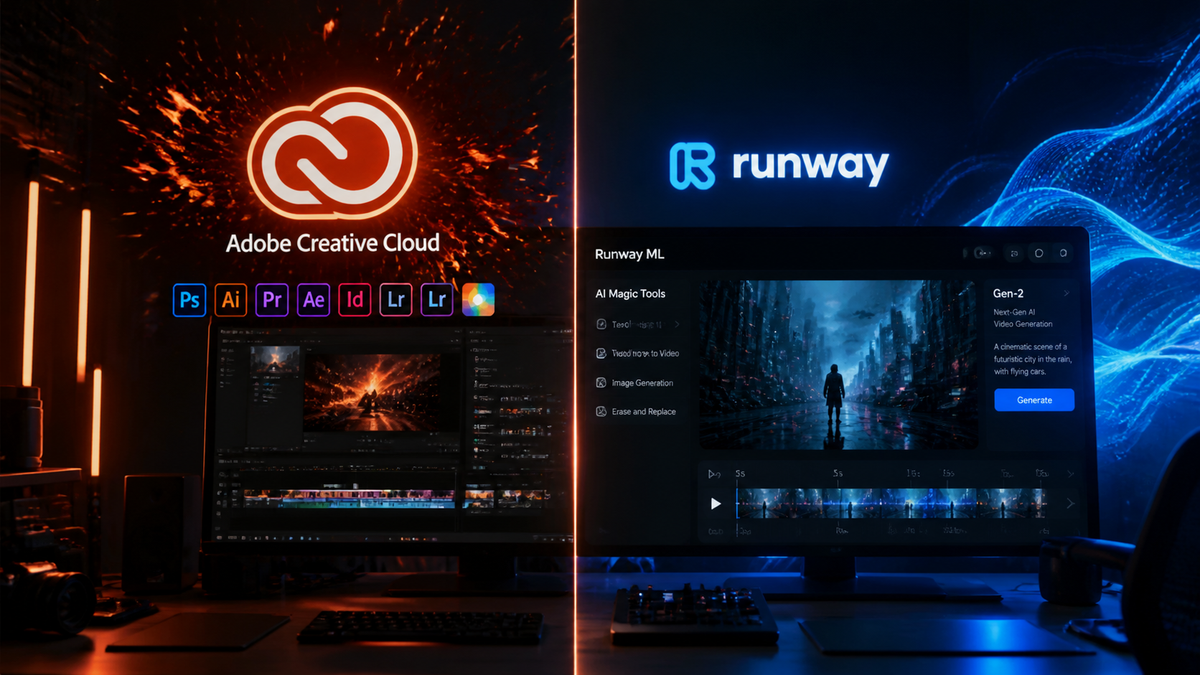
When comparing adobe firefly vs runway ml in 2026, the choice depends on whether you prioritize seamless creative workflow integration or cutting-edge experimental video generation. Following the landmark partnership announced in late 2025, the two platforms now offer complementary features, with Adobe Firefly focusing on commercially safe, integrated editing within Premiere Pro and Runway ML leading the charge in high-fidelity cinematic generation and architectural AI video models.
Adobe Firefly is an enterprise-grade AI suite built for creators who need legally safe, integrated tools within the Creative Cloud, while Runway ML is a specialized generative video powerhouse designed for advanced cinematic effects and rapid AI experimentation. In 2026, the two platforms have converged through a strategic partnership, allowing users to leverage Runway’s Gen-4 models directly within Adobe’s professional video ecosystem.
- ✓ Adobe Firefly now features "Firefly Boards" for collaborative, AI-powered ideation and exploration.
- ✓ Runway ML provides the core generative engine for many new Premiere Pro "Generative Extend" features.
- ✓ Firefly guarantees commercial safety by training on Adobe Stock, while Runway offers superior granular control over physics and motion.
- ✓ The 2025 partnership has bridged the gap between professional NLE workflows and generative AI video.
How to Use Adobe Firefly and Runway ML Together
In the current 2026 creative landscape, professional editors rarely choose just one tool. Instead, they utilize a hybrid workflow that leverages the strengths of both ecosystems. The integration between Adobe and Runway has simplified the process of moving assets from a conceptual "Board" into a finished timeline.
- Conceptualize in Firefly Boards: Start by using the Firefly Boards feature (released worldwide in late 2025) to generate mood boards and initial AI-powered visual explorations.
- Generate Base Footage: Use the Runway ML panel within Premiere Pro to generate high-fidelity video clips using Gen-4 or specialized motion models based on your Firefly concepts.
- Refine with Firefly Video Models: Apply Firefly-specific adjustments for "Generative Extend" to add frames to the beginning or end of clips for smoother transitions.
- Apply Commercially Safe Overlays: Use Firefly’s vector and text-effect models to create titles and assets that are guaranteed for commercial use.
- Final Export: Render the project through Premiere Pro’s enhanced AI-pipeline, which uses both platforms' metadata to ensure rights management and content authenticity.
The Evolution of Adobe Firefly vs Runway ML in 2026
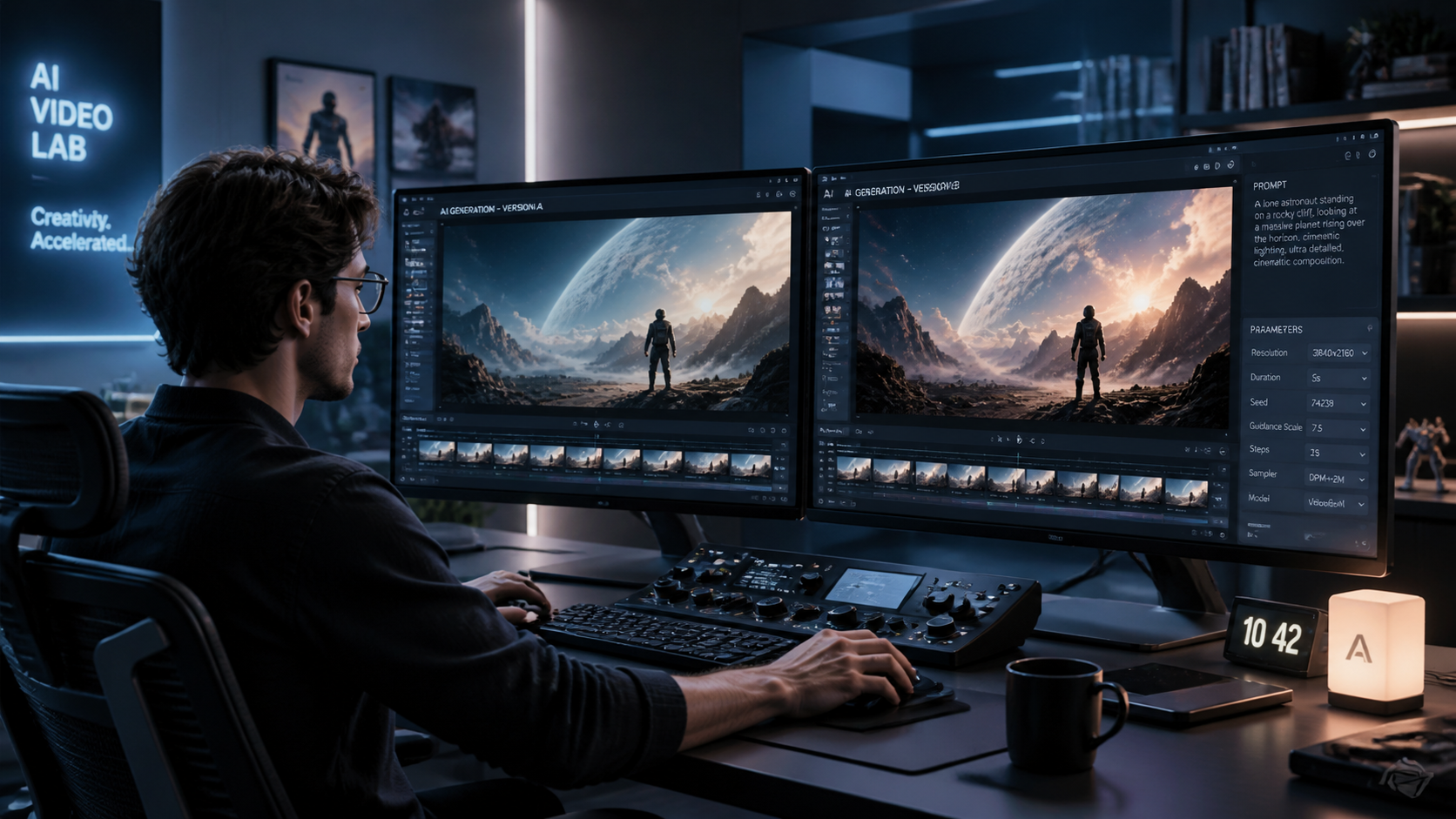
The debate of adobe firefly vs runway ml has shifted from a competition to a collaboration. In December 2025, Adobe and Runway officially partnered to deliver the next generation of AI video for creators and brands. This move was prompted by the increasing demand for high-end cinematic AI that fits within the rigid structures of professional post-production. According to the Adobe Newsroom, this partnership allows studios to access Runway’s advanced video generation models directly within the Adobe Creative Cloud environment.
Adobe Firefly has carved out its niche as the "safe" choice. Because it is trained primarily on Adobe Stock and public domain content, it offers a level of legal indemnity that many enterprise clients require. In 2026, Firefly is no longer just an image generator; it is a comprehensive ideation engine. Features like Firefly Boards have redefined how creative teams brainstorm, allowing for real-time AI exploration that several users can contribute to simultaneously.
Runway ML, on the other hand, remains the pioneer of the "impossible." While Adobe focuses on the workflow, Runway focuses on the pixels. Their research-heavy approach has led to breakthroughs in video-to-video synthesis and multi-motion brush controls that allow for a level of directorial precision that Firefly’s standard interface sometimes lacks. For creators looking to push the boundaries of what AI can visualize, Runway is still the industry standard for raw generative power.
Key Comparison: Features and Capabilities
To better understand the current state of these tools, we must look at their core technical offerings. The following table highlights the primary differences in their 2026 versions.
| Feature | Adobe Firefly (2026) | Runway ML (2026) |
|---|---|---|
| Primary Strength | Workflow Integration & Safety | Cinematic Fidelity & Innovation |
| Video Generation | Generative Extend & B-Roll generation | Gen-4 Multi-Modal Video Synthesis |
| Commercial Safety | 100% Adobe Stock Trained | Custom Enterprise Training Options |
| Collaboration | Firefly Boards (Real-time) | Shared Workspaces & Assets |
| Platform Access | Native in Premiere Pro & After Effects | Web-based & Adobe Plugin |
Adobe Firefly: The Professional Workflow Standard
Adobe’s strategy has always been about "Content Authenticity." In 2026, every asset generated via Firefly includes Content Credentials, a digital nutrition label that proves the AI origin of the work. This is critical for brands who must navigate the complex legal landscape of AI-generated media. According to No Film School, the integration of Runway capabilities into Firefly has not compromised this; rather, it has expanded the "toolset" available to editors who previously found Firefly's video output too limited.
Firefly Boards and Ideation
One of the standout features of 2026 is Firefly Boards. This tool allows directors and art directors to create a shared digital space where AI acts as a participant. You can input a prompt, and Firefly will suggest dozens of variations, lighting styles, and camera angles. This "exploration" phase is then seamlessly converted into a sequence of instructions for the generative video models, ensuring that the final video matches the initial creative vision perfectly.
Generative AI in Premiere Pro
As noted by Analytics India Magazine, Adobe has focused heavily on making AI "invisible" within Premiere Pro. Instead of just "generating a video," users use AI for "Generative Extend" to fix a shot that was cut too short, or "Object Addition" to place a product into a scene after the shoot is over. This utility-first approach makes adobe firefly vs runway ml a question of "Fixing vs. Creating." Firefly is the ultimate tool for fixing and enhancing production footage.
Runway ML: The Frontier of AI Cinematography
Runway ML continues to be the preferred choice for high-concept music videos, experimental films, and cutting-edge advertising. Their 2026 suite includes advanced features like "Director Mode," which provides 360-degree control over virtual camera movements within a generated scene. While Adobe focuses on the "editor," Runway focuses on the "cinematographer."
Advanced Motion Control
The "Motion Brush" and "Camera Control" features in Runway have reached a level of maturity in 2026 that allows for frame-by-frame precision. Unlike earlier versions, the current Gen-4 models understand complex physics—water splashes realistically, and fabrics drape naturally. This makes Runway indispensable for visual effects (VFX) artists who need to generate base plates or complex particle simulations that would otherwise take weeks to render in traditional 3D software.
Runway’s Strategic Role in the Adobe Ecosystem
The partnership between the two companies means that Runway is no longer an "outsider." By providing the backbone for many of Adobe's high-end video features, Runway has gained access to millions of professional editors. According to Cybernews, Runway remains one of the "Best AI Animation Generators in 2026" due to its ability to handle high-resolution 4K and 8K outputs with minimal temporal flickering, a common issue that plagued earlier AI video tools.
Choosing the Right Tool for Your Project
When deciding between adobe firefly vs runway ml, you must evaluate your project's end goal. If you are working on a corporate video, a commercial for a major brand, or a project that requires tight integration with existing Adobe assets, Firefly is the clear winner. Its ability to pull from your Creative Cloud Libraries and maintain a consistent brand voice is unmatched.
Conversely, if you are in the "blue sky" phase of a creative project, or if you need to generate entirely new worlds from scratch, Runway ML is the superior choice. Its generative models are more aggressive and creative, often producing visual results that are more "cinematic" than the safer, more literal interpretations produced by Firefly. Built In recently listed Runway as a top-tier art and video generator for its "unrivaled creative flexibility."
Pricing and Accessibility in 2026
Adobe has moved to a "Generative Credit" system integrated into the Creative Cloud subscription. For most professional users, this means Firefly features are "free" up to a certain usage limit. Runway ML operates on a tiered subscription model, but with the 2025 partnership, Adobe "Pro" users now receive a bundle of Runway credits to use within the Premiere Pro interface, making the barrier to entry lower than ever before.
Is Adobe Firefly or Runway ML better for commercial work?
Adobe Firefly is generally better for commercial work because it is trained on Adobe Stock, offering a legal guarantee that the generated content does not infringe on intellectual property. However, Runway ML is often used for commercial VFX when combined with custom training data.
Can I use Runway ML features inside Adobe Premiere Pro?
Yes, as of the 2025 partnership, many of Runway's generative video capabilities are available as integrated plugins or native features within Adobe Premiere Pro, specifically for tasks like Generative Extend and text-to-video generation.
What are Firefly Boards?
Firefly Boards is a collaborative ideation tool released in late 2025 that allows teams to brainstorm and explore AI-generated concepts, styles, and layouts in a shared digital workspace before moving into full video production.
Does Runway ML still lead in video quality?
In 2026, Runway ML is still widely considered the leader in raw cinematic quality and motion control, whereas Adobe Firefly leads in workflow efficiency, asset management, and commercial safety.
Are these tools suitable for full-length feature films?
While neither tool is typically used to generate a 90-minute film from a single prompt, both are used extensively in 2026 for storyboarding, pre-visualization, and creating complex VFX shots for major motion pictures.


Comments ()