
Professional AI Video Editing Workflow: 2026 Guide
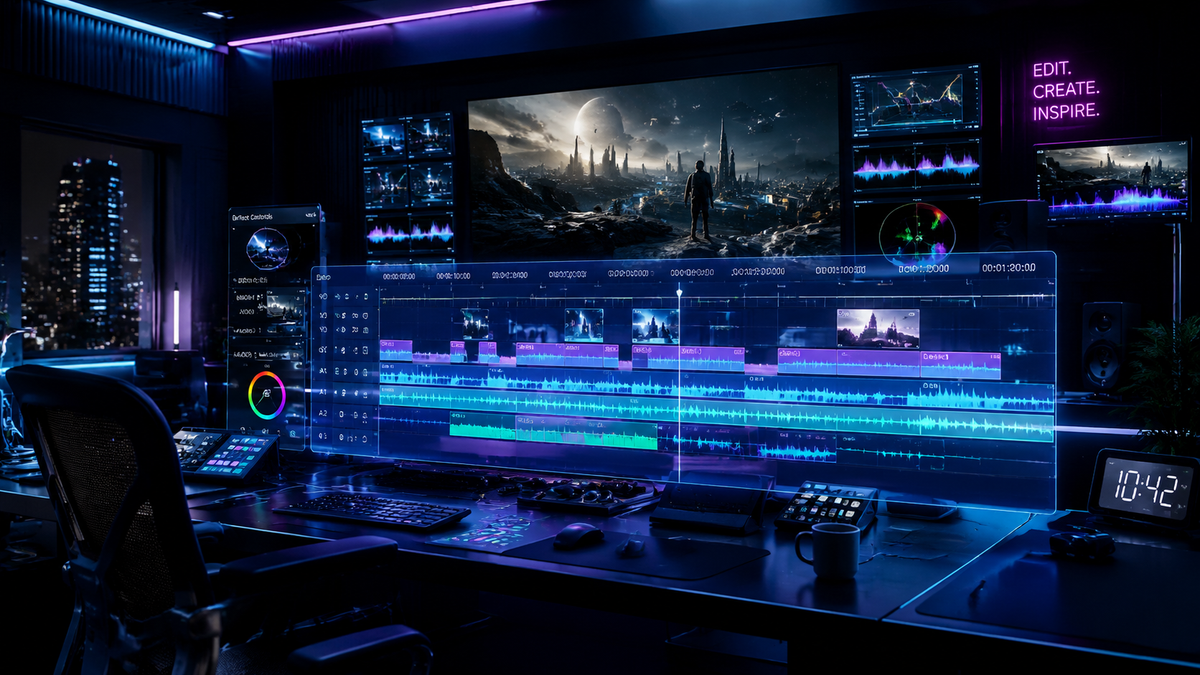
A professional AI video editing workflow is a high-efficiency production framework that integrates generative artificial intelligence and machine learning automation to handle repetitive tasks such as transcript-based cutting, color grading, and asset generation. By 2026, the professional ai video editing workflow has shifted from manual timeline scrubbing to a collaborative process between the editor and AI assistants, allowing creators to focus on narrative structure and emotional impact rather than technical bottlenecks.
A professional AI video editing workflow is an end-to-end post-production strategy that utilizes tools like Adobe Premiere’s NVIDIA-accelerated color modes and AI assistants like Nice Touch to automate ingest, rough cuts, and finishing. In 2026, this workflow prioritizes hardware-software synergy, using AI-native laptops like the HP OmniBook to render complex generative effects in real-time.
- ✓ Integration of AI workflow assistants like Nice Touch for cross-platform compatibility between Premiere Pro and DaVinci Resolve.
- ✓ Utilization of NVIDIA GPU acceleration for real-time AI color grading and generative background expansion.
- ✓ Shift toward text-based editing and automated "smart" rough cuts to reduce project turnaround time by up to 60%.
- ✓ Implementation of high-performance AI hardware, such as the 2026 HP OmniBook series, to handle localized neural processing.
The Essential Stages of a Professional AI Video Editing Workflow
The landscape of video production in 2026 is defined by the seamless marriage of human creativity and algorithmic precision. To implement a professional ai video editing workflow, editors must look beyond simple filters and embrace a holistic system that manages data from the moment of capture to the final export. The goal is no longer just to "edit" but to orchestrate a series of intelligent modules that handle the heavy lifting of organization and technical correction.
Modern workflows begin with AI-driven asset management. As clips are imported, machine learning models automatically tag footage with metadata, identifying speakers, locations, and even the emotional tone of a scene. This allows the editor to query their library using natural language, such as "Find all shots of the protagonist looking happy at sunset," instantly populating a sequence with relevant b-roll. According to reports from the G2 Learn Hub, these advancements in AI video generation and organization have become the standard for top-tier production houses this year.
Step-by-Step Implementation of an AI-Enhanced Workflow
- Automated Ingest and Logging: Use AI assistants to transcribe audio and generate descriptive metadata for every clip in your project bin.
- Text-Based Rough Cut: Edit your video by deleting or rearranging text in the generated transcript, allowing the AI to perform the corresponding cuts on the timeline.
- AI Assistant Integration: Deploy tools like Nice Touch (introduced in early 2026) to bridge the gap between Premiere Pro and DaVinci Resolve, ensuring consistent metadata and timeline synchronization.
- Neural Color Grading: Apply the new Adobe Premiere Color Grading Mode, which utilizes NVIDIA GPU acceleration to match color profiles across disparate camera sources instantly.
- Generative Asset Filling: Use AI video generators to create missing b-roll or extend shot backgrounds where physical production fell short.
- Audio Enhancement and Mastering: Apply neural noise reduction and voice isolation to ensure studio-quality sound regardless of the recording environment.
Hardware Optimization for Professional AI Video Editing
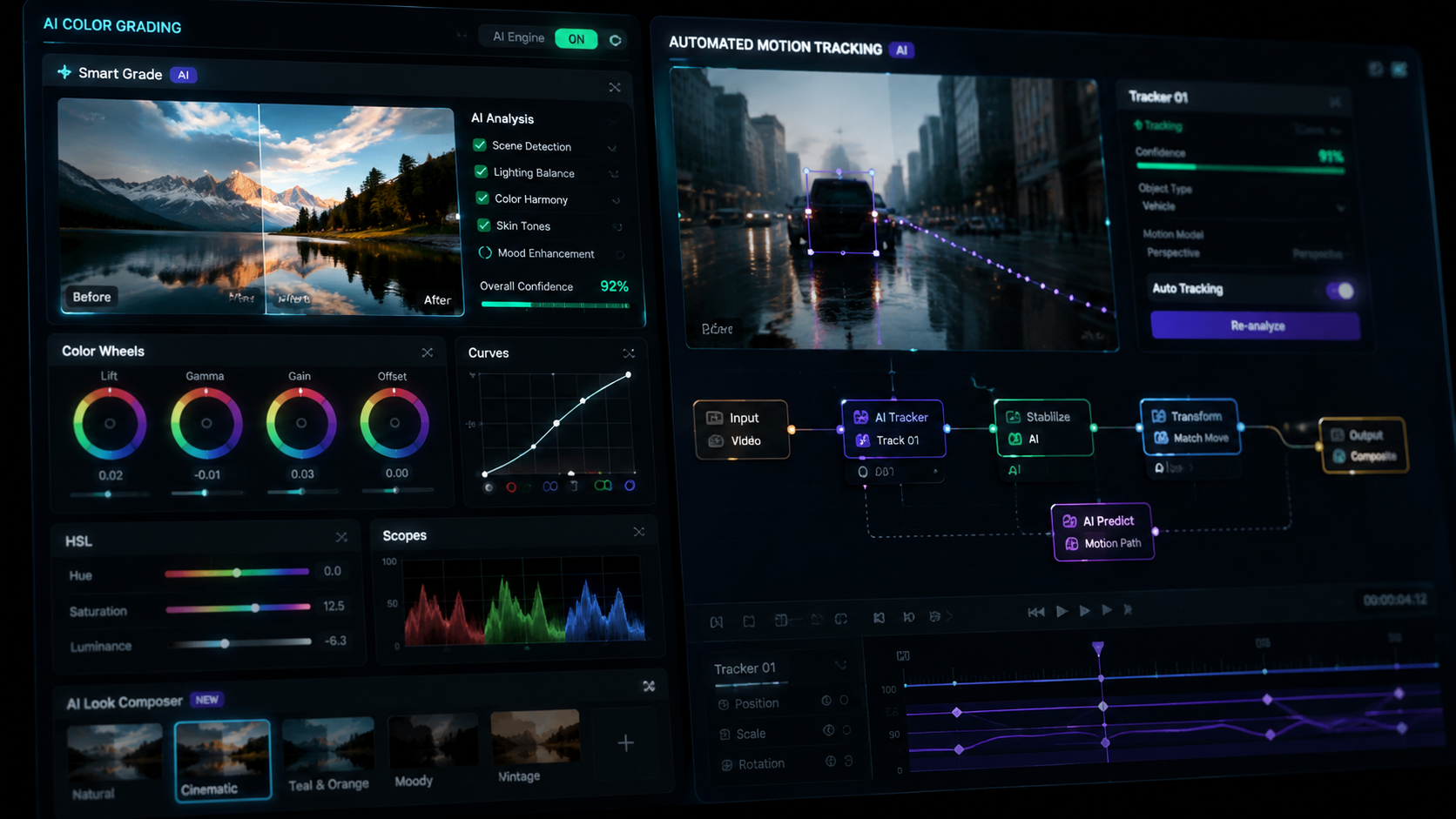
In 2026, the software is only as capable as the hardware it runs on. A professional ai video editing workflow requires specialized silicon designed to handle tensor operations and neural processing units (NPUs). As noted by NVIDIA in their April 2026 update, the latest Adobe Premiere Color Grading Mode is specifically accelerated on NVIDIA GPUs, providing a massive leap in performance for editors working with 8K raw footage and real-time AI effects.
The rise of mobile workstations has also changed where and how professionals work. For example, HP recently highlighted the Best OmniBook for Graphic Design and Video Editing, which features dedicated AI tools built into the hardware layer. These machines allow for "on-the-edge" processing, meaning the AI doesn't need to send your private footage to the cloud for processing; it happens locally on the laptop's NPU, ensuring both speed and security for sensitive client projects.
Comparing Top AI Video Hardware and Software Features in 2026
| Feature/Tool | Primary Benefit | 2026 Innovation |
|---|---|---|
| NVIDIA GPU Acceleration | Real-time rendering | New Premiere Color Grading Mode support (Released April 2026) |
| Nice Touch Assistant | Workflow efficiency | Cross-platform sync between Resolve and Premiere Pro |
| HP OmniBook Series | Portable AI power | Integrated NPU for localized generative AI tasks |
| Adobe Premiere Pro | Industry Standard | Full integration of text-to-video generative layers |
| DaVinci Resolve 19+ | Color & Finishing | Advanced Neural Engine for automatic object tracking |
The Role of AI Workflow Assistants: The Rise of Nice Touch
One of the most significant shifts in the professional ai video editing workflow this year is the introduction of dedicated workflow assistants. According to CineD, the "Nice Touch" assistant has become a staple for editors who frequently move between different software ecosystems. These assistants act as a layer of intelligence that sits on top of your NLE (Non-Linear Editor), managing version control, suggesting cuts based on musical beats, and even identifying continuity errors that a human eye might miss.
Nice Touch and similar tools are designed to speed up projects by automating the "invisible" tasks of editing. This includes syncing multi-cam shoots using audio waveforms and facial recognition, as well as managing proxies for high-resolution 12K workflows. By offloading these tasks to an AI assistant, the lead editor can focus on the "invisible art"—the pacing and story beats that define high-quality cinema and commercial content.
Improving Efficiency with Nice Touch in 2026
As reported by No Film School in February 2026, Nice Touch aims to solve the fragmentation in post-production. It allows for a unified "smart" timeline that retains all AI-generated metadata regardless of whether you are grading in DaVinci Resolve or cutting in Premiere. This interoperability is a cornerstone of the modern professional ai video editing workflow, eliminating the need for tedious XML or AAF exports that often break during transition.
Generative AI and the Future of B-Roll
The integration of generative video into the professional ai video editing workflow has moved from a novelty to a necessity. In 2026, editors no longer spend hours scouring stock footage sites for the perfect transition shot. Instead, they use integrated tools to generate custom b-roll that matches the lighting, lens blur, and grain of their primary footage. Хабр's 2026 report on the "Top 12 Best AI Video Generators" highlights how these tools have reached a level of photorealism that is indistinguishable from captured media.
According to G2 Learn Hub, the top 7 AI video generators of 2026 allow for "prompt-to-timeline" integration. This means an editor can type a description directly into their sequence, and the AI will generate a 4K, 60fps clip that fits the duration of the gap. This capability is particularly useful for corporate videos and documentaries where specific imagery may be impossible to film due to budget or geographical constraints.
Best Practices for Generative Integration
- Style Matching: Always use a reference frame from your primary footage to ensure the AI-generated content matches the color science and noise profile.
- Ethical Labeling: Maintain transparency by tagging generative clips in your metadata to comply with 2026 industry standards for AI-assisted content.
- Iterative Refinement: Use "in-painting" to modify specific parts of a generated clip rather than re-generating the entire shot, saving processing power and time.
Advanced Color Grading and Audio Post-Production
The final polish of a video—color and sound—has been revolutionized by NVIDIA’s latest advancements. The new Adobe Premiere Color Grading Mode, accelerated on NVIDIA GPUs as of April 15, 2026, allows for "Shot Matching 2.0." This feature analyzes the lighting and skin tones of a "hero" shot and applies those precise mathematical values to every other clip in the scene, regardless of the camera used. This ensures a consistent look in a fraction of the time it previously took for manual primary grades.
On the audio side, the professional ai video editing workflow now includes "Generative Ambience." Instead of layering multiple foley tracks, AI models can analyze a scene—for example, a busy New York street—and generate a 32-bit float spatial audio track that perfectly matches the visual elements on screen. This level of automation ensures that even solo creators can produce content with the sonic depth of a major Hollywood studio.
What is the best hardware for an AI video editing workflow in 2026?
The best hardware currently includes NVIDIA-powered workstations and the HP OmniBook series, which are optimized for the latest Adobe Premiere AI features. These systems feature dedicated NPUs to handle localized generative tasks without relying on cloud processing.
How does the Nice Touch assistant improve video editing?
Nice Touch is an AI workflow assistant that speeds up projects by automating organization and providing cross-platform compatibility between Premiere Pro and DaVinci Resolve. It helps manage metadata and automates repetitive tasks like syncing and rough cuts.
Is AI color grading better than manual grading?
AI color grading, especially with the 2026 NVIDIA-accelerated mode in Premiere, is significantly faster and provides a highly accurate baseline. While a professional colorist is still needed for creative intent, the AI handles the technical matching and balancing with superior precision.
Can I generate b-roll directly in my video editing software?
Yes, by 2026, most professional NLEs have integrated the top AI video generators, allowing you to create photorealistic 4K clips from text prompts directly within your project timeline.
Does a professional AI video editing workflow replace the editor?
No, the AI serves as a powerful assistant. It removes the "drudge work" of logging, syncing, and basic cutting, allowing the human editor to focus on storytelling, emotional pacing, and high-level creative decisions.
In conclusion, mastering a professional ai video editing workflow in 2026 requires a combination of the right hardware—like NVIDIA-accelerated GPUs and AI-native laptops—and the latest software assistants like Nice Touch. By embracing these tools, editors can significantly reduce production timelines while increasing the visual and auditory quality of their final outputs. As the industry continues to evolve, the most successful creators will be those who view AI not as a replacement, but as an indispensable partner in the creative process.



Comments ()