
How to Use Generative AI for Video: 2026 Ultimate Guide

To learn how to use generative AI for video in 2026, you must select a specialized model like OpenAI’s Sora or Synthesia, input a descriptive text prompt or script, and use cloud-based rendering to generate high-fidelity cinematic or avatar-led footage. This process allows creators to bypass traditional filming by converting natural language descriptions directly into complex, multi-shot video sequences in minutes.
Generative AI for video is an advanced branch of artificial intelligence that utilizes deep learning models to synthesize new video content from text, image, or audio inputs. By 2026, this technology has evolved to support full-length cinematic production, real-time avatar rendering on AWS G7e instances, and automated metadata extraction for enterprise-level video insights.
- ✓ Text-to-video models like Sora now support extended durations with consistent physics and character continuity.
- ✓ Real-time inference is powered by specialized hardware, such as Amazon EC2 G7e instances, for zero-latency video generation.
- ✓ AI video tools are now essential for "remastering" legacy content, as seen in the high-profile FF6 AI project approved by Final Fantasy creators.
- ✓ Ethical verification is mandatory; tools from Maryland.gov and others are now used to distinguish AI-generated wildlife from real footage.
Step-by-Step Guide: How to Use Generative AI for Video
The landscape of video production has shifted from manual editing to prompt engineering and cloud orchestration. Whether you are a social media influencer or a corporate trainer, the workflow for creating high-quality video content follows a standardized digital pipeline designed for efficiency and scale.
- Define Your Objective and Model: Choose a generative model based on your needs. For cinematic, physics-based scenes, OpenAI’s Sora is the industry standard. For corporate training and personalized messaging, platforms like Synthesia are preferred.
- Draft a Detailed Prompt: Write a descriptive script or prompt. In 2026, models respond best to "cinematic language," specifying camera angles (e.g., "low-angle tracking shot"), lighting (e.g., "golden hour volumetric lighting"), and specific character actions.
- Configure Technical Parameters: Select your aspect ratio (9:16 for social media or 21:9 for cinema) and resolution. Ensure you are utilizing high-performance compute clusters, such as Amazon EC2 G7e instances, if you are running custom inference for enterprise applications.
- Generate and Iterate: Run the initial generation. Use "seed" values to maintain consistency across multiple clips, allowing you to build a cohesive narrative without flickering or character morphing.
- Post-Production and Upscaling: Use AI-driven insights, such as those provided by OCI Generative AI, to extract metadata, generate captions, or analyze the emotional tone of the generated video for final refinements.
The Evolution of Text-to-Video Technology in 2026
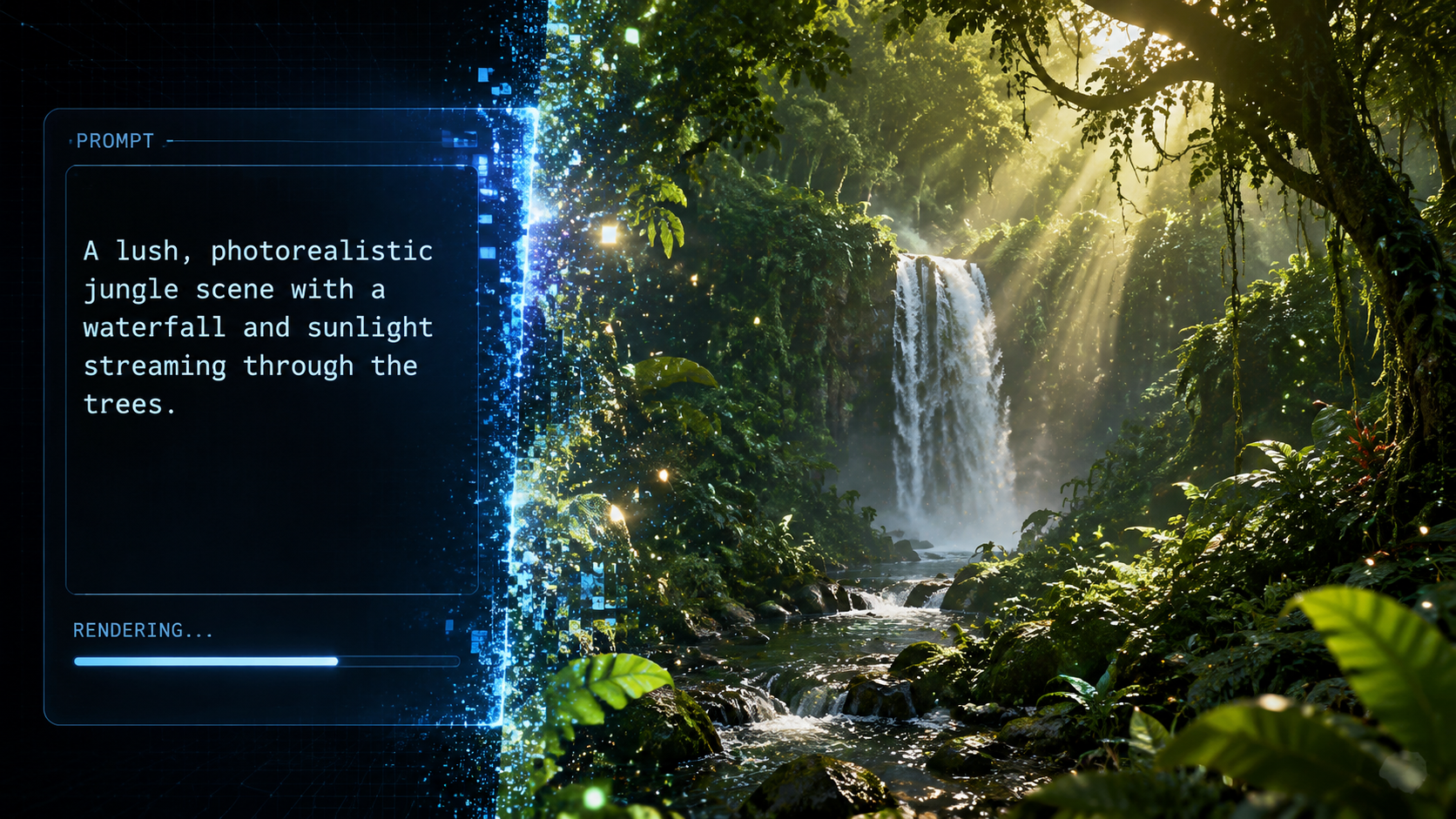
As we navigate through 2026, the primary question for creators is no longer "if" AI can create video, but "how to use generative AI for video" to achieve professional-grade results. The release of OpenAI's Sora earlier this year marked a turning point, moving beyond 5-second loops to minutes-long sequences that understand the laws of physics. According to OpenAI, Sora can now generate complex scenes with multiple characters, specific types of motion, and accurate backdrops, making it a viable tool for pre-visualization and final-cut content.
Furthermore, the integration of AI video into social media has fundamentally disrupted traditional platforms. A recent report by the WSJ highlights how generative AI video could disrupt social media companies by shifting the value from "creators with cameras" to "creators with prompts." This democratization means that high-production value is no longer gated by expensive equipment, but by the quality of the generative instructions and the underlying compute power used to render them.
Real-Time Rendering and AWS Infrastructure
For developers and enterprise users, the "how" involves sophisticated infrastructure. According to AWS, companies like Synthesia are now optimizing generative AI video inference on Amazon EC2 G7e instances. These instances are specifically designed to handle the massive throughput required for real-time video synthesis. This allows users to generate personalized AI avatars that can interact with customers in real-time, a massive leap from the pre-rendered videos of previous years.
Comparing Top Generative AI Video Platforms
Choosing the right tool is critical for your specific use case. The following table compares the leading technologies available in 2026 for those looking to master how to use generative AI for video.
| Platform/Model | Primary Use Case | Key Feature (2026) | Infrastructure/Backend |
|---|---|---|---|
| OpenAI Sora | Cinematic Storytelling | Physics-accurate 1080p video | Proprietary OpenAI Clusters |
| Synthesia | Corporate Training/Avatars | Real-time lip-syncing | Amazon EC2 G7e Instances |
| OCI Generative AI | Video Analytics & Insights | Automated metadata extraction | Oracle Cloud Infrastructure |
| Remastering Tools | Legacy Content Update | 4K AI Upscaling & Animation | Multi-cloud GPU Clusters |
Creative Applications and Industry Use Cases
The practical application of these tools spans from entertainment to environmental conservation. In the gaming world, generative AI is being used to breathe new life into classic titles. A notable example from May 2026 involves the creator of Final Fantasy VI, who publicly approved an AI-generated video of the game’s iconic world. This demonstrates how generative AI for video can be used to "re-imagine" 2D assets into 3D cinematic experiences, providing a blueprint for future game remakes.
In the corporate sector, Oracle has demonstrated how to use generative AI for video to extract actionable insights. Using OCI Generative AI, businesses can now upload thousands of hours of video—such as security footage or retail heatmaps—and receive text-based summaries and trend analyses. This shifts the focus from video as a passive medium to video as a structured data source that can be queried like a database.
Identifying AI Content and Ethical Use
With the rise of hyper-realistic generation, the ability to identify fake content has become a public service. Maryland.gov recently released a guide on identifying fake wildlife videos created with generative AI. This is a crucial aspect of "how to use generative AI for video" responsibly; creators must be aware of the digital signatures left by AI, such as unnatural movement patterns in animals or inconsistent environmental lighting, to ensure they are not inadvertently spreading misinformation.
Technical Requirements for AI Video Inference
Understanding the hardware side is essential for power users. Generative AI video requires significantly more VRAM and compute cycles than text or image generation. According to technical documentation from AWS, the G7e instances provide the necessary NVIDIA Tensor Core performance to reduce latency in video "inference"—the stage where the AI actually builds the frames. For a professional studio, setting up a pipeline involves connecting these cloud instances to a front-end UI that allows for iterative prompting.
For those focused on data, the OCI (Oracle Cloud Infrastructure) approach emphasizes the "ingestion" side. By 2026, the workflow involves using AI to "watch" video and create high-level descriptions. This is particularly useful for video editors who need to search through hundreds of hours of raw footage for a specific scene; instead of manual tagging, the AI indexes the video content automatically, making the "how to use" aspect more about database management than manual labor.
The Future of Social Media and Video Disruption
The WSJ notes that the barrier to entry for high-quality video production has effectively vanished. Social media companies are now pivoting to integrate these generative tools directly into their apps. Users no longer need to leave the platform to create a viral-quality video; they can simply type a description into the app's interface. This has led to a surge in "AI-native" influencers who exist purely as digital constructs, powered by the same backend technology used by Synthesia and OpenAI.
As we look toward the end of 2026, the focus is shifting toward "multimodal" generation—where the AI generates the video, the background music, and the voiceover simultaneously, ensuring all elements are perfectly synchronized. Mastering how to use generative AI for video today means preparing for a future where the distinction between "filmed" and "generated" is entirely academic.
How do I start using generative AI for video as a beginner?
Beginners should start with user-friendly platforms like Synthesia or OpenAI's Sora web interface. You simply need to provide a text prompt, and the AI handles the complex rendering and physics calculations in the cloud.
Is AI-generated video legal for commercial use in 2026?
Yes, most platforms provide commercial licenses for generated content, provided the prompts do not violate copyright. However, major projects like the AI-remastered FF6 video show that getting creator approval is still best practice for legacy intellectual property.
What hardware is needed to run video AI models?
While basic generation can be done on any device via the cloud, enterprise-grade inference requires high-performance instances like Amazon EC2 G7e, which are optimized for the heavy computational load of video synthesis.
How can I tell if a video was made by AI?
Look for inconsistencies in complex textures like fur or water, and check for "morphing" in background objects. Organizations like Maryland.gov provide specific guides for spotting AI artifacts in nature and wildlife videos.
Can I use AI to analyze existing videos?
Yes, tools like OCI Generative AI allow you to extract insights, summarize content, and generate metadata from existing video files, making it a powerful tool for data analysis and content management.



Comments ()