
Image-to-Video AI Tools 2026: Tested Picks
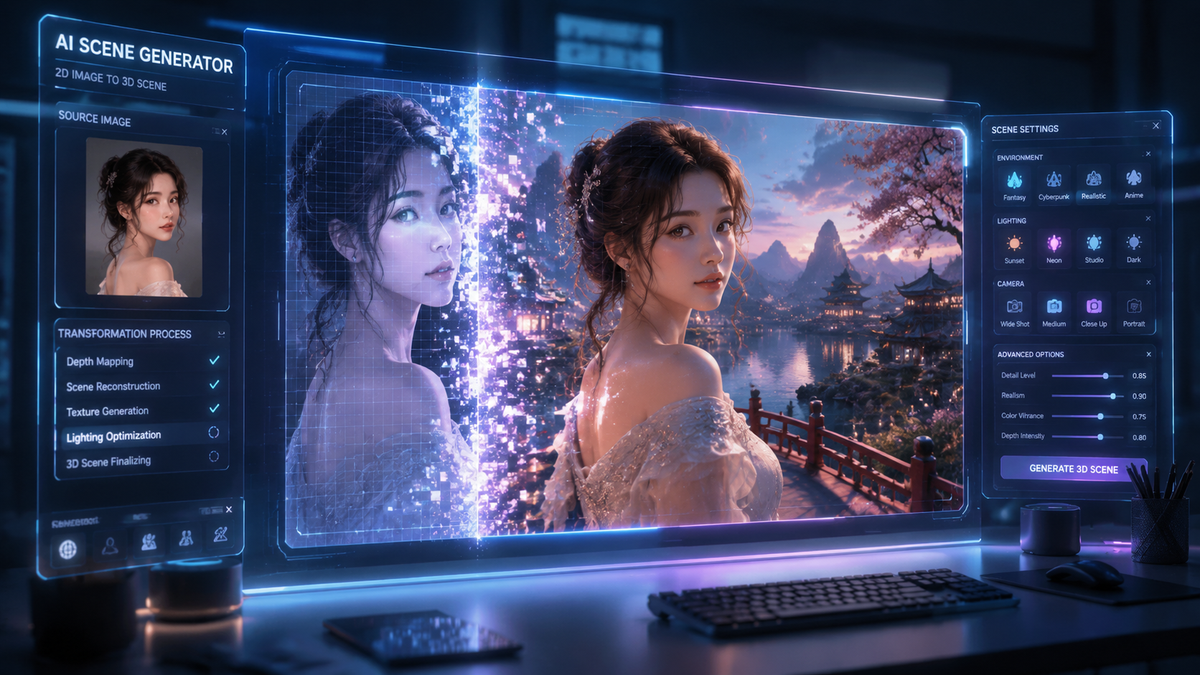
The best image to video ai creation tools in 2026 allow users to transform static photos into cinematic, high-definition motion clips using advanced diffusion models and temporal consistency algorithms. These tools leverage generative artificial intelligence to predict movement between frames, enabling creators to produce professional-grade animations, talking photos, and marketing assets from a single image file. Whether you are looking for open-source flexibility or high-end browser-based platforms, the current landscape offers unprecedented realism and accessibility.
An image to video AI creation tool is a generative platform that uses deep learning models to animate static images into dynamic video sequences. In 2026, leading tools like Kling 3.5 and specialized open-source models provide seamless motion synthesis, allowing users to control camera angles, character movement, and environmental effects through simple text prompts or intuitive UI sliders.
- ✓ Kling 3.5 has revolutionized the industry with its new browser-based platform for high-resolution synthesis.
- ✓ The gap between free and paid AI video tools is closing, with "Talking Photo" features now widely available for free.
- ✓ Open-source AI models are reshuffling creative workflows by offering more privacy and customization than closed systems.
- ✓ Real-time rendering and temporal consistency are the standard benchmarks for top-tier 2026 generators.
How to Use Image to Video AI Creation Tools
Creating high-quality video content from a single image has become a streamlined process in 2026. Most platforms now follow a standardized workflow that prioritizes user intent and creative control. By following a structured approach, you can ensure that the AI maintains the integrity of your original image while adding fluid, natural motion that matches your vision.
- Upload your Source Image: Select a high-resolution image (PNG or JPG) with clear subjects and distinct foreground/background elements.
- Define Motion Parameters: Use "Motion Brushes" or text prompts to describe the specific movement you want, such as "gentle swaying of trees" or "character blinking and smiling."
- Adjust Camera Controls: Set the virtual camera movement, choosing from pans, tilts, zooms, or 360-degree rotations to add cinematic depth.
- Select Duration and Resolution: Choose your output length (typically 5 to 15 seconds in 2026) and resolution (up to 4K on premium platforms).
- Generate and Refine: Render the initial clip, then use "seed" adjustments or in-painting tools to fix any visual artifacts or glitches.
The Evolution of Image to Video AI Creation Tools in 2026
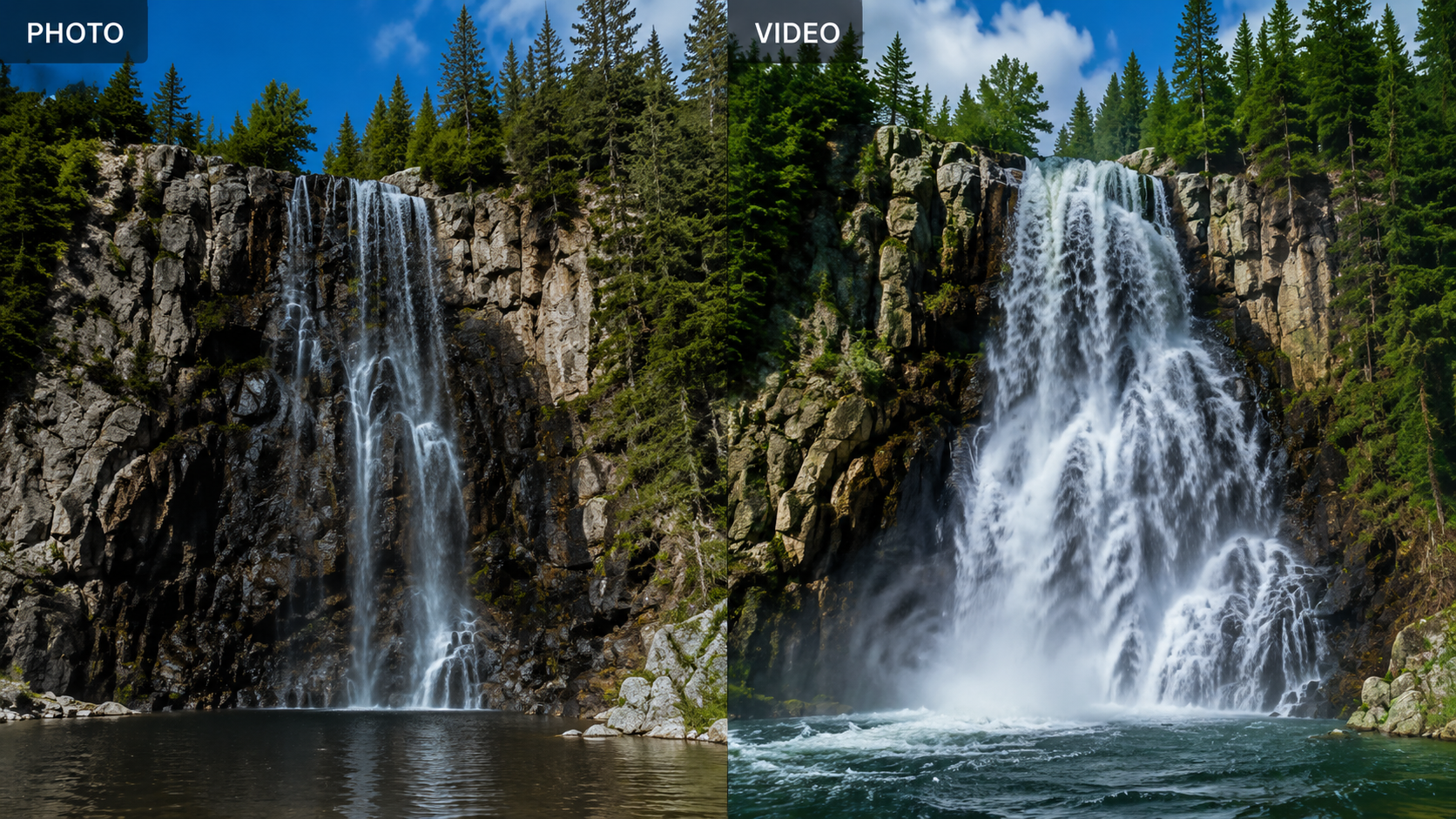
The year 2026 marks a significant turning point in generative media. According to The AI Journal, open-source AI image and video models are reshaping creative workflows by allowing studios to run powerful generation engines locally. This shift has forced major commercial players to innovate faster, leading to the release of hyper-realistic models like Kling 3.5. Unlike earlier versions, these modern tools can maintain "character persistence," ensuring that a face or object does not morph into something else during the transition from frame to frame.
Furthermore, the accessibility of these tools has expanded beyond professional VFX houses. As noted by Nokiamob, the gap between free and paid tools is finally closing. This democratization means that even entry-level creators can access "Talking Photo" technology—once a premium feature—to create social media content, educational videos, and digital avatars without a significant financial investment. The integration of browser-based platforms has also removed the need for high-end local hardware, placing the power of a supercomputer inside a standard web tab.
Kling 3.5: The New Standard for Web-Based Generation
Kling 3.5 has recently launched its dedicated browser-based platform, moving away from restricted beta environments. This tool is widely considered a top pick for 2026 due to its ability to handle complex physics. If you upload an image of a glass of water, Kling 3.5 understands the fluid dynamics required to make the water splash realistically. This level of physical accuracy is what separates the current generation of image to video ai creation tools from the experimental versions seen in previous years.
Comparing Top Image to Video AI Platforms
When selecting a tool, creators must balance quality, cost, and ease of use. The following table compares the leading platforms based on the latest 2026 data from CNET and TechRadar, who have collectively tested over 70 AI tools this year.
| Platform | Best For | Key Feature | Availability |
|---|---|---|---|
| Kling 3.5 | Cinematic Realism | Advanced Physics Engine | Browser-Based / Pro |
| Talking Photo AI | Social Media / Avatars | Lip-Syncing & Expressions | Free / Web |
| Open-Source Models | Privacy & Customization | Local Execution | Free (Self-Hosted) |
| HypeGen Video | Urban Content / Music | Rhythmic Syncing | Freemium |
| Pro-Flow AI | Marketing Agencies | 4K Upscaling & Branding | Enterprise |
The Rise of Talking Photos and Urban Content Creation
A specific niche that has exploded in 2026 is the "Talking Photo" online free AI movement. According to The Hype Magazine, this technology is being used extensively in urban culture, from Hip Hop to Hollywood, to bring historical photos and album covers to life. These tools do not just animate movement; they synchronize mouth movements with audio files, allowing a static portrait to deliver a speech or sing a song with perfect emotional inflection.
This trend is particularly prevalent in the "Digital Human" sector. Companies are now using image to video ai creation tools to create virtual influencers and customer service representatives. By starting with a high-quality AI-generated image, these tools can generate hours of video content without the need for a physical film crew. The focus in 2026 has shifted from simply "making things move" to "making things emote," with a heavy emphasis on micro-expressions and eye-tracking.
Open-Source vs. Proprietary Workflows
The debate between open-source and proprietary software has reached a fever pitch in 2026. Open-source models, as highlighted by The AI Journal, offer creators the "weights" of the model, allowing for fine-tuning on specific art styles. This is essential for animation studios that need to maintain a consistent brand aesthetic. Conversely, proprietary tools like Kling 3.5 offer superior user interfaces and "one-click" solutions that require zero technical knowledge, making them the preferred choice for individual creators and small business owners.
Key Features to Look for in 2026 AI Video Tools
As the market becomes saturated, identifying the best image to video ai creation tools requires looking beyond the marketing hype. High-quality tools in 2026 are defined by their "temporal consistency"—the ability to keep the background and subject stable across several seconds of footage. In the past, AI videos often suffered from "boiling," where pixels would shimmer or change shape unnaturally. Today’s top-ranked tools have largely eliminated this issue.
Another critical feature is "Multi-Modal Input." The best tools allow you to provide an image and a text prompt simultaneously. For example, you can upload a photo of a mountain and type "snowstorm beginning to gather at the peak." The AI uses the image as the structural foundation and the text as the instructional guide. TechRadar reports that tools incorporating this hybrid approach see a 40% higher user satisfaction rate because they offer more granular control over the final output.
Advanced Motion Control and Brushing
The introduction of "Motion Brushing" has been a game-changer. Instead of letting the AI decide what moves, users can "paint" over specific areas of an image to designate motion. If you have an image of a person standing by a waterfall, you can brush the water to make it flow while keeping the person perfectly still. This level of precision was previously only possible in expensive post-production suites like After Effects, but it is now a standard feature in web-based AI generators.
Future Outlook: Beyond Static Images
Looking ahead into the latter half of 2026 and into 2027, the industry is moving toward "Image-to-World" generation. This involves taking a single photo and generating a 3D environment that a virtual camera can fly through. While current image to video ai creation tools primarily focus on 2D animation with depth, the integration of 3D Gaussian Splatting is beginning to appear in high-end platforms. This will allow creators to turn a single vacation photo into a fully traversable video memory.
According to CNET, the next frontier is real-time collaboration. We are seeing the first iterations of "Multiplayer AI Video Editing," where two or more users can manipulate the same AI video generation in real-time. This mirrors the collaborative nature of Google Docs but for high-end video production. As these tools become more integrated into professional pipelines, the distinction between "AI-generated" and "human-made" content will continue to blur, placing a higher premium on the original creative vision rather than technical execution.
What is the best image to video AI tool in 2026?
Kling 3.5 is currently considered the industry leader due to its new browser-based platform and superior physics engine. It offers the best balance of cinematic quality and user accessibility for both professionals and hobbyists.
Can I create AI videos from photos for free?
Yes, many platforms now offer "Talking Photo" and basic animation features for free. As noted by Nokiamob, the gap between free and paid tools has closed significantly in 2026, making high-quality generation accessible to everyone.
What is "temporal consistency" in AI video?
Temporal consistency refers to the AI's ability to maintain the same colors, shapes, and characters throughout the entire duration of a video. High-end tools in 2026 use advanced algorithms to prevent flickering or "morphing" between frames.
Are open-source AI video models better than paid ones?
Open-source models are better for users who require privacy, local control, and deep customization. However, paid browser-based tools like Kling 3.5 generally offer a more user-friendly experience and faster rendering speeds without needing a powerful GPU.
How long does it take to generate a video from an image?
In 2026, most web-based platforms can generate a 5-10 second high-definition clip in under two minutes. Real-time preview features also allow users to see low-resolution drafts in seconds before committing to a full render.

Comments ()