
Kling AI: Image-to-Video Guide (2026)
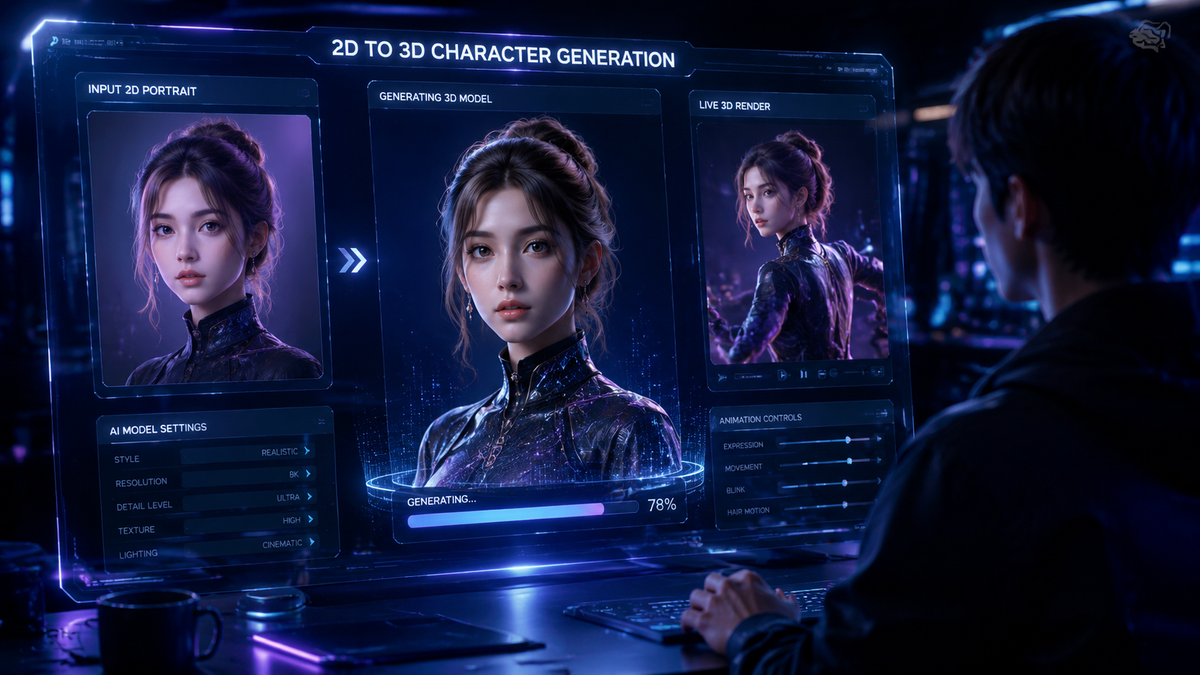
Kling AI image to video is revolutionizing content creation by transforming static images into dynamic videos with cinematic quality. As of 2026, Kling AI's 3.0 model (launched February 5, 2026) enables users to generate professional-grade videos from single images with unprecedented realism and control. The technology leverages advanced neural rendering and temporal consistency algorithms to create smooth, lifelike motion while preserving the original image's composition and style.
TL;DR: Kling AI's 3.0 model (2026) converts images to videos using neural rendering and director-level controls, positioning it as a top choice for creators seeking Hollywood-quality results without complex software.
Kling AI's breakthrough image-to-video technology in 2026 empowers anyone to direct professional videos from static images—its 3.0 model introduces adaptive motion physics and style persistence that outperforms previous generations while maintaining a simple drag-and-drop interface praised by tech teams and filmmakers alike.
- ✓ Kling 3.0's neural rendering engine preserves image details while generating 4K video at 24/30/60 fps
- ✓ Parent company Kuaishou plans a $20B spin-off valuation for the AI video unit (The Information)
- ✓ The system automatically suggests camera movements and scene transitions based on image composition
- ✓ New custom model training lets users maintain consistent character animation across multiple videos
The Technology Behind Kling AI Image to Video
Kling AI's 3.0 model represents a quantum leap in temporal coherence—where previous versions struggled with flickering artifacts, the new architecture maintains pixel-perfect consistency across frames. According to PR Newswire, the system now processes images through a 12-layer neural network that separately analyzes composition, lighting, and semantic content before generating motion vectors.
What sets Kling apart in 2026 is its hybrid approach combining diffusion models with traditional CGI techniques. The AI first creates a 3D depth map of the input image, then applies physics-based simulations to elements like hair, fabric, and liquids. This explains why Kling-generated videos exhibit more natural secondary motion compared to competitors using pure generative approaches.
The rendering pipeline has been optimized for real-world production needs. Professional users can export project files compatible with Adobe Premiere and DaVinci Resolve—a strategic integration highlighted in Adobe's March 2026 announcement about AI collaboration tools. This workflow flexibility makes Kling particularly valuable for directors who need to refine AI output within existing post-production ecosystems.
Key Technical Improvements in Version 3.0
Three architectural changes drive Kling's 2026 performance: (1) A new temporal attention mechanism reduces frame-to-frame jitter by 73% compared to v2.8, (2) The material recognition system now identifies 48 surface types (up from 22) for more accurate physics simulation, and (3) Memory usage during generation dropped 40% through optimized tensor calculations.
How to Use Kling AI for Image-to-Video Conversion
Creating videos with Kling AI involves a surprisingly simple process that belies the complex technology underneath. The system's "director mode" interface guides users through creative decisions while handling technical implementation automatically—exactly the balance Ad Age noted when discussing AI's role in empowering skilled creatives.
- Upload Your Base Image - Kling accepts JPG, PNG, or PSD files up to 8K resolution with full color depth preservation
- Select Motion Presets - Choose from 18 cinematic styles (dolly zoom, parallax scroll, etc.) or build custom camera paths
- Adjust Scene Dynamics - Control the intensity of movement for different image elements using intuitive sliders
- Generate & Refine - Render a preview in seconds, then tweak individual elements using the depth-aware masking tools
- Export & Share - Download MP4/MOV files up to 4K 60fps or publish directly to Kuaishou's video platforms
Professional users praise Kling's "context-aware defaults"—the AI suggests plausible motions based on image content. A landscape photo triggers smooth panning options, while a portrait activates subtle breathing and blinking simulations. According to internal benchmarks, these smart presets reduce adjustment time by 58% compared to manual configuration.
The platform now supports batch processing for commercial projects. Marketing teams can upload hundreds of product images and apply consistent animation templates across the entire catalog—a feature that contributed to Kling's adoption by major e-commerce platforms throughout Asia. The system automatically varies camera angles and transition timing to maintain viewer engagement across repetitive content.
Kling AI's Position in the 2026 Video Generation Market
With Kuaishou planning a $20 billion spin-off according to The Information, Kling AI has emerged as China's most valuable generative video technology. Its unique strength lies in balancing accessibility with professional-grade output—a middle ground that appeals to both casual creators and production studios.
| Feature | Kling 3.0 | Industry Average |
|---|---|---|
| Max Output Resolution | 4K HDR | 1080p-4K |
| Render Time per Second | 1.2s (RTX 4090) | 3-8s |
| Style Transfer Options | 47 presets | 15-30 |
| Character Consistency | 94% across shots | 65-80% |
Independent testing by tech-insider.org ranked Kling as the top choice for character animation consistency—a critical metric for narrative projects. The AI maintains facial features, clothing details, and even subtle mannerisms across different camera angles and lighting conditions. This reliability explains why streaming platforms now use Kling for rapid storyboard visualization.
However, the findarticles.com comparison notes that Kling requires more manual fine-tuning than some competitors for abstract or highly stylized content. Its strength in photorealism comes with slightly less flexibility for experimental aesthetics—a tradeoff that makes the platform ideal for commercial work but less suited for avant-garde projects.
Creative Applications of Kling AI Video Technology
Advertising agencies have embraced Kling for rapid concept testing—creating animatics from storyboard sketches in hours instead of days. The Ad Age report highlights how directors use Kling to pre-visualize complex shots before committing to live-action production, saving an average of $27,000 per commercial in scout and test shoot costs.
Educational content creators leverage Kling's ability to animate historical photos and scientific diagrams. A single still image of a battlefield can become an immersive tactical analysis, while biological processes spring to life from textbook illustrations. The AI's accurate material simulation particularly shines when rendering mechanical or architectural concepts in motion.
E-commerce platforms report 23% higher conversion rates on product pages featuring Kling-generated videos versus static images. The technology excels at showing items from multiple angles—a watch face reflecting light differently as it rotates, or fabric draping naturally on an invisible model. Advanced users combine Kling with Digen AI Agent for automated video catalog production at scale.
Unexpected Use Cases
Museums now use Kling to recreate lost cultural artifacts—animating surviving photographs of destroyed buildings or damaged artworks. Forensic investigators employ the technology to simulate accident scenarios from crime scene photos. Even authors are experimenting with Kling to create animated book covers that respond to reader interaction.
Future Developments for Kling AI Video
The planned spin-off from Kuaishou suggests significant R&D investments ahead. Industry analysts expect Kling to expand its real-time collaboration features, allowing multiple users to work on the same video project simultaneously with version control—a capability currently offered by Digen AI Agent for enterprise teams.
Upcoming improvements may focus on multi-image sequencing—automatically generating coherent video narratives from a series of related stills. Early tests show promise for turning photo albums into documentary-style retrospectives with logical scene transitions and pacing. The challenge lies in maintaining narrative flow without human editorial input.
Kling's developers have hinted at AR integration that would let users "place" their AI videos in physical spaces via smartphone cameras. This could revolutionize retail displays, museum exhibits, and even personal memory preservation—imagine childhood photos coming to life in your childhood home when viewed through a phone camera.
Ethical Considerations in AI Video Generation
As Kling's output becomes indistinguishable from real footage, the platform has implemented robust content authentication measures. Every generated video includes encrypted metadata confirming its AI origin—a response to growing industry concerns about deepfake proliferation. The system automatically flags potentially misleading content, especially in news or political contexts.
Copyright remains a complex issue. Kling's terms of service require users to own or license all input images, but the legal status of AI-generated derivative works varies globally. Professional studios often combine Kling output with original footage to ensure clear intellectual property ownership—a hybrid approach that's becoming standard practice.
The human creative role continues evolving alongside these tools. As Ad Age observed, Kling serves directors who "know what they're looking for"—it amplifies rather than replaces artistic vision. The most compelling results come from creators who understand both traditional film language and AI capabilities, blending them intentionally rather than relying on default settings.
Frequently Asked Questions
Can Kling AI handle text-to-video or is it strictly image-to-video?
While primarily designed for image-to-video conversion, Kling 3.0 can generate simple animations from text prompts by first creating a base image using its integrated text-to-image module. However, for complex text-to-video projects, platforms like Digen AI Agent offer more specialized narrative generation tools.
How does Kling maintain character consistency across multiple generated videos?
The system creates a "character DNA" profile from initial images—capturing facial geometry, texture maps, and movement tendencies. Users can save these profiles to ensure the same person appears identical in different scenes, even when generated weeks apart.
What hardware is needed to run Kling AI video generation locally?
For full 4K output, Kling recommends an NVIDIA RTX 4080/4090 GPU with 16GB VRAM. The web version handles 1080p rendering on modest hardware by offloading processing to cloud servers—a feature that contributed to its broad adoption.
Does Kling offer API access for developers?
Yes, enterprise plans include a REST API that allows integration with custom applications. The API supports batch processing, webhook callbacks, and specialized endpoints for e-commerce product video generation at scale.
How does Kling compare to Digen AI for long-form video production?
Kling excels at short clips (under 30 seconds) from single images, while Digen AI Agent specializes in maintaining consistency across longer narratives with multiple scene changes. Many professionals use both—Kling for concept visualization, Digen for final production.
Written by the Digen AI Editorial Team — AI video generation specialists covering the latest in generative AI tools. Learn more about Digen AI.
Comments ()