
How to Use Text to Video: 2026 AI Creation Guide
Learning how to use text to video in 2026 involves selecting a generative AI platform like Sora 2, inputting a detailed descriptive prompt, and refining the output through iterative editing. To get the best results, users must balance creative detail with technical parameters to guide the AI in rendering high-fidelity cinematic or social-media-ready content.
Text to video is a generative artificial intelligence technology that converts written descriptions into high-definition video files. By utilizing diffusion models and transformer architectures, these tools interpret natural language to synthesize motion, lighting, and physics, allowing creators to produce professional-grade visual content without traditional filming equipment or complex animation software.
- ✓ Master the art of "prompt engineering" to control camera angles and lighting.
- ✓ Utilize the latest 2026 releases like Sora 2 for hyper-realistic physics.
- ✓ Optimize workflows by balancing high-resolution output with environmental energy considerations.
- ✓ Leverage multi-modal editing to combine text-to-speech with text-to-video for full automation.
Step-by-Step: How to Use Text to Video in 2026
The landscape of content creation has shifted dramatically this year. With the recent launch of Sora 2 and updated models from major developers, the barrier to entry for high-quality cinematography has never been lower. However, achieving a professional result requires a structured approach that moves beyond simple one-word commands.
- Select Your AI Platform: Choose a tool based on your needs. For cinematic realism, OpenAI’s Sora 2 is the current industry leader. For social media and short-form content, integrated tools within platforms like TikTok or Shopify are often more efficient.
- Draft a Descriptive Prompt: Start with the subject, followed by the action, the setting, and finally the technical style (e.g., "A golden retriever running through a futuristic Tokyo street, neon lights reflecting in puddles, shot on 35mm film").
- Configure Technical Parameters: In 2026, most tools allow you to specify aspect ratios (9:16 for mobile, 16:9 for film), frame rates, and duration. Adjust these before hitting "Generate."
- Review and Iterative Refining: The first generation is rarely perfect. Use "Regional Prompting" to change specific areas of the video or "Motion Sliders" to increase or decrease the intensity of movement.
- Export and Upscale: Once satisfied, export the video. Many 2026 tools offer built-in AI upscaling to bring the resolution from 1080p to 4K or 8K without losing detail.
The Evolution of AI Video: From Sora to Sora 2
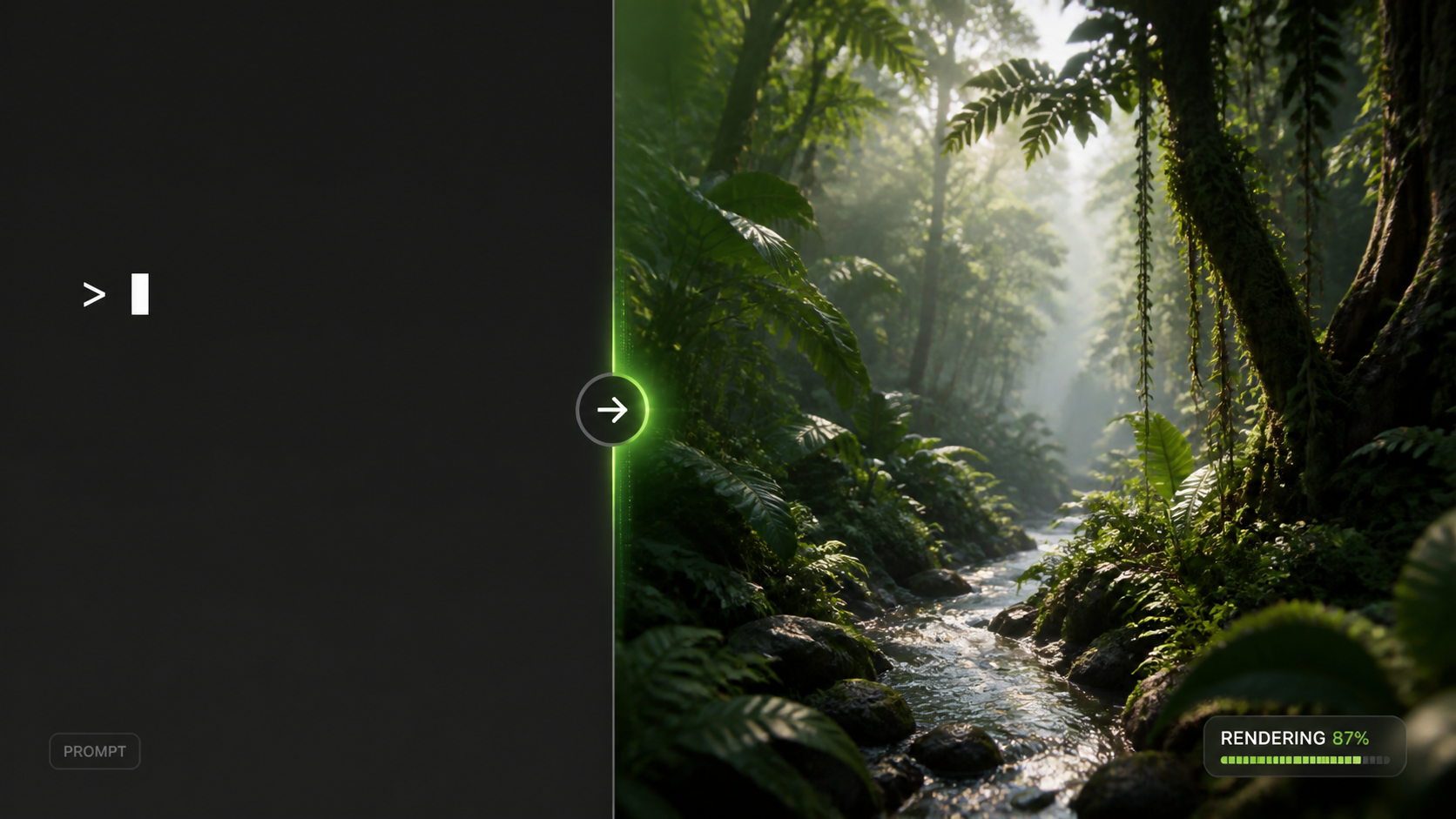
In early 2026, the release of Sora 2 marked a turning point for the industry. Unlike its predecessor, which occasionally struggled with complex physical interactions, the current iteration handles fluid dynamics and object permanence with startling accuracy. According to reports from The Conversation, Sora 2 makes the environmental impact of AI impossible to ignore, but it also provides a level of visual fidelity that was previously only possible with multi-million dollar CGI budgets.
Advanced Physics and Realism
When learning how to use text to video today, you will notice that the AI now understands "cause and effect." If a character in your prompt bites a cookie, the cookie will now consistently show the bite mark in the following frames—a major hurdle that was only recently overcome. This level of consistency is what separates the 2026 models from the experimental tools of the past two years.
Integration with Text to Speech
Modern workflows often combine multiple AI layers. As noted by Shopify, creators are increasingly using TikTok’s 2026 AI Voice features alongside video generators to create fully narrated advertisements and tutorials. This "multi-modal" approach allows a single user to act as a writer, director, and voice actor simultaneously.
Comparing the Top AI Video Generators of 2026
Choosing the right tool is essential for mastering how to use text to video effectively. The following table compares the leading platforms based on the latest testing data from Beebom.
| Platform | Primary Use Case | Max Resolution | Key Strength |
|---|---|---|---|
| Sora 2 (OpenAI) | Cinematic & Film | 8K | Hyper-realistic physics & consistency |
| Runway Gen-4 | Experimental Art | 4K | Advanced style transfer & motion control |
| Pika Pro 2026 | Animation & Social | 4K | Intuitive lip-sync & character rigging |
| TikTok Creative Lab | Short-form Ads | 1080p | Seamless integration with trending audio |
Environmental Impact and Energy Usage in 2026
As we embrace these powerful tools, the industry is facing a reckoning regarding power consumption. While text generation was the primary concern in previous years, video generation requires significantly more computational power. According to Forbes, the energy required to generate a single 60-second high-definition video can be equivalent to charging a smartphone hundreds of times.
The "Green Prompting" Movement
In response to these concerns, many 2026 platforms have introduced "Eco-Modes." These settings allow creators to generate lower-resolution previews that use less energy, only committing to high-power rendering once the composition is finalized. Researchers, as reported by Futurism, have found alarming trends in AI's power usage, leading to a push for more efficient transformer architectures that deliver the same visual quality with a smaller carbon footprint.
Sustainable Scaling
For businesses looking at how to use text to video at scale, sustainability is becoming a key metric. Large-scale studios are now auditing their "AI carbon debt," choosing platforms that run on 100% renewable energy data centers. This shift is not just ethical but increasingly regulatory, as new 2026 digital standards require transparency in AI-generated content production costs.
Advanced Techniques for Prompt Engineering
To truly master how to use text to video, one must understand the nuances of the 2026 prompting syntax. We have moved beyond simple descriptions into "Director-Level Prompting." This involves using specific terminology that the AI models have been trained on via millions of hours of cinematic footage.
Lighting and Atmosphere
Instead of saying "bright light," professional prompts now use terms like "Rembrandt lighting," "golden hour," or "volumetric fog." These keywords trigger specific rendering behaviors in the AI, resulting in depth and mood that generic prompts cannot achieve. For example, "A cyberpunk city under cinematic teal and orange color grading with heavy anamorphic lens flares" provides the AI with clear stylistic boundaries.
Camera Movement Commands
The 2026 models respond exceptionally well to camera movement instructions. Incorporating terms like "dolly zoom," "tracking shot," or "low-angle pan" allows you to control the viewer's perspective. When you understand how to use text to video with these commands, the output stops looking like a static image that moves and starts looking like a professionally directed scene.
The Future of Video Creation: What’s Next?
As we look toward the latter half of 2026 and into 2027, the line between "text to video" and "thought to video" is blurring. Brain-computer interfaces are in early testing, but for now, the keyboard remains our most powerful directorial tool. The democratization of video means that a teenager with a laptop can now produce a visual spectacle that rivals the output of major Hollywood studios from just a decade ago.
Personalized AI Media
We are seeing the rise of "dynamic video," where the text-to-video prompt is generated in real-time based on the viewer's preferences. This means a single advertisement could have thousands of variations, each tailored to the specific interests of the person watching it. Mastering these tools now puts you at the forefront of this personalized media revolution.
Is Sora 2 available to the public in 2026?
Yes, as of February 2026, OpenAI has transitioned Sora 2 from a closed beta to a tiered subscription model available to creators and enterprises worldwide. It includes enhanced safety filters to prevent the generation of harmful or copyrighted content.
How long does it take to generate an AI video?
In 2026, a standard 10-second high-definition clip typically takes between 2 to 5 minutes to render, depending on the complexity of the prompt and the server load. Premium users often have access to "Priority Rendering" which can cut this time in half.
Can I use AI-generated videos for commercial purposes?
Generally, yes, provided you are using a commercial license from the platform provider. However, you must ensure the content does not violate deepfake laws or intellectual property rights, which have become more strictly regulated in 2026.
What is the most common mistake when using text to video?
The most common mistake is providing a prompt that is too vague. Without specific instructions regarding lighting, camera angle, and art style, the AI often defaults to a "generic" look that lacks professional polish.
Do I need a powerful computer to run these tools?
No, most 2026 AI video generators are cloud-based. All the heavy computational lifting is done on remote servers, meaning you only need a stable internet connection and a standard web browser to create high-end video content.

Comments ()