
How to Use Text to Video AI: 2026 Complete Creator Guide
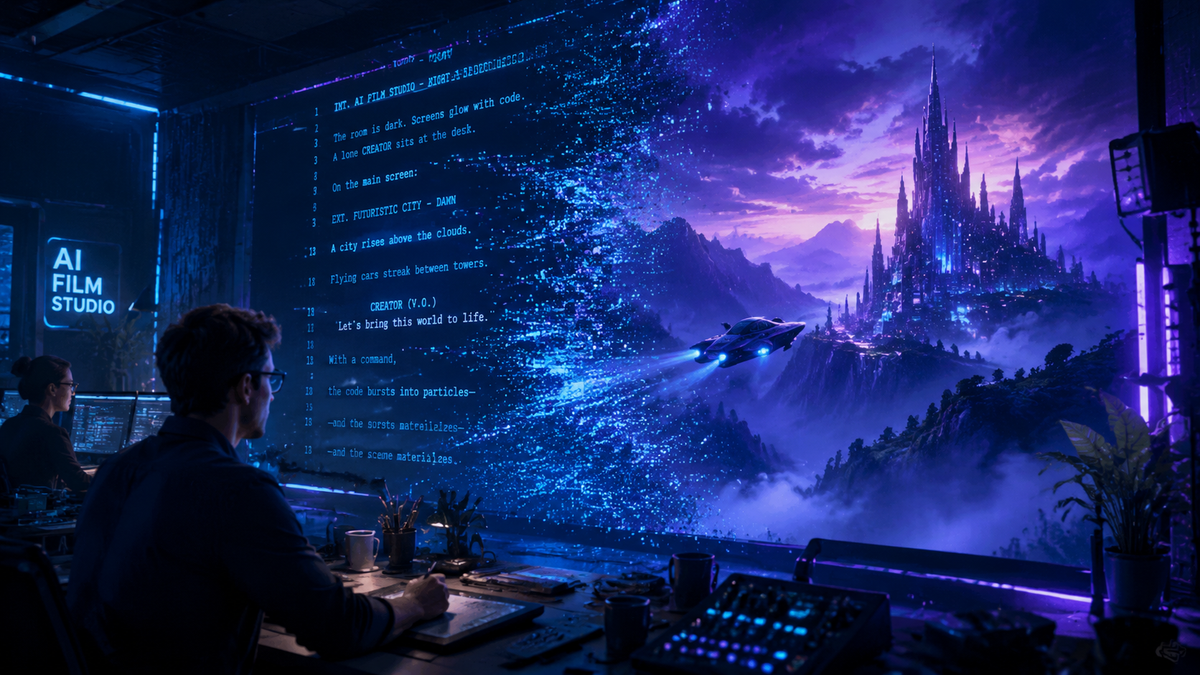
Learning how to use text to video AI involves selecting a generative platform, inputting a descriptive prompt, and refining the output through iterative editing to transform written words into high-quality cinematic footage. In 2026, this process has evolved from simple clip generation to sophisticated storytelling where AI interprets complex physics, lighting, and character consistency to produce professional-grade video content in minutes.
Text to video AI is a generative technology that uses deep learning models to synthesize motion graphics and cinematic sequences from natural language descriptions. By leveraging massive datasets of visual information, these tools allow creators to bypass traditional filming and animation processes, converting scripts directly into high-fidelity video files suitable for social media, marketing, and film production.
- ✓ Select a platform that supports high-resolution 4K output and consistent character modeling.
- ✓ Structure prompts using the "Subject-Action-Setting-Style" framework for optimal results.
- ✓ Utilize advanced features like "camera motion control" to direct the AI's virtual lens.
- ✓ Integrate AI video into existing workflows using tools like OCI Generative AI for data-driven insights.
The Evolution of Generative Video in 2026
As we navigate through 2026, the landscape of digital content creation has been fundamentally reshaped by generative intelligence. While the early 2020s were defined by static image generation, this year marks the maturity of temporal consistency—the ability for AI to keep a character or object looking the same from the first frame to the last. According to G2 Learning Hub, the best AI video generators of 2026 now prioritize user experience, allowing even non-technical creators to produce studio-quality visuals without a camera crew.
However, the industry has also seen significant shifts in leadership. While OpenAI's Sora initially dominated headlines in early 2026 for its hyper-realistic simulations, the market has become increasingly fragmented. Reports from IndieWire indicate that major partnerships, such as the deal between OpenAI and Disney, have dissolved as the industry pivots toward specialized, high-utility tools rather than all-in-one "slop" applications. This shift has opened the door for agile competitors like Mango AI and enterprise solutions from Oracle to define the professional standard for how to use text to video AI effectively.
The current state of the art emphasizes "Extracting Insights," a trend highlighted by Oracle Blogs regarding their OCI Generative AI integrations. Creators are no longer just making videos; they are using AI to analyze video data, automate metadata, and generate localized versions of content for global audiences. This holistic approach ensures that AI video is not just a novelty, but a core component of the modern digital economy.
Step-by-Step: How to Use Text to Video AI
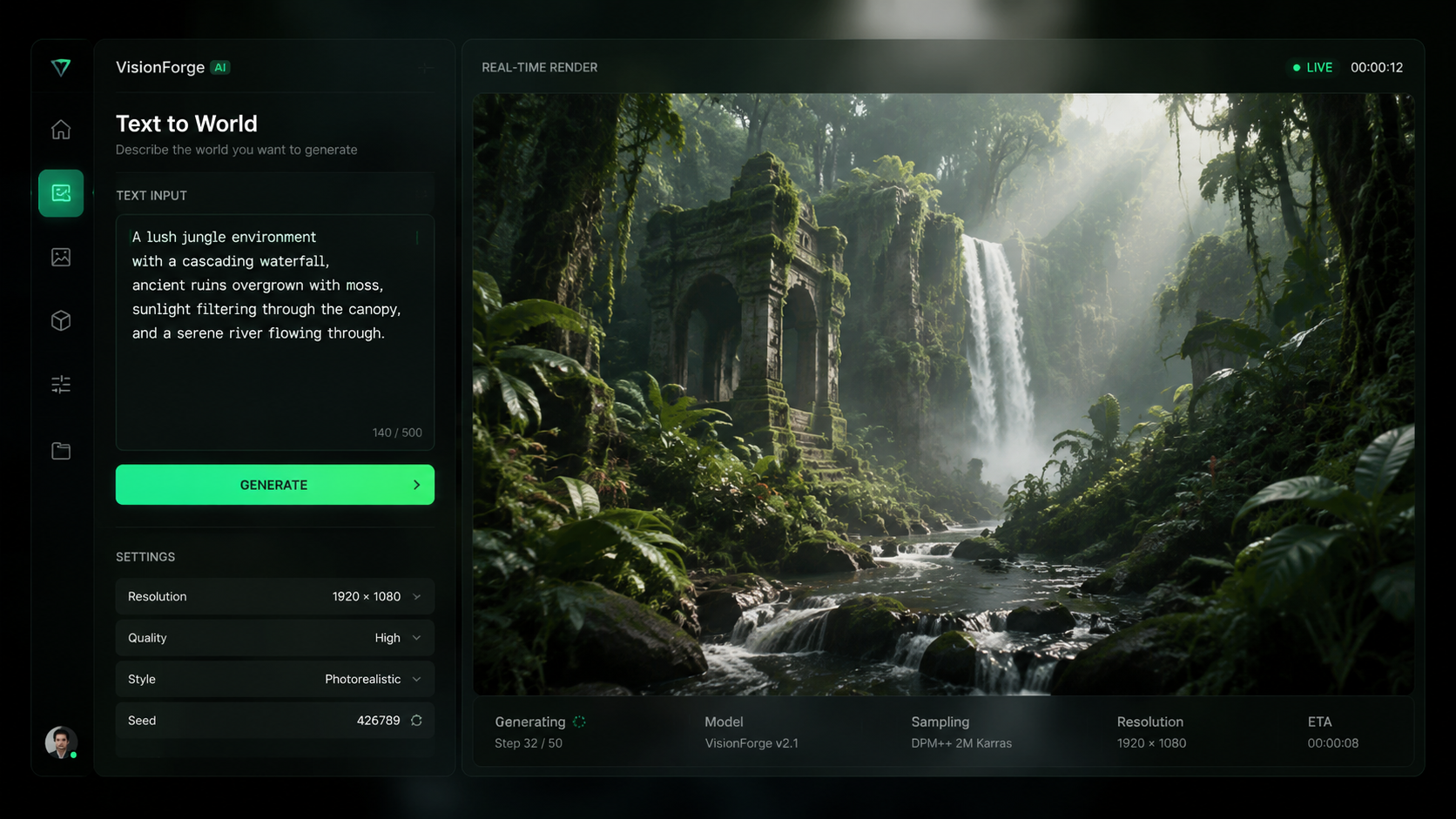
- Choose Your Platform: Select a tool based on your specific needs. Platforms like Mango AI are excellent for visualizing quick ideas, while enterprise-grade tools are better for long-form content.
- Write a Descriptive Prompt: Start with a clear subject (e.g., "A futuristic cyberpunk detective"), add an action ("walking through a neon-lit rainstorm"), and specify the cinematic style ("shot on 35mm film, anamorphic lens").
- Configure Technical Settings: Set your aspect ratio (16:9 for YouTube, 9:16 for TikTok), frame rate, and duration. Most 2026 tools now support up to 60fps for fluid motion.
- Generate and Review: Click generate and wait for the AI to render the initial "seed." Review the motion for any "hallucinations" or physics glitches.
- Iterate and Refine: Use "in-painting" tools to fix specific areas of the frame or adjust the prompt to change the lighting or camera angle.
- Export and Post-Process: Download the video in 4K resolution and bring it into a traditional editor for final color grading and sound design.
Comparing the Top AI Video Generators of 2026
Choosing the right tool is essential for mastering how to use text to video AI. The following table compares the leading platforms based on the latest research from G2 and industry reports.
| Platform | Primary Strength | Max Resolution | Best For |
|---|---|---|---|
| Mango AI | Idea Visualization | 4K Ultra HD | Social Media & Storyboarding |
| OCI Generative AI | Data Insights & Logic | 1080p / 4K | Enterprise & Analytics |
| Runway Gen-4 | Creative Control | 6K Raw | Professional Filmmaking |
| Luma Dream Machine | Physics Accuracy | 4K | Action Sequences |
Mastering Prompt Engineering for Video
The Anatomy of a High-Converting Video Prompt
To truly understand how to use text to video AI, one must master the art of the prompt. Unlike text-to-image, video prompts require a "temporal" element—you must describe how things change over time. A successful prompt in 2026 usually follows a structured hierarchy: [Subject] + [Action] + [Environment] + [Lighting/Camera] + [Artistic Style]. For example, "A golden retriever puppy chasing a butterfly through a sun-drenched meadow, slow-motion, low-angle tracking shot, vibrant colors, 8k resolution."
Avoid vague terms like "cool" or "good quality." Instead, use technical film terminology. Words like "dolly zoom," "bokeh," "chiaroscuro lighting," and "handheld camera shake" give the AI specific instructions on how to simulate the physical world. According to Mango AI, users who include specific camera movements in their prompts see a 40% increase in usable footage on the first render.
Handling AI Hallucinations and Physics Errors
Even in 2026, AI can occasionally struggle with complex human movements or objects merging. This is often referred to in the industry as "slop." When learning how to use text to video AI, it is important to know when to pivot. If a prompt isn't working, try breaking the scene into shorter 3-second clips. Shorter durations give the AI less room to lose track of the physical consistency of the scene. Many creators now use "negative prompts" to explicitly tell the AI what to avoid, such as "no distorted limbs" or "no flickering lights."
Advanced Workflows: Integrating AI into Professional Production
Professional creators in 2026 are moving beyond simple "one-shot" generations. The most effective way to use text to video AI is as part of a multi-stage pipeline. This often starts with using an LLM to script the scene, then using a text-to-image tool to establish the visual "style," and finally using those images as "Image-to-Video" references to ensure the AI maintains the exact look you desire. This "seed-based" workflow is the secret to creating a series of clips that look like they belong in the same movie.
Furthermore, the integration of AI video with cloud infrastructure has changed the game for businesses. Oracle Blogs highlights that OCI Generative AI is now being used to extract insights from generated video, allowing marketing teams to automatically tag products within an AI-generated scene or analyze viewer engagement patterns. This means your AI-generated content isn't just a visual asset; it's a data-rich tool that can be optimized for performance in real-time.
Ethical considerations also play a massive role in 2026. As Futurism reported earlier this year, the backlash against "AI slop"—low-effort, mass-produced content—has led to a demand for "Human-in-the-Loop" (HITL) workflows. This involves using AI to generate the heavy lifting of animation while humans handle the nuanced creative direction, ensuring that the final output feels intentional and artistic rather than robotic and repetitive.
Future Outlook: The Post-Sora Landscape
The landscape of AI video has shifted dramatically since the beginning of the year. While the "Sora" era at OpenAI faced challenges—culminating in the reported cancellation of their mainstream video app as noted by Futurism and IndieWire—the underlying technology has only grown more robust. The "AI Video Battle" is no longer about who has the biggest model, but who provides the most utility to the creator.
We are seeing a move toward "World Models," where the AI understands the actual laws of gravity and light rather than just predicting pixels. This means that by the end of 2026, the question of how to use text to video AI will be less about fighting the tool to get a good result and more about directing a digital environment that behaves exactly like the real world. For creators, this represents the ultimate democratization of cinema.
What is the best text to video AI tool in 2026?
While "best" depends on your needs, Mango AI is currently a leader for ease of use and visualization, while professional filmmakers often prefer Runway or Luma for their advanced control features. Enterprise users typically lean toward OCI Generative AI for its analytical capabilities.
Is OpenAI Sora still available?
According to reports from March 2024, OpenAI pivoted away from its standalone Sora consumer app and ended its major deal with Disney. However, the core technology continues to influence the industry through more specialized professional integrations.
How long does it take to generate an AI video?
In 2026, a standard 10-second high-definition clip typically takes between 60 to 90 seconds to render, depending on the complexity of the prompt and the server load of the platform being used.
Can I use AI-generated video for commercial purposes?
Yes, most premium platforms provide commercial usage rights with their subscriptions. However, you should always check the specific terms of service, especially regarding the use of "lookalike" characters or copyrighted styles.
How do I fix glitches in my AI video?
The best way to fix glitches is to use "in-painting" or "region-to-video" tools that allow you to highlight a specific area of the video and re-generate only that section while keeping the rest of the frame intact.

Comments ()