
How to Use AI for Video Color Grading: 2026 Expert Guide
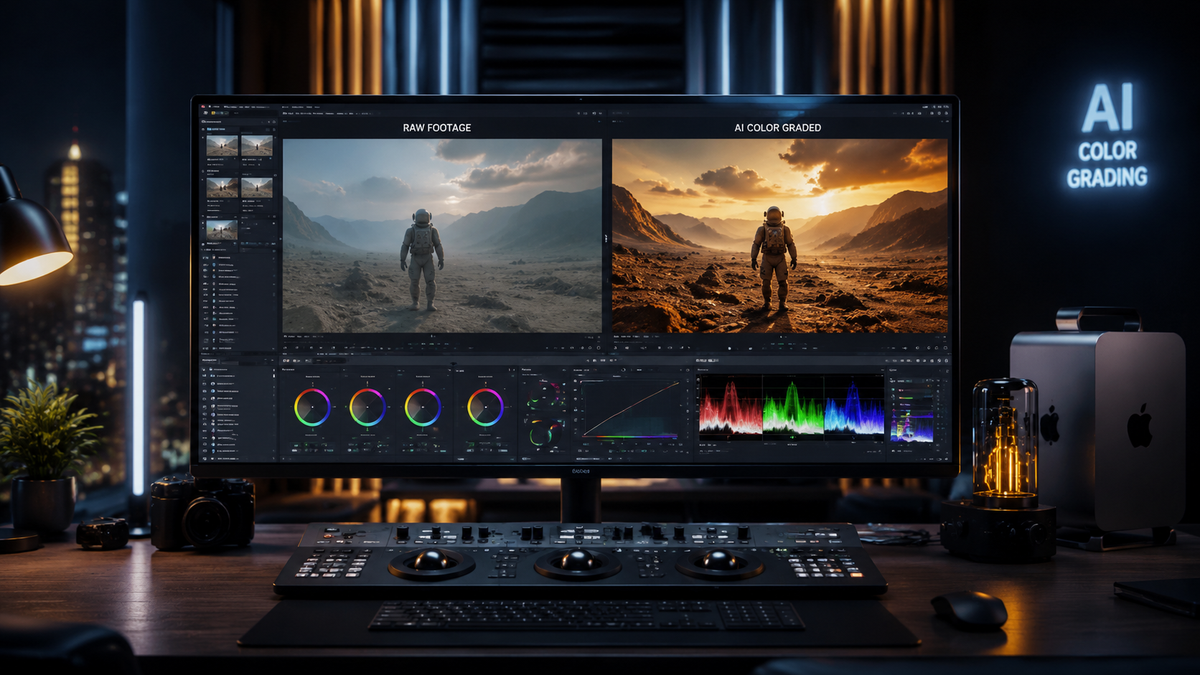
Learning how to use AI for video color grading in 2026 involves leveraging generative models and GPU-accelerated neural engines to automate the tedious process of shot-matching and primary corrections. By utilizing tools like Adobe Firefly’s reinvented color engine or Imagen Video’s adaptive grading, editors can now apply cinematic looks across entire timelines with a single click while maintaining natural skin tones. This modern workflow shifts the editor's role from manual wheel-turning to high-level creative direction, using AI to handle the technical heavy lifting of luminance and chrominance balancing.
AI video color grading is an automated post-production process that uses machine learning algorithms to analyze footage and apply professional-grade color corrections. In 2026, this technology is primarily driven by generative AI models that can interpret the emotional intent of a scene and match colors across disparate camera sensors instantly, significantly reducing manual grading time by up to 80%.
- ✓ AI-driven shot matching now supports cross-platform workflows between Premiere Pro and DaVinci Resolve.
- ✓ Real-time hardware acceleration via NVIDIA GPUs allows for 8K AI grading without proxy files.
- ✓ Generative color tools like Adobe Firefly can now "re-light" scenes digitally during the grading process.
- ✓ Adaptive AI models from Imagen Video provide personalized grading styles based on an editor's past project history.
Step-by-Step Guide: How to Use AI for Video Color Grading
The landscape of video editing has shifted dramatically in April 2026 with the release of new AI-powered creation tools. To master how to use AI for video color grading, you must first understand that the AI is no longer a simple filter; it is a collaborative partner that understands the context of your footage. Whether you are working on a commercial or a feature film, the following steps represent the gold standard for an AI-integrated color workflow.
- Ingest and Analyze: Import your raw footage into your NLE (Non-Linear Editor). Use the "Scene Analysis" feature, now standard in the 2026 updates of major software, to let the AI identify lighting conditions and camera metadata.
- Apply Global Normalization: Use an AI-driven normalization tool to convert LOG or RAW footage into a standardized color space (like Rec.709 or HDR10+). This ensures the AI has a clean baseline for creative grading.
- Select a Reference Style: Upload a reference image or select a "Generative Prompt" within tools like Adobe Firefly. Describe the mood, such as "moody cinematic blue hour" or "vibrant high-contrast commercial."
- Execute AI Shot Matching: Select your master clip and use the "Match All" function. The AI will analyze the color science of the master and apply it to every other clip in the sequence, accounting for variations in exposure and white balance.
- Refine with Neural Masks: Use AI-generated masks to isolate subjects. In 2026, these masks are frame-accurate and do not require manual rotoscoping, allowing you to grade the subject and background independently.
- Export with GPU Acceleration: Ensure your NVIDIA hardware acceleration is active to render the AI neural layers in real-time.
The Evolution of AI Color Grading in 2026
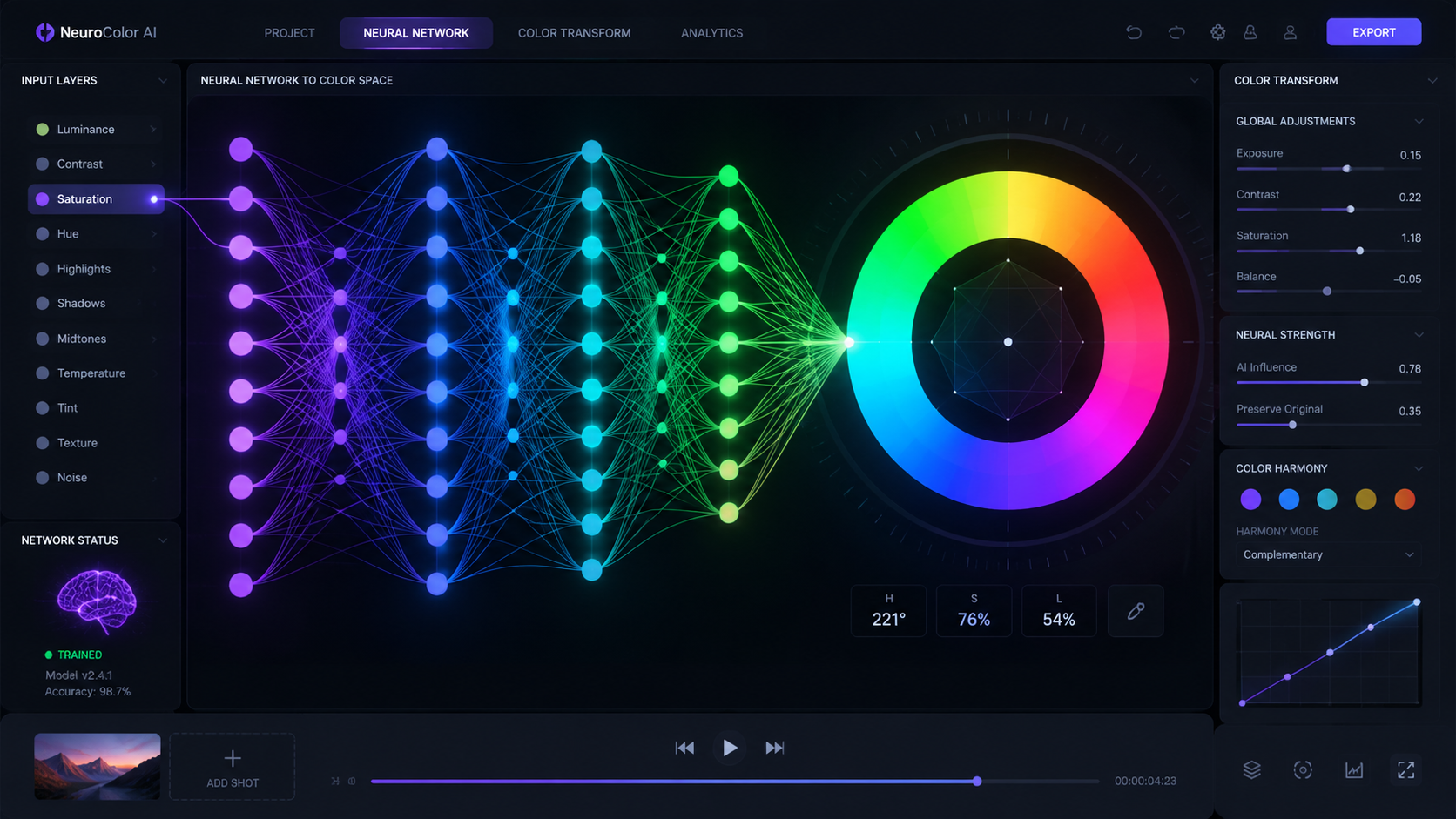
According to Adobe's latest announcements in April 2026, the company has reinvented color for editors by integrating Firefly directly into the Premiere Pro timeline. This isn't just about automation; it's about "unleashing new AI-powered creation." The new system allows editors to describe a look in plain English, and the software generates a custom LUT (Look Up Table) that is unique to that specific footage. This eliminates the "cookie-cutter" feel that early AI tools often produced.
Furthermore, the NVIDIA Blog recently highlighted that the new Adobe Premiere Color Grading Mode is fully accelerated on NVIDIA GPUs. This hardware-software synergy means that the complex mathematical calculations required for AI-driven color—which previously took minutes to render—are now happening at the speed of thought. Professional editors can now experiment with dozens of different aesthetic directions in the time it used to take to grade a single scene.
Comparing Top AI Color Grading Tools (2026)
As the market matures, several key players have emerged with distinct features. The following table compares the leading AI color grading solutions available as of April 2026.
| Tool Name | Primary AI Feature | Best For | Platform |
|---|---|---|---|
| Adobe Premiere (2026 Update) | Firefly Generative Color | General Editors & Content Creators | Windows / macOS |
| Imagen Video | Adaptive AI Grading | High-Volume Professional Studios | Cloud-Based / Plugin |
| DaVinci Resolve AI Engine | Neural Shot Matcher | Professional Colorists | Windows / macOS / Linux |
| NVIDIA Accelerated Mode | Real-time 8K AI Processing | High-End Production Houses | NVIDIA RTX Hardware |
Leveraging Adaptive AI for Professional Consistency
One of the most significant breakthroughs this year is the launch of Imagen Video’s Adaptive AI. As reported by ephotozine.com, this tool brings "Adaptive AI Color Grading to Professional Video Editors." Unlike static presets, adaptive AI learns from the editor. If you consistently warm up skin tones or crush blacks in a specific way, the AI observes these preferences and begins to suggest grades that match your personal "signature style."
This level of personalization is crucial for maintaining brand consistency across multiple projects. Jon Peddie Research notes that Adobe’s new AI-driven capabilities are specifically designed to reduce the "friction of technical mastery," allowing creators to focus on the narrative. For studios managing thousands of clips, the ability for an AI to maintain a consistent look regardless of which camera was used (e.g., matching a drone shot to a cinema camera) is a game-changer for 2026 workflows.
Advanced Techniques in How to Use AI for Video Color Grading
For those looking to push the boundaries, the "AI Editing Tool" recently released from beta (as noted by No Film School) offers features that challenge the dominance of Premiere and Resolve. This tool uses "Semantic Color Grading," which understands the objects within a frame. If the AI detects a "vintage car," it can suggest color palettes that were popular in the era that car was manufactured. This contextual awareness is the next frontier in video post-production.
Hardware Requirements for AI-Driven Grading
You cannot discuss how to use AI for video color grading without discussing hardware. The complexity of 2026 AI models requires significant local processing power. The NVIDIA Blog confirms that their latest drivers are optimized specifically for the new Premiere Color Grading Mode. Using Tensor Cores, these GPUs can handle the "re-lighting" features of Firefly, which involve simulating new light sources within a 2D video file.
Geek Vibes Nation suggests that the top video editing hacks in 2026 involve offloading background tasks to these AI cores. While the editor works on the cut, the AI is silently grading the clips in the background. By the time the rough cut is finished, a "First Pass" grade is already applied. This synergy between software like Adobe and hardware like NVIDIA has effectively doubled the output capacity of boutique editing houses over the last twelve months.
The Role of Generative AI in Creative Color
Generative AI is no longer just for creating images from scratch; it is now a transformative tool for existing pixels. Adobe’s April 15, 2026, announcement emphasized that Firefly is "reinventing color." This includes the ability to change the season of a shot—transforming a summer afternoon into a snowy winter morning—all within the color grading panel. This is achieved through generative fill technology applied to the luma and chroma channels of the video stream.
The Future of the Colorist Profession
With the rise of automated tools, many wonder if the role of the professional colorist is becoming obsolete. However, industry experts argue the opposite. The AI handles the "correction" (fixing white balance, exposure, and matching), while the human colorist focuses on the "grade" (the emotional and artistic storytelling). According to Jon Peddie Research, the demand for skilled editors who can manage AI workflows has increased by 40% in 2026.
Mastering how to use AI for video color grading means becoming a "Director of AI Operations." You are no longer just a technician; you are the curator of the AI’s output. You must know when the AI has over-saturated a scene or when its "adaptive" suggestions are veering too far from the director's vision. The human eye remains the final arbiter of taste, especially in high-stakes narrative filmmaking.
Is AI color grading better than manual grading?
AI color grading is significantly faster and more efficient for shot-matching and technical corrections. However, manual grading still offers a level of nuanced creative control that AI cannot fully replicate for high-end artistic projects in 2026.
What is the best AI tool for video color grading in 2026?
Adobe Premiere Pro with Firefly integration and Imagen Video are currently the top-rated tools. Premiere is best for integrated workflows, while Imagen Video excels at learning an editor's specific style over time.
Do I need an NVIDIA GPU for AI color grading?
While not strictly required, an NVIDIA GPU is highly recommended. Recent 2026 updates from Adobe and other developers are specifically optimized for NVIDIA’s AI architecture to allow for real-time 8K processing.
Can AI match colors between different cameras?
Yes, one of the strongest features of 2026 AI tools is the ability to analyze sensor data from different brands (like Sony, Canon, and Blackmagic) and perfectly match them to a single master look instantly.
Can AI change the lighting in a video?
New generative AI features released in April 2026, such as those in Adobe Firefly, allow editors to virtually re-light scenes by adjusting how light interacts with objects and subjects in the frame during the grading process.



Comments ()