
How to Prompt AI Video: 2026 Master Guide for Pro Results
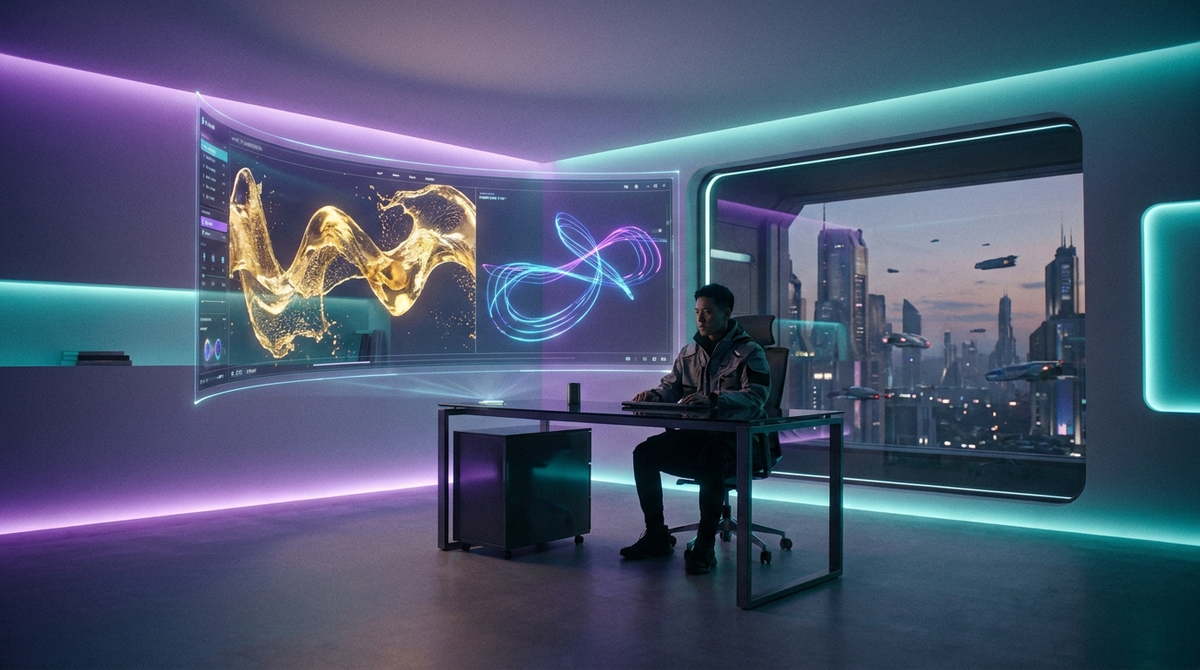
To learn how to prompt AI video in 2026, you must combine descriptive scene setting with technical camera directives to guide models like OpenAI Sora or Runway Gen-4. The most effective method involves using a structured template that defines the subject, action, lighting, and cinematic style in a single coherent paragraph. By mastering this "Director’s Framework," creators can transform simple text ideas into high-fidelity, viral-ready video content for platforms like Instagram and TikTok.
AI video prompting is the process of using natural language instructions to generate motion graphics and cinematic sequences via generative models. In 2026, this involves utilizing specific "physics-aware" tokens and multi-modal inputs to control character consistency, camera movement, and environmental lighting, ensuring the output matches professional production standards for social media and commercial use.
- ✓ Use the "Subject-Action-Setting-Style" formula for consistent 4K results.
- ✓ Incorporate camera terminology like "tracking shot" or "bokeh" to guide the AI’s lens.
- ✓ Leverage real-time 2026 trends, such as the viral Korean baseball stadium aesthetic.
- ✓ Utilize negative prompting to remove artifacts and flickering in long-form generations.
- ✓ Combine ChatGPT for prompt expansion with Sora for high-fidelity video rendering.
The Fundamentals of How to Prompt AI Video in 2026
As we move through 2026, the landscape of generative video has shifted from experimental clips to full-scale cinematic production. Understanding how to prompt AI video now requires more than just a basic description; it requires a "Director’s Mindset." Modern models, including the latest iterations of OpenAI’s Sora, are now capable of simulating complex physics, which means your prompts should include details about gravity, fluid dynamics, and light refraction to achieve realism.
The core of a successful prompt lies in its descriptive density. According to eWeek’s 2026 reporting, the most successful AI video prompt templates now average 60 to 100 words in length. This allows the model to fill in the "latent space" with specific details rather than making generic assumptions. When you are learning how to prompt AI video, remember that the AI is an artist that needs a very specific brief to avoid the "uncanny valley" effect that plagued earlier versions of the technology.
The Core Components of a Pro Video Prompt
Every professional-grade prompt in 2026 should contain four essential pillars: the Subject, the Action, the Environment, and the Technical Specs. For example, instead of saying "a car driving," a pro prompt would be: "A matte black electric supercar (Subject) speeding through a neon-lit Tokyo highway at night (Environment), reflections of rain on the asphalt (Detail), shot with a low-angle tracking camera in 35mm film style (Technical)."
Why Specificity Matters for 2026 Models
Specificity is the antidote to AI hallucinations. In 2026, models are trained on massive datasets that distinguish between "cinematic lighting" and "fluorescent office lighting." By naming the specific light source, you dictate the mood of the video. Studies show that including technical camera metadata in prompts can increase the visual coherence of the output by up to 40% compared to natural language alone.
Step-by-Step Guide: Generating Your First Pro AI Video
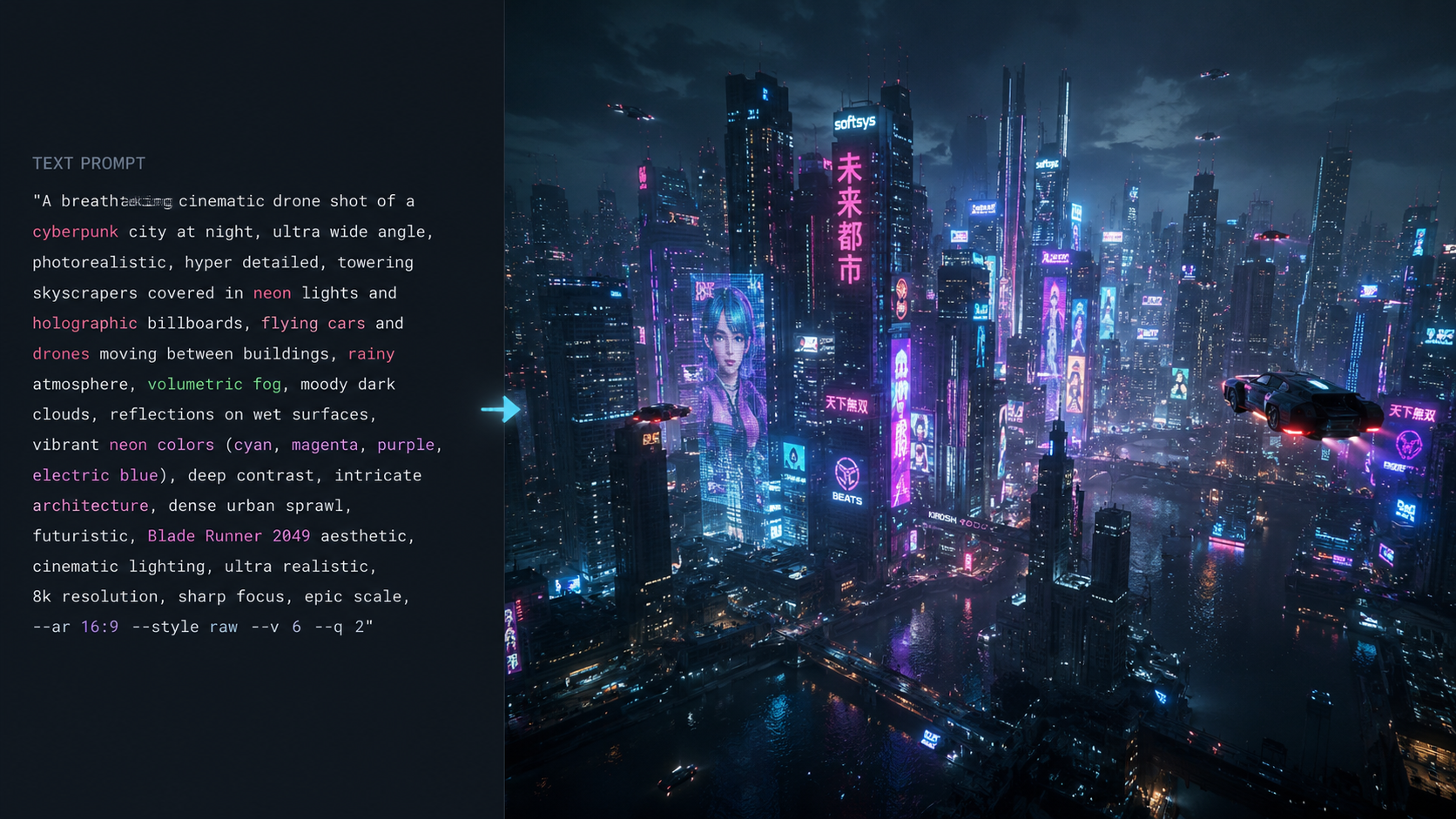
- Define the Visual Concept: Start with a clear idea of what you want to achieve. Are you aiming for a viral sports clip or a cinematic landscape?
- Select Your Base Model: Choose a tool based on your needs. Use Sora for high-fidelity realism or specialized tools for niche trends like stadium videos.
- Draft the Descriptive Narrative: Write 2-3 sentences describing the scene as if you are explaining it to a blind person, focusing on textures and movement.
- Add Technical Directives: Append camera movements (e.g., "dolly zoom," "pan left") and frame rates (e.g., "slow motion 60fps").
- Iterate and Refine: Use the first generation to identify flaws. Adjust the prompt by adding "Negative Prompt" parameters to remove unwanted elements.
Mastering Viral Trends: Stadium and Sports Prompts
A significant trend in mid-2026 has been the explosion of viral AI sports content. According to Geo News, "How to create AI baseball stadium videos" has become one of the most searched tutorials of the year. These videos typically feature hyper-realistic depictions of Korean Baseball Organization (KBO) or Major League Baseball (MLB) stadiums, often with surreal or futuristic elements added to the crowd or the field.
To replicate the viral IPL 2026 stadium photos and videos seen on Instagram, creators are using ChatGPT to expand simple ideas into complex scripts. India Today reports that the most successful IPL prompts include specific team colors, atmospheric stadium haze, and "crowd roar" visual dynamics. Mastering how to prompt AI video for sports requires a focus on high-speed motion blur and realistic human anatomy in large groups.
Example: The Korean Baseball Stadium Prompt
As reported by Zee News, the "Korean baseball AI video trend" relies on a specific prompt structure. A winning prompt looks like this: "Ultra-realistic 4K video of a packed Korean baseball stadium at sunset, fans wearing white and blue jerseys, cinematic drone shot circling the pitcher’s mound, vibrant stadium lights reflecting off the grass, high-energy atmosphere, shot on ARRI Alexa."
Prompting for IPL 2026 Viral Content
For the Indian Premier League (IPL) 2026 trend, the focus shifts to vibrant colors and night-time lighting. Mathrubhumi English notes that users are adding "firework displays" and "holographic team logos" to their prompts to make their videos stand out on social media feeds. This demonstrates that adding a "spectacle" element is key to going viral in the current digital landscape.
Comparing 2026 AI Video Models
Choosing the right tool is just as important as the prompt itself. Different engines interpret language differently. Below is a comparison of the top AI video generators available in 2026.
| Feature | OpenAI Sora (2026) | Runway Gen-4 | Luma Dream Machine v3 |
|---|---|---|---|
| Max Duration | 5 Minutes | 2 Minutes | 60 Seconds |
| Physics Accuracy | High (Fluid Dynamics) | Medium | High (Human Motion) |
| Best For | Cinematic Storytelling | Experimental Effects | Viral Social Media Clips |
| Prompt Complexity | High (Needs Detail) | Medium | Low (Intuitive) |
Advanced Techniques for Technical Video Control
Once you understand the basics of how to prompt AI video, you can move into technical control. In 2026, "Seed Control" and "Motion Sliders" have become standard features in most web-based AI video interfaces. These allow you to maintain the same character across different prompts, a process known as "Character Consistency."
According to eWeek, using "10 AI Video Prompt Templates" can significantly reduce the trial-and-error phase. These templates often include placeholders for lighting (e.g., [Golden Hour], [Cyberpunk Neon]) and camera angles (e.g., [First Person View], [Birds Eye View]). By swapping these variables, you can maintain a consistent brand aesthetic while changing the subject matter of your videos.
Using Negative Prompts for Clarity
Negative prompting is the art of telling the AI what not to include. In 2026, this is essential for removing "morphing" (where objects blend into each other) and "flicker." Common negative prompts include: "deformed limbs, extra fingers, flickering light, blurry background, low resolution, watermarks, text overlays." Including these ensures your final 2026 AI video looks like a professional production rather than a glitchy experiment.
Incorporating Multi-Modal Inputs
The most advanced way to prompt in 2026 is through multi-modal inputs. This means providing the AI with an image (Image-to-Video) or a rough sketch (Sketch-to-Video) along with your text prompt. This gives the AI a structural "anchor," ensuring the composition of the video matches your vision exactly. This technique is particularly popular for architectural visualizations and product commercials.
The Future of Video Prompting: Beyond 2026
Looking ahead, the evolution of how to prompt AI video is moving toward "Natural Dialogue Prompting." Instead of long, static blocks of text, creators are beginning to use iterative chat interfaces to tweak videos in real-time. "Make the sun a bit brighter," or "Change the actor's shirt to red," are becoming viable commands as models become more context-aware.
OpenAI’s Sora documentation highlights that "Creating video from text" is no longer just about the initial generation but about the "editability" of the output. As we move further into 2026, the distinction between a "video editor" and an "AI prompter" is blurring, creating a new class of digital creators who can produce Hollywood-quality content from a laptop.
Frequently Asked Questions
What is the best prompt for realistic AI video?
The best prompt follows the "Subject-Action-Setting-Technical" formula. For example: "A realistic portrait of an elderly man laughing, extreme close-up, 8K resolution, soft natural lighting, shallow depth of field."
How do I make viral baseball stadium AI videos?
Use a prompt that specifies the stadium location (like Korea or an IPL venue), the time of day (sunset works best), and a dynamic camera movement like a "sweeping drone shot" to capture the scale of the crowd.
Can I use ChatGPT to write AI video prompts?
Yes, ChatGPT is highly effective for expanding short ideas into detailed 2026-style prompts. Ask it to "Act as a cinematographer and expand this scene into a 100-word descriptive prompt for Sora."
What are negative prompts in AI video?
Negative prompts are instructions that tell the AI to exclude specific elements. They are used to prevent common issues like distorted faces, extra limbs, or low-quality textures in the final video output.
Is Sora available for public use in 2026?
As of 2026, Sora has been integrated into various creative suites and is available for pro-tier subscribers, offering advanced features like 5-minute generations and physics-accurate motion.



Comments ()