
How to Make AI Deepfake Videos: The 2026 Complete Guide
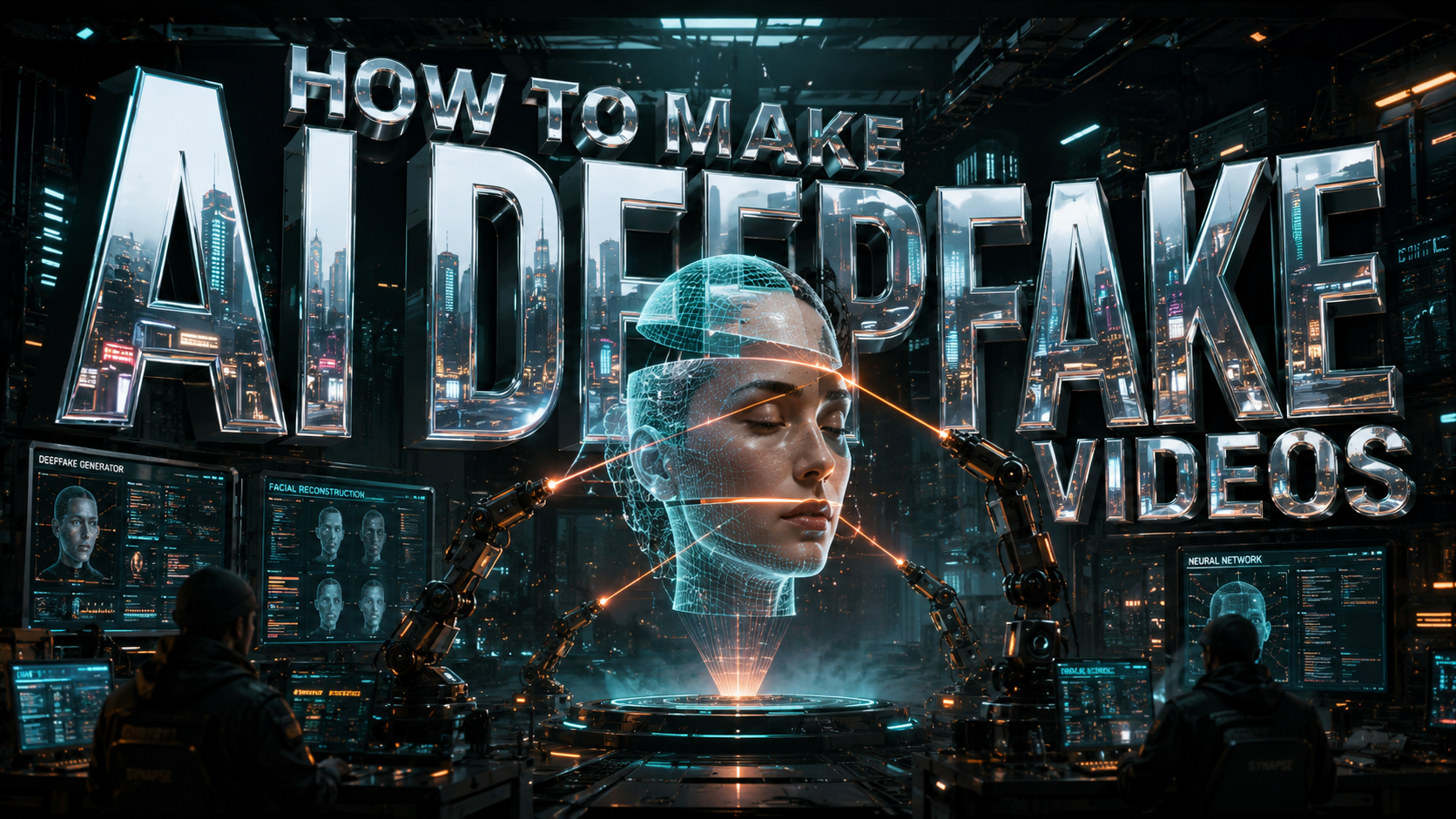
To learn how to make ai deepfake videos in 2026, you must select a generative AI platform, upload a high-quality source video of a target subject, and use a neural network to swap facial features or synchronize lip movements. The process has become increasingly streamlined through automated cloud-based tools and real-time rendering engines that require minimal technical expertise.
AI deepfake video creation is the process of using deep learning algorithms—specifically Generative Adversarial Networks (GANs)—to replace the likeness of one person with another in digital content. In 2026, this is primarily achieved through user-friendly mobile apps, professional cloud suites like Google's latest releases, or open-source desktop software that automates facial mapping and lighting consistency.
- ✓ Deepfake technology now supports real-time rendering for live video calls and broadcasts.
- ✓ High-quality datasets (clear photos and videos) are the foundation of a convincing deepfake.
- ✓ Ethical compliance and digital watermarking are now standard requirements for mainstream AI platforms.
- ✓ Leading tech companies like Google have released tools in May 2026 that simplify the "self-deepfake" process for content creators.
Step-by-Step: How to Make AI Deepfake Videos in 2026
The landscape of synthetic media has shifted dramatically. While 2024 and 2025 required significant manual tuning, the tools available in 2026 utilize "One-Shot" learning, meaning you can often generate a convincing video from just a single reference image. However, for professional-grade results, a more structured approach is necessary to ensure the lighting, shadows, and micro-expressions remain realistic.
Follow these steps to create your first high-fidelity synthetic video:
- Select Your AI Platform: Choose between a cloud-based consumer app (best for social media), a professional creative suite (like the new 2026 Google AI tools), or an open-source framework for maximum control.
- Gather Source Material: Collect 2-5 minutes of high-definition video of the "target" (the person whose face you want to use). Ensure the lighting is consistent and the subject looks in various directions.
- Upload the Base Video: This is the "driving" video. It contains the movements, speech, and environment where the deepfake will live.
- Map the Features: Use the software's "Auto-Align" feature to identify key facial landmarks such as the eyes, nose, and mouth. Modern 2026 tools now include "Deep-Mesh" mapping which tracks 3D depth.
- Train or Swap: Initiate the rendering process. For quick swaps, this takes minutes. For high-end "DeepFace" training, it may take several hours of GPU processing.
- Post-Processing and Refinement: Apply skin-texture filters and color matching to ensure the swapped face blends seamlessly with the original video's lighting.
- Export with Metadata: In compliance with 2026 transparency standards, ensure your video includes the necessary AI-generated metadata tags.
The Evolution of Deepfake Technology: 2026 Trends
As of mid-2026, the barrier to entry for synthetic media has virtually disappeared. According to a recent report by WIRED (May 19, 2026), Google has made it significantly easier for users to "deepfake themselves," providing tools that allow creators to generate localized versions of their content in different languages with perfect lip-syncing. This democratization of technology has turned what was once a specialized VFX task into a standard feature of the creator economy.
Real-Time Synthesis and Live Deepfakes
One of the most significant breakthroughs this year is the stability of real-time deepfakes. We are no longer limited to pre-recorded content. High-speed 6G networks and edge computing allow for the instantaneous overlay of digital personas during live streams. This has massive implications for the gaming and film industries, where actors can perform "digital makeup" sessions live on set.
The Rise of "Self-Deepfaking" for Productivity
In the corporate world, "how to make ai deepfake videos" is a query often typed by marketing professionals. Instead of filming new footage for every ad campaign, brands are using authorized deepfakes of their spokespeople. This allows a single 10-minute filming session to be turned into hundreds of personalized video messages, each addressing a different customer by name, while maintaining the exact likeness and tone of the original actor.
Comparing Top AI Deepfake Tools of 2026
Choosing the right tool depends on your technical skill level and the intended use of the video. The following table compares the leading categories of deepfake software available today.
| Tool Category | Best For | Processing Power | Ease of Use |
|---|---|---|---|
| Google AI Creator Suite (2026) | Personal Branding & YouTube | Cloud-Based | Very High |
| Open-Source (DeepFaceLab 3.0) | Cinematic Quality / Research | High-End Local GPU | Low (Technical) |
| Mobile "Face-Swap" Apps | Social Media / Memes | On-Device AI | Instant |
| Enterprise Synthetic Avatars | Corporate Training & HR | Cloud-Based | Moderate |
Legal and Ethical Considerations in 2026
While learning how to make ai deepfake videos is technically fascinating, the legal landscape has become much more stringent. According to UN Women (February 26, 2026), the rise of AI deepfake abuse remains a critical issue, highlighting that legal protections often lag behind the rapid pace of technological advancement. This has led to a global push for "Right to Likeness" laws that treat a person's digital face as their intellectual property.
Transparency and Disclosure Requirements
A study published in Nature: Communications Psychology (January 2, 2026) noted that AI-generated deepfake videos continue to exert significant influence on viewers even when transparency warnings are present. Because the human brain struggles to differentiate synthetic imagery from reality at a subconscious level, many platforms now mandate "burned-in" watermarks that identify the content as AI-generated. Failure to include these can result in immediate account de-platforming or legal fines.
Political and Social Impact
The 2026 midterm election cycle has already seen the impact of these tools. As reported by CNN (March 13, 2026), political groups have released AI deepfakes of candidates, such as James Talarico, to create "phony videos" for campaign purposes. This proliferation of synthetic misinformation has forced news organizations and social media giants to deploy advanced AI detection algorithms to verify the authenticity of political advertisements.
Security Risks: Protecting Yourself from Deepfake Scams
The same technology used for entertainment is being weaponized by bad actors. WGAL reported on May 5, 2026, that scammers are using AI technology to create "convincing deepfake videos" that impersonate family members or bank officials in "urgent" video calls. These scams have become so sophisticated that they can mimic the specific cadence and emotional triggers of the person being impersonated.
Warning Signs of a Deepfake Video
The National Council on Aging (NCOA) recently issued a warning (May 18, 2026) regarding deepfake scams targeting seniors. To stay safe, they recommend looking for the following "glitches" that still plague even the best AI models:
- Unnatural Blinking: Many AI models still struggle to replicate the irregular patterns of human blinking.
- Edge Distortions: Look closely at the area where the face meets the hair or the neck; blurring or "shimmering" often occurs here.
- Audio-Visual Mismatch: If the lip movements are slightly out of sync with the sound, or if the "plosive" sounds (P, B, T) don't match the mouth shape, it is likely a deepfake.
- Lighting Inconsistency: If the person’s face is lit from the left, but the background highlights are on the right, the video is likely synthetic.
Advanced Techniques: Mastering the "How to Make AI Deepfake Videos" Process
For those looking to move beyond basic apps and into professional-grade synthesis, mastering the "Latent Space" is key. In 2026, professional editors use a technique called "Latent Directional Manipulation." This allows the editor to change specific attributes of a deepfake—such as age, mood, or even the direction of the gaze—without re-rendering the entire sequence.
Improving Resolution with AI Upscalers
Most deepfake models generate faces at a resolution of 512x512 or 1024x1024. To make these look natural in a 4K or 8K video, creators use temporal AI upscalers. These tools don't just enlarge the pixels; they use "Temporal Coherence" to ensure that the added detail remains stable from one frame to the next, preventing the "jitter" commonly seen in amateur deepfakes.
The Importance of Audio Cloning
A deepfake video is only half the battle. To be truly convincing, you must also clone the subject's voice. Current 2026 voice synthesis tools require only about 30 seconds of audio to create a perfect vocal clone. When learning how to make ai deepfake videos, integrating these vocal models with "Lip-Sync GANs" is what creates the "uncanny valley" effect where the viewer can no longer distinguish the fake from the real.
Is it legal to make deepfake videos of celebrities?
In 2026, laws vary by region, but generally, creating deepfakes of celebrities for commercial use without their consent is illegal. Most platforms also have strict policies against non-consensual synthetic media, especially regarding adult content or political misinformation.
What is the best software for beginners to make deepfakes?
For beginners, the new 2026 Google AI tools and mobile apps like Reface or HeyGen are the best options. They offer "one-click" solutions that handle the complex neural network training in the cloud, requiring no specialized hardware from the user.
Can deepfakes be detected by AI?
Yes, there is a constant "arms race" between deepfake creators and detectors. Organizations use "Deepware" and other forensic tools to analyze blood flow patterns in the skin (chromatic changes) and eye reflections that AI often fails to simulate perfectly.
How long does it take to render a high-quality deepfake?
While basic swaps are instant, a high-quality, professional deepfake typically takes between 2 to 6 hours of rendering on a modern 2026 workstation. Cloud-based enterprise solutions can reduce this to under 30 minutes through parallel processing.
Do I need a powerful computer to make AI videos?
Not necessarily. While local software like DeepFaceLab requires a powerful GPU, most users in 2026 utilize cloud-based platforms where the heavy computational lifting is done on remote servers, allowing you to create videos on a standard laptop or smartphone.
The ability to create synthetic media is a powerful tool for creativity, education, and accessibility. However, as we have seen throughout 2026, it carries significant responsibility. Whether you are using these tools for personal branding or cinematic storytelling, always prioritize consent and transparency to ensure the technology is used for its intended positive impact.

Comments ()