
Invideo vs Canva Video AI Review 2026: Which Is Better?
When choosing between invideo vs canva video ai review, the decision depends on whether you need a full-scale AI video agent or a versatile design suite with integrated video tools. In 2026, Invideo AI excels at generating complete, narrated videos from a single text prompt, while Canva Video AI focuses on enhancing creative workflows with generative elements and brand consistency. For most content creators, Invideo is the superior choice for high-volume video production, whereas Canva remains the king of multi-channel marketing design.
Invideo AI is a specialized generative video platform that uses an AI agent to script, voice, and edit videos automatically. Canva Video AI is a feature-rich design platform that integrates AI into its existing video editor for creative enhancements. While Invideo is better for YouTube and social media automation, Canva is ideal for brand-centric marketing assets.
- ✓ Invideo AI uses a sophisticated "AI Agent" to handle the entire production pipeline from a text prompt.
- ✓ Canva Video AI offers superior brand kit integration and multi-format design capabilities.
- ✓ Invideo provides access to a massive library of 100M+ premium stock assets through partnerships.
- ✓ Canva’s "Magic Media" is better for generating specific AI images and short clips within a layout.
- ✓ Pricing for both platforms has shifted toward credit-based AI usage models in 2026.
How to Choose and Use AI Video Tools in 2026
Navigating the landscape of generative video requires a clear understanding of your production goals. As AI models have matured, the "how-to" of video creation has shifted from manual timeline editing to prompt engineering and iterative refinement. Whether you are a small business owner or a dedicated YouTuber, the process of using these tools follows a streamlined path designed to minimize technical friction.
- Define your objective: Determine if you need a video generated from scratch (Invideo) or if you are enhancing existing brand assets (Canva).
- Input your prompt: Use descriptive language to define the tone, audience, and platform (e.g., "Create a 60-second TikTok about 2026 travel trends in Tokyo").
- Select your AI voice and style: Choose from hyper-realistic AI narrators and visual styles that match your brand identity.
- Review and Edit: Use text-based commands to make changes, such as "make the background music more upbeat" or "replace the second clip with a city skyline."
- Export and Optimize: Download your video in the appropriate resolution, ensuring it meets the specific metadata requirements for your target platform.
According to a 2026 report by Exploding Topics, the demand for AI-generated video content has increased by over 140% compared to previous years, making the efficiency of your workflow the most critical factor in staying competitive. By following these steps, you can reduce production time from hours to mere minutes.
Invideo vs Canva Video AI Review: Feature Comparison
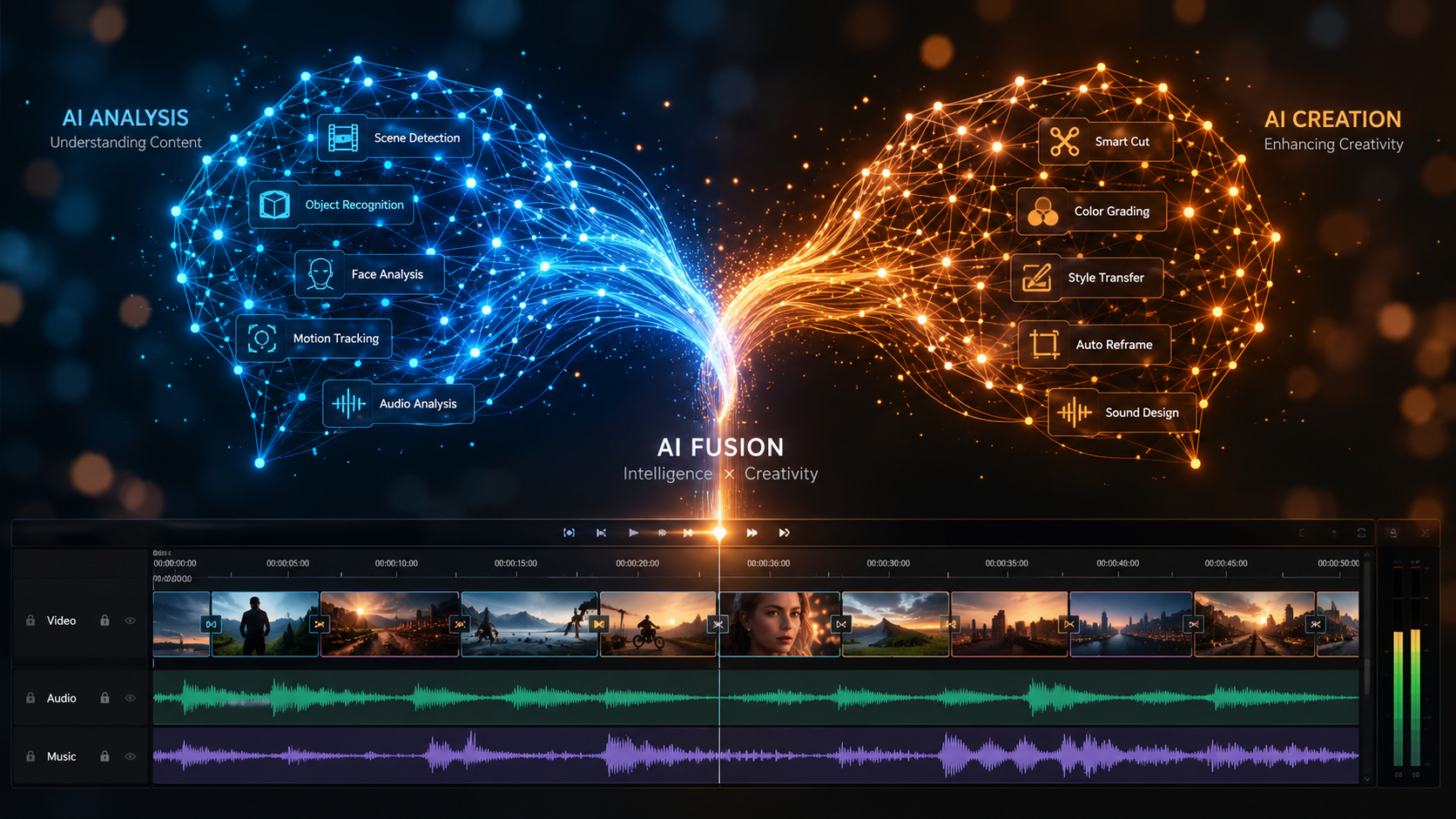
To truly understand which platform fits your workflow, we must look at the technical specifications and the depth of their AI capabilities. In 2026, the gap between "editing software" and "generative agents" has widened. Invideo has leaned heavily into the agentic model, where the AI acts as your producer, director, and editor. Canva, meanwhile, has doubled down on being the "all-in-one" workstation for teams.
| Feature | Invideo AI (2026) | Canva Video AI (2026) |
|---|---|---|
| Primary AI Engine | Autonomous AI Video Agent | Magic Media & Magic Switch |
| Content Creation | Prompt-to-Video (Full Production) | Design-to-Video (Asset Enhancement) |
| Stock Library | 100M+ (iStock, Storyblocks, etc.) | Canva Pro Library (Internal) |
| Voiceovers | Ultra-Realistic Humanoid AI Voices | Basic Text-to-Speech / Uploaded |
| Best For | YouTube, Documentary, Faceless Channels | Social Media Ads, Presentations, Brands |
| Ease of Use | High (Text-based commands) | High (Drag-and-drop interface) |
As noted by Unite.AI in their latest review, Invideo’s ability to build videos with an AI agent in minutes has revolutionized the "faceless" content creator economy. On the other hand, Tom's Guide highlights that after 200 hours of testing, Canva remains the most user-friendly entry point for non-video professionals who need to maintain strict brand guidelines across different media types.
The Power of the Invideo AI Agent
The standout feature of Invideo in 2026 is its autonomous AI agent. Unlike traditional editors where you drag clips onto a timeline, Invideo allows you to interact with your project through a chat interface. You can tell the AI to "add a joke about technology in the middle" or "change the narrator to a British female voice," and the system re-renders the specific segment instantly. This level of granular control through natural language is what sets it apart in this invideo vs canva video ai review.
Furthermore, Invideo’s integration with premium stock footage providers ensures that the visual quality is professional-grade. In 2026, the AI doesn't just pick random clips; it analyzes the sentiment of the script and matches it with visually coherent footage. This reduces the "uncanny valley" effect often found in cheaper AI video generators. For those looking to scale a YouTube channel, this tool provides a level of automation that was previously impossible without a large team of editors.
According to CNET, Invideo has been ranked as one of the best AI video generators of 2026 specifically for its ability to handle long-form content. While many AI tools struggle with videos longer than 60 seconds, Invideo comfortably generates 10-minute scripts with consistent pacing and thematic continuity. This makes it a powerhouse for educational content and corporate training videos.
Canva’s Creative Suite and Magic Media
Canva’s approach to AI video is fundamentally different. It is built for the "Prosumer" who needs to create a variety of assets—not just video. The Magic Media tool in Canva allows users to generate short AI video clips (up to 10 seconds) from text, which can then be integrated into larger designs. This is perfect for creating unique backgrounds or B-roll that doesn't exist in stock libraries. The strength of Canva lies in its ecosystem; you can turn a presentation into a video with one click using the "Magic Switch" feature.
In 2026, Canva’s brand kit features are more robust than ever. For businesses, this means the AI video generator automatically applies your brand colors, fonts, and logos to every video created. While Invideo is great for "one-off" content, Canva is the superior tool for maintaining a cohesive visual identity across a global team. The collaborative features in Canva also allow multiple users to edit a video project in real-time, a feature that Invideo’s agentic model is still catching up to.
G2 Learn Hub recently praised Canva for its accessibility, noting that it remains the top choice for marketers who need to produce high-quality social media ads without a background in cinematography. The 2026 updates to Canva's AI have improved the "Magic Edit" feature, allowing users to swap objects within a video clip—such as changing a coffee cup to a branded mug—with surprising accuracy.
Pricing and Value for Money in 2026
The cost of AI video production has stabilized in 2026, but the two platforms use different billing philosophies. Invideo typically operates on a subscription model that grants a certain number of "AI minutes" per month. This is ideal for heavy users who are producing multiple videos per week. For those on the free tier, Invideo offers a generous preview mode, but exports usually require a paid plan to remove watermarks and access premium stock.
Canva follows the "Canva Pro" model, which includes its entire suite of design tools. However, in 2026, they have introduced "Magic Credits" for intensive AI tasks like video generation and complex image editing. This means that while your basic subscription covers the editor, high-volume AI usage may require credit top-ups. For a small business that already uses Canva for Instagram posts and flyers, the added cost of video AI is negligible compared to subscribing to a second specialized service.
Research from Memeburn indicates that when comparing the 23 best free AI tools of 2026, Canva’s free tier remains the most feature-complete for beginners, while Invideo’s paid tiers offer the best ROI for professional creators. If your primary goal is monetization on platforms like YouTube, the "per minute" cost of Invideo is often offset by the significant reduction in labor costs for scriptwriting and editing.
Final Verdict: Which Tool Should You Use?
Choosing between invideo vs canva video ai review results comes down to your specific output needs. If you are a solo creator looking to dominate YouTube or TikTok with high-quality, narrated content, Invideo AI is the clear winner. Its ability to act as a full-service production house through a simple chat box is unmatched in 2026. It handles the heavy lifting of storytelling, allowing you to focus on strategy and distribution.
Conversely, if you are a marketer, a social media manager, or a business owner who needs to create a wide variety of visual content, Canva is the better investment. Its AI video features are powerful enough for high-quality ads and internal communications, and they live within the same ecosystem as your print designs, presentations, and brand assets. Canva’s strength is its versatility and the seamless way it incorporates AI into a traditional design workflow.
Ultimately, both tools represent the pinnacle of AI video technology in 2026. They have moved past the era of glitchy, experimental clips and into the era of reliable, professional-grade production. Whether you choose the autonomous agent of Invideo or the creative suite of Canva, you are well-equipped to meet the growing demand for digital video content.
Is Invideo AI better than Canva for YouTube?
Yes, Invideo AI is generally better for YouTube because it can generate long-form scripts, provide professional narration, and automatically source B-roll for 10-15 minute videos. Canva is better suited for shorter YouTube Shorts or channel branding assets.
Can I use my own voice in these AI video tools?
Both platforms allow for voice uploads in 2026. Invideo also offers advanced "Voice Cloning" features where you can train the AI on your own voice to narrate generated scripts, while Canva focuses more on traditional audio uploads and basic text-to-speech.
Which tool is easier for a complete beginner?
Canva is slightly easier for those familiar with drag-and-drop design. However, Invideo is easier for those who prefer "prompting" over "designing," as you can create a full video just by typing a description without touching a single editing knob.
Do these tools provide copyright-free music?
Yes, both Invideo and Canva provide extensive libraries of licensed, royalty-free music. In 2026, their AI systems also help match the tempo and mood of the music to the visual transitions in your video automatically.
Are the AI-generated videos realistic in 2026?
AI video has improved significantly. Invideo uses high-quality stock footage which is 100% realistic, while Canva’s Magic Media can generate synthetic video clips that are increasingly difficult to distinguish from real footage, though they are usually limited to shorter durations.



Comments ()