
How to Generate 4K AI Video: 2026 Ultimate Pro Guide
To learn how to generate 4k ai video in 2026, you must utilize high-fidelity diffusion models like Kling AI, Google Veo 3.1, or local hardware-accelerated workflows using NVIDIA RTX GPUs and ComfyUI. The process involves selecting a model capable of native 4K output or using an AI-driven upscaling pipeline to reach a resolution of 3840 x 2160 pixels while maintaining temporal consistency. By leveraging the latest 2026 updates in motion control and spatial reasoning, creators can now produce cinema-grade footage from simple text prompts or image references.
4K AI video generation is the process of using deep learning models to synthesize high-resolution video sequences at 3840x2160 resolution. In 2026, this is achieved through native 4K diffusion models like Kling or Google Veo 3.1, or via local hardware acceleration on NVIDIA RTX PCs using LTX-2 and ComfyUI for professional-grade, flicker-free results.
- ✓ Native 4K generation is now available through cloud platforms like Kling and Google Veo 3.1.
- ✓ Local 4K production has been revolutionized by NVIDIA RTX acceleration and the LTX-2 model.
- ✓ Adobe Firefly now offers unlimited video generations for professional creative workflows.
- ✓ Temporal consistency and "Ingredients to Video" controls allow for precise cinematic directing.
Step-by-Step: How to Generate 4K AI Video in 2026
The landscape of artificial intelligence has shifted from experimental clips to full-scale commercial production. Whether you are a solo creator or part of a global agency, the steps to achieving ultra-high-definition output remain consistent across the leading platforms of 2026. Following a structured workflow ensures that your resolution doesn't come at the cost of visual artifacts or "hallucinations" in the video frames.
- Select Your 4K Engine: Choose between a cloud-based provider like Kling (for native 4K) or a local setup using NVIDIA RTX hardware if you require maximum privacy and customization.
- Craft a High-Density Prompt: Use descriptive language that specifies lighting (e.g., "volumetric cinematic lighting"), camera movement ("slow dolly zoom"), and texture details to give the AI enough data to fill the 4K canvas.
- Configure Resolution Settings: In your tool of choice, select the 16:9 aspect ratio and toggle the "Native 4K" or "High Fidelity" mode. If using Google Veo 3.1, utilize the "Ingredients to Video" feature for enhanced consistency.
- Generate and Iterate: Produce a low-resolution preview first to check for motion accuracy. Once the movement is verified, commit to the full 4K render.
- Post-Processing and Upscaling: If your base model generates at 1080p, use an AI video enhancer like Topaz or the built-in NVIDIA RTX Super Resolution tools to upscale the final file to 4K.
The Rise of Native 4K AI Video Platforms
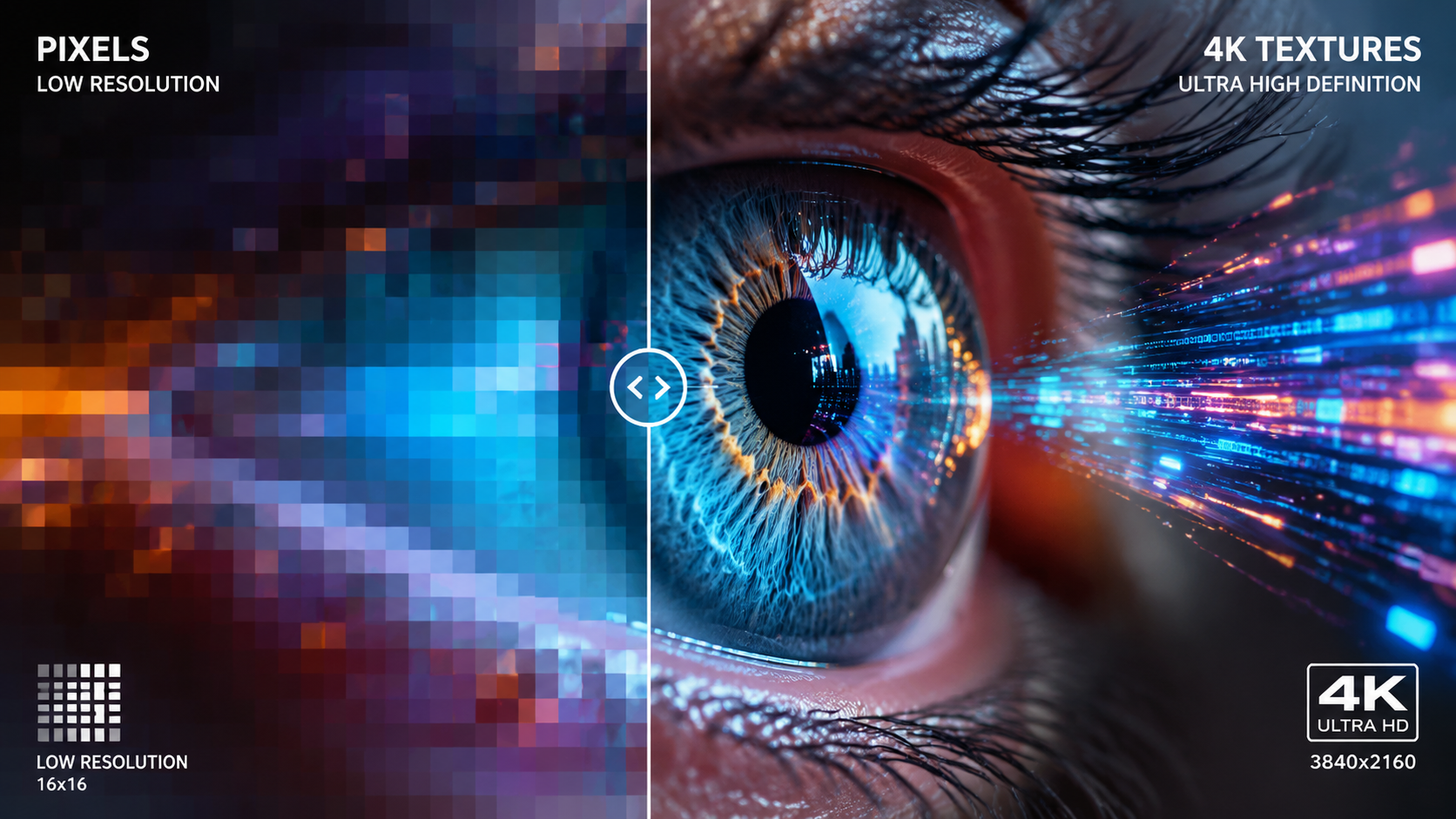
In early 2026, the industry reached a significant milestone. According to Pandaily, the release of Kling Native 4K Generation officially "broke the AI video commercial quality ceiling." Unlike previous iterations that relied on heavy upscaling—which often resulted in a "shimmering" or "plasticky" look—native 4K models calculate every pixel of the 3840x2160 frame simultaneously. This results in sharper textures, more realistic human skin pores, and environmental details that hold up on large cinema screens.
Kling AI and the Commercial Standard
Kling has positioned itself as the go-to for high-end advertising. By focusing on spatial consistency, Kling allows users to maintain the identity of characters across multiple 4K shots. This is vital for 2026 workflows where AI video is no longer just a gimmick but a cost-saving measure for B-roll and background plates in major film productions.
Google Veo 3.1: Consistency and Control
Google’s recent updates to Veo 3.1 have introduced what the company calls "Ingredients to Video." As reported by the Google Blog in January 2026, this update focuses on three pillars: consistency, creativity, and control. Veo 3.1 allows users to feed specific "ingredients"—such as a character's face, a color palette, or a specific architectural style—into the model to ensure that the 4K output remains visually coherent across an entire sequence.
Local 4K Generation: NVIDIA RTX and ComfyUI
For professionals who prefer to work offline or require absolute control over their data, local generation has seen a massive boost. In March 2026, TweakTown reported that NVIDIA and ComfyUI have streamlined local 4K AI video generation on GeForce RTX hardware. This move allows creators to bypass subscription fees and cloud wait times by utilizing the massive parallel processing power of modern GPUs.
According to the NVIDIA Blog, the integration of the LTX-2 model with ComfyUI upgrades has made it possible to generate high-frame-rate 4K video directly on a consumer PC. By using TensorRT acceleration, the time required to render a 5-second 4K clip has been reduced by nearly 60% compared to late-2025 benchmarks. This local workflow is particularly popular among VFX artists who use AI to generate base layers for further compositing in tools like Nuke or After Effects.
| Feature | Google Veo 3.1 | Kling AI | NVIDIA RTX / LTX-2 | Adobe Firefly Video |
|---|---|---|---|---|
| Primary Access | Cloud / Google Cloud | Web / API | Local Hardware (PC) | Creative Cloud App |
| Max Resolution | Native 4K | Native 4K | Up to 8K (Upscaled) | 4K (Optimized) |
| Key Strength | Temporal Consistency | Commercial Realism | Privacy & Speed | Workflow Integration |
| Pricing Model | Tiered Subscription | Pay-per-credit | One-time Hardware Cost | Unlimited for Subs |
Adobe Firefly: The Professional Creative's Choice
Adobe has not remained idle in the race for 4K dominance. In December 2025, Adobe announced that Firefly would offer unlimited generations for its video models, a policy that has carried into 2026. The focus for Adobe is not just on "how to generate 4k ai video," but how to integrate that video into a professional timeline. Firefly’s 4K output is specifically tuned to match the color science of traditional cinema cameras, making it easier for editors to color grade AI clips alongside raw footage.
Integration with Premiere Pro and After Effects
The 2026 suite of Adobe tools allows for "Generative Extend," where Firefly can take a 4K clip and extend the beginning or end by several seconds. This is a game-changer for editors who find themselves "short" on a transition. Because the model understands the 4K metadata, the extended frames are indistinguishable from the original high-resolution source.
The Ethical and Legal Safety Net
One of the primary reasons enterprises choose Adobe for 4K generation is the legal indemnity. Adobe trains Firefly on licensed and public domain content, ensuring that the 4K video generated is "commercially safe." For 2026 marketing campaigns, this peace of mind is often as valuable as the resolution itself.
Advanced Techniques for 4K AI Video Optimization
Generating a 4K file is only half the battle; ensuring it looks professional requires advanced prompting and post-production techniques. Experts in 2026 are increasingly using "multi-pass" generation. This involves creating a base 1080p video to establish motion, then using a "Video-to-Video" 4K diffusion pass to add high-frequency details like skin textures, fabric weaves, and environmental particles.
Prompt Engineering for 4K Clarity
To get the most out of your 4K model, your prompts should include technical camera specifications. Using terms like "shot on 35mm anamorphic lenses," "f/1.8 aperture," and "8k sensor downsampled to 4k" tells the AI to emulate the visual characteristics of high-end hardware. This reduces the "flat" look often associated with lower-quality AI models.
Managing Temporal Consistency
The biggest challenge in 4K is preventing "boiling" or flickering in the details. Tools like Google Veo 3.1 use advanced flow matching to ensure that a pixel in frame 1 stays logically connected to its position in frame 24. When generating 4K video, it is recommended to use a lower "motion bucket" setting if the scene is static, as this focuses the AI's compute power on detail rather than frantic movement.
Hardware Requirements for 2026 AI Video
If you are opting for the local route via NVIDIA RTX, your hardware specs matter more than ever. The LTX-2 model, while optimized, still demands significant VRAM to process 4K frames. Professionals are currently recommending a minimum of 24GB of VRAM (found in the RTX 3090/4090/5090 series) to handle the diffusion noise latents at 4K resolution without crashing.
Studies show that using dedicated AI Tensor Cores can speed up the "denoising" phase of 4K video generation by up to 4x compared to traditional CUDA processing. For those without high-end local rigs, cloud-based GPUs (like those offered by Lambda Labs or RunPod) have become the standard for scaling 4K production in 2026.
Is it possible to generate 4K AI video for free?
While some platforms offer limited free trials, high-quality 4K generation is computationally expensive and usually requires a paid subscription or high-end local hardware. Adobe Firefly offers unlimited generations for its subscribers, and local models like LTX-2 are free to use if you own the necessary NVIDIA RTX hardware.
What is the best AI model for 4K video in 2026?
For commercial-grade realism, Kling AI is currently considered the leader in native 4K output. However, Google Veo 3.1 is preferred by creators who need strict temporal consistency and control over specific "ingredients" within the video sequence.
How long does it take to generate a 4K AI video?
On a cloud platform like Kling, a 5-second 4K clip typically takes 2 to 5 minutes to render. Using a local NVIDIA RTX PC with ComfyUI and LTX-2, this time can be reduced to under 90 seconds depending on the complexity of the prompt and the GPU model.
Can I convert my existing 1080p AI videos to 4K?
Yes, you can use AI upscaling tools such as Topaz Video AI or NVIDIA RTX Super Resolution. These tools use specialized models to "fill in" the missing pixels, effectively turning 1080p footage into 4K while reducing noise and sharpening edges.
Are 4K AI videos copyrightable in 2026?
The legal landscape in 2026 remains complex, but generally, the human-authored prompt and the specific creative direction provide some level of protection. Using "commercially safe" models like Adobe Firefly ensures you have the rights to use the output in professional projects without infringing on existing copyrights.
As we move through 2026, the barrier between "AI-generated" and "human-filmed" continues to dissolve. By mastering the tools and workflows outlined in this guide, you can stay at the forefront of the digital revolution, producing 4K content that was once the exclusive domain of multi-million dollar film studios.



Comments ()