
How to Create a Talking Avatar Video AI in 2026
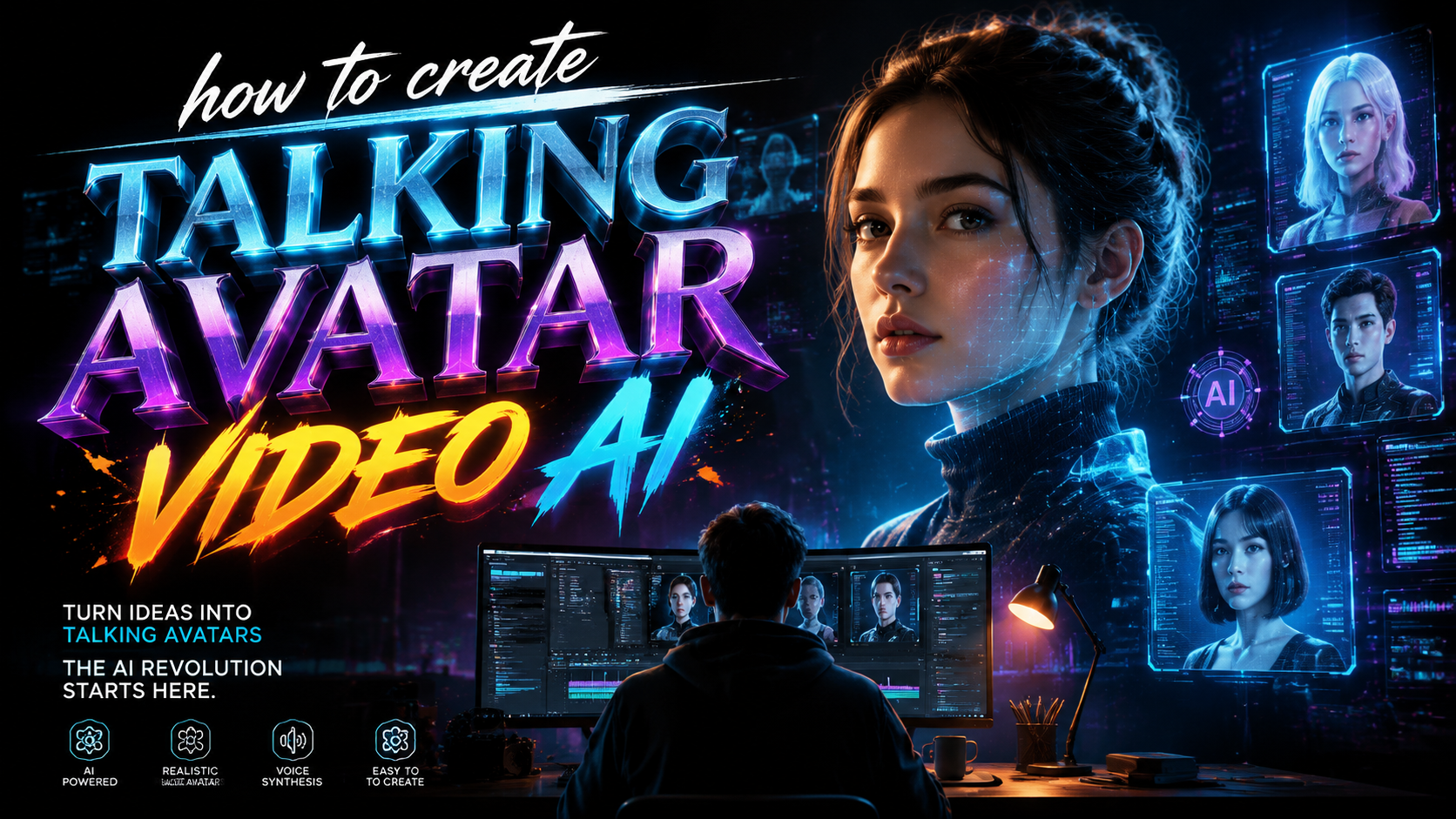
Creating a talking avatar video AI in 2026 is simpler than ever: you upload a photo or short clip, select a script, and the AI generates a lifelike video where your avatar speaks with natural-sounding voice and realistic facial expressions. By combining facial animation, text-to-speech synthesis, and generative video models, anyone can produce professional talking-head videos in minutes without expensive studio equipment.
TL;DR: To create a talking avatar video AI in 2026, choose a tool like Mango AI or HeyGen, upload a photo or short video clip, write or paste your script, select a voice and language, and let the AI generate a fully synced talking-head video. The entire process takes under 10 minutes and requires no prior video editing experience.
A talking avatar video AI is a generative AI tool that animates a static photo or brief video footage into a speaking character. It maps your script onto the avatar's lip movements, adds natural head gestures and eye blinks, and outputs a complete video file ready for social media, presentations, or customer support.
- ✓ Talking avatar AI tools in 2026 can create realistic lip-sync from a single photo in under 5 minutes.
- ✓ Mango AI, HeyGen, and Adobe Express are among the top-rated platforms for generating talking avatars this year.
- ✓ Lifelike expressions, natural voice cloning, and multilingual support are now standard features.
- ✓ The best results come from using a well-lit, front-facing photo with a neutral expression and a clear, concise script.
- ✓ Always review the final output for uncanny-valley artifacts and adjust settings like head movement speed and voice pitch for maximum realism.
What Is a Talking Avatar Video AI?
A talking avatar video AI is a type of generative artificial intelligence that takes a still image or a short video clip and animates it to speak any written script. The technology analyzes facial landmarks in the source image, then synthesizes lip movements, eye blinks, and subtle head motions that align perfectly with the audio generated from your text. According to iLounge, the process has become so streamlined that beginners can create their first avatar in under ten minutes using web-based tools.
These systems rely on deep learning models trained on thousands of hours of human speech and facial video data. The AI learns to map phonetic sounds to specific mouth shapes, called visemes, and generates realistic intermediary frames to create fluid motion. Modern platforms like Mango AI, which launched its enhanced talking-avatar feature in mid-2025, now offer "lifelike expressions and natural voices" that closely mimic human micro-expressions — a far cry from the stiff, robotic avatars of just two years earlier.
In 2026, the technology has matured to the point where the line between a real human presenter and an AI-generated avatar is blurring significantly. Tools such as HeyGen have been described in reviews as producing avatars that are "scary real," with reviewers noting that the cloned versions of themselves exhibited eerily accurate speech patterns, eye contact, and even subtle eyebrow raises that made the output feel genuinely human.
Why Create Talking Avatars in 2026?
The demand for video content continues to surge across marketing, education, corporate communications, and customer support. Yet producing traditional video requires cameras, lighting, microphones, and — most importantly — a human presenter who may not always be available or comfortable on camera. Talking avatar AI eliminates these bottlenecks. As reported by Perfect Corp, the five best AI talking avatar generators of 2026 now enable users to produce professional-grade talking-head videos from a single photograph, cutting production time from hours to minutes.
Businesses are using these avatars to scale their content production without multiplying headcount. A single marketing team can generate dozens of personalized video messages, product demos, or training modules in multiple languages using the same digital presenter. The cost savings are substantial: no need for studio rentals, no travel expenses for on-camera talent, and no reshoots due to flubbed lines. The AI delivers consistent performance every single take.
Accessibility is another major driver. For solopreneurs, educators, and small business owners who lack video production experience, talking avatar tools lower the barrier to entry dramatically. Instead of wrestling with complex editing software, users simply type their script and let the AI handle the rest. According to CreativePro Network, Adobe Express integrated talking-avatar capabilities in September 2025, bringing the technology to millions of users who already rely on the platform for design and content creation.
Step-by-Step Guide: How to Create a Talking Avatar Video AI
Below is a complete, numbered walkthrough that covers the entire workflow from selecting a tool to exporting your final video. These steps apply to most major platforms including Mango AI, HeyGen, and Adobe Express, though specific button labels may vary slightly between tools.
- Choose your platform. Start by selecting a talking-avatar generator that matches your needs. For beginners, Mango AI offers a straightforward photo-to-avatar pipeline. For advanced users, HeyGen provides granular control over voice cloning, head movement, and background customization.
- Prepare your source image or video. Upload a high-resolution, front-facing photo with neutral lighting and a plain background. Avoid sunglasses, hats, or heavy shadows that might confuse the facial landmark detection. If using a short video clip, ensure it is at least 3 seconds long and shows your face clearly.
- Write or paste your script. Enter the text you want the avatar to speak in the script box. Keep sentences natural and conversational for the most realistic delivery. Most platforms allow you to add pauses by inserting commas or periods.
- Select a voice. Choose from the platform's library of AI voices, or upload a voice sample for cloning. In 2026, most tools offer dozens of voices across multiple languages and accents. Mango AI, for instance, provides voices optimized for expressiveness and emotional tone.
- Customize avatar behavior. Adjust settings such as head movement speed, eye blink frequency, and gesture level. For a professional presentation, keep movements subtle. For a more energetic social-media clip, you can increase gesture amplitude.
- Generate and preview. Click the generate button and wait 1–5 minutes, depending on the length of your script and the complexity of the animation. Preview the result and check for lip-sync accuracy, natural pauses, and any visual artifacts.
- Export and share. Once satisfied, export the video in MP4 or MOV format. Most platforms offer direct sharing to YouTube, TikTok, LinkedIn, or your website. Some tools also generate captions automatically.
Top Tools for Creating Talking Avatar Videos in 2026
The landscape of talking-avatar generators has expanded significantly, with both established players and newcomers offering compelling features. According to PRWeb, Mango AI's ability to create a talking avatar from a single photo has made it a favorite among content creators who value speed and simplicity. The platform's lifelike expressions and natural voices earned it a spot among the top tools highlighted in multiple 2026 roundups.
HeyGen, meanwhile, has drawn attention for its advanced cloning capabilities. A detailed review published on Unite.AI in April 2026 described the experience of cloning oneself into an AI avatar as "scary real," noting that the platform's facial animation and voice replication achieved near-identical fidelity to the original presenter. This makes HeyGen a strong choice for enterprises that want to create a digital twin of a specific spokesperson.
Adobe Express also entered the space in September 2025, as covered by CreativePro Network, integrating AI talking-avatar creation directly into its browser-based design suite. This move makes the technology accessible to the millions of users who already use Adobe Express for social-media graphics, flyers, and short videos. For those who want a tool that fits seamlessly into an existing content workflow, Adobe Express is a natural choice.
For a quick feature comparison, the table below outlines the key capabilities of the leading platforms.
| Feature | Mango AI | HeyGen | Adobe Express |
|---|---|---|---|
| Photo-to-avatar | Yes | Yes | Yes |
| Voice cloning | No | Yes | No |
| Multilingual support | 50+ languages | 40+ languages | 30+ languages |
| Lifelike expressions | High | Very high | Moderate |
| Head movement control | Basic | Advanced | Basic |
| Integration with other tools | Standalone | API, Zapier | Adobe Creative Cloud |
| Free tier | Yes (with watermark) | Limited free credits | Yes (with watermark) |
| Best for | Quick social-media clips | Professional & enterprise use | Adobe ecosystem users |
Best Practices for Making Your AI Avatar Look and Sound Natural
Even the most advanced AI avatar generator can produce uncanny results if the input material is suboptimal. The single most important factor is the quality of the source image. Use a high-resolution photo taken with good, even lighting from the front. Avoid extreme angles, shadows across the face, or facial hair that might obscure lip movements. According to the iLounge guide, a plain background helps the AI focus on facial features and improves the accuracy of lip-sync and head tracking.
Your script also plays a critical role in the naturalness of the final video. Write the way you speak — short sentences, contractions, and natural pauses. Avoid long, jargon-heavy paragraphs that the AI might struggle to deliver with proper pacing. Many platforms allow you to insert punctuation marks to control timing: commas create brief pauses, periods signal longer breaks, and ellipses can indicate hesitation or thoughtfulness. Experiment with these markers to achieve a conversational rhythm.
Finally, pay attention to the fine-tuning settings available in your chosen tool. Adjust the head movement slider so the avatar nods and tilts at a natural frequency — too much movement looks distracting, too little looks robotic. Set eye blink intervals to match human patterns (roughly once every 3–5 seconds). Some tools also let you control the avatar's emotional tone, such as "friendly," "professional," or "enthusiastic," which adjusts the voice intonation and facial expressions accordingly.
Creative and Practical Use Cases for AI Talking Avatars
The applications for talking-avatar video AI extend far beyond simple social-media posts. In corporate training, companies are using avatars to deliver consistent onboarding modules across global offices. The same avatar can present the material in English, Spanish, Mandarin, and French without the cost of hiring multiple voice actors or filming multiple takes. According to 24-7 Press Release Newswire, Mango AI's lifelike expressions have made it a popular choice for educational content where engagement and clarity are paramount.
Customer support is another rapidly growing use case. Brands are deploying AI avatars as virtual agents that greet website visitors, answer frequently asked questions, and guide users through troubleshooting steps. Unlike text-based chatbots, a talking avatar adds a human element that can improve trust and reduce friction in the customer journey. Some platforms now integrate with CRM systems to personalize the avatar's script based on the user's name, purchase history, or support ticket details.
Marketing teams are using talking avatars to A/B test video messaging at scale. Instead of reshooting a commercial every time they want to test a different call-to-action or value proposition, marketers can simply edit the script and regenerate the video in minutes. This agility allows for rapid iteration and optimization of video campaigns across email, social media, and paid advertising channels. The result is higher engagement and conversion rates driven by data-informed creative decisions.
The Future of AI Avatar Technology Beyond 2026
As generative AI continues to evolve, talking-avatar technology is expected to become even more seamless and interactive. Real-time generation — where an avatar responds to live user input during a video call — is already on the horizon. Companies are experimenting with avatars that can adjust their facial expressions, tone, and script on the fly based on natural-language input from a viewer. This would open the door to fully AI-driven virtual presenters, coaches, and customer-service representatives that operate 24/7 without human oversight.
Another emerging trend is the integration of emotional intelligence into avatar behavior. Future models will likely analyze not just the text they are speaking, but also the sentiment behind it, adjusting their facial expressions and vocal tone to convey empathy, excitement, or urgency as appropriate. According to Unite.AI, the level of realism achieved by tools like HeyGen in 2026 is already pushing the boundaries of what viewers perceive as authentic, suggesting that emotionally responsive avatars may arrive sooner than many expect.
Privacy and ethical considerations will also shape the future of the technology. As avatar cloning becomes more accessible, questions around consent, misuse, and deepfake detection are gaining urgency. Responsible platforms are implementing safeguards such as mandatory consent verification for voice cloning, visible watermarks on AI-generated content, and detection tools that help platforms identify synthetic media. Users should always choose providers that prioritize ethical guidelines and transparency in their AI development practices.
Frequently Asked Questions About AI Talking Avatars
What is the best tool for creating a talking avatar video AI in 2026?
The best tool depends on your specific needs. Mango AI is ideal for quick, photo-based avatars with lifelike expressions. HeyGen offers advanced voice cloning and head movement controls for professional use. Adobe Express integrates seamlessly with the Adobe ecosystem for users who already use Creative Cloud tools.
Can I create a talking avatar from a single photo?
Yes, most major platforms including Mango AI, HeyGen, and Adobe Express support creating a talking avatar from a single photo. For best results, use a high-resolution front-facing image with even lighting and a neutral expression.
How long does it take to generate a talking avatar video?
Generation time varies by platform and script length, but most tools produce a 30-second video in 1 to 5 minutes. Longer scripts with complex gestures or multilingual output may take up to 10 minutes.
Are AI talking avatars free to use?
Many platforms offer free tiers with limitations such as watermarks, reduced resolution, or a capped number of monthly generations. Unlimited commercial use typically requires a paid subscription starting around $20–$50 per month depending on the platform and features.
How realistic are AI talking avatars in 2026?
Modern talking avatars are highly realistic, with platforms like HeyGen producing results that reviewers describe as "scary real." Lifelike expressions, natural lip-sync, and subtle head movements make it increasingly difficult for viewers to distinguish AI avatars from real human presenters.
Can I use my own voice with an AI avatar?
Some platforms, such as HeyGen, offer voice cloning that lets you upload a sample of your own voice. The AI then generates speech in your vocal style and tone. Other platforms provide a library of pre-built voices across multiple languages and accents.
Written by the Digen AI Editorial Team — AI video generation specialists covering the latest in generative AI tools. Learn more about Digen AI.
Comments ()