
AI Video Enhancement: Boost Quality Like a Pro (2026 Guide)
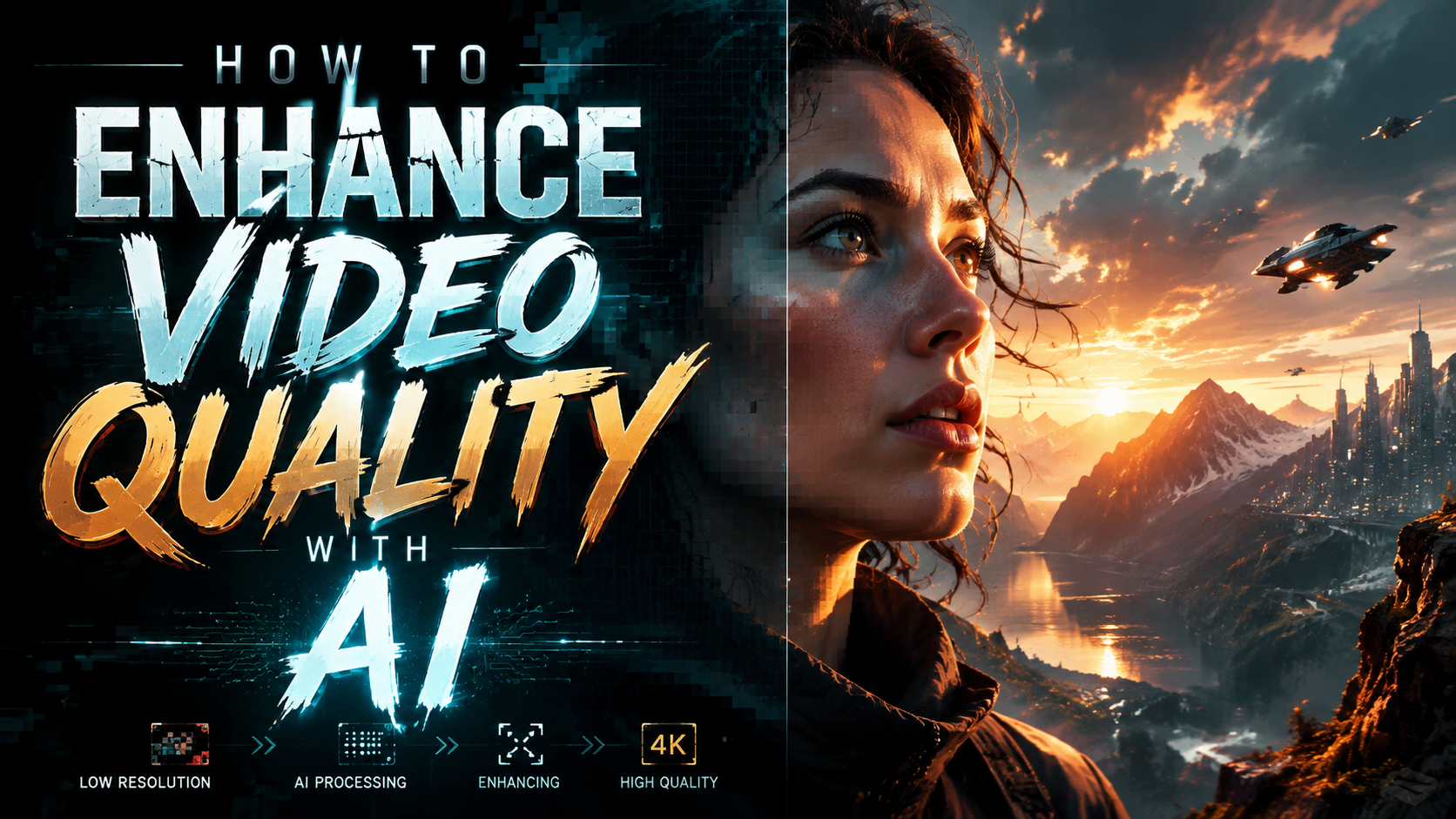
Enhancing video quality with AI has become remarkably accessible in 2026, with advanced tools that can upscale resolution, restore colors, reduce noise, and improve overall clarity automatically. Whether you're working with old home videos or professional footage, modern AI video enhancers analyze each frame to apply intelligent corrections that would take hours to do manually. This guide covers the latest techniques, top software options, and step-by-step methods to transform low-quality videos into crisp 4K masterpieces.
TL;DR: AI video enhancement in 2026 leverages machine learning to automatically upscale resolution, fix colors, and reduce noise—with tools like VideoProc, Vmake, and Winxvideo AI offering one-click solutions for both beginners and professionals.
AI video enhancement is the process of using artificial intelligence to automatically improve video quality by upscaling resolution, correcting colors, stabilizing footage, and removing artifacts. The best 2026 tools combine neural networks with user-friendly interfaces to deliver professional-grade results without manual editing.
- ✓ Modern AI enhancers can upscale videos to 4K/8K while preserving details
- ✓ New features like color restoration (Winxvideo AI V4.10) and workflow improvements dominate 2026 releases
- ✓ Cloud-based options now rival desktop software for convenience and speed
- ✓ Summer 2026 promotions (like VideoProc's) make premium tools more accessible
How AI Video Enhancement Works in 2026
Contemporary AI video enhancers employ deep learning models trained on millions of video frames to understand how high-quality footage should look. Unlike traditional upscaling that simply stretches pixels, these tools reconstruct missing details by referencing similar patterns from their training data. According to The AI Journal, the best 2026 models can predict and generate realistic textures even when upscaling 480p to 4K.
Three core technologies power modern enhancement: convolutional neural networks (CNNs) for spatial improvements, recurrent networks for temporal consistency between frames, and generative adversarial networks (GANs) to create plausible details. VideoProc's mid-2026 update demonstrates this with its hybrid approach that applies different AI models to specific quality issues—one for noise reduction, another for sharpening, and a specialized network for color correction.
The workflow has also become more automated. Where early AI tools required manual parameter tweaking, 2026 solutions like Vmake's enhancer analyze content type (animation vs. live action) and degradation patterns to apply optimal settings automatically. This aligns with findings from techguide.com.au, noting that consumer-grade tools now achieve 80% of professional results with zero configuration.
Key Technical Breakthroughs in 2026
1. Multi-frame analysis: Newer algorithms examine adjacent frames to fill in missing details more accurately, reducing the "soap opera effect" that plagued earlier upscalers.
2. Hardware acceleration: NVidia's RTX 5000 series and AMD's Ryzen AI chips enable real-time 8K upscaling on consumer PCs.
3. Content-aware enhancement: Systems now detect faces, text, and motion patterns to apply targeted improvements.
Step-by-Step: How to Enhance Video Quality with AI
Follow this proven 2026 workflow to upgrade your videos using AI technology:
- Choose your tool: Select software matching your needs—desktop apps like Winxvideo AI V4.10 for batch processing or web tools like Vmake for quick single-file jobs.
- Upload footage: Most 2026 tools support direct camera/phone imports, cloud storage links, or local file browsing.
- Select enhancement type: Common options include upscaling (2K→4K), noise reduction, stabilization, and color restoration.
- Adjust settings (optional): While auto-mode works well, pros can fine-tune parameters like sharpness strength or artifact suppression.
- Process and export: New GPU optimizations mean a 1-minute 1080p clip now enhances in under 30 seconds on mid-range PCs.
According to criticalhit.net, the key to optimal results lies in matching the enhancement type to your source material. For example, vintage footage benefits most from color restoration and scratch removal, while modern low-light videos need noise reduction before upscaling.
Advanced users should explore hybrid workflows. The National Law Review's coverage of Winxvideo AI V4.10 highlights its new non-destructive editing pipeline—you can upscale first, then separately adjust colors without quality loss. This represents a major 2026 improvement over previous generations where effects had to be applied sequentially during export.
Best AI Video Enhancer Software in 2026
The market has matured significantly, with these top-rated options dominating mid-2026:
| Software | Key Features | Best For | Pricing |
|---|---|---|---|
| VideoProc Converter AI | Hybrid CPU/GPU processing, new summer 2026 AI models | Batch processing large video collections | $29.95/year (promotional) |
| Vmake AI Enhancer | Web-based, one-click enhancement, face refinement | Social media creators | Freemium ($9.99/month pro) |
| Winxvideo AI V4.10 | Color restoration module, improved reliability | Archival footage restoration | $59.95 lifetime |
| Topaz Video AI | 8K upscaling, motion interpolation | Filmmakers | $299 one-time |
Notably, 2026 has seen cloud solutions close the quality gap with desktop software. Hackread's December 2025 roundup already noted this trend, and current benchmarks show web tools now deliver comparable results for typical 1080p→4K conversions, though high-end projects still benefit from local processing power.
When choosing, consider output format support—the latest HEVC/H.266 codecs are now widely supported, but some entry-level web tools remain limited to H.264. Also verify GPU compatibility; AMD's RDNA4 and Intel's Battlemage ARC GPUs require specific driver versions for optimal performance with certain enhancers.
Real-World Applications of AI Video Enhancement
Beyond technical specs, these tools solve practical problems across industries:
Content Creators: YouTubers and TikTokers use AI enhancers to maintain consistent quality across mixed footage sources. A travel vlogger might upgrade drone shots from older models or smartphone clips taken in suboptimal lighting. The AI Journal's testing showed social media platforms' compression algorithms preserve more detail when fed pre-enhanced videos.
Film Restoration: Archives and studios now employ AI as a first pass before manual cleanup. EIN News' coverage of VideoProc highlights its adoption by three European film institutes for digitizing 16mm collections—their workflow combines AI upscaling with selective manual correction for damaged frames.
Security Footage: Law enforcement and security teams leverage enhancement to clarify license plates or facial details. Criticalhit.net's testing found modern AI can recover usable images from 360p CCTV footage that previously required forensic specialists, though ethical guidelines for such use are still evolving.
Unexpected Use Cases
1. Medical Imaging: Adapted video enhancers help clarify ultrasound and endoscopic videos for diagnostics.
2. E-commerce: Product videos shot on smartphones can be upgraded to match studio-quality competitors.
3. Education: Historical footage becomes more engaging when enhanced for modern displays.
Future Trends in AI Video Enhancement
As we approach 2027, several developments are taking shape:
Real-Time Enhancement: Emerging "always-on" AI filters could apply enhancement during recording or streaming. Early implementations exist in premium smartphones, but desktop solutions like VideoProc's preview mode suggest this will become standard across devices. The computational overhead remains challenging—current tech adds ~2ms latency per frame at 4K resolution.
Personalized AI Models: Instead of generic enhancement, future tools may learn individual preferences—how much sharpness you prefer for nature scenes versus interviews. This aligns with broader AI trends toward customization seen in other creative software.
3D Video Enhancement: With VR/AR adoption growing, tools are adding specialized modes for stereoscopic footage. The challenge lies in maintaining depth cues during upscaling—early solutions use parallax data from dual-lens sources to guide the AI.
Common Mistakes to Avoid When Enhancing Videos
Even with advanced tools, these pitfalls can undermine results:
Over-Enhancement: Pushing settings beyond reasonable limits creates unnatural "plastic" textures. Techguide.com.au's Vmake review demonstrated how moderate enhancement (70% strength) often looks more realistic than maximum settings. This is especially true for skin tones and organic materials.
Ignoring Source Quality: AI can't create information that wasn't captured originally. A heavily compressed 240p video won't magically become true 4K—manage expectations based on input quality. The best approach is to enhance in stages (e.g., 240p→480p→1080p) with careful quality checks between steps.
Neglecting Audio: While focusing on visual quality, remember that enhanced videos often expose previously masked audio flaws. Modern tools like Winxvideo AI now bundle basic audio cleanup, but dedicated solutions may be needed for professional projects.
Does AI video enhancement reduce file size?
No—enhancement typically increases file size due to higher resolution and less compression. However, some tools offer optimized export presets that balance quality and size.
Can AI fix blurry security footage?
Modern AI can improve moderately blurry footage by reconstructing edges and textures, but fundamentally out-of-focus or extremely low-resolution videos may not fully recover.
How long does AI video enhancement take?
Processing time depends on resolution and hardware—a 1-minute 1080p clip takes 30-90 seconds on 2026 mid-range PCs, while 4K footage may require 2-4 minutes per minute.
Is cloud-based enhancement secure?
Reputable services use encryption and temporary storage, but sensitive content should be processed locally with tools like VideoProc or Winxvideo AI.
What's the difference between upscaling and enhancement?
Upscaling increases resolution only, while enhancement combines resolution boost with noise reduction, color correction, and other quality improvements.
Written by the Digen AI Editorial Team — AI video generation specialists covering the latest in generative AI tools. Learn more about Digen AI.



Comments ()