
Adobe Firefly AI Video Model Features: 2026 Full Guide
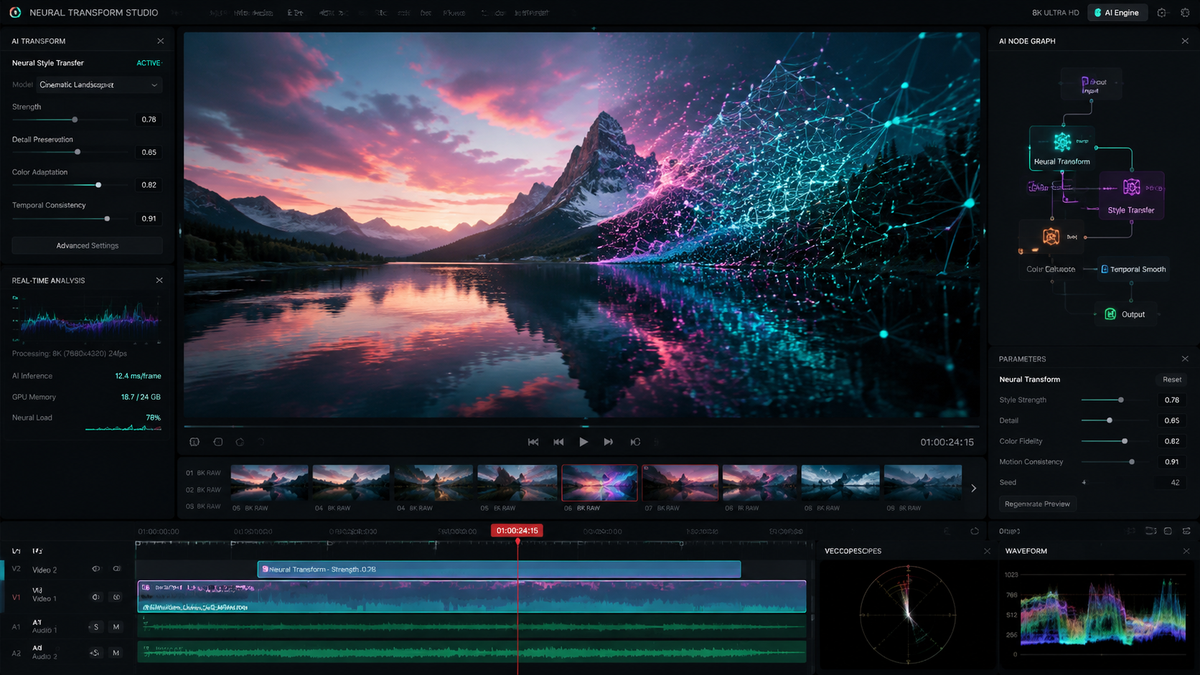
The adobe firefly ai video model features in 2026 represent a monumental shift in the creative industry, moving from simple generative clips to a sophisticated, agentic ecosystem capable of professional-grade production. By integrating seamless character consistency, unlimited generation tiers, and an AI Assistant that orchestrates entire workflows, Adobe has solidified Firefly as the premier tool for editors and motion designers. These features allow creators to transform text prompts or static images into high-fidelity video sequences that maintain brand identity and cinematic quality across every frame.
The Adobe Firefly AI video model is a generative creative suite that enables high-definition video synthesis, automated character consistency, and agentic workflow orchestration. It utilizes a diffusion-based architecture integrated into Premiere Pro and After Effects to provide "unlimited generation" capabilities, allowing users to extend clips, generate b-roll from text, and automate complex editing tasks through a natural language AI Assistant.
- ✓ Agentic Workflow: A new AI Assistant orchestrates the entire creative process from script to final render.
- ✓ Character Consistency: Solves the "flicker" and identity drift issues using advanced reference modeling.
- ✓ Unlimited Generations: High-tier plans now offer uncapped video creation as of late 2025.
- ✓ Deep Integration: Native support within Adobe Creative Cloud for seamless round-tripping.
According to Adobe’s March 2026 announcement, the expansion of the Firefly video model focuses on "custom models," which allow enterprises to train the AI on their specific brand assets, ensuring that every generated video adheres to internal style guides. Furthermore, Forbes reported in December 2025 that the move to unlimited generations was a strategic response to the increasing demand for short-form social media content, which requires a high volume of visual assets.
How to Use Adobe Firefly AI Video Model Features
Navigating the new 2026 interface is intuitive for long-time Creative Cloud users but offers a deeper level of control for those familiar with generative prompting. The workflow is designed to be non-destructive, meaning every AI-generated element is placed on a separate layer or track, allowing for manual fine-tuning in Premiere Pro or After Effects. This hybrid approach ensures that the human creator remains the ultimate director of the piece.
- Initialize the AI Assistant: Open the Firefly panel and describe your project goals to the agentic assistant to set up your timeline and asset folders.
- Upload Reference Assets: To ensure character or style consistency, upload a "Hero Image" or a previous video clip to the Reference Gallery.
- Generate Base Footage: Enter your descriptive prompt in the Video Generation bar, specifying camera angles, lighting, and motion intensity.
- Apply Character Consistency: Select the "Character Lock" feature to map your reference subject onto the newly generated video sequence.
- Refine and Extend: Use the "Generative Extend" tool to add 2-5 seconds to the beginning or end of existing clips to perfect your transitions.
- Export with Content Credentials: Finalize your video with embedded metadata that identifies the use of AI, ensuring transparency and copyright protection.
Core Adobe Firefly AI Video Model Features for 2026
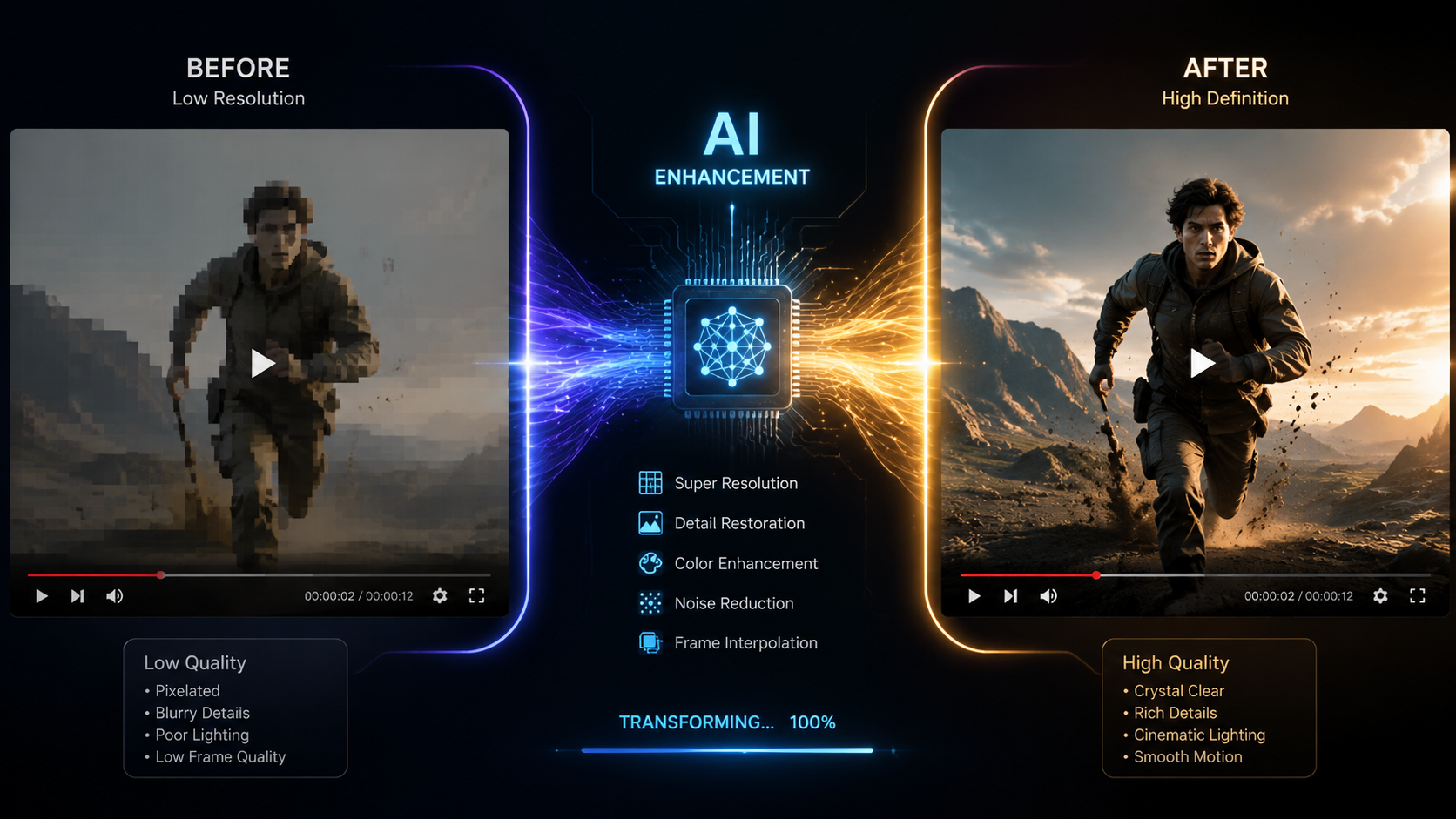
The 2026 iteration of the Firefly video model is built on a "Video-First" architecture. Unlike earlier versions that felt like "animated photos," the current model understands physics, depth, and temporal consistency. This means that if an object moves behind a tree, it reappears on the other side with the same dimensions and textures. This leap in spatial awareness is what separates the 2026 model from its predecessors.
Agentic AI Assistant and Workflow Orchestration
As reported by The Shortcut in April 2026, Adobe Firefly has "gone agentic." This means the AI is no longer a passive tool that waits for prompts; it is an active assistant that can manage your entire creative workflow. If you tell the assistant you need a 30-second social media ad, it will automatically search your library for relevant b-roll, generate missing clips using the Firefly video model, suggest background music, and even apply color grades based on your brand palette.
Breakthrough Character Consistency
One of the most significant hurdles in AI video has been "identity drift," where a character's face or clothing changes between shots. According to MSN, indie authors and filmmakers are now solving this using Adobe Firefly’s enhanced character consistency tools. By utilizing a "Reference Identity" tag, the AI maintains the exact facial structure and wardrobe of a character across different environments and lighting conditions, making long-form storytelling finally viable with generative AI.
| Feature | Standard Model (2025) | Advanced Video Model (2026) |
|---|---|---|
| Max Resolution | 1080p | 4K Cinematic UHD |
| Generation Limit | Credit-based | Unlimited (Pro Tiers) |
| Consistency | Frame-by-frame drift | Full Character & Style Lock |
| Workflow | Manual Prompting | Agentic AI Orchestration |
| Customization | General Styles | Custom Brand-Trained Models |
Advanced Integration with Creative Cloud
The adobe firefly ai video model features are not confined to a web browser. Their true power lies in their deep integration with the software professionals use every day. In Premiere Pro, the "Generative Extend" feature has become a staple for editors who find themselves "short" on a clip by a few frames. Instead of changing the edit's rhythm, the AI simply generates the necessary extra footage to fill the gap.
In After Effects, the Firefly model powers the "Text-to-VFX" engine. Users can highlight a specific area of a video and prompt the AI to add realistic smoke, fire, or even complex 3D elements that track perfectly with the camera movement. Jeff Foster of ProVideo Coalition noted that these tools have "gone bananas," providing a level of power that previously required a full VFX team and weeks of rendering time.
Custom Models for Enterprise
Adobe’s March 2026 update introduced the ability for organizations to create "Custom Firefly Models." This allows a company to upload their own footage and style guides to the Adobe cloud. The resulting AI model is private to that company and generates video content that is automatically "on-brand." This eliminates the risk of the AI producing content that feels generic or off-key for a specific corporate identity.
The Impact of Unlimited Generations
The transition to "unlimited generations" in late 2025 was a turning point for the industry. Previously, creators were hesitant to experiment due to the "cost per click" associated with generative credits. With the removal of these barriers, the adobe firefly ai video model features have encouraged a new era of rapid prototyping. Directors can now generate ten different versions of a scene in minutes to see which lighting or camera angle works best before committing to a final render.
This "unlimited" approach also extends to the quality of the outputs. The 2026 model supports 4K resolution and high dynamic range (HDR) color spaces natively. Because the model was trained exclusively on Adobe Stock and public domain content, the videos generated are commercially safe, providing a massive advantage for agencies that cannot risk the copyright "grey areas" associated with other generative models.
Content Credentials and Ethics
Adobe continues to lead the "Content Authenticity Initiative." Every video generated or edited with Firefly AI in 2026 includes an invisible, tamper-evident metadata tag. This tag details exactly which parts of the video were AI-generated and which were captured by a camera. This commitment to ethics is a core feature of the Firefly ecosystem, ensuring that as AI video becomes more realistic, the distinction between "captured" and "created" remains clear to the public.
Future Outlook: What’s Next for Firefly?
Looking toward the latter half of 2026 and into 2027, the trajectory of adobe firefly ai video model features suggests even deeper "multimodal" capabilities. We are already seeing the beginnings of integrated audio generation, where Firefly doesn't just create the visual of a crashing wave, but also synthesizes the corresponding sound effect in perfect sync. The agentic assistant is also expected to become more proactive, suggesting edits based on trending social media formats or specific platform algorithms.
The democratization of high-end video production is nearly complete. With a single subscription, a solo creator now has the power of a mid-sized 2020-era production house. As Adobe continues to refine these models, the focus will likely shift from "making the video look real" to "making the creative process more intuitive," allowing the human's vision to be the only limiting factor in content creation.
Is Adobe Firefly Video available for commercial use?
Yes, all content generated with the Adobe Firefly AI video model is designed to be commercially safe. It is trained on Adobe Stock and licensed content, ensuring that users have the legal rights to use the generated footage in professional projects.
What is the "Agentic AI" feature in Firefly?
The agentic feature refers to the new AI Assistant that can perform complex, multi-step tasks. Instead of just generating a clip, it can organize your timeline, find assets, and suggest edits, acting as a co-editor rather than just a generator.
Can I maintain the same character across different AI videos?
Yes, the 2026 update introduced "Character Consistency" tools. By using a reference image or a "Character Lock" tag, the AI ensures the subject's face, hair, and clothing remain consistent across multiple generated clips.
Does Firefly Video support 4K resolution?
As of the 2026 updates, the Adobe Firefly AI video model fully supports 4K UHD resolution. It also includes support for professional color spaces and HDR, making it suitable for high-end broadcast and cinematic work.
How does "Generative Extend" work in Premiere Pro?
Generative Extend allows you to click and drag the edge of a video clip beyond its original duration. The AI analyzes the existing frames and generates new, matching footage to extend the clip by several seconds.


Comments ()