
Best AI Video Generator From Text 2026: Top Rated Tools
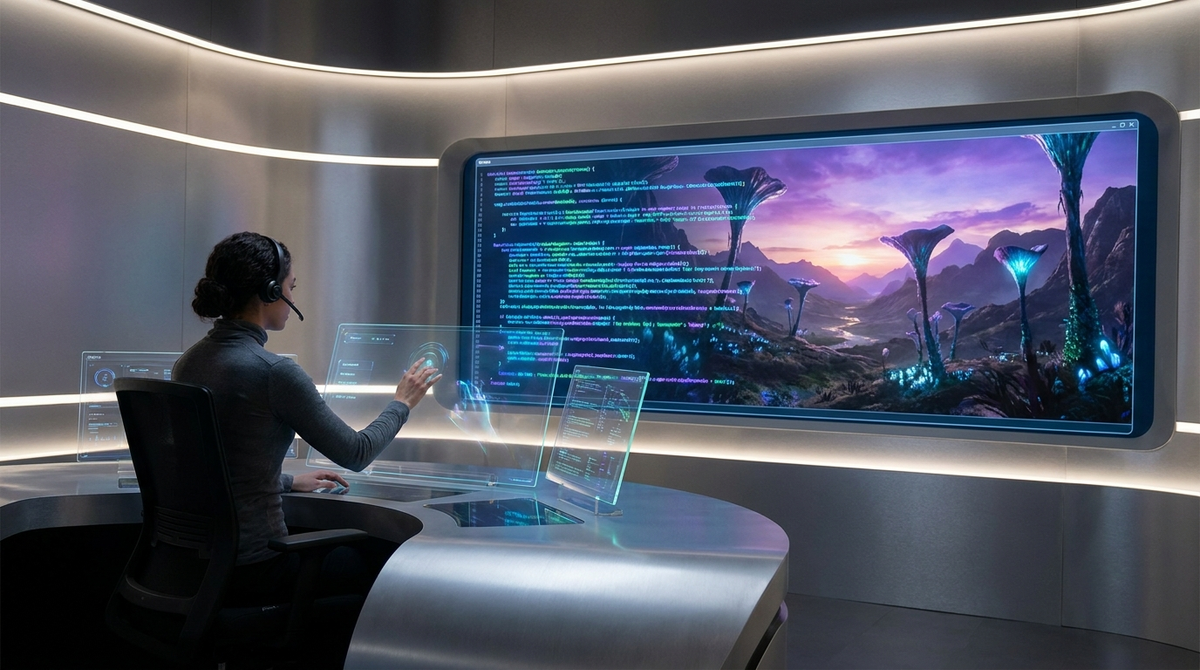
The best AI video generator from text in 2026 is a tool that leverages advanced diffusion models to transform natural language descriptions into high-definition, temporally consistent video content. Currently, OpenAI’s Sora and Adobe Firefly lead the market by providing creators with the ability to generate cinematic sequences, realistic physics, and complex character movements directly from a text prompt. These tools have revolutionized content creation by reducing production times from weeks to mere minutes.
An AI video generator from text is a generative artificial intelligence application that uses Large Language Models (LLMs) and diffusion transformers to synthesize video frames based on written instructions. In 2026, these tools are defined by their "prompt adherence"—the ability to accurately represent every detail of a text description—and their "scene stability," ensuring visual consistency across long-form video clips.
- ✓ OpenAI Sora remains the industry gold standard for photorealistic physics and complex scene generation as of February 2026.
- ✓ Adobe Firefly now offers unlimited generations and integrated video editing tools within the Creative Cloud ecosystem.
- ✓ Magic Hour Research benchmarks show that 2026 models have improved scene stability scores by 40% compared to previous generations.
- ✓ Modern text-to-video tools now support "story video" generation, allowing users to maintain character consistency across multiple scenes.
How to Use an AI Video Generator from Text
Generating professional-grade video content in 2026 has become an intuitive process that requires no prior technical expertise in cinematography or VFX. Most leading platforms have streamlined the user interface to focus on "natural language directing," where the AI acts as both the camera crew and the editor. According to recent guides from FinancialContent, the key to success lies in the specificity of your narrative prompts and the use of reference images to anchor the AI's creative direction.
To get started with an ai video generator from text, follow these standardized steps used by industry professionals in 2026:
- Draft Your Narrative Prompt: Write a detailed description of the scene, including the subject, the action, the lighting, and the camera angle (e.g., "A cinematic close-up of a futuristic gardener in a neon-lit greenhouse, 4k, slow motion").
- Select Your Model Settings: Choose the aspect ratio (16:9 for YouTube, 9:16 for TikTok) and the desired duration. Many 2026 tools now allow for clips up to 60 seconds in a single generation.
- Apply Style Presets: Use built-in filters for "Photorealistic," "Animation," or "Cyberpunk" to ensure the aesthetic matches your brand identity.
- Generate and Iterate: Click generate and wait for the AI to render the initial frames. Use "In-painting" tools to fix specific areas of the video without re-generating the entire clip.
- Export and Upscale: Once satisfied, export the video in 4k or 8k resolution. Leading tools like Adobe Firefly now offer built-in upscaling as part of the standard workflow.
Top Rated AI Video Generators of 2026: Comparison
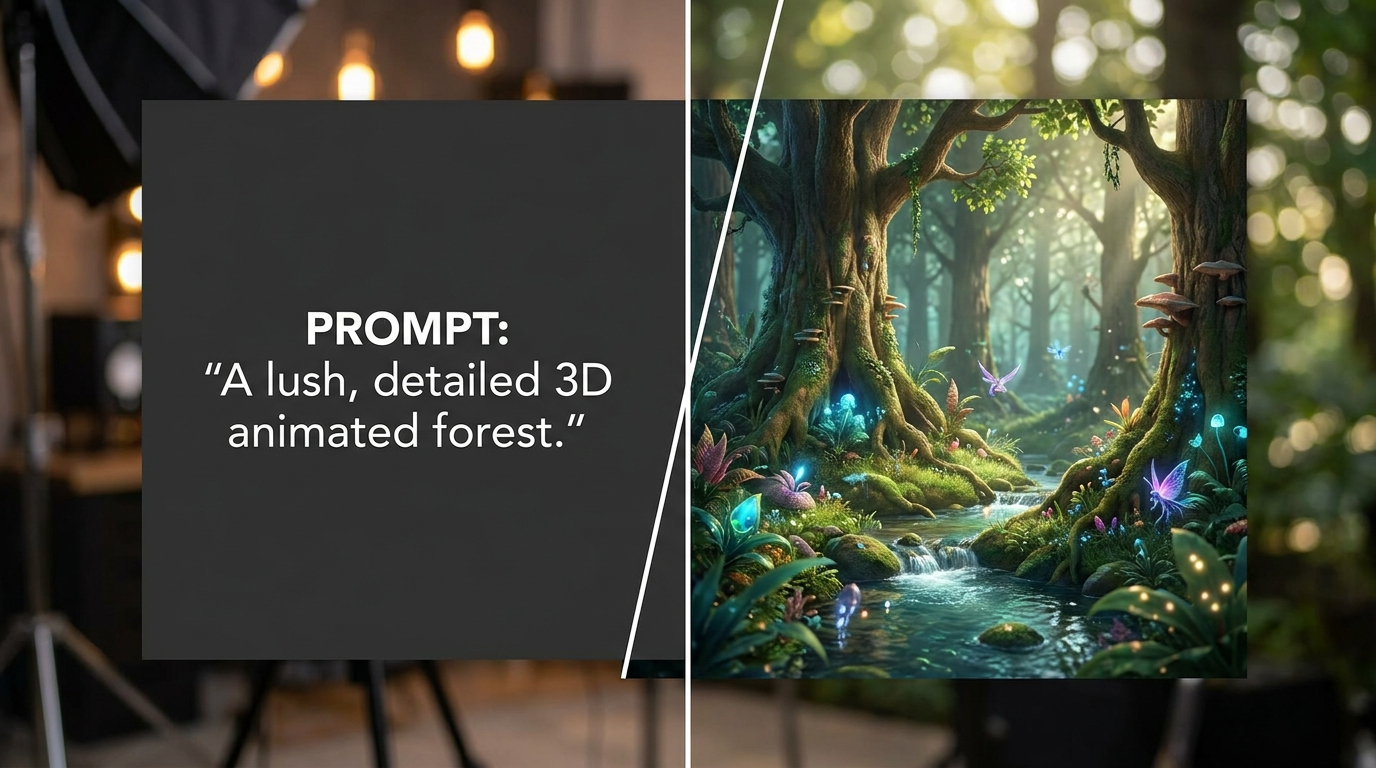
The landscape of generative video has shifted toward specialized tools that cater to different niches, from social media marketing to high-end film production. In April 2026, G2 Learning Hub identified seven standout tools that have dominated the market share due to their ease of use and output quality. Choosing the right "ai video generator from text" depends heavily on whether you prioritize creative control or speed of execution.
Below is a comparison of the top-rated tools based on the latest 2026 Magic Hour Research benchmarks for prompt adherence and scene stability.
| AI Video Tool | Primary Strength | Max Resolution | Unique Feature (2026) |
|---|---|---|---|
| OpenAI Sora | Photorealism & Physics | 8K | Complex Multi-Character Interaction |
| Adobe Firefly Video | Creative Workflow | 4K | Unlimited Generations & Timeline Integration |
| Runway Gen-4 | Artistic Control | 4K | Motion Brush 2.0 with Depth Mapping |
| Luma Dream Machine | Speed & Fluidity | 2K/4K | Real-time "Live" Preview Generation |
| Pika Labs 3.0 | Animation & Lip Sync | 4K | Automated Character Consistency |
OpenAI Sora: The Benchmark for Realism
Since its significant updates in February 2026, OpenAI Sora has remained the most discussed ai video generator from text. Sora's primary advantage is its understanding of physical properties in the real world. Unlike earlier models that often struggled with "liquid" movements or gravity, Sora’s 2026 iteration utilizes a massive dataset of simulated environments to ensure that objects behave as expected. If a prompt describes a glass shattering, Sora calculates the trajectory of the shards with startling accuracy.
Advanced Prompt Adherence
According to the "Best Text-to-Video AI 2026" benchmark published by Magic Hour Research, Sora scored the highest in prompt adherence. This means that if you ask for a "red vintage car driving through a rainy Tokyo street with reflections of neon signs on the puddles," Sora is unlikely to miss any of those specific elements. This level of detail has made it a favorite for advertising agencies looking to create high-fidelity mockups without the cost of a location shoot.
Sora’s Impact on Cinematography
In 2026, Sora is no longer just a toy for enthusiasts; it is being integrated into professional pre-visualization workflows. Directors use it to "sketch" scenes before arriving on set, allowing them to experiment with lighting and blocking in a virtual space. While it does not replace human cinematographers, it serves as a powerful "digital twin" of a film set, providing a visual reference that was previously impossible to generate from text alone.
Adobe Firefly: The Professional Choice for Content Creators
Adobe made waves in late 2025 and early 2026 by introducing "unlimited generations" for its Firefly video models. This move was designed to integrate AI video generation directly into the professional’s daily routine. Unlike standalone web apps, Adobe Firefly is natively built into Premiere Pro and After Effects, allowing users to generate b-roll footage directly on their editing timeline using an ai video generator from text interface.
Unlimited Generations and New Models
As of December 2025, Adobe's updated models focus on commercial safety. Every video generated is trained on Adobe Stock images and public domain content, ensuring that creators do not face copyright hurdles. The 2026 updates introduced the "Firefly Video Model 3," which significantly improved the texture of human skin and the fluidity of natural movements like wind and fire. For many, the "unlimited" aspect is the deciding factor, as it allows for the endless iteration required in high-stakes marketing campaigns.
Seamless Integration with Creative Cloud
The true power of Firefly in 2026 lies in its ecosystem. After generating a video from text, users can instantly use Adobe's AI tools to expand the frame (Generative Expand) or remove unwanted objects (Generative Fill). This creates a holistic environment where the AI is not just a generator, but a comprehensive assistant throughout the entire post-production process. This integration is a primary reason why Adobe remains a top-rated tool in 2026 professional reviews.
The Rise of Story Videos and Multi-Scene Generation
A major trend identified by FinancialContent in April 2026 is the shift from single-clip generation to "Story Videos." Early AI video tools were limited to 5-10 second clips that lacked continuity. However, the best ai video generator from text platforms in 2026 now feature "persistent characters." This means you can describe a character once and have them appear in different settings across multiple generated clips while maintaining the same facial features and clothing.
Generating Storyboards in Minutes
Modern tools like Pika and Magic Hour have introduced "Story Mode," where users input a script rather than a single prompt. The AI then breaks the script into scenes and generates a cohesive video with consistent art styles. This has democratized storytelling, allowing authors to turn their novels into short films or book trailers with minimal effort. TechRadar’s 2026 review of over 70 tools highlighted that this feature is the "new frontier" for independent creators.
Scene Stability and Temporal Consistency
One of the biggest hurdles in AI video history was "flickering" or "morphing," where objects would change shape between frames. The 2026 benchmarks from Magic Hour Research show that scene stability scores have reached an all-time high. By using "Spatiotemporal Transformers," the AI now understands that an object behind a tree should still exist when the camera moves past it. This breakthrough has made AI-generated video indistinguishable from traditional footage in many use cases.
Ethical Considerations and the Future of AI Video
As the capabilities of any ai video generator from text grow, so do the concerns regarding deepfakes and misinformation. In 2026, the industry has responded with "Content Credentials." Most top-rated tools, including those from OpenAI and Adobe, now automatically embed metadata into every video file. This metadata, often referred to as a "digital nutrition label," informs viewers that the content was generated or edited using artificial intelligence.
Furthermore, many platforms have implemented strict "safety filters" that prevent the generation of real public figures or copyrighted characters. This ethical layer is a key component of what makes a tool "top-rated" in 2026, as corporate clients require assurance that their content is legally and ethically sound. As we look toward 2027, the focus is expected to shift toward real-time interactive AI video, where the viewer can change the narrative of the video as it plays.
Frequently Asked Questions
What is the best AI video generator from text in 2026?
OpenAI Sora is widely considered the best for photorealism and physics, while Adobe Firefly is the top choice for professional editors due to its integration with Creative Cloud and unlimited generation plans. Other strong contenders include Runway and Pika for specific artistic styles.
Can I generate long videos from a single text prompt?
Yes, in 2026, many tools support clips up to 60 seconds, and "Story Mode" features allow you to stitch multiple clips together with character consistency to create videos that are several minutes long. Most platforms use a scene-by-scene generation approach to maintain high quality.
Is AI-generated video copyright-free?
This depends on the tool. Adobe Firefly generates content that is "commercially safe" as it is trained on licensed or public domain data. However, the copyright status of AI-generated work continues to evolve, so it is recommended to check the specific terms of service for each tool.
Do I need a powerful computer to run these tools?
No, most AI video generators from text are cloud-based. The heavy lifting and rendering are performed on the provider's servers (like OpenAI's or Adobe's), meaning you only need a standard web browser and a stable internet connection to create high-quality videos.
How much does an AI video generator cost in 2026?
Pricing varies, with many tools offering a "freemium" model. Professional subscriptions typically range from $20 to $50 per month, though Adobe Firefly offers unlimited generations as part of its Creative Cloud packages, providing significant value for power users.
Comments ()