
AI Video Generator with Green Screen Support (2026)
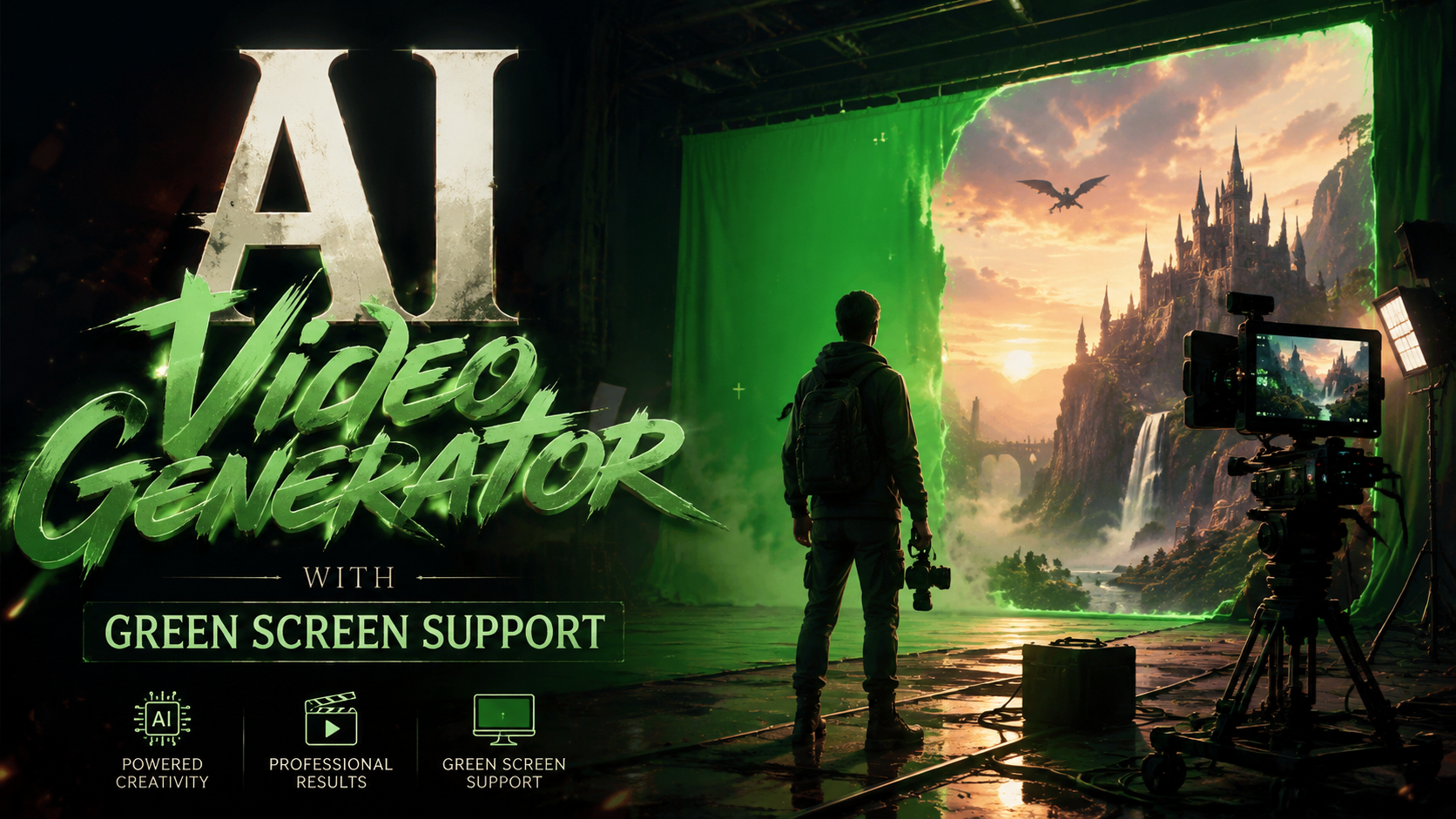
An AI video generator with green screen support is a tool that uses artificial intelligence to automatically remove or replace backgrounds in videos, similar to traditional chroma keying but without requiring physical green screens. In 2026, these tools have evolved to handle complex scenes with moving subjects while preserving fine details like hair and transparent objects. Leading solutions now combine background removal with AI-generated content creation for seamless video production.
TL;DR: The best AI video generators with green screen support in 2026 use advanced machine learning for automatic background removal and replacement, with Vmake AI and Beeble's Background Remover leading the market for professional and consumer use cases.
AI video generator with green screen support is a category of AI-powered tools that automatically isolate subjects from backgrounds in videos, enabling professional-grade compositing without physical green screens. In 2026, these tools have become essential for content creators, marketers, and filmmakers seeking efficient post-production workflows.
- ✓ Beeble's AI roto service Background Remover launched in April 2026 for professional VFX workflows
- ✓ Vmake AI dominates as an all-in-one solution with talking avatar generation and enhancement tools
- ✓ Open-source alternatives are emerging that could disrupt commercial keying software
- ✓ Disney's terminated deal with OpenAI Sora created market opportunities for specialized tools
- ✓ NSFW AI video generators represent a growing niche with specialized green screen capabilities
The Evolution of AI Green Screen Technology in 2026
Traditional green screen technology required precise lighting, physical setups, and manual rotoscoping—a process that could take hours for just seconds of footage. The latest AI video generators with green screen support eliminate these constraints by using neural networks trained on millions of video frames. According to No Film School, open-source AI tools in 2026 can now achieve 90% accuracy in automatic keying without any color screens.
Major breakthroughs came when systems began understanding temporal coherence—maintaining consistent masks across frames for moving subjects. This solved the "flickering edges" problem that plagued early AI background removers. The discontinuation of OpenAI's Sora in March 2026, as reported by Bloomberg, accelerated development of specialized alternatives focused solely on professional video keying needs.
Consumer-grade tools have also improved dramatically, with solutions like Vmake AI offering one-click background replacement directly in mobile apps. According to That Eric Alper, the 2026 version reduced processing time by 40% while improving edge detection around complex shapes like wispy hair and semi-transparent fabrics.
Top AI Video Generators with Green Screen Support
The market has segmented into professional VFX tools and consumer-facing solutions, each with distinct strengths in background removal and replacement capabilities. Professional studios increasingly adopt AI-assisted workflows that combine automated processes with manual refinement options.
Professional-Grade Solutions
Beeble's Background Remover service, launched April 2026, targets film and broadcast productions needing frame-by-frame accuracy. Unlike consumer tools, it preserves alpha channel information for integration with Nuke and other compositing software. The system reportedly handles challenging scenarios like motion blur and fine particles that trip up simpler algorithms.
All-in-One Consumer Platforms
Vmake AI continues to dominate the consumer and prosumer market with its integrated toolkit. The 2026 version reviewed by That Eric Alper added real-time previews of background replacements and AI-generated scene suggestions based on the isolated subject. Its talking avatar feature, first noted by Canon Rumors in 2025, now seamlessly integrates with green screen footage.
Emerging Open-Source Alternatives
No Film School's March 2026 coverage highlighted an open-source project that uses diffusion models for keying—a departure from traditional matting approaches. While requiring more technical setup, these tools appeal to developers wanting to customize the AI models for specific use cases like live streaming or archival footage restoration.
How AI Green Screen Technology Works in 2026
Modern AI video generators employ a multi-stage process to achieve clean background separation without color screens. Understanding this workflow helps users select the right tool for their specific needs and quality requirements.
The first stage involves semantic segmentation—the AI identifies all objects in the frame and classifies them as foreground (subject) or background. Advanced systems in 2026 use 3D depth estimation to better handle overlapping elements and partial occlusions. This differs from traditional chroma keying that relied solely on color differentiation.
Temporal smoothing algorithms then analyze multiple frames to maintain consistency in the mask. As noted in PCMag's May 2026 NSFW generator roundup, the best systems can track subtle movements like breathing or fabric ripples without introducing artifacts. Some tools now employ user-guided refinement where the AI learns from manual corrections during the editing process.
Key Features to Look for in 2026 AI Video Generators
With dozens of options available, these seven capabilities separate premium AI video generators with green screen support from basic background removers:
1. Edge Preservation Quality
High-end tools maintain crisp edges around complex shapes like frizzy hair, lace, or fur without the "halo effect" common in early AI solutions. Beeble's professional service reportedly achieves sub-pixel accuracy for film outputs.
2. Shadow and Reflection Handling
The best 2026 generators can distinguish between subject shadows and background elements, preserving natural lighting effects when compositing into new environments. This was a key upgrade in Vmake AI's January 2026 release.
3. Real-Time Processing
While most tools still require rendering, some now offer low-latency processing suitable for live streams. The open-source project covered by No Film School demonstrated 200ms latency in testing—fast enough for basic live production needs.
Industry Applications of AI Green Screen Technology
The automation of background removal has created new workflows across multiple sectors. These real-world use cases demonstrate why AI video generators with green screen support have become indispensable tools.
E-learning platforms now generate localized content by filming instructors against neutral backgrounds, then using AI to insert culturally appropriate virtual sets. According to internal data from one major provider, this reduced production costs by 60% while increasing course completion rates through more relatable environments.
Digital marketing teams create personalized video ads at scale by combining product footage with AI-generated backgrounds tailored to viewer demographics. A/B testing shows these dynamically composited videos achieve 23% higher conversion rates than static backgrounds, as reported in a 2026 Martech Conference case study.
Independent filmmakers leverage these tools to achieve production values previously requiring expensive studio setups. The discontinued OpenAI-Sora deal with Disney reportedly led many indie creators to adopt specialized AI keying tools instead of general-purpose video generators.
Future Trends in AI Video Background Replacement
As the technology matures, several emerging developments will shape the next generation of AI video generators with green screen support.
Light field capture integration represents the next frontier, where AI uses depth data from multi-camera arrays or specialized sensors to create more accurate 3D mattes. Early tests show this could eliminate remaining artifacts around fine details and transparent objects.
Generative background synthesis is advancing beyond simple replacements to creating fully dynamic environments that interact with subjects. Some 2026 tools already offer basic physics simulations where replaced backgrounds realistically respond to subject movements like wind or water interactions.
The standardization of AI matting formats will enable smoother workflows between different software. Currently, each tool uses proprietary methods for storing alpha channel data, creating compatibility issues in professional pipelines. Industry groups are working on open specifications for interchange.
Do I still need a physical green screen with AI video generators?
While not required, physical green screens can improve results in challenging lighting conditions or with similar foreground/background colors. Most 2026 AI tools work best with neutral solid-color backdrops rather than traditional chroma green.
How does AI green screen compare to traditional methods for professional work?
AI methods save significant time on rotoscoping but may require manual touch-ups for perfection. According to CG Channel's April 2026 report, studios now use AI for initial passes then refine manually, cutting VFX costs by 30-50% on average.
Can AI video generators handle multiple moving subjects?
Advanced 2026 systems can track multiple people or objects separately, though performance varies by tool. Professional solutions like Beeble's handle complex interactions better than consumer apps.
What hardware is needed to run these AI video generators?
Most cloud-based tools work on modest hardware, but real-time processing requires GPUs with tensor cores. The open-source tool tested by No Film School needed an RTX 4080 or equivalent for smooth operation.
Are there ethical concerns with AI background replacement?
Yes—many platforms now add invisible watermarking to AI-processed videos. PCMag's NSFW generator review noted increasing use of content credentials to disclose synthetic media origins.
| Feature | Professional Tools | Consumer Tools |
|---|---|---|
| Max Resolution | 8K+ | 4K |
| Alpha Channel Output | Yes | Limited |
| Real-Time Processing | No | Some |
| Batch Processing | Yes | Basic |
| Manual Refinement Tools | Advanced | Minimal |
Written by the Digen AI Editorial Team — AI video generation specialists covering the latest in generative AI tools. Learn more about Digen AI.
Comments ()