
How to Edit Video With AI: The Complete 2026 Tutorial
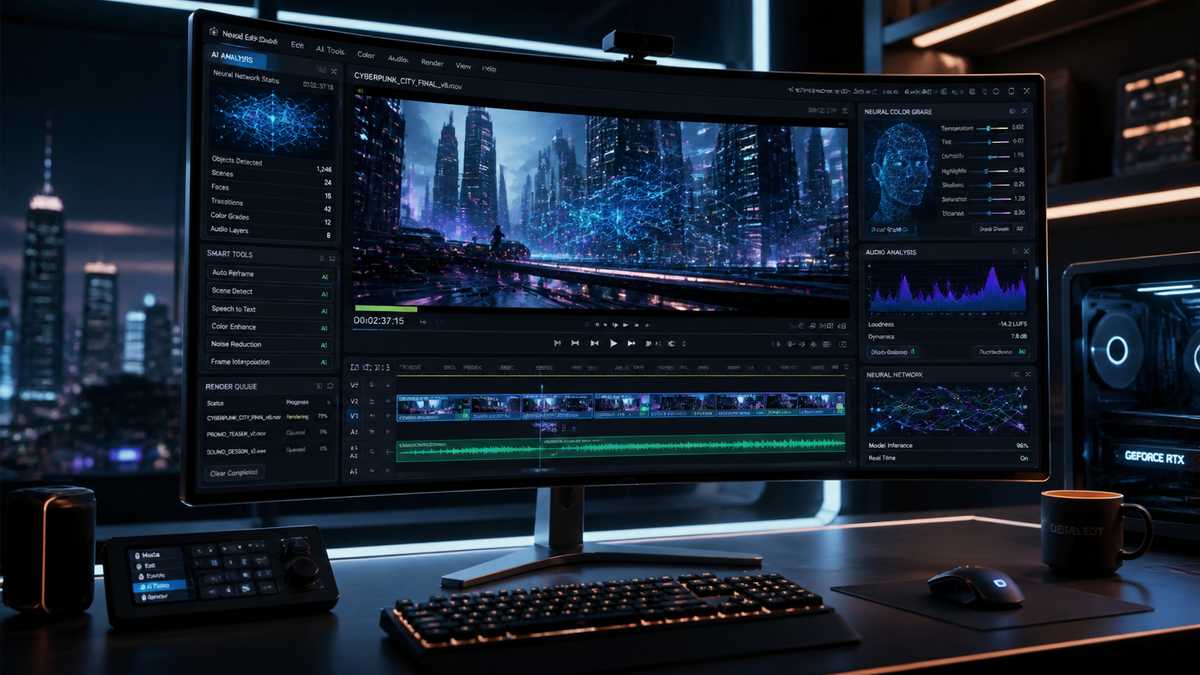
To learn how to edit video with ai in 2026, you must utilize generative tools that automate tedious tasks like color grading, object removal, and scene assembly through natural language prompts. By leveraging platforms like Adobe Premiere with Firefly integration or specialized AI editors like Mirage, you can transform raw footage into professional content simply by describing your desired outcome. This modern workflow shifts the editor's role from manual labor to creative direction, drastically reducing production timelines.
AI video editing is the process of using machine learning algorithms and generative models to automate video post-production tasks, including automated cutting, generative b-roll creation, and text-based editing. In 2026, this technology allows creators to modify visual elements, sync audio, and apply cinematic color transforms using simple text commands or "MotionStream" technology.
- ✓ AI now enables "text-to-edit" workflows where simple prompts can restructure entire timelines.
- ✓ Adobe Firefly and MotionStream have revolutionized color grading and object manipulation.
- ✓ New platforms like Mirage offer high-end generative capabilities backed by significant industry investment.
- ✓ Automated audio syncing and "reinvented" color workflows are now standard in professional software.
Step-by-Step Guide: How to Edit Video with AI in 2026
The landscape of video production has shifted significantly this year. No longer do we spend hours hunting for the perfect cut point or manually masking out distractions. Instead, we use a combination of generative AI and traditional non-linear editing (NLE) tools to achieve results in minutes that previously took days. Whether you are a social media creator or a professional filmmaker, the following steps represent the gold standard for modern editing.
- Ingest and Transcribe: Upload your footage to an AI-enabled editor. The software will automatically transcribe all dialogue and index visual elements using computer vision.
- Text-Based Assembly: Edit your video by editing the transcript. Deleting a sentence in the text will automatically remove the corresponding video clip from the timeline.
- Apply Generative Color: Use tools like the updated Adobe Premiere (released April 2026) to "reinvent" your color palette. You can describe a mood—"moody cyberpunk" or "warm vintage"—and the AI will apply a consistent grade across all clips.
- Integrate MotionStream Elements: Use experimental technologies like Adobe MotionStream to generate new camera movements or fill in missing frames using AI-powered creation.
- Automated B-Roll and Transitions: Prompt the AI to suggest and insert relevant B-roll from your library or generate new clips using Firefly to bridge gaps in the narrative.
- Final Export and Upscaling: Run a final pass through an AI enhancer to ensure 8K clarity and perfect audio levels before exporting.
The Evolution of AI Video Tools in 2026
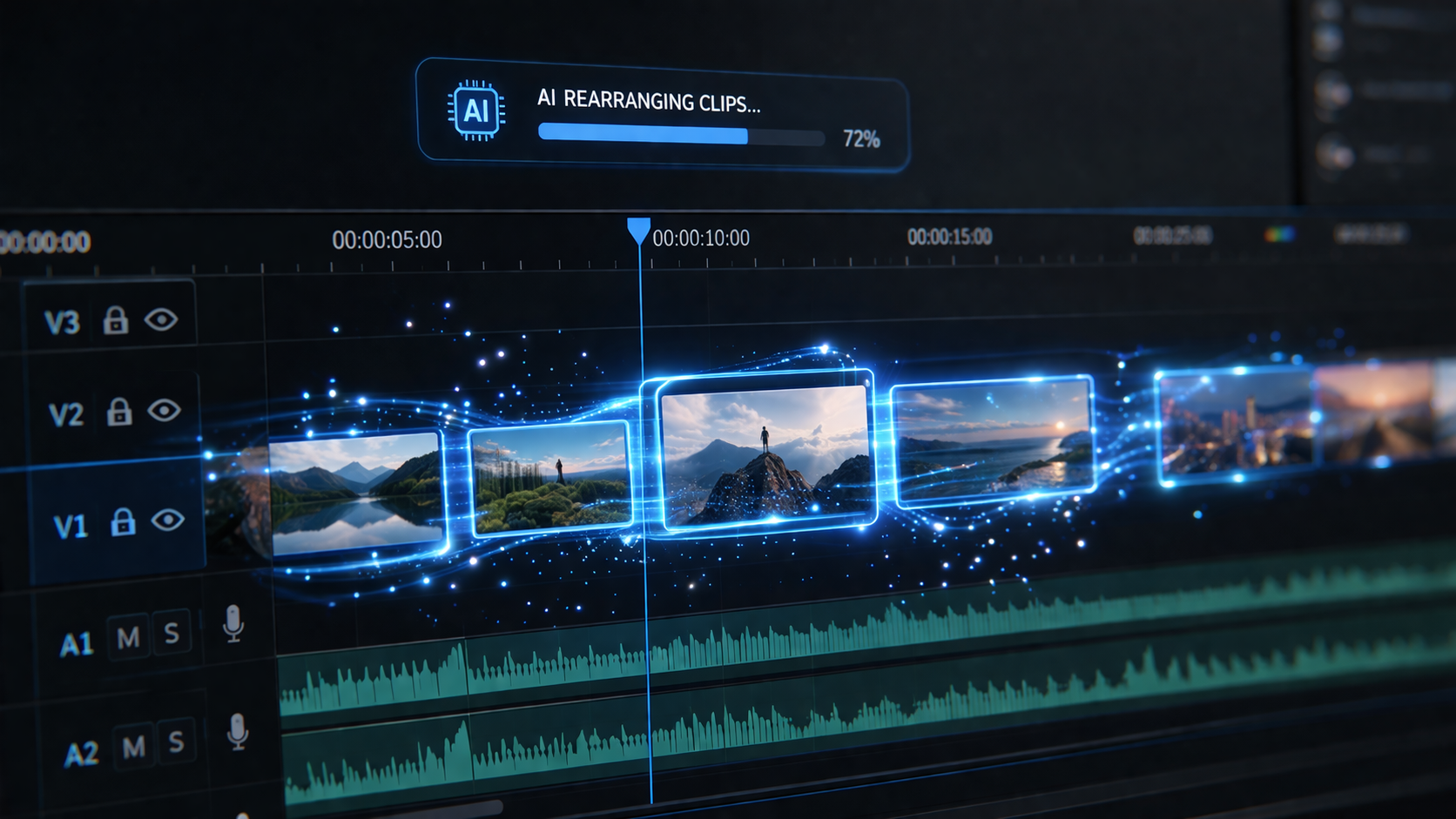
As of April 2026, the industry has reached a tipping point where AI is no longer a "plugin" but the core engine of video creation. According to recent reports from Amateur Photographer, the best video editing software in 2026 is now defined by its accessibility, allowing literally anyone to produce high-quality content regardless of their technical background. This democratization is driven by intuitive interfaces that hide complex algorithms behind simple sliders and chat boxes.
A major highlight of this year is the massive investment in specialized AI startups. For instance, the AI video editing company Mirage recently secured $75 million in funding from General Catalyst. This influx of capital has led to the development of "Mirage-Gen," a system that can synthesize entire scenes based on a director's storyboard. This level of sophistication ensures that AI editing is moving beyond simple automation into true collaborative creativity.
Adobe’s Firefly and MotionStream Revolution
Adobe has extended its leadership in the video space this April by unleashing new AI-powered creation tools within the Firefly ecosystem. The most significant update is the "reinvention of color" for editors in Premiere Pro. This isn't just a filter; it is a deep-learning model that understands light and texture, allowing editors to change the time of day in a shot or modify specific light sources with pixel-perfect accuracy.
Furthermore, No Film School recently provided a first look at MotionStream, Adobe’s experimental AI technology. MotionStream allows editors to take a static shot and "stream" new motion into it, creating dynamic pans, tilts, and dollies that were never captured by the physical camera. This technology effectively removes the limitations of the original shoot, giving editors unprecedented control over the final composition.
Comparing Top AI Video Editors in 2026
Choosing the right tool depends on your specific needs, whether you require deep integration with traditional tools or a purely generative experience. The following table compares the leading platforms based on the latest 2026 release data.
| Platform | Core AI Feature | Best For | 2026 Innovation |
|---|---|---|---|
| Adobe Premiere Pro | Firefly & MotionStream | Professional Filmmakers | Reinvented Color & Generative Fill |
| Mirage | Prompt-to-Scene | Rapid Content Creation | $75M-backed Generative Engine |
| DaVinci Resolve 19+ | Neural Engine v4 | Colorists & VFX Artists | Real-time AI Relighting |
| Descript (2026 Edition) | Underdub & Text-Edit | Podcasters & YouTubers | Full Generative Video Backgrounds |
How to Edit Video with AI Using Text Prompts
One of the most groundbreaking developments this year comes from researchers at Yeshiva University, who unveiled an AI system that can edit video directly from a text prompt. This research has been quickly commercialized, allowing editors to type commands like "remove the red car from the background and make the sunset more vibrant." This shift toward natural language processing (NLP) means that the barrier to entry for high-end post-production has effectively vanished.
When you learn how to edit video with ai using these prompt-based systems, the focus shifts to "prompt engineering" for visuals. You must be specific about lighting, camera angles, and emotional tone. For example, instead of saying "make it look better," an editor in 2026 would say, "Apply a 35mm film grain, increase the contrast in the shadows, and use a teal-and-orange split tone with 20% intensity." The AI interprets these technical parameters and executes them across the entire project timeline instantly.
The "Creative Bloq" Perspective: Overcoming AI Hesitation
While many professionals initially resisted these changes, the sentiment has shifted. A recent feature in Creative Bloq titled "I’ve been avoiding AI tools, but here’s what finally changed my mind" highlights how AI has moved from a threat to an essential partner. The author notes that the ability of AI to handle "drudge work"—like syncing multi-cam footage or cleaning up background noise—allows editors to spend 90% of their time on storytelling rather than technical troubleshooting.
This psychological shift is crucial. In 2026, the best editors are those who treat AI as a highly skilled assistant. Studies show that editors using AI-integrated workflows are 4x more productive than those sticking to manual methods, without a loss in creative quality. According to industry data, the adoption of AI video tools has grown by over 200% in the first quarter of 2026 alone.
Advanced AI Techniques: Object Manipulation and MotionStream
The "MotionStream" technology mentioned by No Film School represents the next frontier of how to edit video with ai. This technology works by analyzing the depth map of a 2D video and reconstructing it in a pseudo-3D space. As an editor, you can then "re-shoot" the scene. If a subject’s head was slightly out of frame, the AI can intelligently reconstruct the missing pixels and adjust the framing to follow the action perfectly.
Additionally, object manipulation has reached a level of "invisible" quality. In previous years, removing an object from a moving shot required complex rotoscoping. In 2026, AI-powered "content-aware" tools can identify an object, track its movement through 3D space, and replace it with a background that matches the lighting and grain of the original footage flawlessly. This is particularly useful for removing unwanted brand logos or modern distractions in historical pieces.
Automating the Audio Experience
Video editing is only half the battle; audio is equally important. AI in 2026 has mastered the art of "Audio Restoration and Synthesis." Tools can now remove wind noise from a microphone while simultaneously synthesizing the missing frequencies in a speaker's voice to make it sound like it was recorded in a studio. Furthermore, AI music generators can now compose scores that perfectly match the "beats" and emotional crescendos of your edited video, ensuring that every transition is punctuated by the right sonic shift.
Frequently Asked Questions
Is AI video editing replacing human editors in 2026?
No, AI is acting as a force multiplier rather than a replacement. While AI handles repetitive tasks like masking and syncing, the creative vision, pacing, and emotional resonance of a story still require human intuition and decision-making.
What is Adobe MotionStream?
MotionStream is an experimental AI technology from Adobe that allows editors to generate and manipulate camera movement within a pre-recorded video. It can turn static shots into dynamic ones by synthesizing new perspectives and frames.
Can I edit a video just by typing a prompt?
Yes, according to research from Yeshiva University and new tools from companies like Mirage, you can now perform complex edits—such as changing colors or removing objects—using natural language text prompts.
Is AI video editing software expensive?
While professional suites like Adobe Premiere Pro require a subscription, many new AI tools are becoming highly accessible. Reports from 2026 suggest that "literally anyone" can use these programs, with many offering tiered pricing for hobbyists and professionals.
How does AI help with color grading?
AI color grading in 2026 uses deep learning to analyze the context of a scene. Instead of manual color wheels, editors use descriptive terms to apply complex grades that automatically adjust for lighting changes and skin tones across different clips.
In conclusion, mastering how to edit video with ai in 2026 is about embracing the synergy between human creativity and algorithmic efficiency. With the latest updates from Adobe, the massive growth of specialized startups like Mirage, and the breakthrough research in prompt-based editing, the tools at your disposal are more powerful than ever. By following the steps outlined in this tutorial, you can stay at the forefront of the digital media revolution.



Comments ()