
Adobe AI Video Editing Features: 2026 Guide to Creative Tools
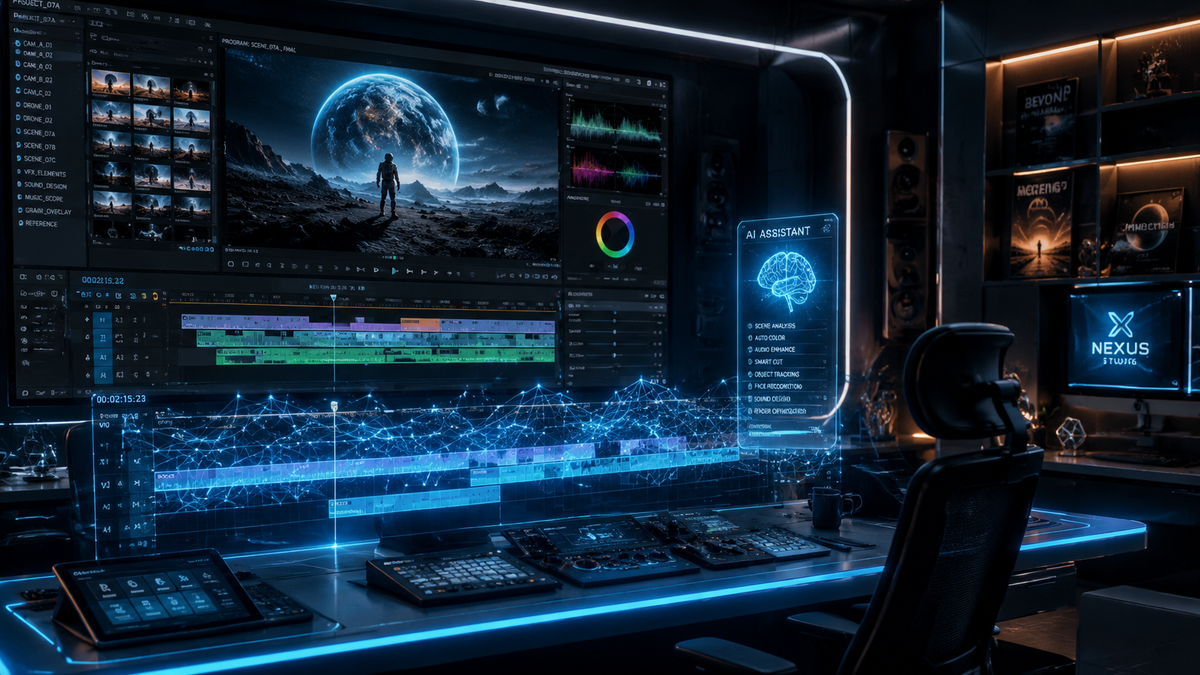
The latest adobe ai video editing features represent a paradigm shift in digital storytelling, integrating generative AI directly into the professional timeline to automate tedious tasks like color grading and rough cutting. By leveraging the updated Firefly Video Model and specialized tools like "Quick Cut," Adobe allows creators to bypass technical bottlenecks and focus entirely on creative vision. In 2026, these tools have moved beyond experimental betas into stable, essential workflows for editors across Premiere Pro and After Effects.
Adobe AI video editing features are a suite of generative and automated tools within Creative Cloud, such as Firefly-powered Video Generation, AI-driven Color Reinvention, and Quick Cut. These features utilize machine learning to handle complex tasks like object removal, automated transcript-based editing, and intelligent color matching, significantly reducing post-production time for professional editors.
- ✓ Firefly Video Model now supports full-resolution generative b-roll and scene extensions.
- ✓ The "Quick Cut" feature automates the initial assembly of footage based on narrative prompts.
- ✓ New AI-powered color reinvention allows for instant cinematic grading across multiple clips.
- ✓ Enhanced text-based editing now includes multi-cam support and filler word removal.
How to Use Adobe AI Video Editing Features in 2026
Implementing AI into your workflow is no longer about using external plugins; it is about utilizing the native buttons within the Premiere Pro interface. As of the April 2026 updates, the integration is seamless, allowing for a hybrid workflow where the AI suggests edits and the human editor refines them. This approach ensures that the "soul" of the story remains intact while the mechanical labor is offloaded to the software.
To get started with the latest generative and automated tools, follow these steps to optimize your project from import to final export:
- Initialize Text-Based Editing: Import your footage and allow Premiere Pro to automatically generate a transcript. Use the transcript window to delete unwanted dialogue, which will automatically remove the corresponding video frames from your timeline.
- Apply Quick Cut for Rough Assemblies: Use the "Quick Cut" tool (released in February 2026) to let the AI analyze your footage for the best takes and assemble a rough draft based on your specific duration and tone requirements.
- Enhance with Firefly Generative Fill: If you have a gap in your footage or need to extend a shot, select the "Generative Extend" tool. The Firefly Video Model will synthesize new frames that match the lighting and motion of your original clip.
- Utilize AI Color Reinvention: Navigate to the Lumetri Color panel and select "Reinvent Color." Choose a reference image or describe a mood, and the AI will apply a consistent, professional-grade color science across your entire sequence.
- Finalize with AI Audio Remix: Use the Essential Sound panel to automatically stretch or shorten background music to fit your edit without losing the rhythm or structure of the track.
The Evolution of Firefly in Video Production
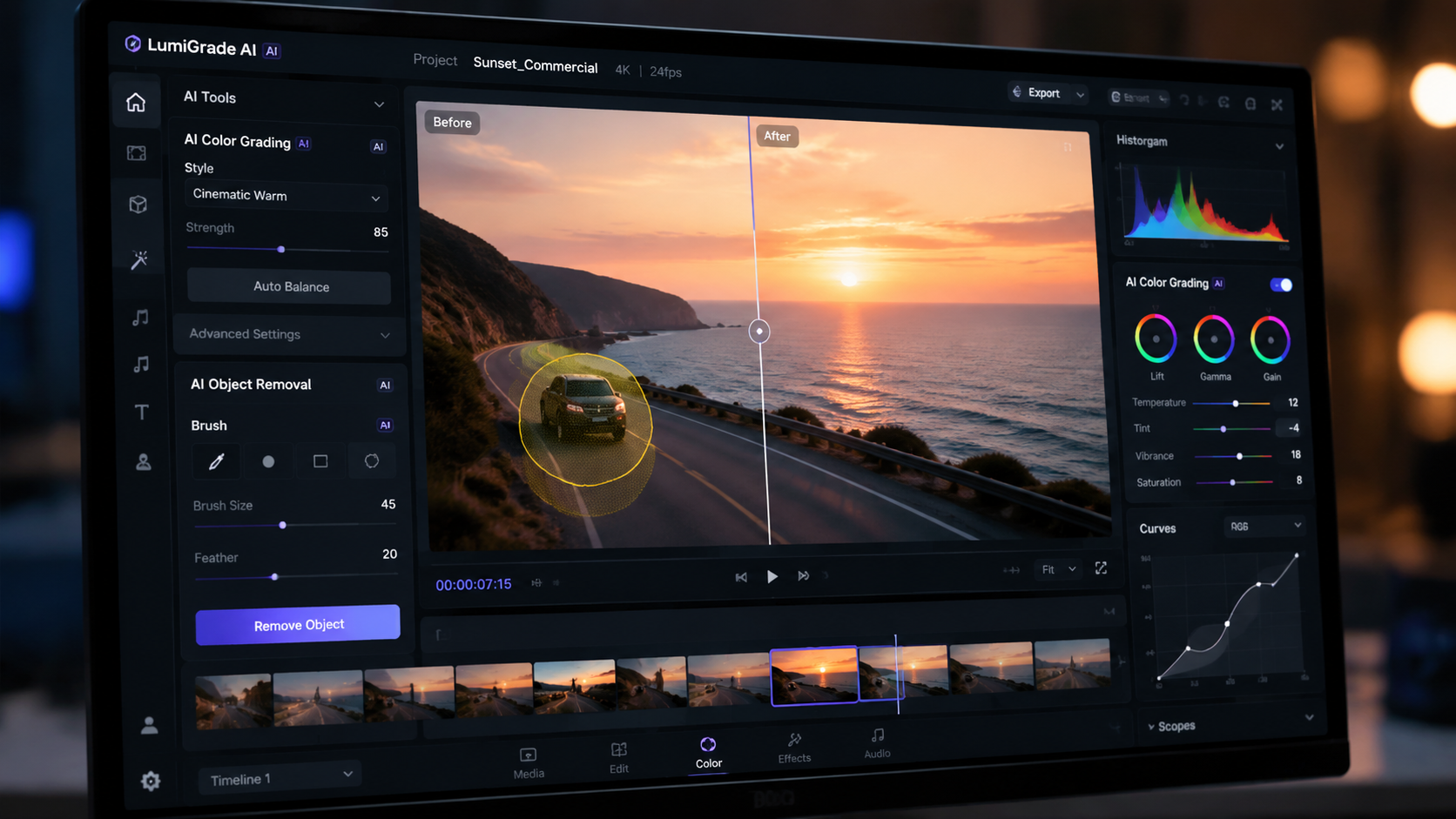
The core of the adobe ai video editing features in 2026 is the matured Firefly Video Model. Unlike earlier iterations that focused primarily on static images, the 2026 version is capable of understanding temporal consistency. This means that when the AI generates a scene or fills a gap, the motion remains fluid and the lighting does not "flicker," a common issue in previous generative video technologies. According to Adobe, the latest Firefly updates released in April 2026 have increased processing speeds by 40%, allowing for real-time previews of generative content.
Furthermore, the integration of Firefly within Premiere Pro allows for "Generative B-Roll." Editors can now type a prompt directly into the timeline to create supplementary footage that matches the resolution and frame rate of their project. This is particularly useful for documentary filmmakers who may be missing a specific transition shot or a generic environmental view. The AI analyzes the metadata of the surrounding clips to ensure the generated content blends perfectly with the existing aesthetic.
Generative Extend and Object Removal
One of the most praised features in the 2026 toolkit is Generative Extend. This tool allows editors to drag the end of a clip beyond its original duration. The AI "imagines" what happens next, creating a seamless extension of the action. Similarly, the Object Removal tool has been upgraded. In the past, removing a moving object required frame-by-frame rotoscoping; now, the AI tracks the object and replaces it with a contextually aware background that maintains the grain and texture of the original film stock.
Reinventing Color and Visual Consistency
Color grading has traditionally been one of the most time-consuming parts of the editing process. However, with the April 2026 release, Adobe introduced a "reinvented color" workflow. This feature uses deep learning to understand the emotional context of a scene. Instead of manually adjusting wheels and curves, editors can now use natural language prompts like "make this look like a 1970s film noir" or "brighten the subjects while keeping the sunset warm."
According to Jon Peddie Research, these AI-driven capabilities for video users are designed to lower the barrier to entry for high-end production values. The AI doesn't just apply a filter; it re-lights the scene virtually. It can identify the primary light source in a shot and adjust the shadows and highlights as if the lighting setup had been different during the actual shoot. This level of control is unprecedented in non-linear editing software.
| Feature | Primary Function | Best For... |
|---|---|---|
| Quick Cut | Automated rough cut assembly | Social media creators and fast-turnaround news |
| Firefly Video Model | Generative b-roll and scene extension | Filling gaps in footage and creative b-roll |
| Reinvent Color | AI-powered cinematic grading | Maintaining visual consistency across cameras |
| Text-Based Editing | Edit video by editing text transcripts | Interviews, podcasts, and documentaries |
| Object Removal | Removing unwanted elements from moving shots | Clean-up and visual effects on a budget |
Adobe Quick Cut: Empowering the Idea Phase
In February 2026, Adobe released "Quick Cut," a tool specifically designed to help creators focus on ideas rather than the mechanics of trimming. As reported by The AI Economy, Quick Cut analyzes hours of raw footage to identify the most compelling moments—based on facial expressions, dialogue clarity, and action sequences. It then suggests a variety of "cuts" ranging from 15-second social teasers to 10-minute deep dives.
This feature is particularly revolutionary for the "creator economy." Instead of spending the first day of a project just organizing and tagging clips, an editor can start with a curated sequence. The adobe ai video editing features within Quick Cut also include a "Tone Slider," allowing the editor to dictate whether the cut should be high-energy and fast-paced or slow and contemplative. This ensures that while the AI does the heavy lifting, the creative direction remains firmly in the hands of the human editor.
The Impact on Workflow Efficiency
The efficiency gains from Quick Cut are measurable. PCMag’s 2026 testing of video editing software noted that Adobe’s AI tools have reduced the "time to first draft" by nearly 60% for professional users. This allows production houses to take on more clients without increasing headcount, or alternatively, to spend more time on the fine-tuning and artistic aspects of a project that AI cannot replicate, such as nuanced pacing and emotional resonance.
Professional Standards and AI Ethics
As AI becomes more integrated into professional tools, Adobe has maintained a focus on ethical AI usage. All content generated via the Firefly Video Model in 2026 includes "Content Credentials." This digital nutrition label provides transparency, showing that AI was used in the creation or modification of the video. This is crucial for journalists and commercial creators who must adhere to strict transparency standards regarding synthetic media.
Moreover, the AI models are trained on Adobe Stock and public domain content, ensuring that the adobe ai video editing features do not infringe on the intellectual property of other artists. This "commercial safety" is a major reason why Creative Cloud remains the industry standard in 2026, as noted by Creative Bloq in their review of the best video editing apps. Professionals need to know that their work is legally sound, and Adobe's transparent approach to AI training provides that peace of mind.
The Future of After Effects and Motion Graphics
While Premiere Pro focuses on the cut, After Effects has seen its own AI revolution. The 2026 updates include "AI Particle Synthesis," where users can describe complex visual effects—like "swirling embers that form a logo"—and the software handles the physics and rendering. This integration between the two apps means that a project can move from a Quick Cut in Premiere to high-end VFX in After Effects, with the AI maintaining a consistent understanding of the project's visual language throughout the entire pipeline.
Frequently Asked Questions
What are the primary adobe ai video editing features in 2026?
The primary features include the Firefly Video Model for generative content, Quick Cut for automated rough assemblies, Reinvent Color for AI-driven grading, and Generative Extend for lengthening clips. These tools are natively integrated into Premiere Pro and After Effects.
Is Adobe Quick Cut available for all Creative Cloud users?
Yes, Quick Cut was rolled out in early 2026 as a standard feature for all Premiere Pro subscribers. It is designed to assist both beginners and professionals in quickly organizing raw footage into a cohesive narrative structure.
Does the AI in Premiere Pro replace the need for a human editor?
No, the AI is designed to be a "co-pilot." While it can automate tasks like transcription, basic cutting, and color matching, the creative decisions regarding storytelling, emotional impact, and final pacing still require a human editor's expertise.
How does "Reinvent Color" differ from standard Lumetri presets?
Unlike static presets, Reinvent Color uses machine learning to analyze the specific lighting and color data of your footage. It then applies adjustments dynamically to achieve a specific mood or to match a reference image, resulting in a more natural and professional look.
Are videos edited with Adobe AI safe for commercial use?
Yes, Adobe's AI models are trained on licensed content from Adobe Stock and public domain sources. Additionally, Adobe includes Content Credentials to ensure transparency and copyright protection for commercial projects.
In conclusion, the adobe ai video editing features of 2026 have successfully bridged the gap between complex technical execution and pure creative intent. By automating the "grunt work" of video production, Adobe has empowered a new generation of storytellers to produce high-quality content at an unprecedented pace. Whether you are a solo YouTuber or a lead editor at a major film studio, these AI tools are now an indispensable part of the modern creative toolkit.

Comments ()