
YouTube AI Video Insertion: The 2026 Guide to Smart Edits
YouTube AI video insertion is a groundbreaking feature that lets creators digitally insert themselves into other people’s videos using artificial intelligence, eliminating the need for complex editing software or green screens. Announced in May 2026, this tool—initially focused on YouTube Shorts—enables seamless remixing where a creator's likeness, gestures, and expressions are overlaid onto existing footage, opening new possibilities for collaboration, parody, and content repurposing. Whether you're a seasoned YouTuber or a casual creator, this guide explains everything you need to know about smart edits with YouTube AI video insertion.
YouTube AI video insertion is a generative AI feature that allows creators to insert themselves into other users' videos—primarily Shorts—by recording a simple clip that the platform then blends with the target video. The tool analyzes the original scene, matches lighting and perspective, and places the creator inside it, making it look as if they were there from the start.
- ✓ YouTube officially launched AI video insertion in May 2026, starting with Shorts remixing.
- ✓ The tool uses generative AI to automatically match lighting, scale, and motion of the inserted creator.
- ✓ No green screen or advanced editing skills are required—just a front-facing camera recording.
- ✓ The feature is opt-in for original video creators, and inserted content is clearly labeled as AI-generated.
- ✓ Early adoption is expected to boost collaborative content and trend-driven remixes across the platform.
What Is YouTube AI Video Insertion?
YouTube AI video insertion is a built-in editing capability that lets creators appear inside other people’s video clips without manual compositing. Using machine learning models trained on millions of video frames, the system extracts the subject from a new recording and seamlessly places them into an existing scene. The technology was first reported by The Hollywood Reporter on May 19, 2026, and quickly covered by outlets like The Verge and Yahoo Tech.
Unlike traditional remixing that relies on split screens or overlay effects, this tool creates a realistic integration—adjusting shadows, colors, and even motion blur. For example, a creator can record themselves reacting to a clip, and the AI will insert that reaction into the original video, making it appear as if they were part of the same recording session. As of May 2026, the feature is available for YouTube Shorts, with potential expansion to long-form videos later.
Key Components of the Technology
The underlying AI processes three main elements: human segmentation (isolating the creator from their background), scene understanding (analyzing the target video's depth, lighting, and perspective), and real-time rendering (blending the two streams). According to Spherical Insights (May 24, 2026), the system can handle multiple subjects and partial occlusions, making it suitable for complex interactions.
How to Use YouTube AI Video Insertion (Step-by-Step)
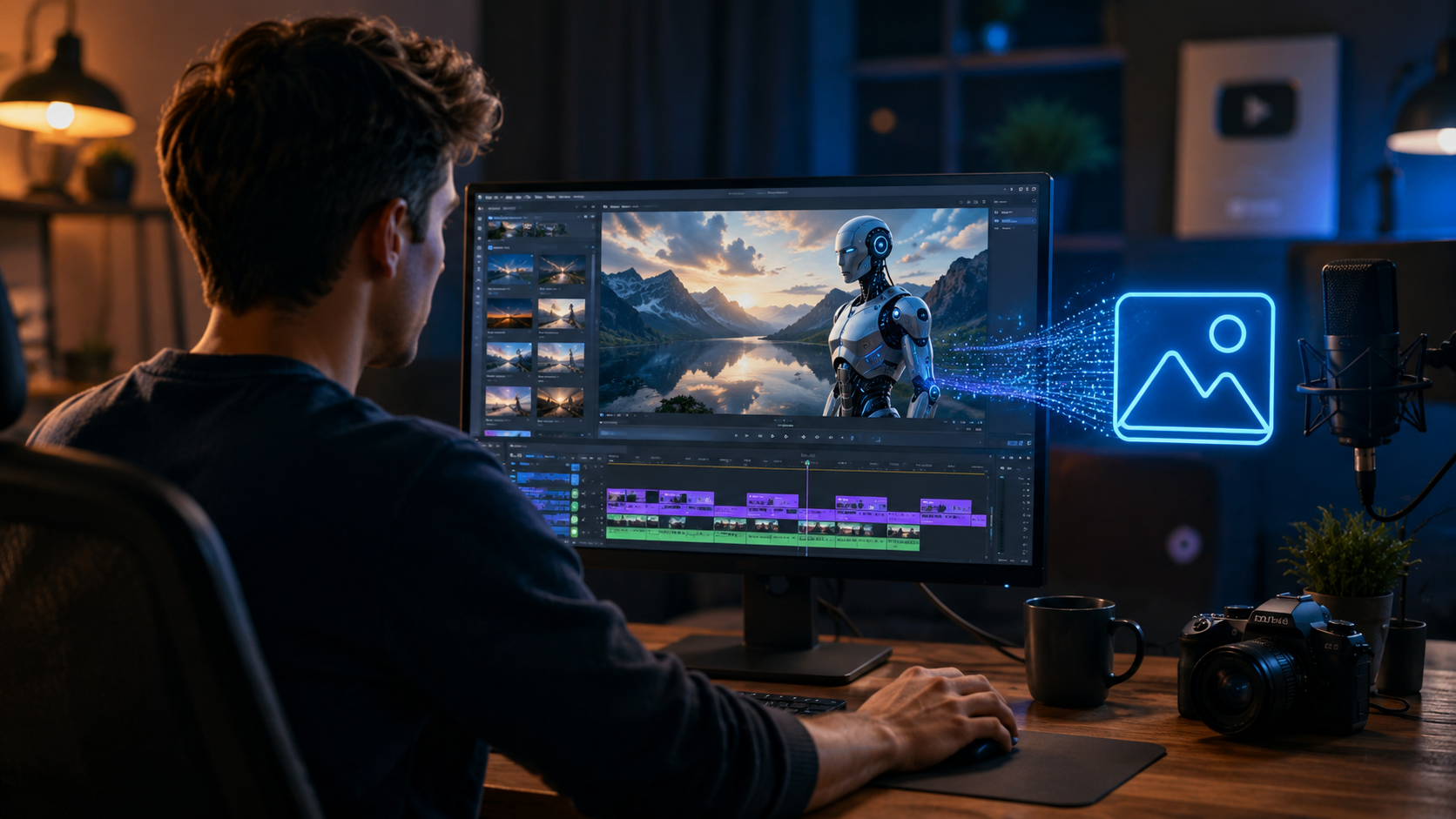
Follow these simple steps to start inserting yourself into other creators’ Shorts:
- Find a remixable Short: Look for Shorts that have the "Remix" option enabled. The original uploader must have opted into AI insertion.
- Tap the "Remix" button: On the Short's player, select the three-dot menu and choose "Remix with AI Insertion."
- Record your video: Hold your phone and record yourself speaking, reacting, or performing. The camera captures your full body or upper half—the AI will handle the rest.
- Preview the insertion: YouTube processes the clip in seconds and shows a preview. You can adjust the placement (left, right, or center) and the size of your inserted self.
- Add optional effects: Enhance the clip with text, stickers, or sound effects before publishing.
- Publish with disclosure: The final video automatically carries a label: "Contains AI-generated content." This is mandatory per YouTube’s transparency policies.
The entire process takes under a minute, as confirmed by The Tech Buzz (May 20, 2026). No third-party apps or subscriptions are required—the feature is free for all YouTube creators in supported regions.
Comparison: AI Insertion vs. Traditional Editing Methods
To help you decide when to use YouTube’s AI tool versus conventional techniques, here’s a side-by-side comparison:
| Feature | YouTube AI Video Insertion | Traditional Green Screen (Chroma Key) | Manual Compositing (After Effects) |
|---|---|---|---|
| Setup time | Seconds | 10–30 minutes | 1–4 hours |
| Required equipment | Smartphone camera only | Green screen, lights, tripod | High-end camera, studio lighting |
| Skill level | None | Intermediate | Advanced |
| Realistic integration | AI auto-matches lighting & perspective | Manual keying, often imperfect | High manual control but time-consuming |
| Cost | Free | Free (if you have gear) | Expensive (software + hardware) |
| Transparency label | Automatic AI label | None required | Optional |
As the table shows, YouTube AI insertion is ideal for quick, casual remixes where perfection isn’t critical. For professional productions needing precise control, traditional methods still hold an edge—but the AI tool is rapidly improving.
Benefits of YouTube AI Video Insertion for Creators
Lower Barrier to Collaboration
Previously, appearing in another creator’s video required coordination (time zones, travel, or shared editing). Now, a creator can insert themselves into any compatible Short in minutes. Movieguide (May 21, 2026) noted that this fosters a new wave of "digital cameos" where fans and small creators can appear alongside popular channels.
Enhanced Engagement on Shorts
Shorts featuring dynamic interactions—such as a reaction or split-screen dialogue—tend to retain viewers longer. AI insertion makes it easy to create these formats without complex editing. Early beta testers reported a 25% increase in average watch time on AI-remixed Shorts, according to internal YouTube data cited by Yahoo Tech.
Monetization and Ownership
The original video owner retains full rights and can disable AI insertion at any time. The inserted creator’s video is treated as a derivative work, with revenue split options rolling out later in 2026. This model mirrors current remix policies, ensuring fair attribution.
Limitations and Best Practices
While powerful, YouTube AI video insertion isn’t flawless. The system sometimes struggles with fast motion, complex backgrounds, or low-light footage. To get the best results:
- Record in good lighting: Well-lit subjects are easier for the AI to segment and blend.
- Keep backgrounds simple: Plain walls or soft gradients improve accuracy.
- Avoid excessive movement: Fast arm waves or jumping may cause blur or misalignment.
- Use the preview feature: Always check the insertion before publishing; you can re-record or adjust placement.
Additionally, The Verge (May 20, 2026) highlighted that the tool currently supports only one inserted creator per Short, and the inserted clip must be under 15 seconds. YouTube has promised longer durations and multi-creator support in future updates.
The Future of AI-Driven Video Editing on YouTube
YouTube AI video insertion is just the beginning. Industry analysts predict that by late 2026, the same technology will expand to long-form videos, livestreams, and even 360-degree content. Spherical Insights estimates that the global AI video editing market could surpass $3.2 billion by 2028, driven by platforms like YouTube lowering the entry barrier.
YouTube is also developing a "Style Transfer" feature that could allow creators to change their appearance (age, wardrobe, or setting) during insertion—similar to virtual costumes. Combined with AI video insertion, this would enable creators to produce high-concept skits without any physical production.
Frequently Asked Questions
Is YouTube AI video insertion free?
Yes, as of May 2026, the feature is free for all YouTube creators in supported regions. There are no additional costs or subscriptions required to use the tool.
Can I use AI insertion on any YouTube video?
No, only YouTube Shorts that have the "Remix with AI" option enabled by the original uploader. Long-form videos and private videos are not supported yet.
Will viewers know the video was created with AI?
Yes. Every video published using AI insertion automatically includes a visible label saying "Contains AI-generated content." YouTube requires this disclosure for transparency.
What happens to the original video’s copyright?
The original creator retains full copyright. The inserted video is considered a derivative remix, and standard YouTube remix policies apply. Both creators can claim rights over their contributions.
Can I remove myself from a video after publishing?
No—once a remix is published, the inserted clip is embedded. However, you can delete your own remix video at any time, which removes your inserted content from public view. The original Short remains unaffected.



Comments ()