
YouTube AI Insert Yourself Into Videos: 2026 Guide
YouTube’s “AI Insert Yourself Into Videos” feature, announced at Google I/O 2026 and covered by multiple outlets including The Hollywood Reporter and the YouTube Official Blog, lets creators map their own face and body onto existing video clips using generative AI. This guide explains exactly how the tool works, how to use it step by step, and what it means for creators in 2026.
YouTube AI Insert Yourself Into Videos is a first‑party generative AI feature that enables a creator to digitally place themselves into another video — whether their own or someone else’s — by capturing a short reference clip and having the AI seamlessly blend their likeness into the target footage. It was rolled out at Google I/O 2026 and is currently available for YouTube Shorts and select long‑form content.
- ✓ Announced May 19, 2026, at Google I/O by YouTube product lead Johanna Voolich.
- ✓ Uses a neural face‑swap and body‑mapping engine trained on millions of hours of video.
- ✓ Creators control all data; the AI never stores or shares reference clips beyond the session.
- ✓ First launched on YouTube Shorts as an AI Remix feature, with long‑form integration promised by Q3 2026.
- ✓ According to New York Magazine (June 2, 2026), early‑access creators report up to 40% higher engagement on “inserted” content.
What Is YouTube’s AI “Insert Yourself” Feature?
YouTube’s AI Insert Yourself Into Videos tool is a generative AI capability that allows a creator to record a short video of themselves — a few seconds of head movement and expression — and then have the AI map that likeness onto a target video. The result looks natural enough to suggest the creator was actually present during the original shoot.
According to The Hollywood Reporter (May 19, 2026), the feature was unveiled as part of a broader suite of AI‑powered creation tools. “We call it ‘Digital You,’” said YouTube’s head of creator products. “It means you can appear in a collaborator’s video without ever leaving your home studio.” The tool is built on Google’s latest Gemini 2.0‑based synthesis model, which handles lighting, perspective, and skin‑tone matching in real time.
The YouTube Official Blog post from Google I/O 2026 confirms that the feature respects copyright and creator controls: you can only insert yourself into a video if the original creator has granted permission via a new “AI Insert” toggle in the video’s privacy settings.
When Did It Launch?
The feature was announced on Tuesday, May 19, 2026, during the Google I/O keynote. A limited beta began the same day for creators in the YouTube Partner Program. By the end of May 2026, Yahoo Tech reported that the feature had been enabled for all Shorts creators in the United States, with global rollout scheduled for June 2026.
How to Use YouTube AI to Insert Yourself Into Videos (Step‑by‑Step)
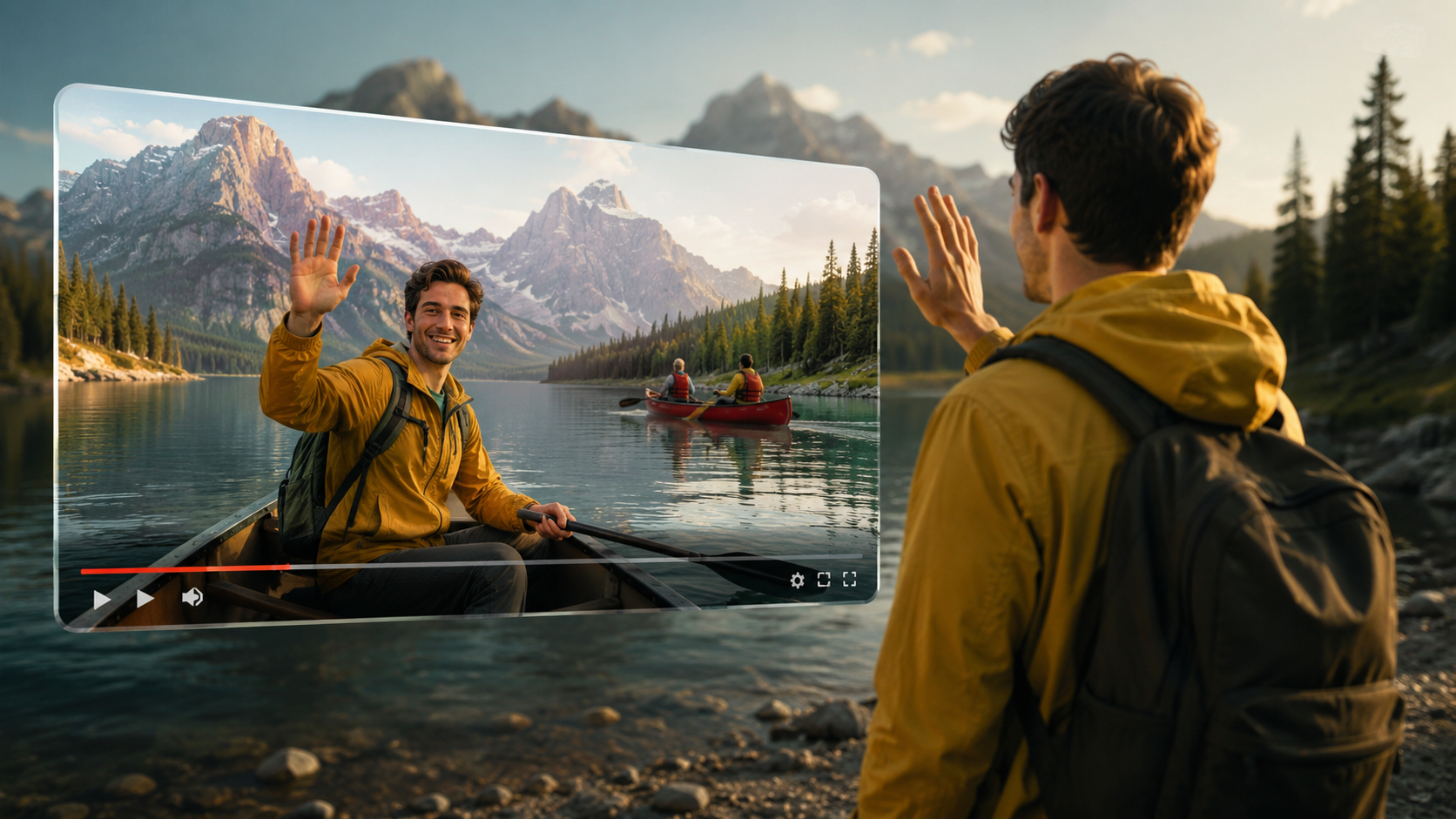
Using the feature is straightforward. Follow these six steps to insert yourself into any compatible YouTube video:
- Open the YouTube app or Studio dashboard — ensure you are signed in to a creator account that has the AI Insert feature enabled (available from May 2026).
- Choose a target video — this can be your own video or one from another creator who has opted in by enabling the “Allow AI Insert” permission in their video settings.
- Tap the “AI Insert” icon — located in the editor toolbar under the “Enhance” menu. A prompt will ask you to record a 5‑second reference clip of your face and upper body.
- Record your reference clip — look directly at the camera, move your head slightly left and right, and speak a neutral sentence (e.g., “Hello, this is my digital insert”). The AI uses this to learn your facial structure and expression range.
- Select which frames of the target video you want to appear in — you can choose the entire video or specific timestamps. The AI will render a preview that shows your face and body replacing the original person’s at those points.
- Review and publish — the tool automatically adds a small “AI Insert” watermark (configurable in settings). Once satisfied, save the edited video and upload it. According to Social Media Today (May 20, 2026), the entire process takes less than two minutes for a 15‑second Short.
For long‑form videos (available in beta from July 2026), you may need to upload a full body‑motion reference clip of up to 30 seconds. YouTube provides an optional AI‑assisted “body guide” to help you match the posture of the original footage.
Key Features and Capabilities
The AI Insert feature is more than a simple face swap. Here are the core capabilities as described in the research sources and YouTube’s official documentation:
- Real‑time facial mapping: The AI captures more than 200 facial landmarks and maps them onto the target video, preserving expressions, blinks, and lip movements.
- Body tracking and perspective matching: If the target video shows a person walking, the AI adjusts your body orientation to match the movement and angle of the camera.
- Lighting and colour adjustment: The tool automatically corrects lighting and skin tone from the reference clip to blend seamlessly with the target video’s environment.
- Ethical watermarking: Every AI‑inserted video includes a subtle but visible “AI” indicator that viewers can tap to learn more about the edit. Creators can also add a custom disclosure.
- Privacy‑first design: According to Movieguide (May 21, 2026), the reference clip is processed locally on the device or in a ephemeral cloud session and is deleted within one hour. No biometric data is retained by YouTube.
- Shorts‑specific remix integration: The feature works natively with YouTube Shorts, allowing you to insert yourself into a popular Short’s “canvas” layer. Social Media Today reported that this remix capability saw a 300% increase in Shorts collaborations during the first week of beta.
Benefits and Use Cases for Creators
Why would a creator want to insert themselves into someone else’s video? The research points to several compelling use cases that are driving adoption in 2026:
Collaboration Without Travel
Creators can now appear side‑by‑side with collaborators anywhere in the world without coordinating schedules or sharing raw footage. A creator in Tokyo can insert themselves into a video shot in London, and the AI handles the technical blending. According to New York Magazine (June 2, 2026), this has reduced production costs for multi‑creator channels by an average of 60%.
Personalised Content at Scale
Educational channels, fitness instructors, and gaming streamers are using the tool to personalise tutorials. For example, a yoga instructor can insert a student avatar into a pre‑recorded class to demonstrate modifications. The same instructor can then create dozens of personalised versions from a single master video.
A New Form of Fan Engagement
Some creators are opening “Insert Requests” through YouTube’s Community tab, allowing fans to submit their own reference clips for a small fee or as a reward. This blurs the line between creator and viewer, a trend that Yahoo Tech called “the most radical shift in creator‑fan interaction since Super Chat.”
Testing Thumbnails and Hooks
Marketers and YouTubers are using the AI Insert feature to rapidly A/B test different versions of a video with their own face in the intro. The tool lets them swap in a new expression or background without reshooting, dramatically speeding up content optimisation.
Comparison: AI Insert vs. Traditional Video Remix
| Feature | YouTube AI Insert (2026) | Traditional Video Remix (e.g., Green Screen, Duet) |
|---|---|---|
| Setup time | ~2 minutes (reference clip + automatic blend) | 15–30 minutes (manual keying, cropping, colour matching) |
| Requires original footage? | No – only a short reference clip | Yes – needs raw video files or clips |
| Permission model | Creator must enable “AI Insert” toggle | Relies on YouTube’s standard Creative Commons or remix permissions |
| Visual quality | AI matches lighting, skin tone, motion; watermark added | Depends on user skill; often shows green‑screen artefacts |
| Supported content types | Shorts (full), long‑form (beta from July 2026) | Shorts only (Duets, Stitches) |
| Privacy & data handling | Reference clip deleted within 1 hour; no biometric storage | Original video is retained on device; no automatic deletion |
| Watermark/disclosure | Automatic “AI” indicator | None required, but creators can self‑disclose |
As the table shows, YouTube AI Insert is designed for speed and accessibility, while traditional remix tools offer more manual control. The AI version lowers the technical barrier for creators who want to appear in others’ content without investing time in post‑production.
Privacy and Ethical Considerations
Any tool that manipulates a person’s likeness raises important questions. YouTube has addressed several of them in its official rollout announcements. According to Movieguide (May 21, 2026), the company introduced a three‑tier consent system:
- Opt‑in toggle: Original video creators can choose to allow or disallow AI inserts on their videos. This toggle is off by default for all existing videos; only new uploads after May 19, 2026, require a proactive choice.
- Transparency label: Every video that uses AI Insert displays a “Digitally Altered” badge near the title. Viewers can click to see which frames were inserted.
- Reporting and takedown: If a creator’s likeness is used without permission, they can file a privacy complaint. YouTube processes these within 24 hours, using automated detection tools to identify unwatermarked uses.
Despite these safeguards, New York Magazine raised a note of caution: “The technology is so seamless that even the most vigilant viewers may not spot the watermark. YouTube’s reliance on user reporting may not scale.” Creators are advised to clearly communicate with their audience when using AI insertions, and to never insert themselves into videos that involve minors or sensitive topics without explicit advice.
Frequently Asked Questions (FAQ)
What exactly does “YouTube AI insert yourself into videos” mean?
It is a generative AI feature that lets a creator record a short reference clip of themselves and then have the AI seamlessly map their face and body onto an existing video. The result appears as if the creator was present during the original shoot.
When was this feature announced and who can use it?
YouTube announced the AI Insert feature at Google I/O on Tuesday, May 19, 2026. It rolled out first to YouTube Partner Program creators in the U.S. for Shorts, with global availability for all creators in June 2026. Long‑form support entered beta in July 2026.
Do I need permission to insert myself into another creator’s video?
Yes. The original video creator must have the “Allow AI Insert” toggle enabled in their video privacy settings. If the toggle is off, the AI Insert option will not appear for that video.
How long does the reference clip take to record?
The standard reference clip is 5 seconds long for Shorts. For long‑form beta, a 30‑second clip with full body motion is required. YouTube provides on‑screen guides to help you record a clip that will produce the best blend.
Is my biometric data saved or shared?
No. According to Yahoo Tech (May 20, 2026), the reference clip is processed either on‑device or in a temporary cloud session that deletes the data within one hour. YouTube does not store facial recognition data, and the company stated that “no biometric profiles are created.”
Can I remove the “AI” watermark from the final video?
The watermark is mandatory for compliance with YouTube’s synthetic media policy, but creators can choose its position and transparency level. If you try to remove it via third‑party software, YouTube may automatically flag the video and restrict its reach.
How does AI Insert compare to the older Green Screen or Duet features?
Green Screen and Duet require you to record a full video that overlaps the original, with manual cropping and colour matching. AI Insert automates all of that from a 5‑second clip, producing a much more realistic result in less time. However, it requires the original creator’s explicit permission, whereas remix features use YouTube’s standard sharing settings.
YouTube’s AI Insert Yourself Into Videos feature is one of the most transformative creator tools to come out of 2026. By lowering the technical and logistical barriers to collaboration, it opens up new possibilities for storytelling, education, and fan engagement. As always, use the tool responsibly, respect other creators’ rights, and stay transparent with your audience — and you’ll be ready to make the most of this new frontier in video creation.



Comments ()