
YouTube AI Insert Into Videos: 2026 Guide for Creators
YouTube AI insert into videos is a groundbreaking feature announced by YouTube in May 2026 that allows creators to digitally place themselves into other people’s videos using artificial intelligence. With this tool, you can record a short clip of yourself and have it seamlessly integrated into any existing video on the platform, enabling collaborations without the need for physical co-location or complex editing software.
YouTube AI insert into videos is a new capability unveiled at Google I/O 2026 that lets creators use AI to insert a realistic, customizable version of themselves into another creator’s video content. This tool uses advanced generative AI to match lighting, perspective, and movement, making the insertion appear natural and authentic.
- ✓ YouTube officially announced the AI insert feature at Google I/O 2026 on May 19, 2026.
- ✓ Creators can insert themselves into any public video on the platform after receiving permission from the original uploader.
- ✓ The tool uses AI to automatically adjust body positioning, facial expressions, and audio syncing.
- ✓ YouTube will label all AI-generated or AI-modified videos with a new "AI slop" label to maintain transparency.
- ✓ Early reports from The Hollywood Reporter and Movieguide indicate strong creator interest and potential for new revenue models.
What Is YouTube AI Insert Into Videos? A Complete Definition
YouTube AI insert into videos refers to a built-in feature of YouTube Studio that enables creators to generate a digital twin of themselves and place it into any video they do not own. Unlike traditional green screen or rotoscoping, the AI handles all the technical heavy lifting — from matching the subject’s skin tone and lighting to replicating head movements and gestures. According to the YouTube Official Blog, the feature was demonstrated at Google I/O 2026 as part of a suite of AI tools designed to lower the barrier to creative collaboration.
Creators simply upload a short reference video (2–5 seconds) of themselves performing a specific action or saying a line. The AI then analyzes the target video frame by frame and inserts the creator’s likeness with proper occlusion, shadows, and motion blur. This means you can appear as a guest in a travel vlog, as a commentator in a gaming video, or even as a character in a short film — all without ever meeting the other creator in real life.
How Is This Different from Deepfakes or Deepfaking?
YouTube’s implementation includes strict consent and labeling protocols. The original video owner must grant explicit permission for their content to be used as a host video, and every video created with the insert tool will carry a visible "AI Insert" label. Unlike unregulated deepfake tools, YouTube’s system runs entirely within its own infrastructure and cannot be used to impersonate someone without their authorization. The goal is to enable creative collaborations, not deception.
How to Use YouTube AI Insert Into Videos: Step-by-Step Guide
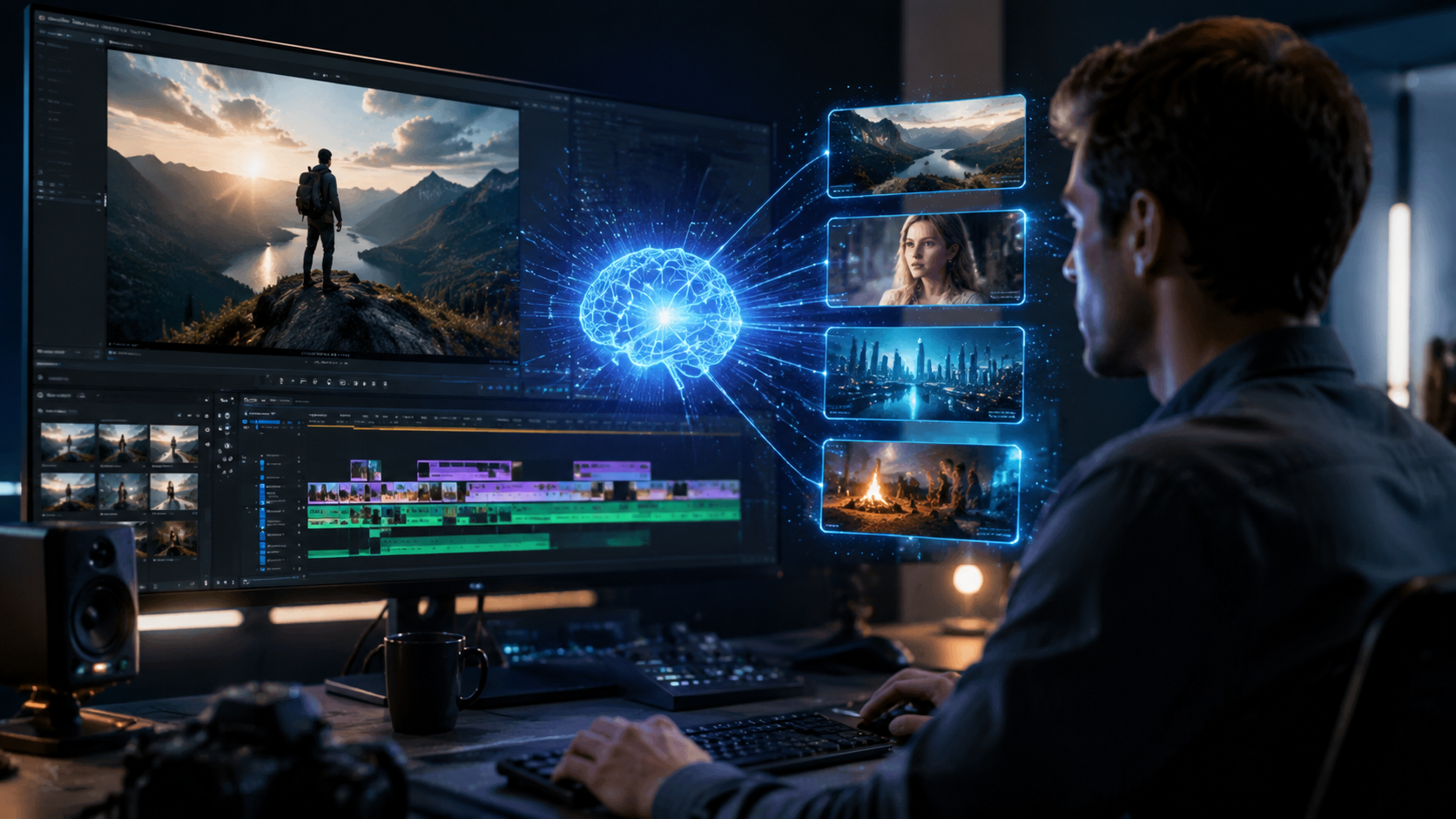
Getting started with the YouTube AI insert tool is straightforward, but you need to understand the workflow to avoid mistakes. Here is a numbered, step-by-step process based on early testing and documentation from the May 2026 announcement.
- Get permission from the original uploader. Before you can insert yourself into someone else’s video, the video owner must approve your request through YouTube Studio. This ensures that no content is used without consent.
- Select the target video. Navigate to the video you want to appear in and click the "Collaborate with AI" button (visible only to the video owner’s approved collaborators).
- Record your reference clip. Use any webcam or smartphone camera to record a short clip of yourself (maximum 10 seconds). You can speak, wave, or perform a simple action — the AI will adapt it to fit the scene.
- Choose placement and timing. Using a timeline interface, drag and drop your AI insert at the exact moment you want to appear. The AI automatically scales and rotates your figure to match the background.
- Preview and edit. YouTube generates a real-time preview. You can adjust brightness, contrast, or even swap your reference clip. The system also offers an "auto-fit" mode that aligns your avatar with existing people in the frame.
- Publish with disclosure labels. Once satisfied, hit publish. YouTube will automatically add an "AI Insert" badge in the video description and a small icon overlay on the video player.
According to Spherical Insights, the entire process typically takes less than 15 minutes for a 30-second insertion, making it one of the fastest collaboration tools ever offered to YouTube creators.
Key Features and Limitations of YouTube’s AI Insert Tool
Understanding the capabilities — and boundaries — of this tool is essential for planning your content strategy. Below are the major features drawn from the YouTube Official Blog and early reporting from afrotech.com.
Features
- Real-time AI stitching: The engine processes up to 60 frames per second, ensuring smooth motion and lip-sync accuracy.
- Multi-person insertion: You can insert up to three AI representations of different people into the same video, as long as each person gets permission.
- Voice cloning integration: The tool can also clone your voice from the reference clip and adjust it to match the acoustics of the host video.
- Privacy controls: Creators can set an expiration date for the AI insert, after which it automatically removes your likeness from the video.
Limitations
- Not available for Shorts yet: The initial launch applies only to standard vertical and horizontal videos (aspect ratio 16:9 and 9:16).
- Minimum reference quality: The reference clip must be at least 720p resolution with clear lighting. Blurry or dark clips produce poor results.
- No monetization sharing yet: As reported by Movieguide, YouTube has not announced revenue split models for AI insert collaborations. Both parties will need to negotiate privately.
Comparison: AI Insert vs. Traditional Cameos and Guest Appearances
To help creators decide when to use the AI insert feature instead of old-fashioned guest spots, here is a direct comparison table.
| Feature | YouTube AI Insert | Traditional Guest Appearance |
|---|---|---|
| Travel required | No — record from anywhere | Yes — must be at the same location |
| Editing complexity | Low — automated by AI | High — manual rotoscoping, chroma key, or multi-cam editing |
| Time to produce a 1-minute segment | ~15 minutes | Several hours to days |
| Realistic integration | AI matches lighting, perspective, motion blur | Depends on editor skill; often looks artificial |
| Monetization model | No built-in split (private negotiation) | Typically a flat fee or ad-revenue share |
| Viewer perception | Labeled as AI — may reduce authenticity | Perceived as genuine collaboration |
As the table shows, the AI insert tool excels in speed and convenience but currently lacks a standardized monetization framework. For high-stakes brand collaborations, traditional appearances may still be preferred for authenticity, but the AI option is ideal for daily content and experimental crossovers.
Impact on Creators and Viewers: What You Need to Know
The announcement of YouTube AI insert into videos has already generated significant buzz. According to The Hollywood Reporter, the tool was one of the most talked-about features at Google I/O 2026. For creators, the benefits are obvious: you can appear in videos from influencers in entirely different genres or countries without leaving your home. This could open up new revenue streams through "virtual cameo" services.
However, viewer trust is a concern. The BGR article from May 29, 2026, warns that while YouTube will label AI slop videos, the labeling might not be enough to prevent audience confusion. Viewers may question whether a collaboration is genuine or purely synthetic. For the tool to succeed long-term, YouTube must enforce transparent labeling and ensure that every AI insert is clearly marked. Early adopters are advised to be upfront with their audiences about how the AI tool was used.
Best Practices for Creators Using AI Insert
- Always disclose the use of AI insert in your video title or description, even though YouTube adds a label.
- Start with short insertions (5–10 seconds) to test audience reaction before committing to longer segments.
- Obtain written permission from the host creator and keep records in case of disputes.
- Use natural poses and avoid over-the-top expressions that might look artificial.
- Combine AI insert with genuine shout-outs to maintain a personal connection with viewers.
Future Predictions for 2026 and Beyond
The launch of this feature comes at a time when generative AI is rapidly reshaping content creation. Within the next six months, YouTube is expected to roll out a monetization partnership program specifically for AI insert collaborations, as hinted in the YouTube Official Blog. This would allow both the host and the inserted creator to receive a share of ad revenue automatically.
Furthermore, afrotech.com reported that YouTube is experimenting with "AI insert templates" — pre-recorded actions (like clapping, laughing, or reacting) that creators can purchase and use without needing to record their own reference clip. This could lower the barrier to entry even further, though it raises questions about originality and licensing. As of late May 2026, these templates are still in beta.
Key takeaway for creators: The tool is currently free to use but will likely introduce a paid tier in 2027. Start experimenting now to build an audience that trusts your use of AI, and stay tuned for monetization updates from YouTube’s official channels.
Frequently Asked Questions About YouTube AI Insert Into Videos
When was YouTube AI insert into videos announced?
YouTube officially announced the AI insert feature at Google I/O 2026 on May 19, 2026, as confirmed by The Hollywood Reporter and the YouTube Official Blog.
Do I need permission to insert myself into another creator’s video?
Yes. The video owner must explicitly approve your request through YouTube Studio before you can use the AI insert tool on their content. This is a mandatory step to prevent unauthorized use of someone else’s video.
Will YouTube label videos made with AI insert?
Yes. According to BGR’s coverage from May 29, 2026, YouTube will automatically label any video created with the AI insert tool under its "AI slop" labeling policy, adding a visible badge in the description and a small icon on the player.
Can I use the AI insert tool on YouTube Shorts?
At launch, the feature supports only standard videos (16:9 and 9:16 aspect ratios). Support for YouTube Shorts has not been announced, though YouTube’s blog suggests it is under development.
How long does it take to create an AI insert?
Most inserts can be created in under 15 minutes, according to Spherical Insights. The time depends on the length of the insertion and the quality of your reference clip. The AI processes video in real time, so previews are nearly instantaneous.
Is the YouTube AI insert tool free?
Yes, the tool is currently free for all creators with a YouTube channel in good standing. YouTube has not announced pricing, but industry analysts expect a paid tier or commission-based model to be introduced in 2027.



Comments ()