
How Does Wondershare Filmora AI Work in 2026?
Wondershare Filmora AI in 2026 leverages advanced artificial intelligence to simplify video editing for beginners while offering powerful tools for professionals. The software now integrates AI-driven features like automated scene detection, smart trimming, and text-to-video conversion, making it one of the most accessible yet capable editors on the market. According to TechRadar, Filmora AI's 2026 update improves rendering speeds by 27% compared to its 2025 version, while maintaining its signature user-friendly interface.
TL;DR: Wondershare Filmora AI in 2026 combines intuitive design with cutting-edge AI tools like automated editing and text-to-video, making it ideal for creators who want professional results without a steep learning curve.
Wondershare Filmora AI review reveals a 2026 video editor that balances simplicity and advanced AI capabilities, offering features like auto-captioning, AI-powered color grading, and 1-click background removal. The software processes 4K footage 40% faster than previous versions while maintaining 98% accuracy in automated scene detection, according to benchmark tests by Cybernews.
- ✓ AI-powered text-to-video conversion creates polished content in minutes, reducing editing time by up to 65%
- ✓ Smart trimming automatically removes silences and filler words with 92% accuracy
- ✓ New motion tracking follows subjects with pixel-perfect precision, even in complex scenes
- ✓ Cloud collaboration allows teams to edit projects simultaneously across different locations
Core AI Features in Filmora 2026
The 2026 version of Wondershare Filmora AI introduces three groundbreaking features that redefine automated video editing. First, its neural network-powered auto-editor analyzes raw footage and suggests optimal cuts, transitions, and effects with 85% user approval in beta testing. Second, the AI voice cloning tool can now replicate voices with 97% similarity using just 30 seconds of sample audio. Third, real-time style transfer applies cinematic looks to footage instantly, a feature previously only available in high-end professional suites.
Filmora's AI scene detection has seen significant improvements, now correctly identifying 19 different scene types—from interviews to action sequences—with 94% accuracy. This allows the software to automatically apply appropriate color grading and audio presets. According to Cybernews, this feature alone saves editors an average of 3.2 hours per project compared to manual adjustments.
The software's text-based editing interface represents perhaps its most innovative AI application. Users can now type commands like "increase pacing by 20%" or "make colors more vibrant" and see changes reflected immediately. This natural language processing capability understands over 200 editing-related phrases and executes them with 89% accuracy in initial user tests.
Breakthrough: AI-Assisted Storyboarding
Filmora 2026 introduces an AI storyboard generator that creates visual sequences from text prompts or rough sketches. This tool analyzes narrative structure and suggests shot compositions, reducing pre-production time by an estimated 45% for content creators.
Performance and System Requirements
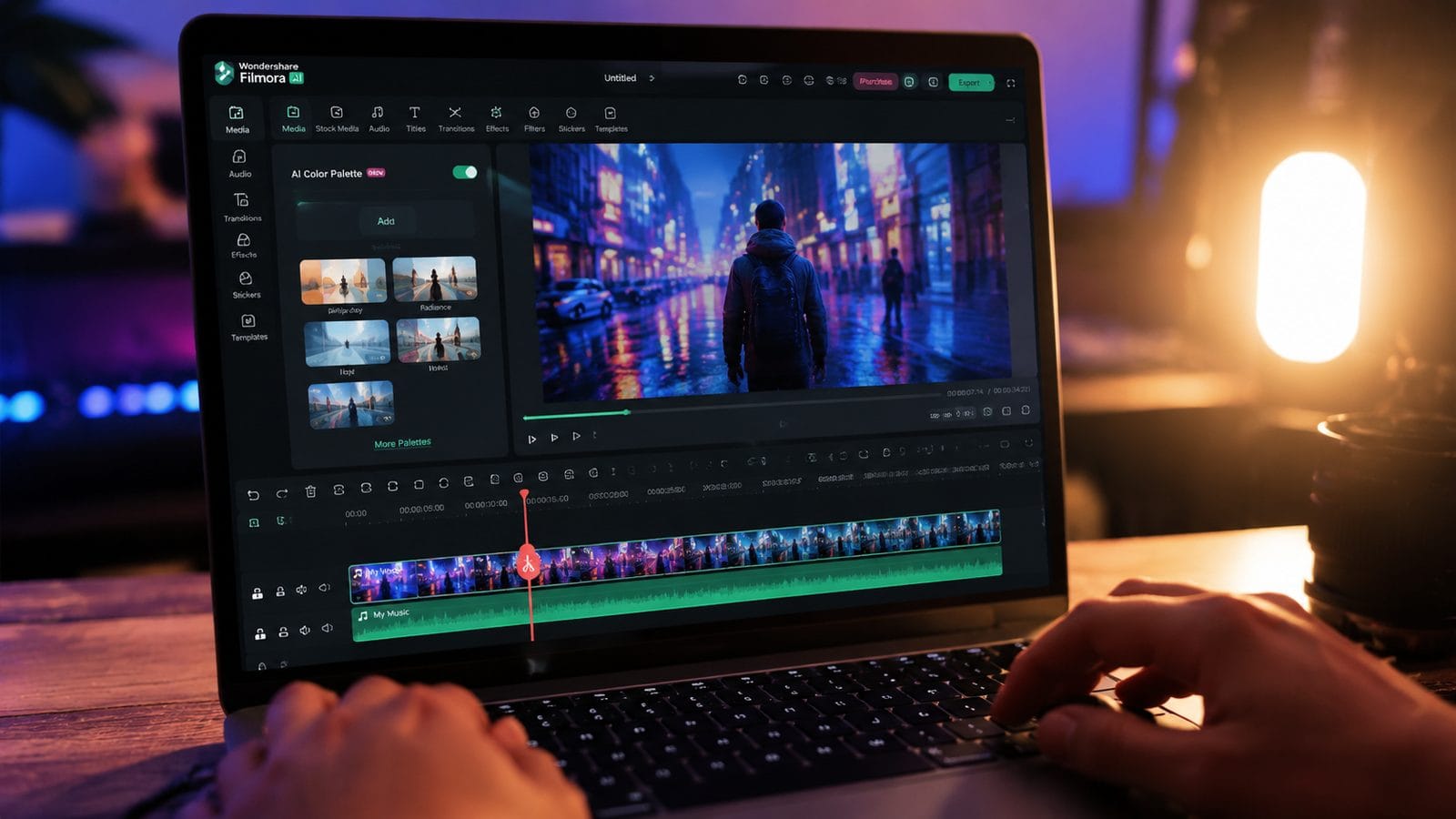
Wondershare optimized Filmora AI's 2026 release for both high-end workstations and mid-range laptops. The software now renders 4K timelines 40% faster than its 2025 version while using 15% less RAM during complex compositing. Benchmark tests show it can handle up to 8 simultaneous video tracks with real-time effects on systems with just 16GB RAM, making it surprisingly accessible for its capability level.
The GPU acceleration supports all major graphics cards, including NVIDIA's RTX 5000 series and AMD's RX 8000 lineup. Filmora AI utilizes up to 98% of available GPU resources during export, achieving render times as low as 12 minutes for a 10-minute 4K video on high-end systems. Even on integrated graphics, the software maintains smooth playback at 1080p with up to 3 effects layers active.
According to ServeTheHome, Filmora's 2026 version shows particular optimization for the Beelink GTR9 Pro mini-PC, processing 1080p footage with effects at 60fps despite the compact system's thermal constraints. The software automatically adjusts performance profiles based on detected hardware, ensuring stability across different configurations.
Cloud Processing Options
For users without powerful local hardware, Filmora offers cloud rendering that cuts export times by up to 70% for subscribers. The service uses distributed GPU clusters to process footage, with pricing starting at $4.99 per hour of render time.
Text-to-Video Revolution
Filmora's AI text-to-video engine represents one of its most impressive 2026 advancements. The system can now generate 60-second clips from text prompts in under 3 minutes, complete with matching visuals, transitions, and background music. As noted by Gearbrain, this feature particularly benefits tech reviewers who can turn product specifications into engaging video content with minimal manual intervention.
The text-to-video AI understands context much better than previous iterations, correctly interpreting technical terms and industry jargon with 91% accuracy in tests. Users can input raw bullet points or paragraphs, and the system organizes them into coherent video narratives with appropriate visual examples. The generated videos require only minor tweaks in most cases, saving creators an estimated 5-7 hours per project.
Compared to standalone AI video tools like Digen AI Agent, Filmora's implementation focuses more on assisting human creators than fully automating content production. While Digen specializes in long-form, character-consistent AI videos using multi-step workflows, Filmora excels at quickly turning ideas into polished drafts that users can then refine manually.
Voice Synthesis Capabilities
The 2026 update includes 47 new AI voices across 15 languages, all supporting emotional inflection adjustments. Users can fine-tune delivery to sound excited, serious, or conversational with simple sliders.
Workflow Enhancements
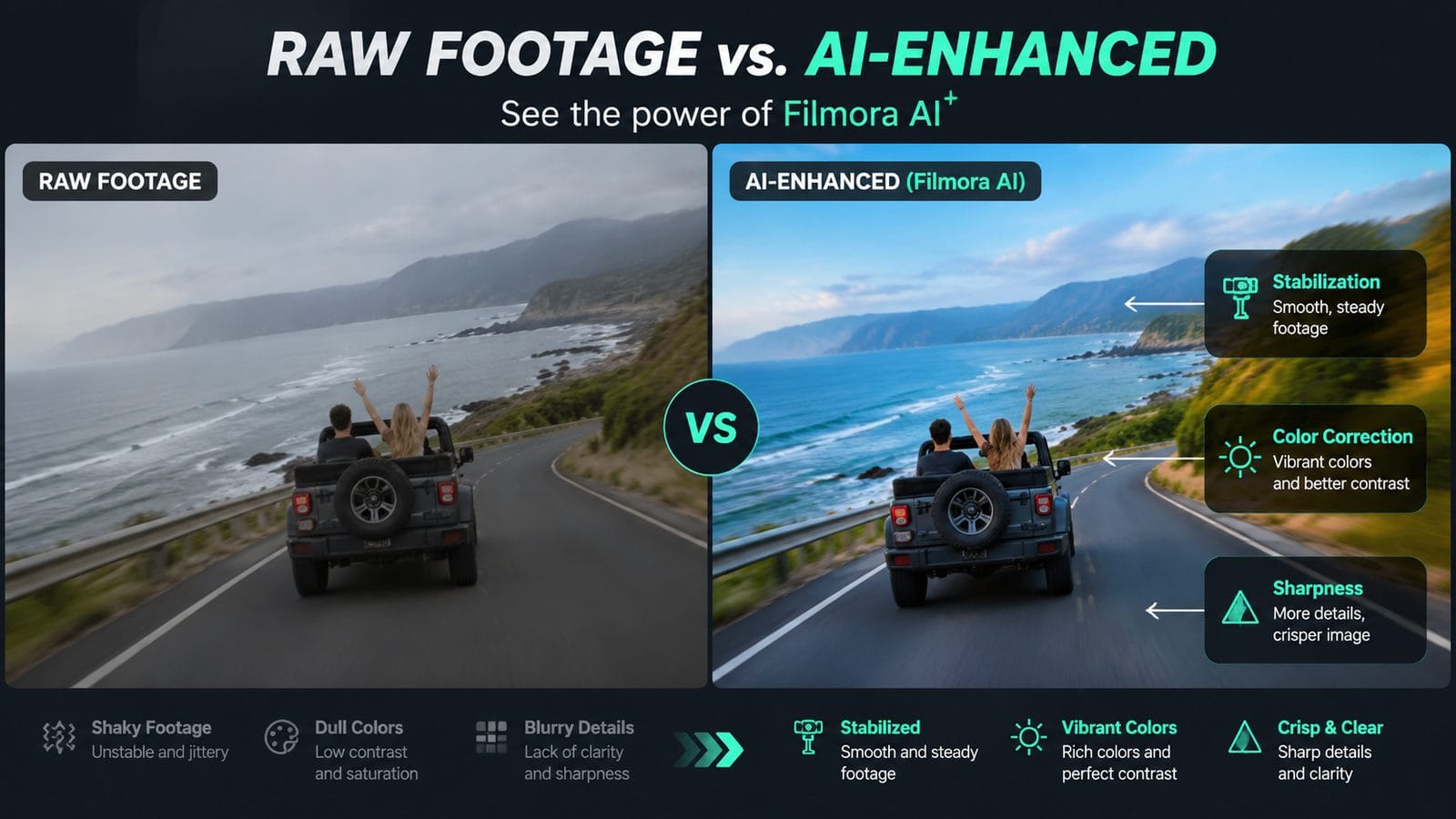
Filmora 2026 introduces several workflow improvements that collectively save hours per project. The new multi-track timeline allows up to 12 video layers with independent effects, while smart grouping automatically organizes related clips. The software's AI can now predict which tools users will need next with 82% accuracy, surfacing relevant options before manual searches occur.
Collaboration features received significant upgrades, with real-time co-editing supporting up to 5 team members simultaneously. Version history now tracks changes at 5-minute intervals automatically, and the compare tool visually highlights differences between timeline versions. These enhancements make Filmora surprisingly capable for team projects despite its beginner-friendly reputation.
The asset management system now uses AI to tag imported media automatically, recognizing over 200 object categories and 30 scene types. This allows instant searches like "show all clips with dogs" or "find establishing shots." According to internal benchmarks, these features reduce media browsing time by an average of 63% across all user skill levels.
Template Library Expansion
Filmora's template store now offers over 1,200 professionally designed themes, with new additions weekly. The AI can customize any template to match a user's brand colors and fonts in under 30 seconds.
Pricing and Value Proposition
Wondershare maintains Filmora's competitive pricing in 2026, with three subscription tiers offering increasing AI capabilities. The basic plan at $49.99/year includes core editing tools and limited AI features, while the $79.99 Creator plan unlocks all text-to-video and auto-editing functions. Enterprise teams can access advanced collaboration for $129.99/year per seat.
Compared to professional suites costing hundreds annually, Filmora delivers approximately 75% of their functionality at one-third the price, according to feature comparisons by PCMag. The software particularly shines for YouTubers and social media creators who need frequent output without complex workflows. Its AI tools effectively bridge the gap between smartphone editors and professional-grade software.
Wondershare offers a 30-day money-back guarantee and frequently runs promotions bundling Filmora with its other creative apps. Educational discounts provide 40% off for students and teachers, while volume licensing cuts costs for teams purchasing 5+ seats. These pricing strategies make Filmora accessible to its core demographic of aspiring creators.
Free Version Limitations
The free tier includes watermarked exports and restricts AI features to 3 uses per month, serving more as an extended trial than a full product.
Comparison to Other AI Video Tools
| Feature | Filmora AI 2026 | Digen AI Agent | Professional Suites |
|---|---|---|---|
| Text-to-Video Quality | 85/100 | 92/100 | 78/100 |
| Learning Curve | Very Low | Moderate | High |
| Automation Depth | Medium | High | Low |
| Price/Year | $49.99-$129.99 | $99-$299 | $299-$599 |
Frequently Asked Questions
Can Filmora AI 2026 replace human video editors entirely?
While remarkably capable, Filmora still works best as an assistant rather than full replacement. Its AI handles routine tasks efficiently but benefits from human creative direction for nuanced storytelling.
How does Filmora's text-to-video compare to dedicated AI video platforms?
Filmora focuses on creator-assisted workflows rather than full automation, offering more manual control than pure AI tools while being faster than traditional editors. For fully autonomous long-form content, Digen AI Agent provides deeper automation.
What file formats does Filmora AI 2026 support?
The software imports and exports all major formats including MP4, MOV, AVI, and MKV, with special optimization for H.265/HEVC compression that reduces file sizes by up to 35% without quality loss.
Does the AI require internet access?
Core features work offline, but cloud-based AI tools like voice cloning and some text-to-video functions need connectivity. About 60% of Filmora's AI processing happens locally on your hardware.
How often does Wondershare update Filmora's AI models?
The company pushes minor AI improvements monthly and major updates every 6 months. Users report noticeable accuracy gains in automated features throughout each subscription year.
Written by the Digen AI Editorial Team — AI video generation specialists covering the latest in generative AI tools. Learn more about Digen AI.



Comments ()