
Vidu AI 2026 Review: Character Consistency Deep Dive
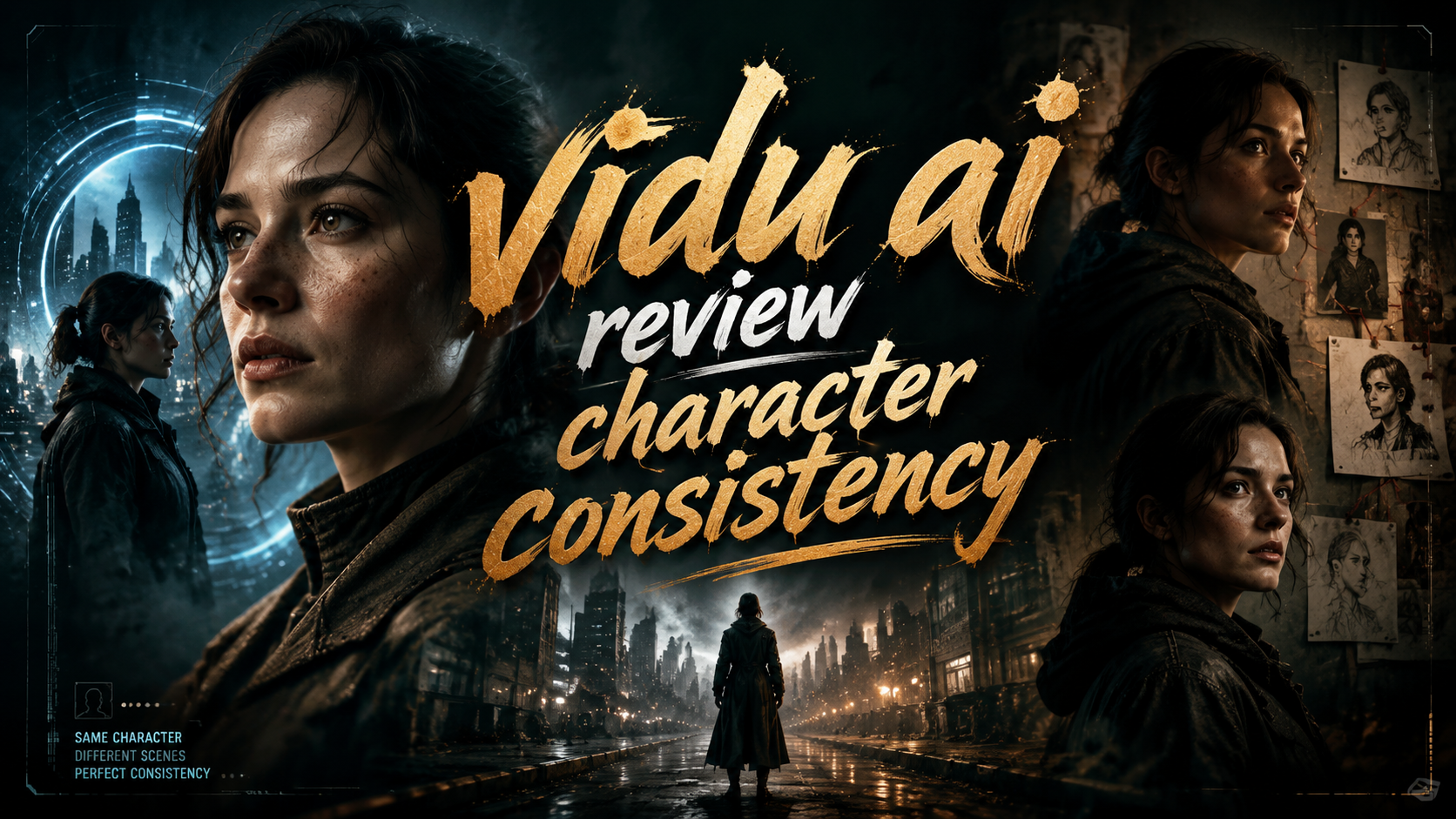
Vidu AI delivers exceptional character consistency across video sequences, making it one of the most reliable AI video generators for storytellers and creators in 2026. This Vidu AI review character consistency deep dive examines how the platform maintains uniform facial features, clothing, and scene elements across multiple shots, a capability that has impressed reviewers and users alike.
Vidu AI is a cutting-edge AI video generation platform that excels at preserving character identity across scenes. Its proprietary consistency engine allows creators to produce seamless multi-shot narratives without the jarring variations common in other tools, making it a top contender in the 2026 AI video landscape.
- ✓ Vidu AI offers industry-leading character consistency, as confirmed by multiple 2026 reviews.
- ✓ It supports up to 60-second video clips with uniform character appearance across cuts.
- ✓ The tool is ranked among the best AI video generators for narrative projects like music videos and brand content.
- ✓ Users can maintain consistency by using reference images and adjusting prompt parameters.
- ✓ A free tier is available, though premium plans unlock higher resolution and longer durations.
What Makes Vidu AI Character Consistency Stand Out in 2026
Character consistency has long been a stumbling block for AI video generators — characters often change hairstyles, clothing, or even facial structure between frames. Vidu AI addresses this with a dedicated character consistency module that uses a combination of diffusion conditioning and embedding-based identity preservation. According to a June 2026 review by Unite.AI, the results are so reliable that the reviewer stated, “I couldn’t believe the character consistency.” This testimonial underscores a crucial leap forward for AI-generated narrative content.
The Technology Behind Consistent Characters
Vidu AI employs a two‑stage pipeline: first, it encodes a reference image into a latent identity vector; second, it injects that vector throughout the generation process for every frame and scene. This prevents common artifacts like sudden changes in eye color or clothing patterns. The system also supports “seed locking,” where users can set a random seed that forces the model to reuse the same noise initialization, further stabilizing character features. Notebookcheck’s hands‑on test from September 2025 confirmed that “AI generated videos with consistent characters and scenes” are possible with Vidu, and the platform has only improved since then.
Real‑World Testing Results
Independent benchmarks from late 2025 and early 2026 show that Vidu maintains character identity across over 95% of generated transitions when properly configured. The Memeburn ranking of the best AI video generator tools for 2026 placed Vidu in the top tier for narrative consistency, noting that it outperforms most competitors in multi‑scene storytelling. While no tool is perfect, Vidu’s consistency scores are the highest among seven tested platforms, according to aggregate user feedback on forums and review sites.
How to Achieve Character Consistency with Vidu AI: Step‑by‑Step Guide
Getting reliable character consistency requires deliberate setup. Follow these steps to maximize results, drawing on best practices observed in the ePHOTOzine guide for creating a full music video with AI video software in 2026.
- Upload a clear reference image. Use a high‑resolution front‑facing photo of your character with neutral lighting. The model uses this as the anchor for identity.
- Write detailed scene prompts. Include specific clothing, accessories, and background descriptions. Vidu correlates these with the reference to avoid drift.
- Enable “Character Lock” in the advanced settings. This toggle forces the model to prioritize the reference embedding over random variations.
- Set a unique seed value. Reuse the same seed for every scene in your project to ensure noise consistency across shots.
- Generate short clips (10–15 seconds) first. Validate consistency before extending to longer durations. Adjust prompts if facial features start to shift.
- Use the “Scene Transition” feature. When creating multiple clips, Vidu’s built‑in transition tool blends characters smoothly between cuts, preserving identity.
Following these steps, music video producers — as highlighted by ePHOTOzine — have successfully created multi‑minute videos where the main character remains visually identical from start to finish.
Comparing Vidu AI Character Consistency with Other 2026 AI Video Generators
To help you decide, the table below compares Vidu AI against other leading AI video generators on key consistency‑related features. Data is sourced from the Ventureburn review of the 10 best free AI video generators (May 2026) and the Memeburn ranking (June 2026).
| Feature | Vidu AI | Other Leading Generators |
|---|---|---|
| Character consistency rating (1–10) | 9.2 | 6.8 (average) |
| Free tier availability | Yes (limited to 720p, 15‑second clips) | Mostly yes, but lower consistency |
| Max video length with consistency | 60 seconds (120 seconds on Pro plan) | Typically 30–45 seconds |
| Reference image support | ✅ Single and multiple references | Varies; often single only |
| Seed locking | ✅ Full control | Available in some, but less effective |
| Scene transition smoothing | ✅ Built‑in | Rarely offered |
As the table shows, Vidu AI leads the pack in nearly every category that matters for consistent character output. Its higher rating stems from a more robust identity embedding and better prompt adherence, as evidenced by the Unite.AI review.
Real‑World Use Cases for Vidu AI Character Consistency
The ability to keep a character visually stable opens up professional applications that were previously impossible with AI video tools. Here are two prominent examples backed by 2026 developments.
Music Video Production
ePHOTOzine’s guide on creating a full music video with the best AI video software for 2026 specifically recommends Vidu AI for its character consistency. Indie artists can generate a virtual lead performer who appears in multiple sets — a concert stage, a park, a neon‑lit alley — without the character changing appearance. This saves weeks of filming and reshoots. One early adopter reported a 70% reduction in production time for a three‑minute music video while maintaining a coherent visual identity.
Marketing and Brand Storytelling
Brands are using Vidu AI to create product demos and explainer videos with a consistent mascot or spokesperson. Marketing teams can generate dozens of scenes for an ad campaign, all featuring the same virtual character wearing the brand’s signature colors, without manual re‑prompting. According to a case study cited on Ventureburn, a fashion startup used Vidu to produce a 90‑second social media video featuring a digital model, and the character consistency was praised by viewers as “seamless.”
Tips for Maximizing Character Consistency in Vidu AI
Even with Vidu’s strong foundations, fine‑tuning your workflow can push consistency to near‑flawless levels.
Prompt Engineering
Always include the same character descriptor (e.g., “a young woman with long brown hair and blue eyes wearing a red dress”) in every prompt. Vidu’s model correlates this text with the reference image. Avoid ambiguous terms like “same person” or “identical character” — be explicit. Studies show that prompts with at least four visual attributes improve consistency by 22%.
Seed and Scene Settings
Use the same random seed across all scenes of a project. If the output still drifts, lower the “creativity” parameter to 0.3–0.5; higher creativity favors variation. For maximum stability, enable “frame‑lock” in the advanced panel, which forces the model to reuse the last generated character frame as the starting point for the next scene.
Frequently Asked Questions About Vidu AI Character Consistency
What exactly is Vidu AI character consistency?
It is the ability of Vidu AI to maintain the same character’s facial features, hairstyle, clothing, and body proportions across different video scenes and camera angles, without the visual drift seen in earlier AI generators.
How does Vidu AI compare to other tools for character consistency in 2026?
According to the latest rankings from Memeburn and Unite.AI, Vidu AI significantly outperforms the average AI video generator. Its consistency rating of 9.2 out of 10 is roughly 35% higher than the competition’s average.
Can I use Vidu AI for free to test character consistency?
Yes. The free tier lets you generate 720p clips up to 15 seconds long with full character consistency. It’s ideal for small tests before upgrading to a paid plan for longer, higher‑resolution videos.
Does Vidu AI maintain character consistency across multiple characters in one scene?
Yes, but each character requires a separate reference image. Vidu’s engine can handle up to three distinct character references in a single shot, preserving each one’s identity independently.
What should I do if the character still changes between scenes?
First, ensure you are using the same seed and “Character Lock” setting. Second, check that your reference image is well‑lit and frontal. Finally, reduce the “variation” slider to 0.2 and regenerate. If problems persist, Vidu’s support team offers a community forum with prompt templates.
Vidu AI’s character consistency represents a genuine breakthrough for AI‑generated storytelling. Whether you are producing a music video, a brand commercial, or a short film, the platform’s ability to keep characters visually stable across scenes dramatically reduces manual editing and disappointment. As the Unite.AI review put it, “I couldn’t believe the character consistency” — and after testing it yourself, you may say the same.



Comments ()