
Veed.io vs Descript AI Video Editor: 2026 Comparison
Veed.io vs Descript AI Video Editor: The 2026 Deep Dive
Choosing between Veed.io and Descript in 2026 depends entirely on your workflow: Veed.io is a lightning-fast, browser-based editor perfect for social media clips and quick subtitles, while Descript is a powerful desktop application that treats video like text, making it the undisputed king of podcast editing and long-form content. This veed.io vs descript ai video editor comparison breaks down the key differences, pricing, and ideal use cases to help you make the right decision for your content strategy this year.
Veed.io is a web-based AI video editor optimized for speed, simplicity, and automated subtitling, making it ideal for marketers and social media managers. Descript is a desktop-first AI video editor that revolutionizes editing by allowing you to edit video by editing the transcript, serving podcasters, educators, and long-form content creators who need precision and powerful audio tools.
- ✓ Best for Speed: Veed.io wins for quick turnarounds on short-form content, with seamless browser-based editing and auto-captions.
- ✓ Best for Accuracy: Descript excels with text-based editing, Studio Sound audio cleanup, and advanced AI features like Eye Contact correction.
- ✓ Pricing Divergence: Veed.io offers a free tier and affordable paid plans, while Descript’s advanced AI features are locked behind higher-tier subscriptions.
- ✓ 2026 Trends: According to recent industry roundups from Cybernews and Unite.AI, both tools continue to lead in their respective niches of AI-powered content creation.
Overview: Veed.io vs Descript AI Video Editor in 2026
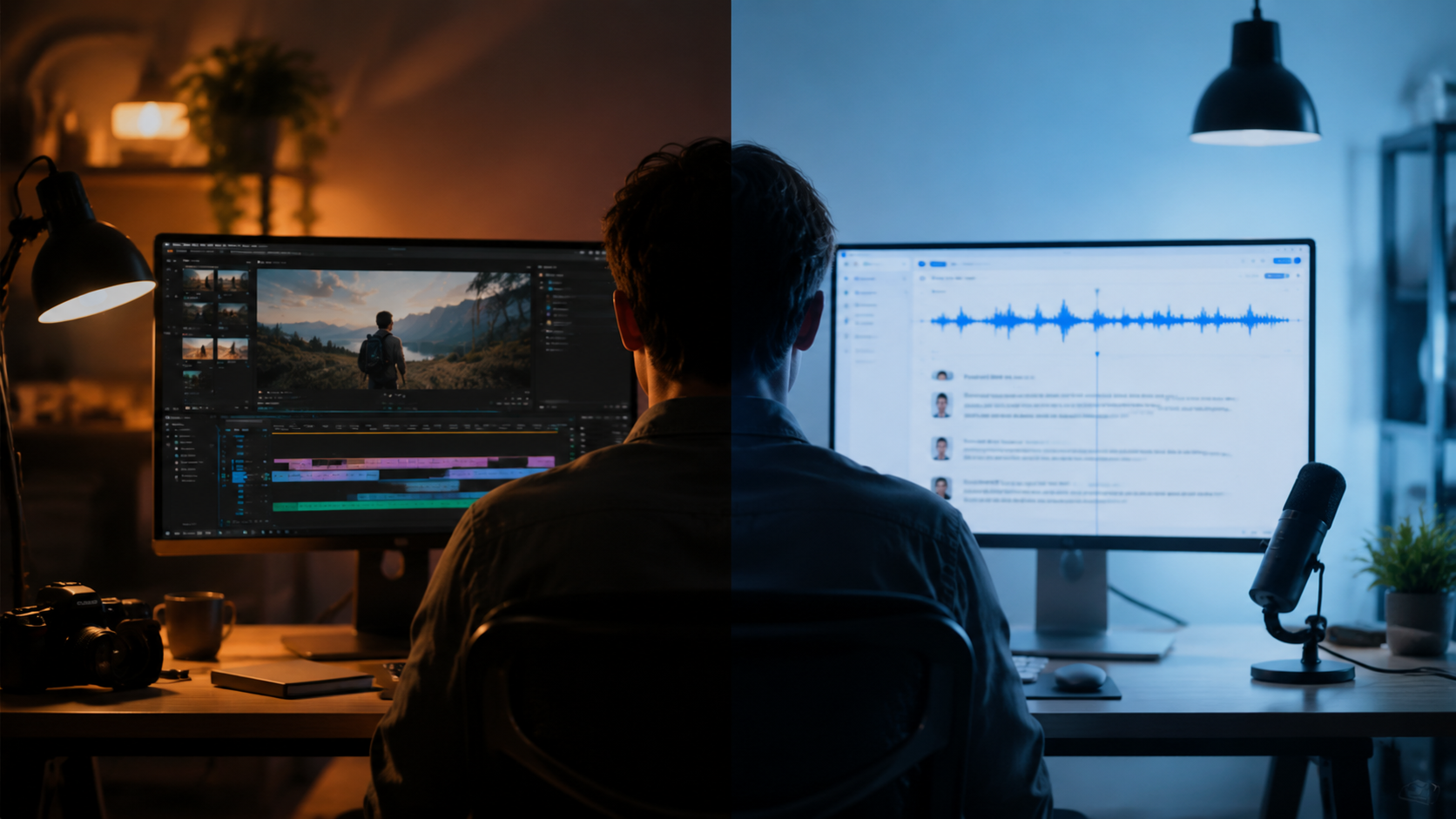
The landscape of AI video editing has matured significantly by 2026. While the market is flooded with tools claiming to automate video production, Veed.io and Descript have consistently remained at the forefront. As noted in Unite.AI’s “7 Best AI Screen Recording Tools for Effortless Video Guides (May 2026)”, both platforms have evolved to include robust screen recording capabilities, but their core philosophies remain distinct.
Veed.io operates entirely within your browser. This means no downloads, no heavy software installations, and instant collaboration. It is built for the modern social media ecosystem where speed is king. You can record a screen share, add automatic subtitles in over 50 languages, and export a polished video in minutes.
Descript, on the other hand, is a native desktop application (with a web companion). It deconstructs the traditional video editing timeline by prioritizing the transcript. If you can type, you can edit a video. This approach is revolutionary for podcasters and long-form creators who deal with hours of footage and need to remove filler words, awkward pauses, and mistakes without scrubbing through a timeline.
Feature Face-Off: AI Capabilities Compared
To truly understand this veed.io vs descript ai video editor matchup, we need to look under the hood at the specific AI features driving these platforms in 2026.
AI Subtitles and Captions
Both tools offer industry-leading AI subtitling, but the execution differs. Veed.io is renowned for its extreme accuracy and speed of subtitle generation. It allows for extensive customization of text styles, animations, and colors, which is perfect for platforms like TikTok, Instagram Reels, and YouTube Shorts where captions must pop.
Descript also offers high-quality captions, but its strength lies in editing. Because subtitles are directly linked to the transcript in Descript, any edit you make to the caption text immediately cuts the video. This tight integration is powerful for detailed edits but can feel over-engineered for simple social media exports. According to Cybernews’ “Best AI tools for content creation in 2026”, Descript is preferred by creators who need “word-perfect accuracy combined with audio cleanup,” while Veed.io is celebrated for its “one-click subtitle workflow.”
Text-Based Editing and Workflow
This is the defining differentiator. Descript’s core innovation is treating your video as a document. You can delete sentences from the transcript, and the video seamlessly deletes the corresponding footage. You can type new words and Descript’s AI will generate a realistic voiceover for you. This is revolutionary for removing long pauses (silence removal) and filler words like “um” and “ah.”
Veed.io has introduced text-based editing features in recent updates, but it is not as deeply integrated as Descript. Veed.io remains a timeline-based editor at heart, with text tools supplementing the workflow rather than replacing it. For a podcaster editing a 45-minute interview, Descript is the clear winner. For a marketer cutting a 60-second testimonial, Veed.io is faster.
AI Audio Enhancement
Descript took the lead here with its “Studio Sound” feature, which removes background noise and equalizes voice audio to sound like it was recorded in a professional studio. By 2026, this feature is the gold standard for remote recordings. Veed.io offers “Magic Cut” and noise reduction, but it lacks the sophisticated room-tone analysis and vocal processing that Descript provides.
If you record a lot of interviews or remote podcasts, the audio quality gap between the two is significant. As highlighted in Hindustan Times’ piece “No more long edits: 7 AI tools that do the heavy lifting for you”, Descript’s AI audio tools are widely considered to be the “heaviest lifters” in the industry, saving hours of manual audio cleanup.
Pricing and Value for Money in 2026
Pricing structures have evolved, but the core value propositions remain. Veed.io offers a very generous free tier that exports with a watermark. Its paid plans (Pro and Business) are generally more affordable per month than Descript’s, making it accessible for freelancers and small teams.
Descript also offers a free tier, but with limited exports per month. To access its most powerful AI features, such as Studio Sound, Eye Contact correction, and generative AI fill, you need the Business plan, which is priced at a premium. However, for professional podcasters and enterprises, the cost is easily justified by the time saved. When evaluating pricing in this veed.io vs descript ai video editor guide, consider your total cost of ownership: Veed.io saves software cost, while Descript saves labor cost.
Comparison Table: Veed.io vs Descript
| Feature | Veed.io | Descript |
|---|---|---|
| Platform | Web Browser (100% Cloud) | Desktop App (Windows/Mac) + Web Companion |
| Core Editing Method | Timeline-based with AI assistance | Text-based (edit the transcript to edit the video) |
| AI Subtitles | Excellent speed & customization | Excellent accuracy & integration with editing |
| AI Audio Cleanup | Good (Magic Cut, Noise Reduction) | Excellent (Studio Sound, Room Tone) |
| Screen Recording | Built-in, easy to use | Built-in, part of the timeline workflow |
| Eye Contact / Gaze | Not available | Available (AI Gaze Correction) |
| Best For | Social media, quick edits, marketing teams | Podcasts, long-form video, enterprise teams |
Strengths and Ideal User Profiles
Why Choose Veed.io in 2026
Veed.io is the best choice for teams that prioritize speed and collaboration. The fact that it lives entirely in the browser means no version control issues and no heavy file transfers. Your team can link a Google Drive or Dropbox folder, and anyone with a link can contribute to the review process. It is also the superior tool for creating content for social media platforms because of its vast library of templates, transitions, and subtitle animations optimized for vertical video.
Why Choose Descript in 2026
Descript is the better investment for anyone who creates content regularly involving dialogue. If you run a podcast, create training videos, or conduct interviews, Descript will save you hours per episode. The ability to generate a transcript immediately, remove filler words, and fix mistakes by simply typing a correction is magic. As mentioned in Analytics India Magazine’s coverage of AI video editing tools, Descript remains the powerhouse for creators who need “AI that understands narrative structure, not just cuts.”
Which AI Video Editor Should You Choose?
The decision in the veed.io vs descript ai video editor debate ultimately comes down to workflow philosophy. If your goal is maximum output velocity for short-form, platform-native video content, Veed.io is unmatched. It minimizes friction, allowing you to go from raw footage to published clip in minutes. The learning curve is almost zero, making it ideal for teams where video editing is just one part of a broader job description.
Conversely, if you are a full-time content creator or podcaster who lives and breathes audio/video production, Descript is the superior tool. The investment in learning the text-based workflow pays off exponentially. The advanced features like Studio Sound and AI Gaze Correction provide a level of polish that is difficult to achieve with traditional editors.
Consider a hybrid approach: some marketing teams use Descript for rough cuts and audio cleanup, then export transcripts and assets to Veed.io for final social media packaging. Both tools offer robust integrations in 2026, allowing them to coexist in a production pipeline.
Frequently Asked Questions
Is Veed.io or Descript better for beginners in 2026?
Veed.io is significantly easier for beginners. Its browser-based interface is intuitive and requires no installation. Descript has a steeper learning curve due to its unique text-based editing logic, but powerful tutorial resources are available.
Can Veed.io and Descript both remove background noise from audio?
Yes. Veed.io offers basic noise reduction features that are effective for standard environments. Descript offers Studio Sound, which is widely considered the industry standard for one-click audio enhancement, capable of removing complex background noise and matching audio levels.
Which tool is best for creating subtitles for social media?
Veed.io is generally the best choice for social media subtitles. It offers more pre-built subtitle animations, better support for vertical video templates, and faster export speeds specifically optimized for platforms like TikTok, Reels, and Shorts.
Do Veed.io and Descript support screen recording in 2026?
Yes, both tools include built-in screen recording capabilities. Unite.AI’s 2026 review of screen recording tools highlighted Veed.io for its simplicity and Descript for its ability to immediately turn a screen recording into an editable transcript.
Which AI video editor is more affordable for freelancers?
Veed.io generally offers more affordable entry-level plans and a more robust free tier. Descript’s advanced AI features, which provide the most value, require a higher-tier subscription, making it a larger upfront investment.
Can Descript generate AI avatars or voiceovers in 2026?
Descript has expanded its AI capabilities significantly. While Veed.io focuses on stock media and text-to-speech, Descript allows you to create a voice clone of yourself (Overdub) and use AI actions to generate scripts and adjust narrative flow directly within the editor.



Comments ()