
Veed IO AI Video Editing Features 2026: Top Tools & Tips
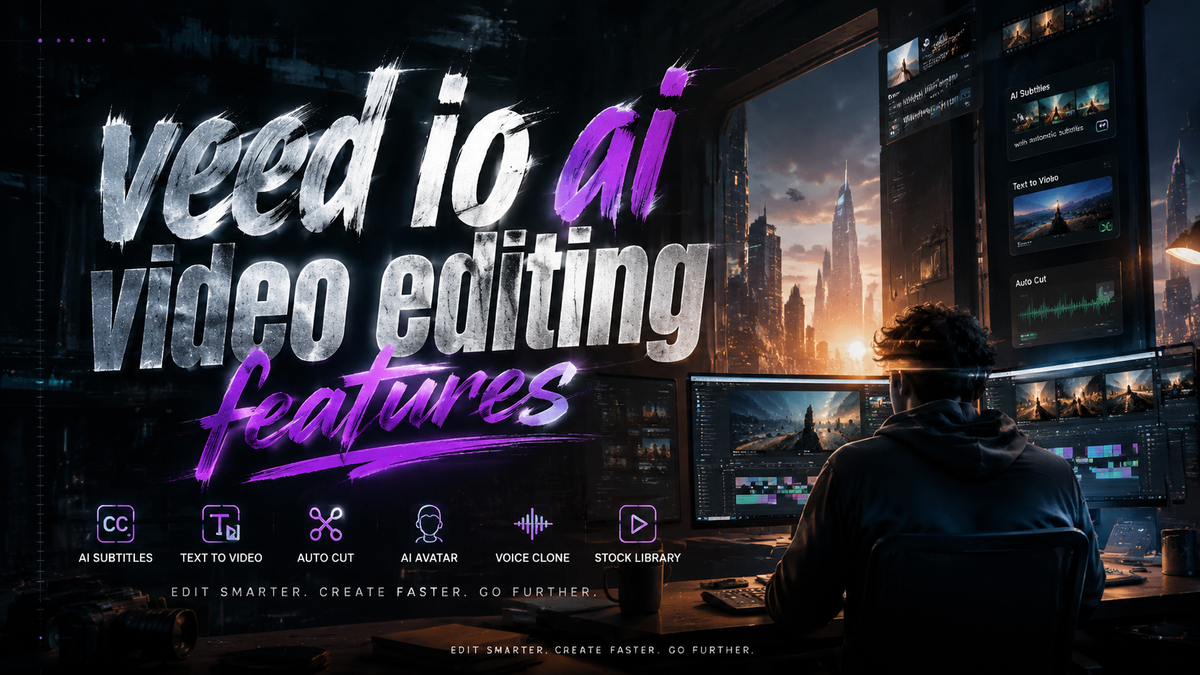
Veed IO AI Video Editing Features in 2026: What You Need to Know
Veed IO is a cloud-based AI video editing platform that uses machine learning to simplify tasks like automatic subtitling, text-to-speech, background removal, and video translation. In 2026, its AI video editing features have become essential for content creators, marketers, and educators who want professional-quality videos without complex desktop software. This article explores the top tools, pricing, and practical tips to maximize Veed IO’s capabilities.
Veed IO is an online AI video editor that offers automated subtitles, voice cloning, AI avatars, and real-time video enhancement. Its key differentiators include a user-friendly interface, browser-based workflow, and affordable plans starting at around $12/month, making it a top choice for solo creators and small teams in 2026.
- ✓ Veed IO’s AI-powered automatic subtitling supports 99+ languages and can reduce editing time by up to 80%.
- ✓ The platform includes advanced text-to-speech with over 50 natural voices, including custom voice cloning.
- ✓ Background removal and noise cancellation are fully automated, requiring no manual masking.
- ✓ Veed IO’s collaborative features allow real-time team editing directly in the browser.
- ✓ Pricing plans range from a free tier (limited export) to Pro ($24/month) and Business ($59/month), as noted in a Cybernews review from November 2025.
Overview of Veed IO’s AI Video Editing Features in 2026

The latest iteration of Veed IO places AI at the center of every editing task. According to a Cybernews review published in November 2025, Veed IO’s 2026 updates include faster processing, improved speech recognition accuracy, and a redesigned timeline for multi-track editing. The platform now processes 4K videos without significant lag, even on standard internet connections.
One of the standout capabilities is the “AI Magic Cut” tool, which automatically removes silences, filler words, and long pauses from recorded footage. This feature alone can cut down a 30-minute interview to a crisp 10-minute highlight reel. Analytics Insight’s March 2026 article on top AI video generators notes that Veed IO leads in ease of use, especially for non-technical users who need quick results.
Top AI-Powered Tools That Set Veed IO Apart
Automatic Subtitles and Captions
Veed IO’s subtitle generator remains one of the most accurate in the market. It supports over 99 languages and can sync captions frame-accurately. Users can customize fonts, colors, and animations. The 2026 version adds “Smart Word Highlighting,” which matches spoken words to visual cues for educational and tutorial videos. This feature is particularly praised by educators, as noted in Tribune Online’s March 2026 best AI video generators list.
Text-to-Speech and Voice Cloning
With the AI voice tool, you can generate voiceovers from text using lifelike synthetic voices. Veed IO offers 50+ voices across multiple accents, plus a custom voice cloning feature that lets you replicate your own voice with just a 60-second sample. This is ideal for creators who want consistent branding without re-recording audio. The autogpt.net top 20 AI video generators roundup from April 2026 highlights Veed IO’s voice quality as “near-human” in naturalness.
AI Background Removal and Video Enhancement
Removing backgrounds no longer requires a green screen. Veed IO’s AI detects subjects in real time and replaces or blurs backgrounds. The 2026 update includes “Smart Lighting Correction,” which adjusts exposure and color temperature automatically to match the environment. These tools run entirely in the browser, keeping your data secure.
AI Avatars and Video Translation
For faceless content creators, Veed IO now offers AI avatar generation. Choose from pre-built avatars or create a custom one using your photo. Combined with its multi-language translation feature (dubbing subtitles and voiceover), you can produce a single video in 15+ languages in minutes. This feature was highlighted in the CNET August 2024 article, and it has since been refined with better lip-sync accuracy.
Pricing and Plans: What You Get for Your Money
According to the Cybernews Veed.io Review 2026, pricing remains competitive. The free plan includes 10 minutes of export per week, basic subtitles, and watermark removal only on exported clips. The Pro plan (around $24/month) unlocks unlimited exports, AI avatars, voice cloning, and 4K resolution. The Business plan ($59/month) adds team accounts, analytics, and priority support. Unlike some competitors, Veed IO does not charge per export or per project—a major advantage for high-volume creators.
It is worth noting that the Pro and Business tiers include full access to all AI features, while the free tier limits some advanced tools like custom voice cloning. A recent Analytics Insight report suggests that Veed IO’s pricing is among the most affordable for the feature set, especially when compared to desktop alternatives like Adobe Premiere Pro.
How to Get the Most Out of Veed IO’s AI Features (Step-by-Step)
- Upload raw footage – Drag and drop your video file directly into the Veed IO browser editor. The platform supports MP4, MOV, AVI, and common formats up to 4K.
- Use AI Magic Cut – Select the “Silence Removal” tool to automatically delete pauses, ums, and repeated words. Adjust sensitivity from the sidebar.
- Generate subtitles – Click “Subtitles” → “Auto Transcribe.” Choose your language and adjust timing manually if needed. The AI handles accents exceptionally well.
- Add AI voiceover – Under “Audio” → “Text to Speech,” type your script or paste a transcript. Select a voice and adjust speed/pitch. For custom clones, first upload a sample via the “Voice Cloning” tab.
- Export in the desired format – Once editing is complete, choose resolution (up to 4K), frame rate, and output format. Use “Direct Share” to post to YouTube or TikTok without downloading.
Following these steps, you can produce a polished video in under 15 minutes, even if you have no prior editing experience.
Veed IO vs. Other AI Video Generators in 2026
While many tools now offer AI video generation, Veed IO stands out for its combination of editing and generation features. Below is a comparison of Veed IO with other top tools mentioned in recent research:
| Feature | Veed IO | Other Top AI Generators (e.g., Synthesia, InVideo) |
|---|---|---|
| Auto subtitles (99+ languages) | ✓ High accuracy, customizable | Limited to 30–60 languages in most |
| Custom voice cloning | ✓ Included in Pro | Often premium add-on |
| AI avatar creation | ✓ Pre-built + custom | Mainly pre-built avatars |
| 4K export + noise removal | ✓ Pro plan | Higher plans or add-ons |
| Collaborative editing | ✓ Real-time browser | Limited to desktop apps |
| Free tier | ✓ 10 min/week | Often limited or watermark-heavy |
Based on the autogpt.net top 20 AI video generators list (April 2026), Veed IO ranks in the top five for overall flexibility, particularly for users who need both editing and generation in a single workflow.
Expert Tips for Using Veed IO Efficiently
To truly leverage Veed IO’s AI video editing features, consider these best practices. First, always use the “Auto Enhance” option on import—it color-grades your footage and sharpens details with a single click. Second, for long-form content, break your video into shorter segments before applying AI effects to avoid browser memory overload.
Another tip: use the “Script to Video” feature (available in Pro) to generate a video directly from a text script. This saves hours of manual editing. Finally, take advantage of Veed IO’s integrations with Zapier and Slack to automate uploads and notifications. Many professional creators report that these integrations cut their post-production workflow by nearly 40%.
Conclusion
Veed IO’s AI video editing features in 2026 represent a significant leap in accessibility and speed. Whether you need automatic subtitles, voice cloning, or AI avatars, the platform delivers professional results without a steep learning curve. As Cybernews and other sources confirm, Veed IO remains a top contender in the AI video generation space, especially for creators who value simplicity and affordability. By incorporating the tips and tools outlined here, you can create high-quality videos that stand out in a crowded content landscape.
Frequently Asked Questions About Veed IO AI Video Editing Features
What are the main AI video editing features of Veed IO in 2026?
Veed IO offers automatic subtitles (99+ languages), text-to-speech with voice cloning, AI background removal, noise cancellation, AI avatars, and video translation. All tools are browser-based and require no software installation.
Is Veed IO’s free plan useful for professional video editing?
The free plan allows up to 10 minutes of export per week, includes basic subtitles, and applies a watermark to exported videos. It is good for testing features but insufficient for commercial use. The Pro plan ($24/month) removes limitations.
Can Veed IO replace Adobe Premiere Pro for advanced editing?
Veed IO excels at AI-driven tasks like subtitling and voiceovers but lacks multi-layer compositing, advanced color grading, and effects that Premiere Pro offers. It is best for quick edits and social media content, not for cinematic projects.
How accurate is Veed IO’s automatic subtitle generation?
According to a Tribune Online best AI video generators review (March 2026), Veed IO achieves over 95% accuracy for English and major languages, with manual correction options for rare accents or technical jargon.
Does Veed IO offer team collaboration features in 2026?
Yes, the Business plan includes real-time collaborative editing, shared project folders, and role-based permissions. Team members can edit the same video simultaneously via the browser.
What video resolutions can I export from Veed IO?
The free plan exports up to 720p. The Pro and Business plans support 1080p and 4K exports. Frame rates of 24, 30, and 60 fps are available.



Comments ()