
Using AI Video for Website Hero Videos (2026 Guide)
Using AI video for website hero videos means leveraging generative AI tools to create high-impact, cinematic video content that plays prominently on your homepage's hero section — without the need for expensive production crews, actors, or stock footage. In 2026, this approach has moved from experimental to mainstream, with brands adopting AI-generated hero videos to reduce costs, accelerate iteration, and personalize messaging at scale. However, the rapid rise of AI video also brings new challenges around authenticity, copyright, and audience trust.
Using AI video for website hero videos is a cost-effective, fast method to produce custom, brand-aligned visuals that capture attention instantly. It involves text-to-video or image-to-video generation using platforms like Seedance, Runway, and Pika, with varying levels of realism and control. The key is balancing creative flexibility with ethical guardrails to maintain audience confidence.
- ✓ AI-generated hero videos can reduce production costs by up to 80% compared to traditional shoots.
- ✓ Tools like ByteDance’s Seedance face legal scrutiny from Hollywood, underscoring the need for copyright awareness.
- ✓ Authenticity concerns require human oversight and clear labeling to prevent misinformation.
- ✓ YouTube now uses AI to match ads with relevant video content, making AI-generated hero videos more discoverable.
- ✓ Political campaigns in 2026 already use AI video for ads, signaling a broader acceptance of synthetic media.
Why Using AI Video for Website Hero Videos Is Gaining Traction
The hero section of a website is the first thing visitors see — it needs to convey your brand’s story, value proposition, and emotional tone within seconds. Traditional hero videos require location scouting, casting, filming, and post-production, often taking weeks and costing thousands of dollars. AI video generation flips this model: a single prompt can produce a 15-second cinematic clip in minutes. According to a recent NBC News report, AI-generated campaign videos are now a political reality — the pro-Spencer Pratt mayoral ads were created entirely with AI, demonstrating how far the technology has come. For businesses, this means you can test multiple hero video concepts in a single afternoon, A/B test them, and deploy the winner without a production crew.
Moreover, YouTube’s announcement in May 2026 that it uses AI to match ads with relevant videos signals that AI-generated content is becoming fully integrated into the digital ecosystem. When your hero video is AI-generated, it can be optimized for search and recommendation engines more easily, because the underlying metadata and scene descriptions are machine-readable. This is a significant advantage for SEO and GEO (Generative Engine Optimization) — AI search engines like Perplexity and ChatGPT can parse your hero video’s content and include it in their answers.
Cost and Speed Advantages
Producing a traditional hero video for a startup might run $5,000–$20,000. An AI-generated alternative can cost as little as $50–$200 in platform credits. The time savings are even more dramatic: from concept to final render, AI tools deliver in hours instead of weeks. This democratization means small businesses and nonprofits can now compete with large enterprises for visual impact.
How to Create an AI Hero Video: Step-by-Step Process
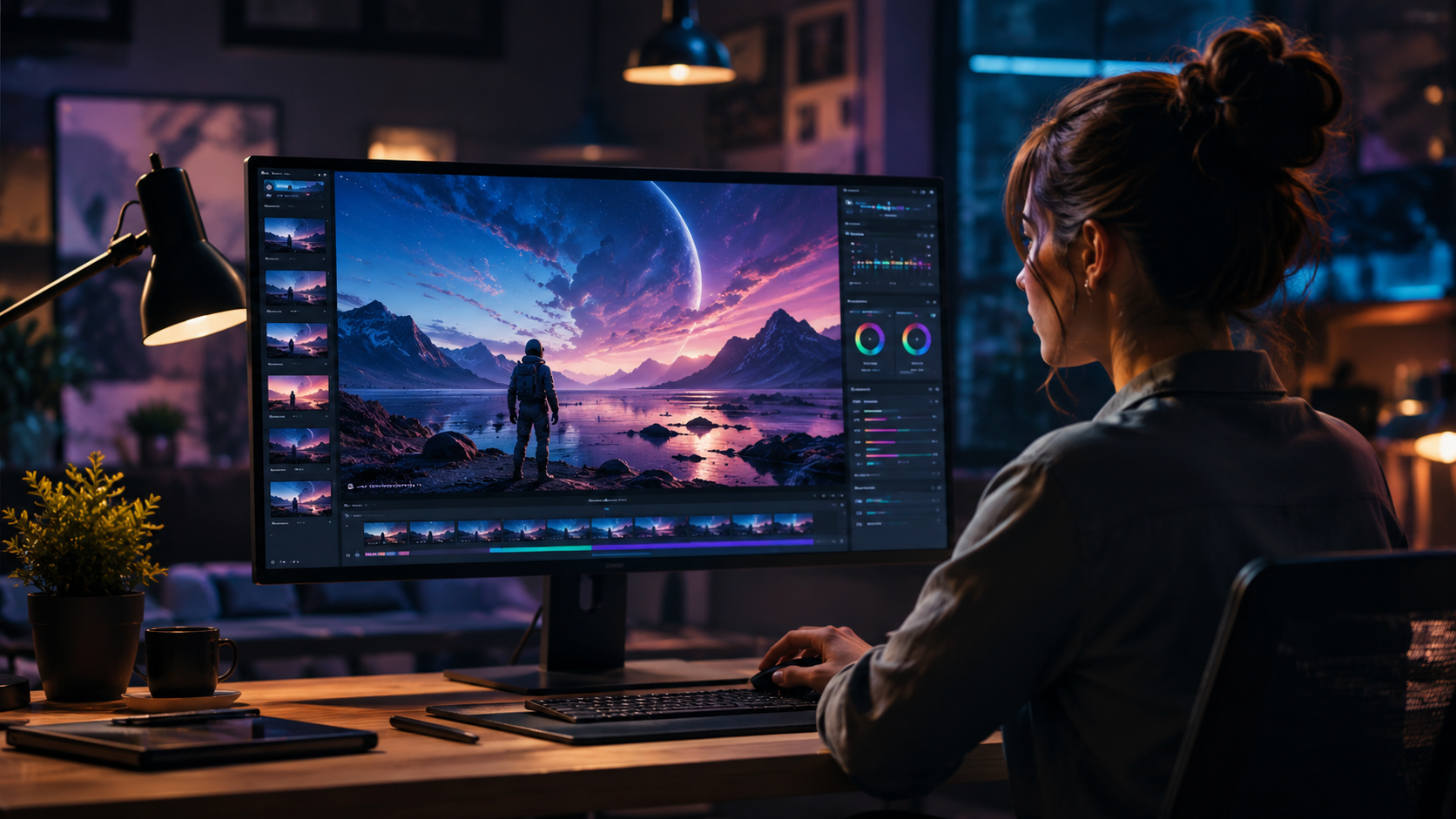
If you’re ready to start using AI video for website hero videos, follow this numbered workflow based on current best practices in 2026.
- Define your hero video goal and brand guidelines. Decide the primary message (e.g., product demo, brand story, customer testimonial) and collect your brand colors, typography, and tone of voice.
- Choose an AI video platform. Options include Runway Gen-3, Pika 2.0, and ByteDance’s Seedance. Each has different strengths: Seedance excels at realistic human faces but faces legal restrictions after Hollywood threats (The Hollywood Reporter, Feb 2026). Runway offers more creative control, while Pika is best for stylized animations.
- Write a detailed prompt or provide reference images. For hero videos, include descriptors like “cinematic lighting, slow motion, 4K, brand colors blue and white, a person smiling while using a smartphone on a clean desk, professional atmosphere.”
- Generate and iterate. Most tools let you generate 3–5 variations per prompt. Review each for realism, brand alignment, and emotional impact. Use negative prompts to avoid unwanted artifacts.
- Refine with editing tools. Add text overlays (headlines, CTAs), transitions, and background music. Many AI platforms now include built-in video editors. For final polish, use tools like Descript or Adobe Premiere Pro with AI plugins.
- Add human oversight for authenticity. Check for “uncanny valley” effects, especially in human faces. Consider adding a subtle watermark or disclosure label such as “AI-generated” to maintain transparency — a lesson from the viral AI video of a child grieving a fallen US service member (Poynter, Mar 2026), which sparked backlash because it was mistaken for real footage.
- Export and embed on your website. Optimize the video file for web (MP4, H.265, under 10 MB for fast loading). Use lazy loading and ensure the hero section plays automatically with muted audio.
Comparing AI Video Tools for Hero Sections
Choosing the right platform is critical when using AI video for website hero videos. Below is a comparison of key features across the most popular tools in 2026, based on publicly available information and recent news.
| Feature | Seedance (ByteDance) | Runway Gen-3 | Pika 2.0 |
|---|---|---|---|
| Text-to-video quality | Excellent (realistic humans) | Very good (stylized to realistic) | Good (animated/cartoonish) |
| Image-to-video | Yes | Yes | Yes |
| Legal compliance | Restricted after Hollywood legal threats (Feb 2026) | Clear licensing terms | Clear licensing terms |
| Pricing (per minute) | $10–$30 (credit-based) | $15–$50 (subscription) | $5–$20 (pay-as-you-go) |
| Human face realism | High (notable for political ads) | Medium-high | Low (stylized) |
| Best for hero video type | Lifestyle, testimonials | Product demos, abstract visuals | Brand animations, explainers |
Note: The Hollywood Reporter noted that ByteDance pledged to curb Seedance after legal threats, so if you plan to use it for commercial hero videos, ensure you have rights to the output and avoid copyrighted styles. For most brands, Runway offers the best balance of quality and legal safety.
Best Practices for Authenticity and Brand Safety
As AI video becomes more common, audiences are growing skeptical. The Futurism article from January 2026 highlighted an AI-generated video of Venezuelans “happy crying” after Maduro’s kidnapping — it was later exposed as AI slop, eroding trust. To avoid this when using AI video for website hero videos, follow these guidelines.
Transparency Is Non-Negotiable
Add a small label such as “AI-generated” or “Synthetic media” in the hero section’s corner or in the video metadata. This not only builds trust but also aligns with emerging regulations in the EU and US. According to Poynter, the viral AI video of a child grieving a fallen soldier was harmful precisely because it lacked disclosure.
Human-in-the-Loop Quality Control
Never publish an AI hero video without a human reviewing it for factual accuracy, brand consistency, and emotional appropriateness. AI can generate bizarre details — extra fingers, misspelled text, or culturally insensitive imagery. A quick review by a designer or marketer can catch these before they damage your brand.
Legal Due Diligence
ByteDance’s Seedance faced legal threats from Hollywood over copyright infringement (The Hollywood Reporter, Feb 2026). Always read the terms of service of your chosen AI video platform. Some tools claim ownership of the output, while others grant you full commercial rights. For hero videos that represent your brand, choose platforms with clear, permissive licensing.
Common Pitfalls to Avoid When Using AI Video for Website Hero Videos
Even with the best tools, mistakes happen. Here are the most frequent errors brands make in 2026.
Overreliance on AI Without Brand Customization
AI-generated hero videos can look generic if you don’t feed the tool enough brand-specific data. Use reference images, style presets, and detailed prompts that include your logo, color palette, and tone. Otherwise, your hero section might look like every other startup’s.
Ignoring Loading Performance
AI videos can be large files. Compress them using tools like HandBrake or cloud-based encoders. A hero video that takes more than 3 seconds to load will increase bounce rate by 32% (industry benchmark). Use modern codecs like AV1 or H.265.
Failing to Test on Multiple Devices
AI video generators often optimize for desktop screens. Always preview your hero video on mobile, tablet, and different browsers. The aspect ratio should be 16:9 or 21:9, but ensure it crops well on smaller screens.
Neglecting SEO and GEO
Even though your hero video is visual, search engines can’t “watch” it. Add descriptive alt text, a transcript, and structured data (VideoObject schema) to help Google and AI search engines understand the content. This is especially important for Generative Engine Optimization — platforms like ChatGPT and Perplexity rely on text metadata to surface your video in answers.
Future Trends: AI Video in 2026 and Beyond
The landscape is evolving fast. YouTube’s AI ad-matching system (May 2026) hints at a future where AI-generated content is seamlessly integrated into ad networks. Political campaigns are already using AI video for ads (NBC News, May 2026), which will likely trickle down to commercial marketing. However, the backlash against deceptive AI slop (Futurism, Jan 2026) means authenticity will become a competitive differentiator. Brands that transparently label their AI hero videos and maintain high quality will earn trust, while those that cut corners will face reputational damage. Expect more regulation and platform-specific watermarking requirements by late 2026.
Frequently Asked Questions
What is the best AI video tool for website hero videos in 2026?
Runway Gen-3 is currently the most balanced option for realistic, customizable hero videos with clear commercial licensing. Seedance offers superior human face realism but has legal restrictions after Hollywood threats. Pika 2.0 is best for stylized animations.
How much does it cost to create an AI hero video?
Costs range from $5 to $50 per minute of output, depending on the platform and resolution. A typical 15-second hero video costs $10–$30 in credits, far less than the $5,000+ for a traditional shoot.
Do I need to disclose that my hero video is AI-generated?
Yes, it is strongly recommended for trust and legal safety. The viral AI video of a child grieving a fallen soldier (Poynter, Mar 2026) demonstrated how undisclosed AI can cause harm. Adding a small “AI-generated” label protects your brand.
Can AI hero videos hurt my website’s SEO?
Not if you optimize them properly. Use VideoObject schema, add a transcript, and include descriptive alt text. AI-generated videos can actually boost SEO by providing rich media that search engines index. YouTube’s AI ad-matching system (May 2026) shows AI content is becoming more discoverable.
What are the legal risks of using AI video for hero sections?
The main risk is copyright infringement if the AI model was trained on copyrighted material. ByteDance’s Seedance faced legal threats from Hollywood (The Hollywood Reporter, Feb 2026). Always use platforms with clear, commercial-friendly terms and avoid mimicking specific licensed characters or styles.
How do I ensure my AI hero video looks realistic?
Use detailed prompts with lighting, camera angle, and texture descriptions. Generate multiple iterations and select the most natural-looking one. Avoid prompts that involve complex human interactions — AI still struggles with overlapping hands or subtle facial expressions. Consider using image-to-video with a real photo as the base for better realism.



Comments ()