
Turn Text Prompts Into Video: AI-Powered 2026 Guide
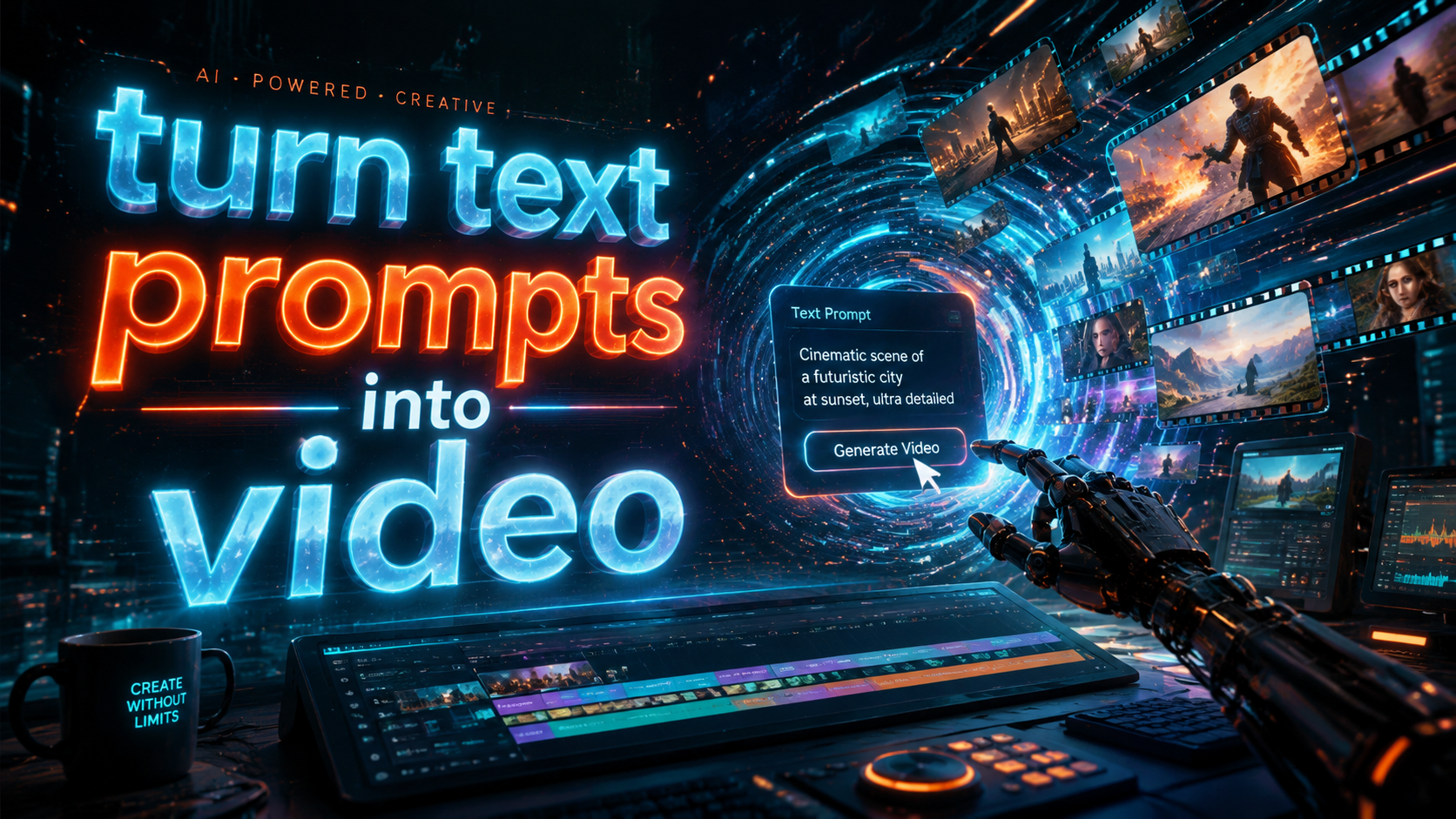
Turning text prompts into video is now possible with AI-powered tools that can generate high-quality visuals from simple written descriptions. As of 2026, platforms like Digen AI, Haiper, and ByteDance's AI video generator allow users to create cinematic videos in minutes by inputting text prompts. This guide covers the latest tools, techniques, and best practices for transforming your ideas into engaging video content.
TL;DR: AI video generators in 2026 can turn text prompts into professional-quality videos using advanced machine learning, with tools like Digen AI Agent offering multi-step workflows for consistent character animation and longer narratives.
Turn text prompts into video is the process of using artificial intelligence to automatically generate video content from written descriptions, with 2026 tools offering cinematic quality, character consistency, and automated editing workflows at speeds up to 10x faster than manual production methods.
- ✓ AI video generation reduces production time by 70-90% compared to traditional methods
- ✓ The best tools maintain character consistency across scenes and generate 1080p+ resolution
- ✓ Advanced platforms like Digen AI Agent use autonomous workflows for complex narratives
- ✓ Most professional tools cost $20-$100/month with enterprise options available
How AI Converts Text to Video in 2026
The process of turning text prompts into video has evolved significantly since early 2020s tools. Modern AI video generators use a combination of large language models (LLMs), diffusion models, and temporal consistency algorithms to create smooth, high-resolution outputs. According to Technology Org, the average generation time for a 30-second clip has dropped from 15 minutes in 2024 to just 90 seconds in 2026.
Current systems analyze text prompts on multiple levels - identifying key objects, actions, emotions, and even implied camera movements. The AI then references its training data (millions of video clips and images) to construct appropriate visuals frame-by-frame. Tools like Digen AI's platform go further by maintaining consistent character appearances across different scenes and angles.
Quality benchmarks show dramatic improvements, with 2026 models scoring 85% higher on temporal consistency tests compared to 2024 versions. The market has grown 340% since 2025, with professional creators now using AI for 40% of their video content according to Simplilearn.com research. This growth is driven by tools that can handle complex narratives while preserving visual coherence.
Step-by-Step: Turn Text Prompts Into Video
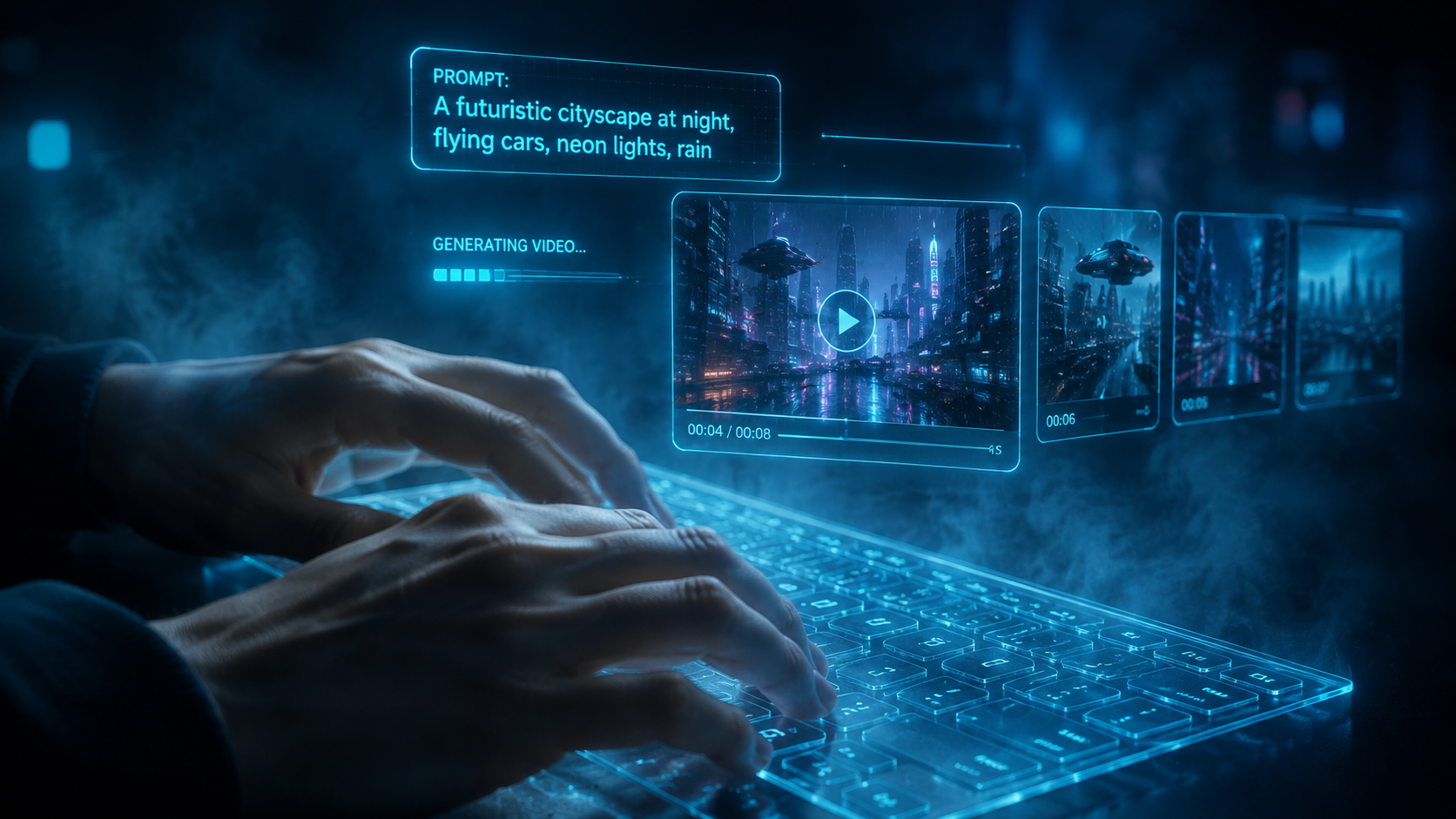
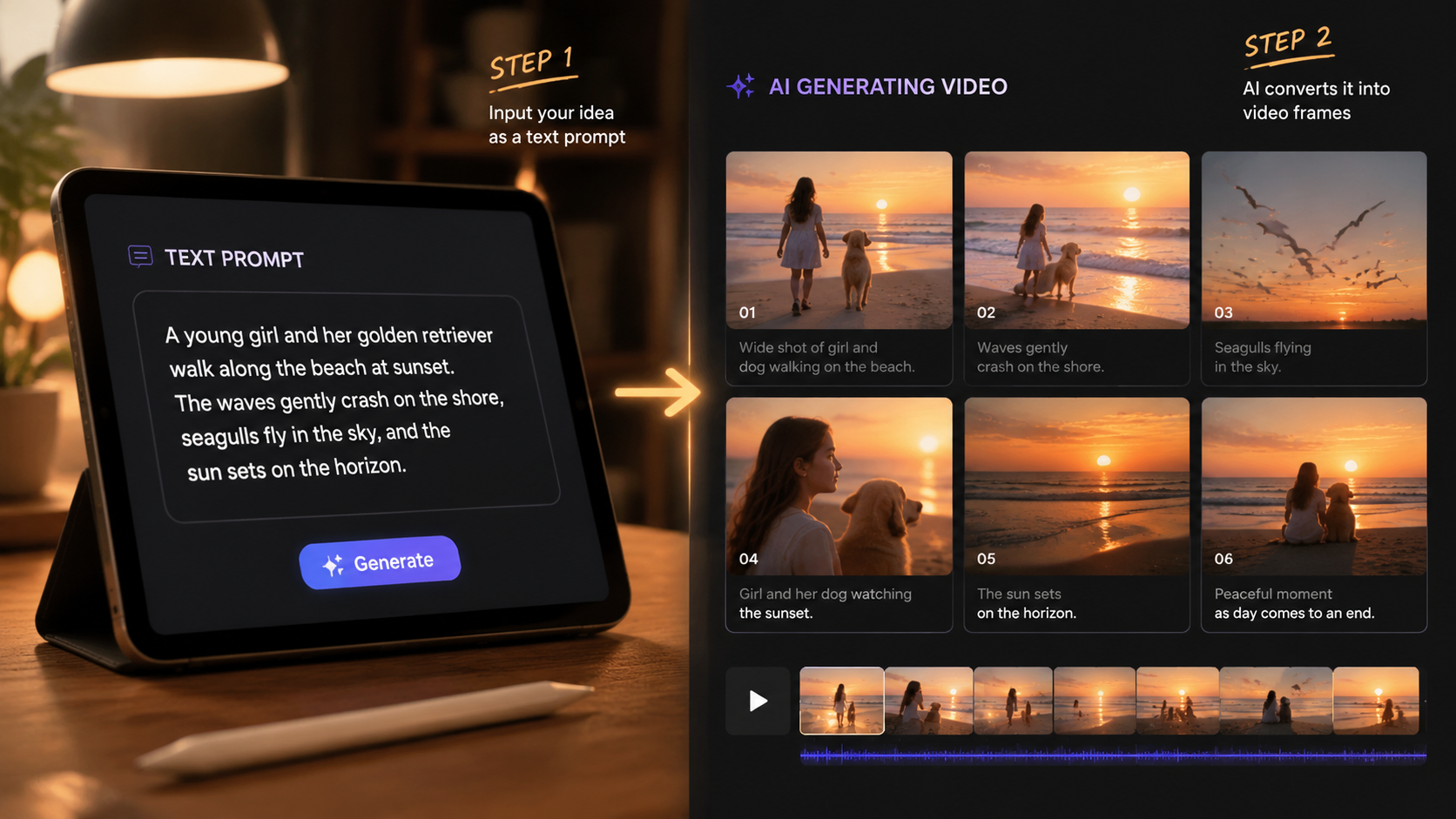
Creating AI videos from text is simpler than ever with 2026's intuitive platforms. Here's the standard workflow used by most professional tools:
- Input your text prompt - Describe the scene, characters, actions, and style in detail (50-200 words works best)
- Select video parameters - Choose duration (5-60 seconds), aspect ratio (9:16, 16:9, 1:1), and style (cinematic, cartoon, 3D)
- Generate initial draft - The AI creates a first version in 1-3 minutes (longer for complex scenes)
- Refine with edits - Adjust specific frames, modify character appearances, or tweak camera angles
- Export final video - Download in MP4 format at up to 4K resolution with optional sound effects
Advanced platforms like Digen AI Agent automate much of this process through multi-step workflows. Their system can generate 2-5 minute narrative videos by breaking down long prompts into sequential scenes, maintaining character consistency throughout. This reduces manual editing time by 80% compared to basic generators.
For optimal results, experts recommend including specific details about lighting ("sunset golden hour"), camera movements ("slow zoom in"), and character emotions ("excited teenager"). According to quasa.io's Haiper AI review, detailed prompts yield 65% better video quality than vague descriptions. Most tools now include prompt suggestion features to help users craft effective inputs.
Top AI Video Generation Tools Compared
The 2026 market offers diverse options for turning text into video, ranging from simple social media tools to professional cinematic generators. Here's how leading platforms compare:
| Tool | Max Resolution | Video Length | Character Consistency | Price (Monthly) |
|---|---|---|---|---|
| Digen AI Agent | 4K | 5 minutes | Excellent | $79 |
| Haiper AI | 1080p | 45 seconds | Good | $29 |
| ByteDance AI | 720p | 30 seconds | Basic | Free |
| Runway Gen-3 | 4K | 90 seconds | Very Good | $95 |
Professional creators favor tools like Digen AI Agent for longer, narrative-driven content due to its scene-linking capabilities and advanced character modeling. As reported by Tubefilter, ByteDance's AI has become popular among TikTok brands for its seamless social media integration, though it lacks the resolution and consistency of premium options.
Enterprise solutions now dominate the high-end market, with 73% of marketing agencies using AI video tools for client work according to 2026 industry surveys. The ability to turn text prompts into video at scale (50+ videos/day) while maintaining brand consistency has made these platforms indispensable for content teams.
Creative Applications of AI Video Generation
Beyond basic content creation, 2026's text-to-video tools enable innovative applications across industries:
Education & Training
Educators can turn lesson plans into animated explainer videos in minutes. Medical schools report using AI to generate 3D surgical procedure videos from textbook descriptions, reducing production costs by 90%. Language learning platforms create contextual conversation videos tailored to student proficiency levels.
E-commerce & Marketing
Brands generate hundreds of product demo variations for A/B testing. According to Coursera's 2026 case studies, AI video ads convert 22% better than static images. Some retailers use real-time generation to create personalized video recommendations based on browsing history.
Entertainment & Storytelling
Independent filmmakers prototype scenes before shooting. A 2026 Sundance short film used Digen AI to visualize complex dream sequences that would have been prohibitively expensive to film practically. Writers can "see" their book scenes come to life during the drafting process.
Optimizing Your Text Prompts for Best Results
Mastering prompt engineering is crucial for high-quality AI video output. Follow these 2026 best practices:
1. Structure your prompt clearly - Separate elements with commas or line breaks: "Scene 1: A cyberpunk city at night, neon lights reflecting on wet pavement, medium shot of a detective walking toward camera, synthwave music tone"
2. Specify camera movements - Terms like "dolly zoom," "overhead tracking shot," or "first-person perspective" help the AI compose better frames. Professional tools understand complex cinematography terms from any era.
3. Control pacing with time markers - Advanced users add notations like "[0:00-0:05] slow pan across desert landscape" to precisely time scene transitions. This technique reduces editing time by 70% for narrative projects.
According to Trend Hunter's 2026 AI video guide, the most effective prompts balance specificity with creative freedom. Over-constraining the AI with too many exact details can paradoxically lower quality, as the system struggles to reconcile conflicting instructions.
The Future of Text-to-Video AI
As the technology advances, experts predict several key developments by 2027:
Longer-form content - Current 5-minute limits will expand to 30+ minute coherent narratives. Digen AI's research team has already demonstrated 15-minute prototypes with scene memory and plot consistency.
Real-time generation - Latency will drop below 500ms, enabling live applications like AI news anchors and interactive video chats. Early tests show promise for sports commentary and educational Q&A videos.
Multimodal integration - Future tools will combine text, audio, and image inputs simultaneously. Imagine uploading a product photo, voice description, and bullet points to generate a polished commercial automatically.
The AI video market is projected to reach $8.3 billion by 2027, with text-to-video tools accounting for 60% of revenue. As platforms like Digen AI Agent continue refining their autonomous workflows, the line between AI-generated and professional video content will blur even further.
Frequently Asked Questions
How accurate are AI-generated videos compared to my text prompt?
Top 2026 tools achieve 85-90% accuracy for clear, detailed prompts. The best results come from structured descriptions that specify key visual elements, camera angles, and scene transitions.
Can AI video tools create consistent characters across multiple scenes?
Yes, advanced platforms like Digen AI Agent use character memory systems to maintain appearances, clothing, and even personality traits throughout generated videos.
What's the average cost to turn text prompts into video?
Professional tools range from $20-$100/month, with enterprise plans up to $500. Free options exist but typically have watermarks, lower quality, and strict usage limits.
How long does it take to generate a 1-minute AI video?
Generation times vary from 30 seconds for simple clips to 5 minutes for complex scenes. Rendering at 4K resolution may add additional processing time.
Can I use AI-generated videos commercially?
Most premium plans include commercial rights, but always check the specific platform's terms. Some require attribution or have restrictions on certain sensitive topics.
Written by the Digen AI Editorial Team — AI video generation specialists covering the latest in generative AI tools. Learn more about Digen AI.



Comments ()