
Turn Product Photos into Video: 2026 AI Video Trends
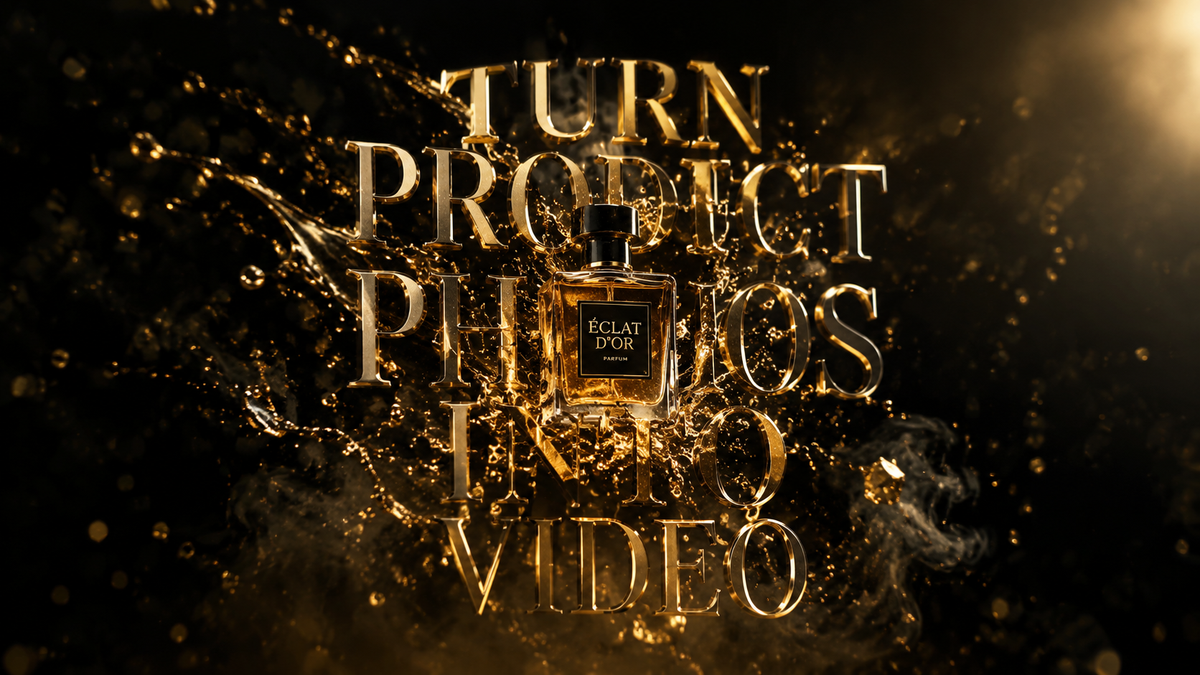
To turn product photos into video in 2026, businesses use advanced image-to-video AI generators that apply temporal consistency and physics-based motion to static images. This process involves uploading a high-resolution product shot to an AI platform, which then uses generative modeling to animate backgrounds, simulate lighting shifts, or create cinematic camera movements around the object. The result is a high-converting video asset that maintains the exact visual fidelity of the original product while adding the dynamic engagement of video content.
Image-to-video AI is a generative technology that transforms static product photography into high-definition video assets by predicting motion frames between a source image and a desired cinematic outcome. In 2026, this technology allows brands to create entire marketing campaigns from a single photo, integrating AI-generated music and physics-accurate animations to boost social media engagement and e-commerce conversion rates.
- ✓ AI video generators now support "One Photo to Campaign" workflows, significantly reducing production costs.
- ✓ Integration with tools like Google’s Lyria 3 allows for automated, high-fidelity background music in product videos.
- ✓ Temporal consistency in 2026 ensures that product labels and textures remain perfectly stable during AI animation.
- ✓ Short-form, shareable AI videos are the primary driver for social media growth on platforms updated in early 2026.
How to Turn Product Photos into Video: A Step-by-Step Guide
The landscape of content creation has shifted dramatically as we move through 2026. No longer do e-commerce brands need expensive film crews to generate high-quality social media ads. By leveraging the latest AI video generators, you can take a standard white-background photo and turn it into a cinematic masterpiece in minutes. This democratization of video production is essential for staying competitive in a market that demands constant fresh content.
According to research from Unite.AI, modern platforms like Fotor now allow users to turn one product photo into an entire campaign. This efficiency is driven by "Image-to-Video" (I2V) models that understand the geometry of objects, allowing the AI to "rotate" the camera around a flat image of a product as if it were a 3D model. This capability is the cornerstone of 2026 digital marketing strategies.
- Select Your Source Image: Choose a high-resolution photo of your product. For the best results in 2026 AI models, ensure the lighting is consistent and the product is the clear focal point.
- Upload to an AI Video Generator: Use a platform such as Fotor or one of the top-rated tools identified by G2 Learn Hub. These tools now feature dedicated "Product Mode" settings.
- Define the Motion Path: Input text prompts or use "motion brushes" to tell the AI where you want movement. For example, you might prompt the AI to "create a slow cinematic zoom with floating particles in the background."
- Integrate AI Audio: Enhance your video by adding AI-generated music. As noted by The Rundown AI, Google's Lyria 3 in Gemini can now generate high-quality soundtracks that sync perfectly with the visual rhythm of your video.
- Render and Export: Select your desired aspect ratio (9:16 for TikTok/Reels or 16:9 for YouTube) and export the video in 4K resolution.
The Evolution of Image-to-Video AI in 2026
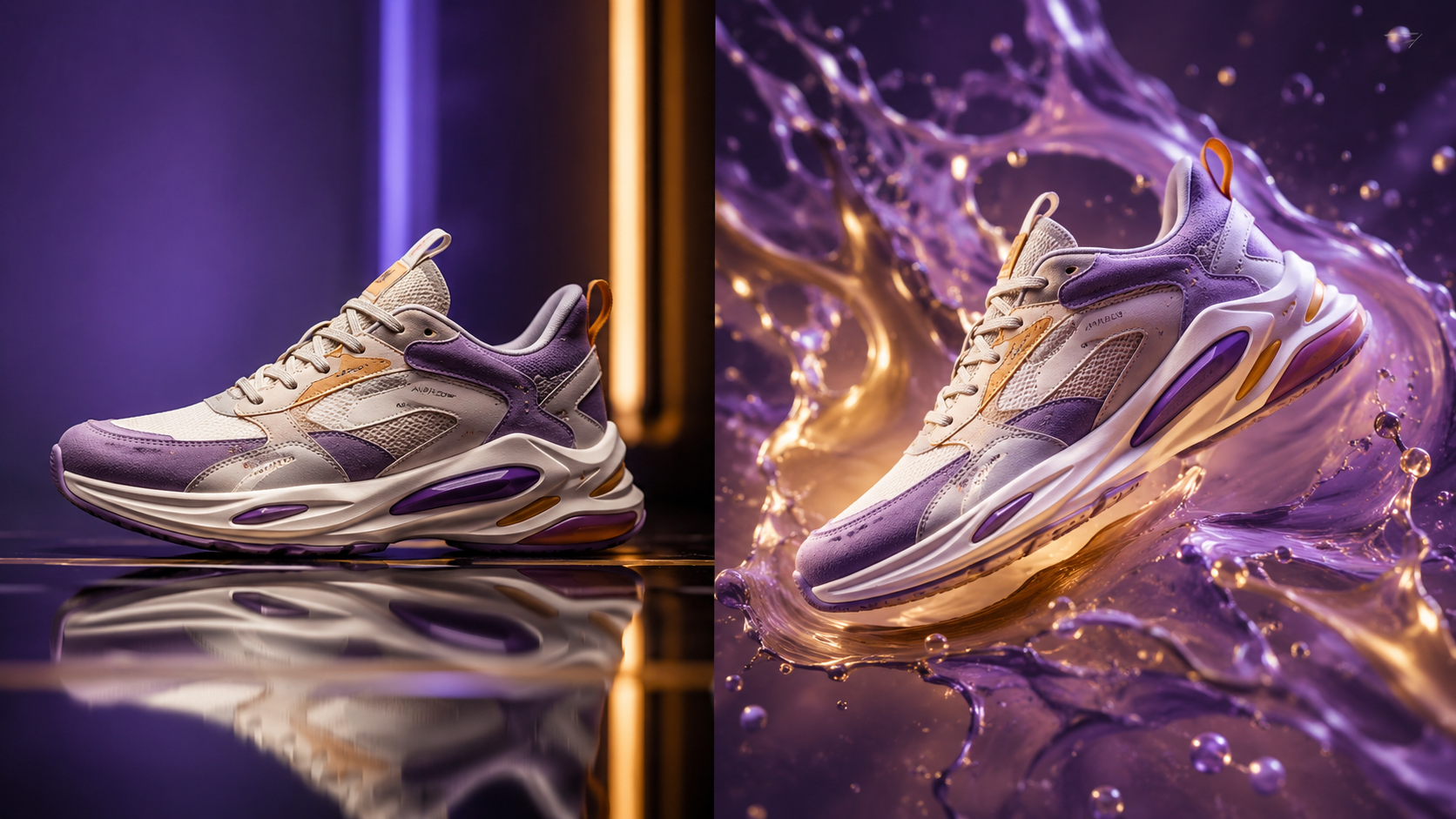
The year 2026 marks a turning point where the line between filmed reality and AI-generated content has effectively vanished. Early iterations of image-to-video technology often suffered from "morphing" or "hallucinations," where the product would change shape during the video. However, the latest updates in 2026 have introduced rigid-body preservation, ensuring that your product looks exactly the same from the first frame to the last.
As reported by Programming Insider in March 2026, image-to-video AI is now considered the easiest way to turn ideas into videos. This is largely due to the "Text-to-Video" and "Image-to-Video" hybrid models. You aren't just animating a photo; you are providing the AI with a visual reference (the photo) and a conceptual direction (the text prompt). This dual-input method ensures the AI stays grounded in the reality of your specific product while exercising creative freedom in the environment.
Physics-Based Animation and Realism
One of the standout features of 2026 AI tools is the implementation of real-world physics. If you are turning a photo of a perfume bottle into a video, the AI understands how light should refract through the glass as the camera moves. It can simulate liquid sloshing inside a bottle or fabric blowing in a gentle breeze if the product is apparel. This level of detail was previously only possible through expensive 3D rendering software like Blender or Cinema 4D.
The Rise of "Short and Shareable" Content
Social media trends in 2026 emphasize "snackable" content. We-heart.com highlights that the best AI tools are those that turn stills into short, shareable videos using AI-assisted editing. These tools often include pre-built templates designed specifically for the latest social media updates. According to PR Daily, social media platforms have introduced new features in early 2026 that prioritize AI-generated videos that use native platform metadata, making it easier for AI-created content to go viral.
Comparing the Top AI Video Tools of 2026
With so many options available, choosing the right tool to turn product photos into video depends on your specific needs—whether it's high-end cinematic quality or rapid-fire social media output. In April 2026, G2 Learn Hub released its list of the 7 best AI video generators, focusing on ease of use and the quality of the motion output.
The following table compares the leading features found in the top-tier AI video tools currently dominating the market in 2026. These features represent the industry standard for professional-grade product animation.
| Feature | Standard AI Tools | Premium AI Generators (2026) | Benefit for Brands |
|---|---|---|---|
| Resolution | 1080p HD | 4K Ultra HD & 8K Upscaling | Professional quality for TV and Web |
| Motion Control | Randomized Motion | Precision Motion Brushes | Complete control over product movement |
| Audio Integration | Stock Music Only | AI Music (Lyria 3 / Gemini) | Unique, copyright-free custom scores |
| Processing Speed | 5-10 Minutes | Under 60 Seconds | Rapid content scaling for daily posts |
| Consistency | Occasional Morphing | Perfect Temporal Consistency | Maintains brand and product integrity |
Maximizing ROI When You Turn Product Photos into Video
The financial incentive to adopt AI video workflows is undeniable. In previous years, a single video advertisement could cost thousands of dollars in equipment, lighting, and post-production. In 2026, the cost per video has plummeted to cents. This allows brands to perform A/B testing at a scale never before seen. You can take one photo and generate twenty different video variations, each with a different background, lighting scheme, and music track, to see which performs best with your target audience.
Studies show that video content on e-commerce product pages can increase conversion rates by up to 80%. By using AI to turn product photos into video, small and medium-sized enterprises (SMEs) can now compete with global corporations in terms of visual output quality. Unite.AI notes that Fotor’s "One Photo to Campaign" feature is specifically designed to help these smaller players build a cohesive brand identity across multiple channels without a massive budget.
Integrating AI Audio for a Full Sensory Experience
Visuals are only half the battle. In February 2026, Google’s release of Lyria 3 within the Gemini ecosystem changed how we think about video sound. When you turn a photo into a video, the AI can now analyze the "vibe" of the image—luxurious, energetic, or minimalist—and compose a custom music track that matches the visual pacing. This holistic approach to AI content creation ensures that the final video feels like a high-end production rather than a computer-generated clip.
Staying Ahead of Social Media Algorithms
As reported by PR Daily in January 2026, social media algorithms are increasingly favoring content that utilizes the latest platform features. Many of these features are built to support AI-generated media. By using AI to transform your static catalog into a dynamic video feed, you are essentially "future-proofing" your content strategy. The ability to quickly adapt to new trends—such as the "hyper-personalized ads" trend of 2026—is a significant competitive advantage.
Future Trends: Beyond 2026
While we are currently enjoying the peak of image-to-video technology in 2026, the horizon suggests even deeper integration. We are beginning to see "interactive AI videos" where the viewer can change the lighting or the color of the product in real-time within the video player. This is an extension of the current capability to turn product photos into video, moving from a passive viewing experience to an active, immersive one.
The ease of use highlighted by Programming Insider suggests that eventually, these tools will be integrated directly into smartphone cameras. You will take a photo of a product, and the phone's native AI will immediately offer to render it as a professional video. For now, the cloud-based AI generators mentioned in G2 Learn Hub remain the gold standard for professional quality, providing the processing power necessary for 4K temporal consistency.
Frequently Asked Questions
Can I turn product photos into video for free in 2026?
Many platforms offer "freemium" models where you can generate a limited number of low-resolution videos for free. However, for professional 4K output and features like Google's Lyria 3 audio, most brands opt for a subscription-based AI tool as recommended by G2 Learn Hub.
How long does it take to animate a photo using AI?
In 2026, most advanced AI video generators can process a 10-second high-definition video in under 60 seconds. This is a significant improvement from the multi-hour rendering times required just a few years ago.
Will the product look different after being animated by AI?
No, provided you use a tool with high temporal consistency. Modern AI models are designed to lock the pixels of the primary object (the product) while only animating the background and environmental effects, ensuring your product remains recognizable and accurate.
What is the best aspect ratio for AI product videos?
For 2026, the most popular aspect ratio is 9:16 for vertical platforms like TikTok, Instagram Reels, and YouTube Shorts. However, most AI tools allow you to export in multiple formats, including 1:1 for feed posts and 16:9 for traditional web banners.
Do I need to know how to prompt to use these tools?
While text prompting helps refine the output, many 2026 tools feature "one-click" styles. You can simply select a style like "Cinematic," "Cyberpunk," or "Minimalist," and the AI will handle the technical prompting for you based on the visual data in your photo.



Comments ()