
10 Top Text to Video Tools in 2026: Best AI Video Generators
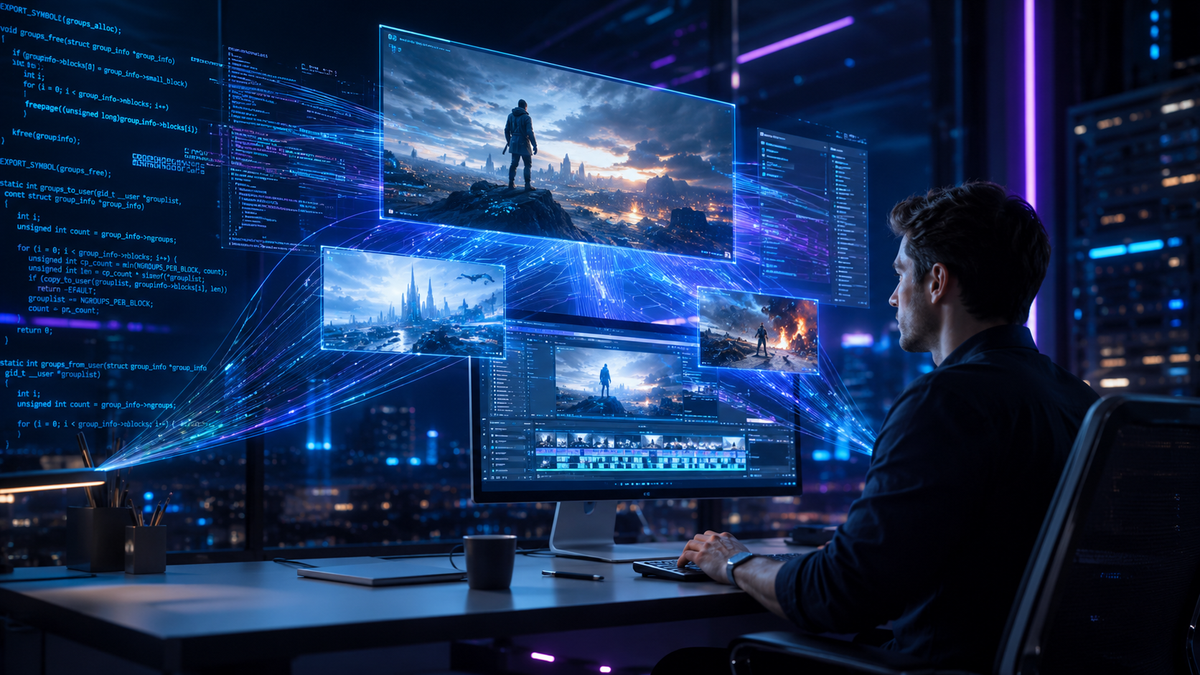
Finding the top text to video tools in 2026 requires an understanding of how generative AI has shifted from simple animation to high-fidelity, cinematic production. These tools allow users to transform written prompts into professional-grade video content, effectively democratizing filmmaking and content marketing. Whether you are a creator looking for cinematic realism or a business professional needing rapid social media assets, the current landscape of AI video generators offers unprecedented control over physics, lighting, and temporal consistency.
Text to video tools are AI-powered platforms that utilize large diffusion models and transformer architectures to convert natural language descriptions into high-definition video files. In 2026, these tools have evolved to support full-length content creation, multi-modal editing, and physics-aware rendering, allowing users to bypass traditional filming and editing workflows entirely.
- ✓ AI video generators now support full-length content production beyond 60-second clips.
- ✓ Leading tools in 2026 prioritize "physics-aware" rendering for realistic movement.
- ✓ Hybrid workflows combining text-to-video with traditional editing software are the industry standard.
- ✓ Free tiers have become more robust, offering high-quality cinematic outputs for casual creators.
How to Use Top Text to Video Tools for Content Creation
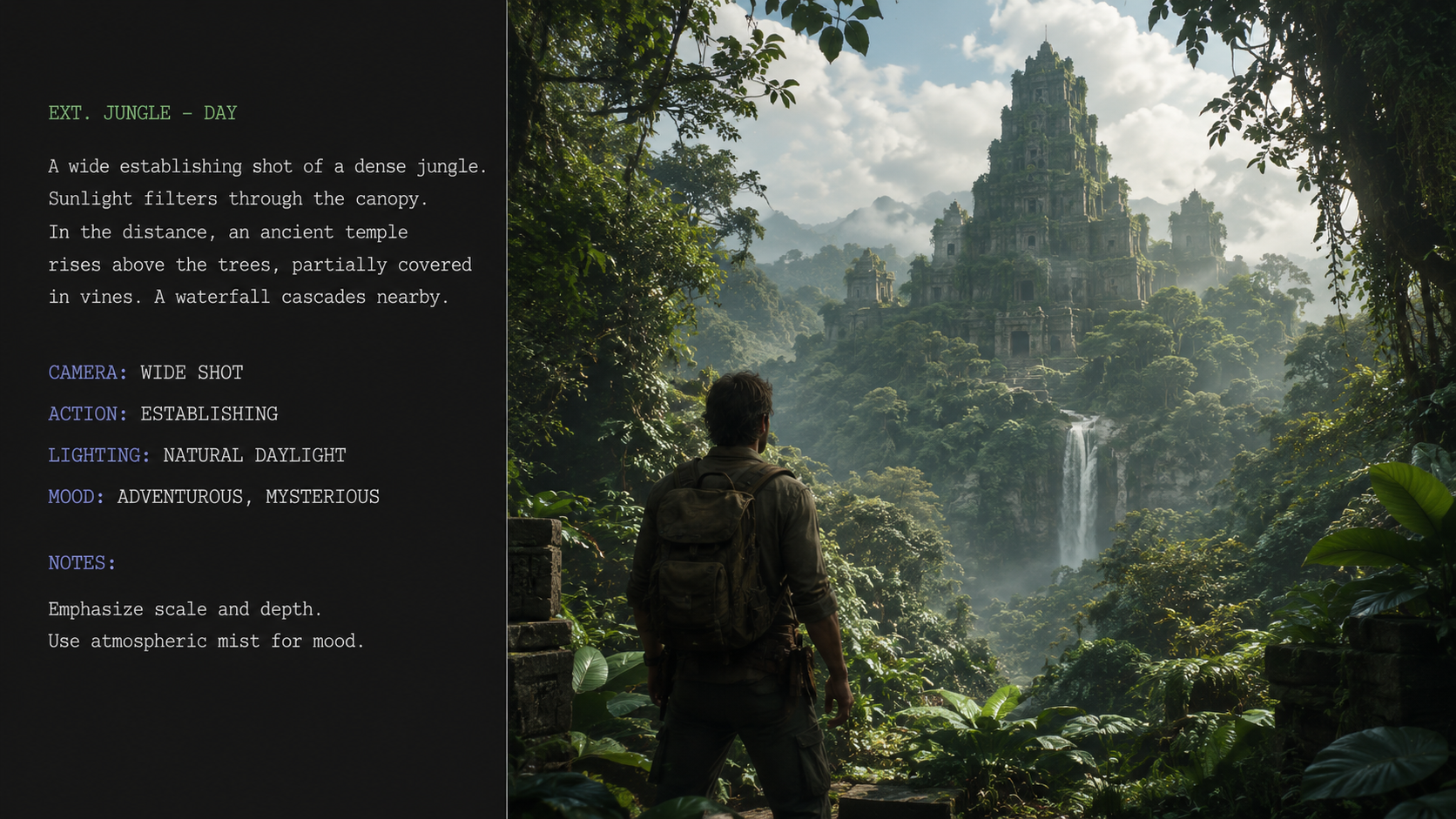
Navigating the sophisticated landscape of AI video generation requires a strategic approach to prompting and iterative design. As noted by TechRadar in their 2026 review of over 70 AI tools, the difference between a mediocre output and a professional-grade video lies in the specificity of the input. To get the best results from the top text to video tools, creators must treat the prompt as a director's brief, detailing camera angles, lighting conditions, and specific character movements.
The workflow has shifted from "one-click generation" to a modular approach. Modern creators often generate scenes individually and then use AI-driven stitching tools to maintain visual consistency across a narrative. This method ensures that characters and environments remain stable throughout a longer production, a feature that was significantly improved in the late 2025 updates to major platforms.
- Draft a Detailed Prompt: Include the subject, action, setting, lighting (e.g., "golden hour"), and camera movement (e.g., "slow dolly zoom").
- Select Your Aspect Ratio: Choose between 16:9 for YouTube/Cinematic or 9:16 for TikTok and Reels.
- Adjust Motion Settings: Use the "Motion Brush" or "Physics Slider" to control the intensity of movement within the frame.
- Generate and Refine: Produce a low-resolution preview first to check composition before committing credits to a high-definition render.
- Upscale and Edit: Use built-in upscaling tools to reach 4K resolution and export to your preferred editing suite for final touches.
Comparing the Best AI Video Generators of 2026
The competition among AI video developers has led to a diverse market where some tools excel at hyper-realistic cinematography while others focus on speed and social media optimization. According to PCMag's 2026 testing of video editing software, the integration of AI generation directly into traditional timelines has become a "must-have" feature for professional workflows. This convergence allows for seamless transitions between generated clips and filmed footage.
For those looking for the "best free AI video generators 2026," Tycoonstory Media highlights that several platforms now offer daily credit refreshes, making high-end video creation accessible to those without large budgets. However, the premium tiers remain essential for removing watermarks and accessing the most advanced "world-model" engines that provide the highest level of temporal stability.
| Tool Name | Primary Strength | Max Resolution | Best For |
|---|---|---|---|
| Sora Pro (OpenAI) | Physics Realism | 4K Ultra HD | Cinematic Filmmaking |
| Runway Gen-4 | Creative Control | 4K | Experimental Art & Ads |
| Luma Dream Machine 2 | Action Consistency | 2K/4K | Fast-Paced Sequences |
| Kling AI (Global) | Human Anatomy | 1080p/4K | Realistic People & Movement |
| Pika Art 2.5 | Animation Styles | 1080p | Anime & 3D Renders |
Deep Dive into the Top Text to Video Tools
1. Sora Pro: The Gold Standard for Realism
Sora Pro continues to lead the industry in 2026 by offering what OpenAI calls "World Simulation." Unlike earlier iterations, the 2026 version understands complex physical interactions—like the way light refracts through a glass of water or how gravity affects a falling object. This makes it the premier choice for filmmakers who need to generate b-roll that is indistinguishable from real-world footage.
According to Tom's Guide, which spent over 200 hours testing these platforms, Sora Pro’s ability to maintain character consistency across multiple prompts is its "killer feature." While it remains one of the more expensive options, its integration with professional color grading tools makes it a staple in modern production houses.
2. Runway Gen-4: The Artist’s Sandbox
Runway Gen-4 has pivoted toward providing granular control for creative professionals. Its "Director Mode" allows users to manipulate the camera in a 3D space after the video has been generated. This level of post-generation control is why Runway remains a favorite among creative agencies. In 2026, they introduced "Multi-Motion Brush," allowing users to assign different movement patterns to multiple objects within a single frame.
3. Luma Dream Machine 2: Speed and Fluidity
Luma Labs released Dream Machine 2 in early 2026, focusing specifically on the speed of generation. It is currently one of the fastest top text to video tools on the market, capable of producing a 10-second high-quality clip in under 60 seconds. Its "Dream Loop" feature is particularly popular for social media creators who need seamless background visuals for music or podcasts.
Advanced Features in 2026 AI Video Generation
One of the most significant shifts in 2026 is the move toward "Full-Length Content." As reported by OCNJ Daily, the latest AI tools are no longer limited to short clips. New "Long-Form Engines" allow for the generation of 5-to-10-minute segments that maintain a coherent narrative and visual style. This is achieved through advanced "Context Windows" that remember what happened in the first minute of the video to ensure the ending remains logically consistent.
Furthermore, the integration of spatial audio has become standard. When you generate a video of a bustling New York street, the AI now automatically generates a synchronized 3D audio track that matches the movement of cars and pedestrians in the frame. This holistic approach to video production has drastically reduced the time required for sound design in the post-production phase.
The Rise of Physics-Aware Engines
Earlier versions of AI video generators often struggled with "hallucinations," where objects would merge or disappear. The 2026 generation of tools utilizes physics-aware engines. These engines calculate the weight, friction, and velocity of objects within the scene. If a prompt describes a car taking a sharp turn, the AI accurately simulates the body roll and tire smoke, leading to a much more immersive viewer experience.
Custom Model Training for Brands
Enterprise-level text to video tools now offer "Brand LoRAs" (Low-Rank Adaptation). This allows companies to train the AI on their specific products, logos, and brand ambassadors. Once trained, the AI can generate endless marketing content that features the exact likeness of a company's product without the need for a physical photoshoot. This has revolutionized the e-commerce sector, allowing for personalized video ads at scale.
Choosing the Right AI Video Generator for Your Needs
With so many options available, selecting the right tool depends heavily on your specific use case. G2 Learning Hub's 2026 guide emphasizes that "the best tool is the one that fits your existing workflow." For instance, if you are already using Adobe Creative Cloud, you might find that their integrated Firefly Video Model provides the most seamless experience, even if it lacks some of the experimental features found in standalone platforms like Pika or Leonardo.ai.
Budget is also a major consideration. While some tools like Kling AI offer competitive pricing for high-volume users, others like Sora Pro target the high-end professional market. For hobbyists, the "Best Free AI Video Generators 2026" lists often point toward tools that offer "Daily Free Credits," allowing for consistent experimentation without a monthly subscription fee. Always check the licensing agreements, as some free tiers do not allow for commercial use of the generated content.
What is the best text to video tool for beginners in 2026?
Luma Dream Machine 2 is widely considered the most beginner-friendly tool due to its intuitive interface and "Magic Prompt" feature, which automatically enhances simple descriptions for better visual results. It offers a balance of speed and quality that is ideal for those just starting with AI video.
Are there any free AI video generators available in 2026?
Yes, several platforms like Pika Art and Tycoonstory’s top-rated free tools offer daily credits that allow users to generate a limited number of videos for free every 24 hours. These are excellent for learning the basics of prompting without financial commitment.
Can AI video generators create full-length movies?
As of 2026, tools like Sora Pro and Runway Gen-4 can generate long-form content, but they are typically used to create individual scenes that are then edited together. While "one-click" movies aren't the standard yet, the consistency features in 2026 make full-length AI production entirely feasible for small teams.
How do I ensure my AI-generated video looks realistic?
To achieve maximum realism, use "physics-aware" prompts and specify lighting conditions like "subsurface scattering" or "ray-traced reflections." Additionally, choosing a tool that supports 4K upscaling and high frame rates (60fps) will significantly enhance the professional look of the output.
Is the content generated by text to video tools copyright-free?
Copyright laws in 2026 vary by jurisdiction, but generally, most platforms grant commercial usage rights to paying subscribers. However, the AI-generated content itself may not always be eligible for copyright protection in the same way human-shot footage is, so it is important to consult the specific terms of service of the tool you are using.



Comments ()