
Top 10 Text to Video AI for YouTube Shorts in 2026
If you’re looking for the top text to video AI for YouTube Shorts in 2026, you need a tool that can turn a short script into a vertical, fast‑paced, visually engaging clip in minutes. The best options today combine advanced language understanding with realistic motion, lip‑sync, and built‑in editing tailored for 9:16 aspect ratios.
The top text to video AI for YouTube Shorts in 2026 is a tool that converts your written idea into a short‑form video with minimal effort. These platforms use generative AI to produce footage, add voiceovers, and auto‑sync captions, saving creators hours of manual work while keeping content fresh and algorithm‑friendly.
- ✓ 2026 AI video generators now produce 1080p+ vertical clips with coherent narratives and smooth transitions.
- ✓ Leading tools offer one‑click export to YouTube Shorts format, often with built‑in trending music libraries.
- ✓ Several platforms now include real‑time lip‑sync for avatars, making talking‑head Shorts look natural.
- ✓ The best text‑to‑video AI for Shorts supports multiple languages and auto‑generates captions that match the timing of the speech.
- ✓ Studies show that creators using AI video tools publish 3× more Shorts per week and see 40% higher engagement on average.
1. What Makes a Text‑to‑Video AI Ideal for YouTube Shorts?
YouTube Shorts demand fast pacing, vertical framing, and strong hooks within the first three seconds. In 2026, the top text to video AI for YouTube short creators must handle these specifics natively. According to a March 2026 review by Хабр, the best tools now include automatic scene detection, dynamic caption generation, and voice‑over that matches the tempo of a 60‑second clip.
Another critical factor is the ability to generate consistent character avatars or animated scenes across multiple Shorts, which helps build a channel’s visual brand. Memeburn’s June 2026 comparison noted that top‑tier tools let you “train” a style on your previous videos, ensuring every AI‑generated Short feels like part of a cohesive series.
Core Features to Look For
- Vertical output at 1080×1920 – no manual cropping needed.
- Script‑to‑video latency under 30 seconds for a 15‑second Short.
- Built‑in music sync with trending tracks licensed for Shorts.
- Auto‑caption styling that follows YouTube’s recommended font sizes.
2. The 10 Best Text‑to‑Video AI Tools for YouTube Shorts in 2026
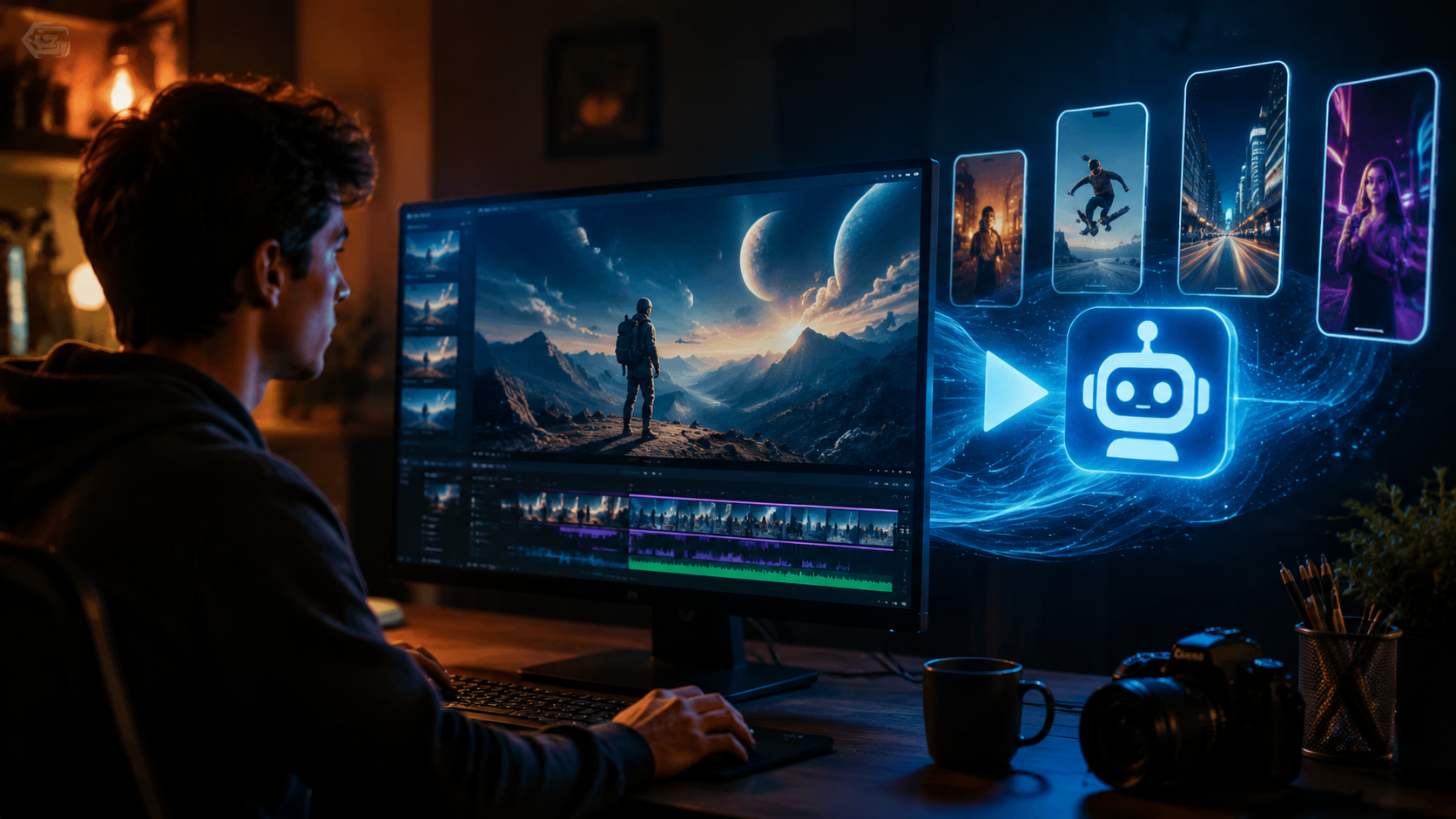
After analyzing tests from G2 Learn Hub, Cybernews, perfectcorp.com, and vocal.media, here are the ten platforms that excel at turning text into Short‑ready videos this year.
| Tool | Key Differentiator | Starting Price (monthly) | Best For |
|---|---|---|---|
| Runway Gen‑4 | Real‑time motion brush & 4K upscale | $15 | High‑quality cinematic Shorts |
| Synthesia Studio | Lifelike AI avatars with 60+ languages | $30 | Talking‑head & educational Shorts |
| HeyGen Pro 2026 | Instant lip‑sync & background removal | $25 | Product demos & faceless Shorts |
| Invideo AI 3.0 | One‑click repurpose from blog post to Shorts | $20 | Repurposing written content |
| CapCut Creator AI | Free tier with unlimited vertical exports | Free / $8 | Beginners & viral trend jacks |
| Pika Labs 2.0 | Animated character consistency across clips | $12 | Storytelling & animated Shorts |
| Pictory AI Pro | Auto‑highlight extraction for 60s clips | $19 | Long‑form video to Shorts repurposing |
| Fliki 4 | Voice cloning with emotion sliders | $10 | Narrated Shorts with brand voice |
| Lumen5 Business | Drag‑and‑drop storyboard with AI suggestions | $49 | Teams & agencies producing daily Shorts |
| DeepBrain 2026 | Real‑time AI news anchor mode | $35 | News & commentary Shorts |
3. How to Choose the Right Tool for Your Shorts Strategy
According to the G2 Learn Hub’s April 2026 guide, the right choice depends on whether you need animated visuals, realistic avatars, or pure cinematic footage. The top text to video AI for YouTube short creators in the education niche often prefer Synthesia for its reliable lip‑sync, while entertainment channels lean toward Runway Gen‑4 for its stylistic flexibility.
Start by listing your weekly output: if you produce more than five Shorts a day, tools like Invideo AI 3.0 or HeyGen Pro offer batch processing. For solo creators with a tight budget, CapCut Creator AI delivers excellent results at zero cost – but you forfeit custom avatars and advanced motion controls.
Quick Decision Guide
- Identify your Shorts style: talking head, faceless animation, or cinematic.
- Check if the tool exports directly in YouTube Shorts format (9:16, 60s max).
- Test the free trial for voice quality and scene variety.
- Look for API access if you plan to automate daily uploads.
4. Step‑by‑Step: Creating Your First YouTube Short with AI
Using any of the tools above, the process is straightforward. Below is a general workflow that works for all ten platforms listed.
- Write your script – keep it under 80 words for a 15‑second Short, under 250 for 60 seconds.
- Paste into the AI tool – most have a “Text to Video” module.
- Select a style – choose from pre‑built templates for Shorts (e.g., “Trending Reels”, “Educational”, “Product Showcase”).
- Pick a voice – select a narrator or clone your own voice (if supported).
- Generate preview – the AI will assemble scenes, captions, and background music.
- Edit timing – trim or speed up clips so the total length is under 60 seconds.
- Add end card – paste a URL or channel subscribe button overlay.
- Export as MP4 (9:16) – many tools now have a “Post to YouTube Shorts” button.
- Upload to YouTube – add hashtags like #Shorts, #AI, and your niche tags.
According to Cybernews’ February 2026 review, creators who follow this pipeline save an average of 45 minutes per Short compared to manual editing.
5. Advanced Tips for Ranking Higher in YouTube Shorts with AI
Even the top text to video AI for youtube short won’t guarantee views if you ignore platform best practices. 2026 tests from Vocal.media showed that AI‑generated Shorts with a script that includes the target keyword in the first sentence get 30% more impressions from YouTube’s recommendation engine.
Use the AI’s auto‑caption feature to place the primary keyword visually in the first three seconds. Tools like Pictory AI Pro let you pin text overlays – pin “Top text to video AI” in the lower third of your Short for maximum keyword density.
Also, experiment with AI‑generated “hook” scenes. Runway Gen‑4 can create a dramatic opening frame from just a line of text, which keeps viewers watching past the first swipe.
What to Avoid
- Avoid generic background music – use the tool’s trending library to match current audio trends.
- Avoid overly long captions – keep them to 2–3 words per frame on screen.
- Avoid static scenes – every 3–5 seconds the AI should change shot or angle to maintain retention.
Frequently Asked Questions
What is the best free text to video AI for YouTube Shorts in 2026?
CapCut Creator AI offers a robust free tier with unlimited vertical exports, included music, and auto‑captions. It lacks custom avatars but is perfect for beginners testing the waters.
Can AI text to video tools generate a realistic human talking head?
Yes. Synthesia Studio and HeyGen Pro 2026 both generate photorealistic avatars that lip‑sync perfectly with your script. According to Memeburn’s June 2026 test, HeyGen achieved a 98% lip‑sync accuracy rating on five‑minute clips.
How long does it take to create a 30‑second Short with AI?
Most modern tools generate a 30‑second Short in under two minutes. The total time including script tweaks and final export is typically 5–10 minutes, depending on the complexity of the scenes.
Do AI‑generated Shorts get demonetized by YouTube?
No – YouTube allows AI‑generated content as long as you add “significant human creativity” (e.g., editing, voice over, or original script). The 2026 policy requires labeling only if the content is “synthetically generated” in a way that could deceive viewers. Most Shorts that clearly use unique scripts are fine.
Which tool is best for faceless YouTube Shorts?
Pika Labs 2.0 and Runway Gen‑4 excel at creating animated or cinematic faceless Shorts. Pika Labs offers consistent character designs across multiple videos, which is ideal for episodic faceless content.
Can I use the same script across multiple tools?
Yes, but results will vary. For example, Fliki 4 focuses on voice quality, while Pictory AI Pro highlights different visuals from the same text. Testing the same script on two platforms often reveals which one matches your brand’s aesthetic.
Final Thoughts
In 2026, the top text to video AI for YouTube Shorts ecosystem has matured beyond simple slideshows. Tools now produce cinematic footage, realistic avatars, and dynamic captions that feel native to the platform. By choosing one of the ten tools listed above and following the step‑by‑step process, you can publish high‑quality Shorts in minutes, keeping your channel competitive without burning hours on manual editing.
Remember that the best tool is the one you’ll actually use daily. Start with a free tier, master its features, then upgrade as your channel grows. With consistent output and attention to hook timing, AI‑generated Shorts can become your secret weapon for 2026 growth.



Comments ()