
10 Top Rated AI Video Software Tools to Use in 2026
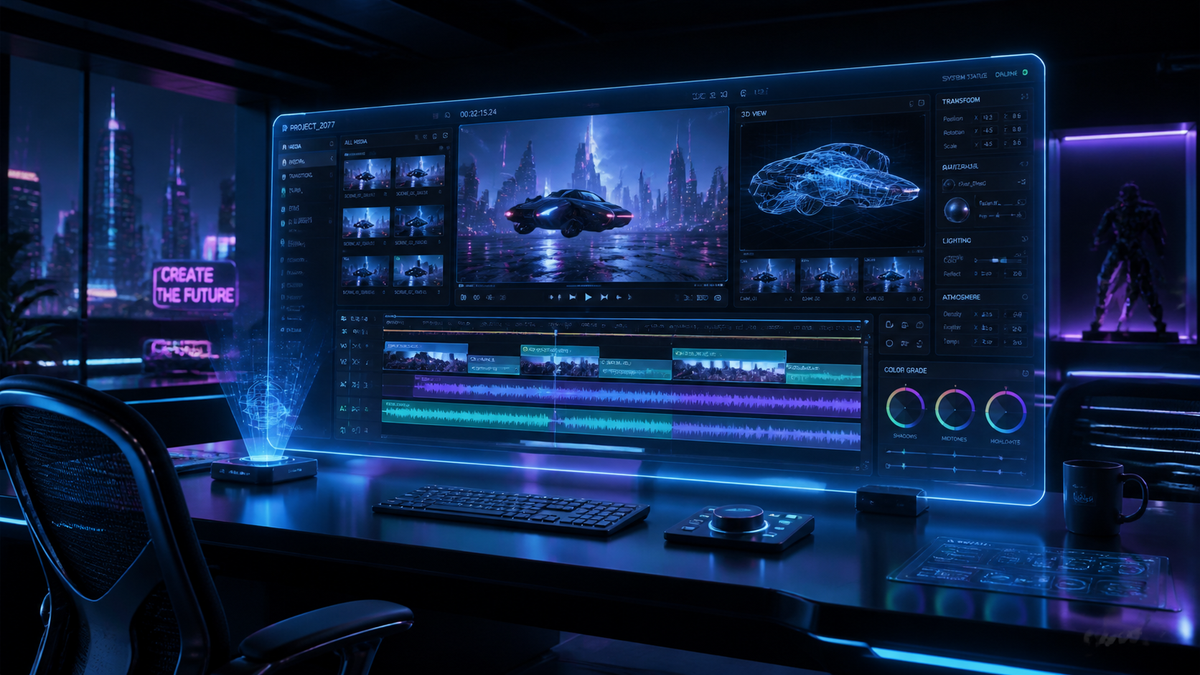
Finding the top rated ai video software in 2026 requires looking at the convergence of high-fidelity generative models and intuitive user interfaces. As of April 2026, the industry has shifted from simple text-to-video clips to full-length cinematic production tools that allow creators to generate consistent characters, realistic physics, and professional-grade lip-syncing. Whether you are a marketing professional or an independent filmmaker, the current landscape of AI video tools offers unprecedented creative control and efficiency.
Top rated ai video software is a category of generative artificial intelligence tools designed to create, edit, and enhance video content using text prompts or image inputs. These tools utilize advanced diffusion models and neural networks to automate complex tasks like rotoscoping, color grading, and character animation, significantly reducing production time for digital creators.
- ✓ Sora and Runway Gen-4 have established new benchmarks for temporal consistency and 4K output.
- ✓ Integration with established creative suites like Adobe Premiere has become the industry standard.
- ✓ Real-time generative video is now a reality for live-streaming and interactive media.
- ✓ Ethical AI certification and watermarking are mandatory features for enterprise-grade video tools in 2026.
According to the 6th Edition of the Top 100 Gen AI Consumer Apps by Andreessen Horowitz, video generation tools have seen a 300% increase in monthly active users over the last twelve months. This surge is driven by the democratization of high-end visual effects that previously required massive studio budgets. Furthermore, a report from TechRadar in April 2026 confirms that over 70% of professional editors now use at least one AI-integrated tool in their daily workflow to handle repetitive tasks.
How to Select the Top Rated AI Video Software for Your Project
Choosing the right tool depends on your specific output requirements, whether it is social media content, corporate training videos, or cinematic shorts. The following steps will help you navigate the selection process to find a platform that aligns with your creative vision and technical needs.
- Define Your Output Format: Determine if you need short-form vertical video for social media or high-resolution horizontal clips for broadcast.
- Assess Character Consistency: Look for software that offers "Character Reference" features to ensure your subjects look the same across different scenes.
- Evaluate Control Mechanisms: Check for "Motion Brushes" or "Camera Control" tools that allow you to direct the specific movement within a generated frame.
- Review Integration Options: Ensure the software exports in formats compatible with your existing NLE (Non-Linear Editor) like DaVinci Resolve or Premiere Pro.
- Check Licensing and Rights: Confirm that the software provides commercial usage rights for the content you generate.
The Evolution of Generative Video in 2026

The year 2026 marks a turning point where AI video has moved beyond the "uncanny valley." As noted by PCMag UK in their March 2026 review, the latest models now understand complex physics, such as the way light refracts through water or how fabric drapes over a moving human body. This level of realism has made AI-generated content indistinguishable from filmed footage in many scenarios.
Furthermore, the G2 Learning Hub highlights that user experience (UX) has become the primary differentiator. While the underlying models are powerful, the "top rated" status is often awarded to platforms that offer the most granular control. Features like "Prompt-to-Physics" allow users to specify the gravity or wind speed in a scene, providing a level of "digital cinematography" that was impossible just two years ago.
Comparing the Top Rated AI Video Software Features
To help you decide which platform fits your budget and technical requirements, we have compiled a comparison of the leading tools based on the latest 2026 performance metrics.
| Software Name | Primary Strength | Max Resolution | Price Point |
|---|---|---|---|
| Runway Gen-4 | Cinematic Control | 8K Generative | $95/mo (Pro) |
| OpenAI Sora Pro | Realism & Length | 4K (up to 5 mins) | $120/mo |
| Pika Labs 3.0 | Animation & Style | 4K | $58/mo |
| HeyGen Enterprise | AI Avatars/Business | 4K | Custom/Tiered |
| Luma Dream Machine 2 | Fast Rendering | 2K/4K Upscale | $30/mo |
1. OpenAI Sora Pro: The Gold Standard for Realism
Since its wide release, OpenAI Sora Pro has remained at the top of the top rated ai video software lists. In 2026, the "Pro" version introduced the ability to generate up to five minutes of continuous video from a single prompt. This is a massive leap from the 60-second clips that were standard in previous years. Sora’s biggest advantage is its deep understanding of the physical world, which CNET describes as "unmatched in its ability to simulate complex interactions between objects."
Sora Pro also features a new "Director's Mode" which allows for precise camera blocking. Users can specify focal lengths, aperture settings, and specific dolly movements using natural language. For professionals, the inclusion of C2PA metadata ensures that all content is transparently labeled as AI-generated, meeting the 2026 global regulatory standards for digital content.
Key Features of Sora Pro
- Temporal Consistency: Objects and characters remain stable even when they move out of frame and return.
- Multi-Shot Generation: Creates a sequence of shots with different angles while maintaining the same environment.
- Audio-Visual Sync: Automatically generates high-fidelity foley and background music that matches the visual action.
2. Runway Gen-4: The Professional Editor’s Choice
Runway continues to dominate the creative industry by focusing on "Human-in-the-loop" AI. Gen-4, released in early 2026, is less about "one-click" videos and more about providing a suite of tools for professional colorists and editors. According to Jakob Nielsen on UX, Runway’s interface is the benchmark for how complex AI tools should be managed by human professionals, offering a "perfect balance of automation and manual override."
The "Motion Brush 2.0" in Gen-4 allows users to paint specific areas of a still image and define their trajectory with 3D coordinates. This level of precision is why Runway remains a favorite for VFX houses working on commercials and music videos. It also features a seamless "Round Trip" integration with Adobe Creative Cloud, allowing users to send clips directly to After Effects with layers and masks intact.
3. Pika Labs 3.0: Mastering Stylized Animation
While Sora and Runway chase photorealism, Pika Labs 3.0 has carved out a niche in high-end stylized animation. It is widely considered the top rated ai video software for anime, 3D render styles, and claymation. The 2026 update introduced "Sound-to-Action," where the software analyzes an uploaded audio track and animates the characters’ movements to match the rhythm and intensity of the sound.
Pika 3.0 is also highly praised for its social features. The platform allows for collaborative "remixing," where multiple creators can work on the same video project in a shared cloud environment. This has made it the go-to tool for creative agencies that require rapid prototyping of visual concepts before moving into full production.
Why Pika 3.0 Stands Out
- Style Consistency: Lock in a specific artistic style across thousands of frames.
- Lip-Sync Pro: Best-in-class facial animation that supports over 40 languages with localized nuances.
- In-Painting: Easily swap outfits or backgrounds within an existing video without re-rendering the entire scene.
4. HeyGen Enterprise: Revolutionizing Corporate Communication
For the business sector, HeyGen Enterprise is the undisputed leader. In 2026, the platform moved beyond simple "talking head" videos to "Interactive AI Agents." These videos can now be deployed as real-time avatars on websites that react to user input. G2 Learning Hub reports that HeyGen has become a staple for 85% of Fortune 500 companies for internal training and localized marketing.
The "Instant Avatar 2.0" feature allows a user to record just 30 seconds of footage on a smartphone to create a perfect digital twin. This twin can then be used to generate personalized sales videos in minutes. The enterprise tier also includes robust security features, ensuring that a company’s visual assets and "digital likenesses" are protected by biometric encryption.
5. Luma Dream Machine 2: Speed and Efficiency
Luma AI’s Dream Machine 2 is built for speed. In the fast-paced world of social media, being able to generate a high-quality 2K clip in under 30 seconds is a game-changer. While it may lack some of the deep "Director" controls of Runway, it excels at taking a simple photo and turning it into a dynamic, high-energy video. PCMag UK notes that for "content creators on a budget, Luma offers the best price-to-performance ratio in 2026."
The 2026 version of Dream Machine introduced "Physics-Aware Upscaling," which allows users to take low-resolution generations and upscale them to 4K while simultaneously adding realistic detail like skin texture and environmental lighting. This makes it a powerful tool for creators who need to produce high volumes of content without a massive render farm.
Future Trends: What to Expect in AI Video Beyond 2026
As we look toward the end of 2026, the trend is moving toward "World Models." Instead of just predicting pixels, the next generation of top rated ai video software will likely build entire 3D environments that can be explored with a virtual camera. This would merge the worlds of gaming engines (like Unreal Engine 6) and generative AI, allowing for "playable" videos.
Furthermore, the integration of "Personalized AI Aesthetics" is expected to grow. Users will be able to train a model on their own past work, ensuring that every AI-generated video perfectly matches their unique "visual fingerprint." This will move the conversation from "AI-generated" to "AI-assisted" artistry, where the tool is simply an extension of the creator's intent.
What is the most realistic AI video generator in 2026?
OpenAI Sora Pro is currently widely regarded as the most realistic tool due to its advanced physics engine and ability to maintain temporal consistency over long durations. It is the preferred choice for creators aiming for photorealistic results.
Is there any free top rated ai video software?
Most top-tier tools like Runway and Pika offer a "freemium" model with limited credits. However, for professional-grade, watermark-free 4K video, a paid subscription is generally required in 2026.
Can I use AI video software for commercial projects?
Yes, most enterprise and pro-level subscriptions for tools like HeyGen, Runway, and Sora include full commercial usage rights. Always check the specific terms of service for the "Commercial License" badge.
Do I need a powerful computer to run these tools?
No, most of the top rated ai video software in 2026 is cloud-based. The heavy lifting is done on remote servers (GPUs), meaning you can generate high-quality video on a standard laptop or even a tablet.
How long does it take to generate an AI video?
Generation times vary by complexity; a 5-second 2K clip can take 30 seconds on Luma Dream Machine, while a 1-minute 4K cinematic sequence on Sora Pro may take 10 to 15 minutes to render fully.



Comments ()