
Top Rated AI Video Editing Tools: 2026 Best Software Guide
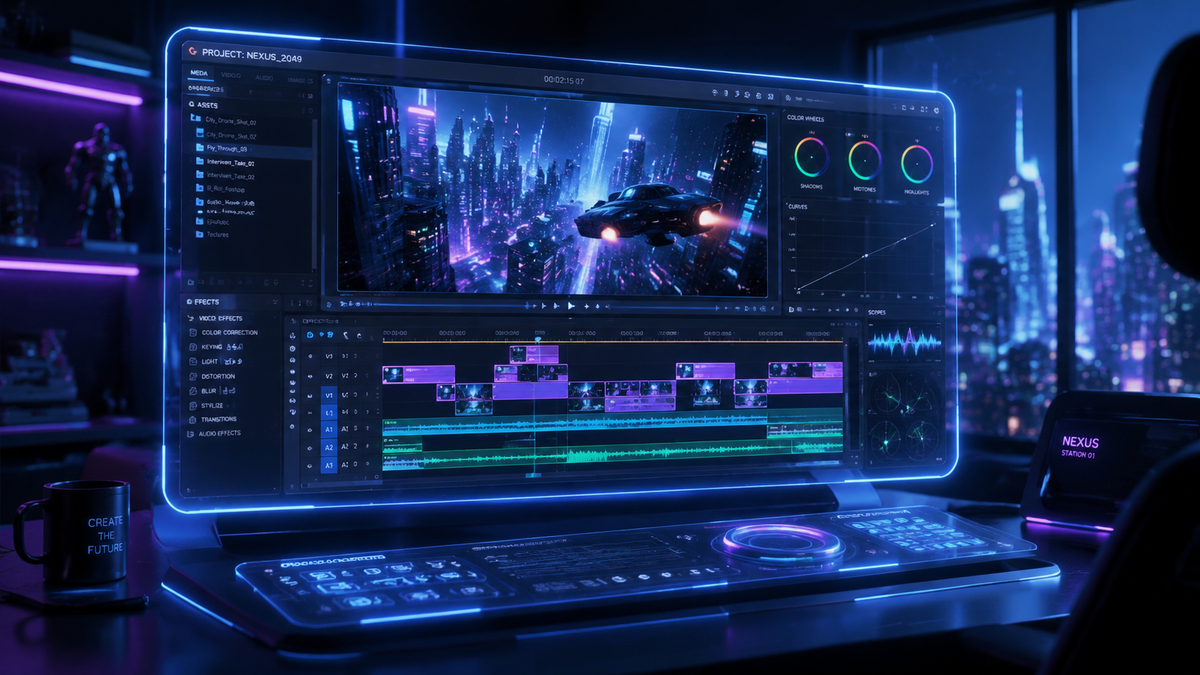
The top rated ai video editing tools in 2026 are specialized software applications that leverage generative artificial intelligence to automate complex tasks such as scene cutting, color grading, and object removal. These tools allow creators to produce professional-grade content in a fraction of the time required by traditional manual editors. By integrating large language models and neural networks, the best platforms in 2026 now offer seamless text-to-video generation and automated multi-platform reframing.
Top rated AI video editing tools are sophisticated software platforms that use machine learning to streamline post-production. In 2026, these tools prioritize "generative fill" for video, automated transcript-based editing, and AI-driven sound design, enabling both novice creators and professional studios to scale their content production across social media and cinematic channels with unprecedented speed and precision.
- ✓ AI-driven automation now reduces video editing time by up to 80% compared to 2024 workflows.
- ✓ Text-to-video generative capabilities have become a standard feature in high-end editing suites.
- ✓ Leading platforms in 2026 emphasize accessibility, allowing users with zero technical skills to produce 4K content.
- ✓ Real-time collaboration via cloud-based AI processing is the industry benchmark for professional teams.
As we navigate through 2026, the landscape of digital media has been fundamentally reshaped by the evolution of artificial intelligence. According to recent testing by TechRadar, which evaluated over 70 different AI tools this year, the integration of generative AI into video workflows is no longer a luxury but a necessity for staying competitive. Whether you are a social media influencer looking for rapid turnaround or a filmmaker seeking advanced color correction, the current market offers a diverse range of solutions tailored to every specific niche.
How to Choose and Use Top Rated AI Video Editing Tools
Selecting the right software depends heavily on your technical proficiency and the specific output you require. In 2026, the industry has branched into two main categories: generative creators, which build video from prompts, and AI-enhanced editors, which assist in refining existing footage. Understanding the distinction is vital for optimizing your creative pipeline and ensuring that your hardware—or cloud subscription—can handle the processing demands of modern neural engines.
To get started with an AI-driven video project today, follow these essential steps to ensure high-quality results:
- Define Your Narrative: Input your script or core concepts into the AI’s storyboard generator to visualize the flow before processing.
- Select Your Base Assets: Upload your raw footage or use text-to-video prompts to generate b-roll sequences.
- Apply AI Automations: Utilize "Smart Cut" features to remove silences, filler words, and awkward pauses automatically.
- Enhance Visuals and Audio: Use generative fill to expand frames and AI voice-over tools to add professional narration.
- Optimize for Distribution: Run the auto-reframe tool to export your video in multiple aspect ratios (9:16, 16:9, 1:1) simultaneously.
The Evolution of AI Video Software in 2026
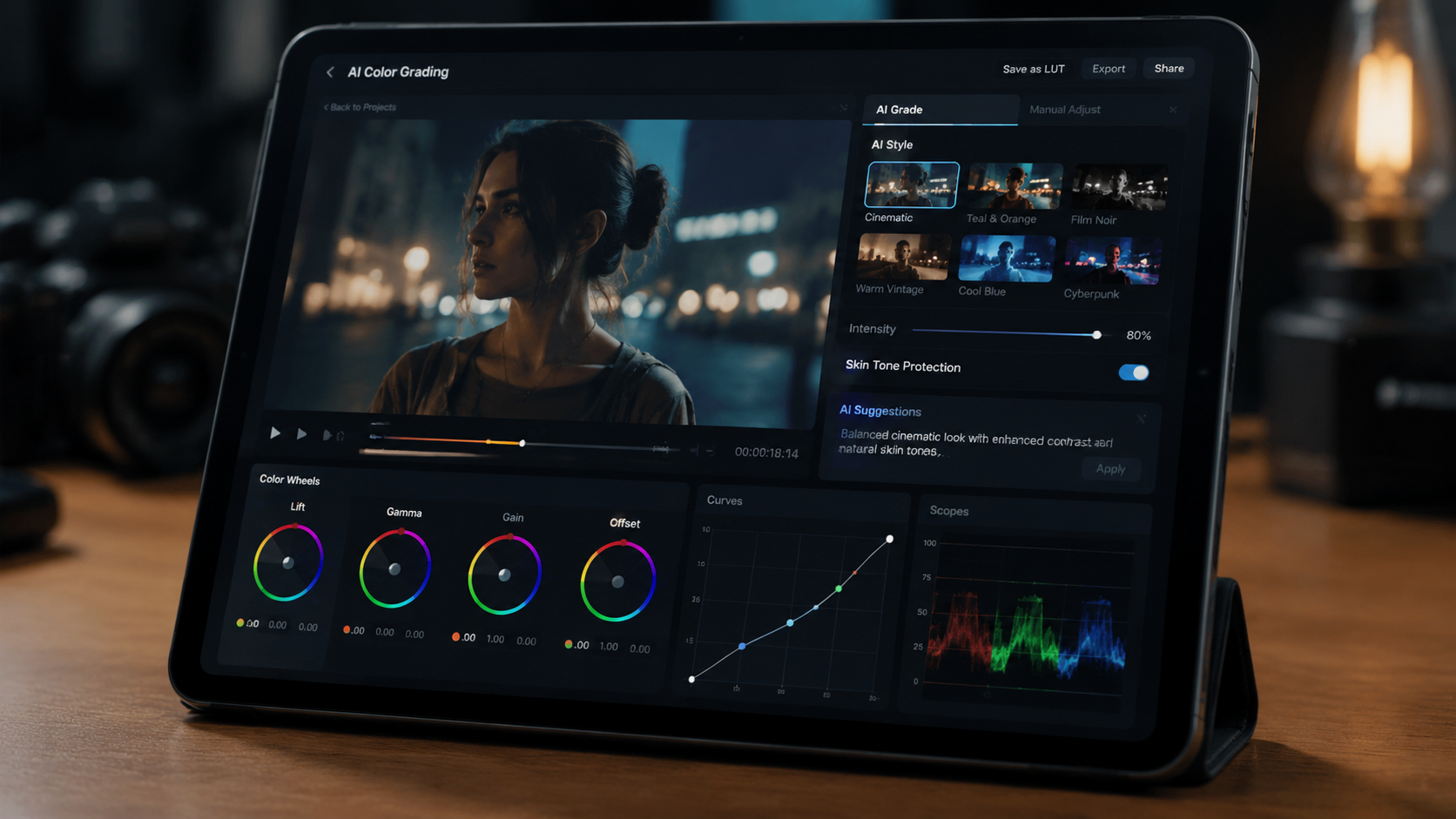
The current year marks a significant milestone in software capability. According to PCMag’s 2026 Best Video Editing Software report, the latest generation of tools has moved beyond simple filters. We are now seeing "semantic editing," where the software understands the context of a scene—for example, identifying the emotional tone of a speaker and automatically adjusting the lighting and background music to match. This level of intuition was previously reserved for human editors with years of experience.
Furthermore, Amateur Photographer notes that the best video editing software in 2026 is designed so that "literally anyone can use" them. This democratization of high-end production means that the barrier to entry for cinematic storytelling has effectively vanished. Small businesses and solo entrepreneurs are now producing commercials that rival the production value of major agencies, thanks to the sophisticated algorithms embedded in these top rated ai video editing tools.
Comparison of Leading AI Video Editing Platforms
To help you decide which software fits your budget and needs, we have compiled a comparison of the key features found in the top-performing tools of 2026.
| Feature | Pro-Level Suites | Social Media Editors | Generative Creators |
|---|---|---|---|
| Primary Use Case | Feature films & Commercials | Reels, TikToks, Shorts | Rapid prototyping & B-roll |
| AI Processing | Local & Cloud Hybrid | Mobile-first Cloud | Server-side Generative |
| Resolution Support | Up to 12K Raw | 4K Optimized | 1080p to 4K Upscaled |
| Key AI Feature | Neural Color Matching | Auto-Captions & Trends | Text-to-Scene Synthesis |
Key Features of Top Rated AI Video Editing Tools
When searching for the best software, certain features have become non-negotiable in 2026. One of the most impactful is "Generative Expand," a feature that allows editors to change the aspect ratio of a video without cropping out essential details. By using AI to "paint" the missing areas of a frame, editors can turn a vertical phone video into a wide-screen cinematic shot without losing quality. This is particularly useful for creators who need to repurpose content across various digital platforms.
Another critical advancement is the integration of AI-driven audio restoration. As highlighted by CNET’s 2026 review of AI video generators, the ability to remove background noise and reconstruct "studio-quality" vocals from a smartphone recording has revolutionized field reporting and vlogging. These tools use deep learning to isolate the human voice from environmental chaos, ensuring that the audio quality matches the high-definition visuals generated by the software.
Advanced Automation and Workflow Efficiency
Efficiency is the primary driver for the adoption of top rated ai video editing tools. In the past, tasks like rotoscoping (isolating a subject from the background) took hours of meticulous frame-by-frame work. In 2026, AI "Magic Masking" allows users to select an object once, and the software tracks it perfectly through the entire clip, even if the object moves behind other items or changes shape. This feature alone has saved professional editors thousands of hours in post-production annually.
Additionally, the rise of "Prompt-to-Edit" interfaces allows users to make changes using natural language. Instead of hunting through menus to find a specific color grading tool, an editor can simply type "make the sunset look more vibrant and add a nostalgic film grain," and the AI executes the command instantly. This conversational interface is the hallmark of the 2026 software era, bridging the gap between creative intent and technical execution.
Specialized Tools for Social Media and Marketing
For social media professionals, the requirements for video editing are slightly different than those for traditional filmmakers. According to MensXP, the top AI tools for social media in 2026 focus heavily on engagement metrics and trend analysis. These tools can analyze currently trending visual styles and automatically suggest edits that are likely to perform well on specific algorithms. This "predictive editing" is a game-changer for brands looking to maximize their organic reach.
G2 Learning Hub’s 2026 research identifies that the most loved AI video generators are those that offer "one-click viral potential." These platforms include features like automatic highlight extraction, where the AI watches a long-form video (such as a podcast or webinar) and automatically clips the most engaging segments into 60-second snippets. These snippets are then captioned, branded, and ready for upload, allowing for a "create once, distribute everywhere" strategy that is highly efficient.
The Role of Generative AI in Creative Assets
Beyond editing existing footage, the top rated ai video editing tools of 2026 are increasingly used to generate entirely new assets. If a creator is missing a specific shot—such as an aerial view of a mountain range—they no longer need to buy expensive stock footage or hire a drone pilot. They can simply generate the missing clip using high-fidelity text-to-video engines integrated directly into their editing timeline. This seamless blend of filmed and generated content is the new standard for high-end digital production.
Future-Proofing Your Video Production Strategy
As we look toward the latter half of 2026 and beyond, the reliance on AI will only deepen. To future-proof your skills, it is essential to master the "Human-in-the-loop" model. While AI can handle the repetitive and technical aspects of editing, the creative vision, pacing, and emotional resonance still require human oversight. The most successful editors in 2026 are those who view AI as a powerful co-pilot rather than a replacement for their artistic judgment.
Studies show that companies adopting AI-integrated video workflows have seen a 40% increase in content output without increasing their headcount. This statistic, often cited in industry reports from late 2025 and early 2026, underscores the economic necessity of these tools. By staying informed about the latest updates and feature releases from top-rated developers, you ensure that your production workflow remains as lean and effective as possible in an increasingly crowded digital marketplace.
What are the top rated ai video editing tools in 2026?
The top rated tools include comprehensive suites like Adobe Premiere Pro (2026 Edition), DaVinci Resolve with Neural Engine 5.0, and specialized AI platforms like Runway Gen-4 and Descript's latest generative suite. These tools are recognized for their balance of automation and professional control.
Can AI video editors replace human editors?
No, AI video editors are designed to act as assistants that handle tedious tasks like masking, transcribing, and basic cutting. While they significantly speed up the process, the creative storytelling and nuanced decision-making still require a human editor's touch.
Are AI video editing tools expensive in 2026?
Pricing varies, but most top-rated tools operate on a subscription model ranging from $15 to $60 per month. Many offer "pay-as-you-go" options for generative credits, making high-end AI features accessible to creators with different budget levels.
Do I need a powerful computer to use AI video software?
While local processing benefits from high-end GPUs, many of the best AI video tools in 2026 are cloud-based. This means the heavy computational lifting is done on remote servers, allowing users to edit high-quality video on standard laptops or even tablets.
Is text-to-video generation realistic enough for professional use?
Yes, by 2026, generative video has reached a level of fidelity where it is indistinguishable from real footage in many contexts. It is widely used for b-roll, background elements, and conceptual visualizations in professional marketing and film production.



Comments ()