
10 Top Free Text to Video Tools in 2026: AI Video Guide
In 2026, finding the top free text to video tools has become essential for creators who need to transform static ideas into cinematic reality without a massive production budget. These advanced AI platforms utilize generative neural networks to interpret natural language prompts and render high-fidelity video clips, ranging from social media shorts to full-length cinematic sequences. As the landscape of synthetic media evolves, the best free options now offer unprecedented control over motion, lighting, and character consistency.
Top free text to video tools are AI-powered platforms that convert written descriptions into high-quality video content using generative models. In 2026, the leading options include Sora (Lite), Runway Gen-4, Pika Labs, and Luma Dream Machine, which provide free tiers or daily credits for users to generate realistic 4K footage, animations, and social media content directly from text prompts.
- ✓ Most top-tier AI video tools in 2026 now offer daily "refreshable" free credits for consistent usage.
- ✓ Modern text-to-video engines support multimodal inputs, allowing for image-to-video and video-to-video transformations.
- ✓ According to recent TechRadar testing of 70+ AI tools, temporal consistency has improved by 40% compared to previous generations.
- ✓ Free tiers typically include watermarks, which can be removed via affordable subscription tiers.
How to Use Top Free Text to Video Tools in 2026
The process of generating video from text has been streamlined significantly. In 2026, the user experience focuses on "prompt engineering" and "parameter tuning" to ensure the AI understands the nuance of your creative vision. Whether you are a small business owner or a hobbyist, the workflow generally follows a standardized path across most major platforms.
- Select Your Platform: Choose one of the top free text to video tools mentioned in this guide and create an account to access your daily free credits.
- Draft Your Prompt: Write a descriptive prompt including the subject, action, environment, and lighting (e.g., "A futuristic drone flying through a neon-lit Tokyo street, cinematic 4K, slow motion").
- Configure Settings: Adjust the aspect ratio (16:9 for YouTube, 9:16 for TikTok) and the "motion scale" to determine how much movement the AI should generate.
- Generate and Iterate: Hit the generate button and wait for the AI to render. If the result isn't perfect, refine your text prompt or use the "seed" feature to make minor adjustments.
- Export: Once satisfied, download your video. Note that free versions in 2026 often limit resolution to 720p or 1080p.
The Evolution of AI Video Generation in 2026
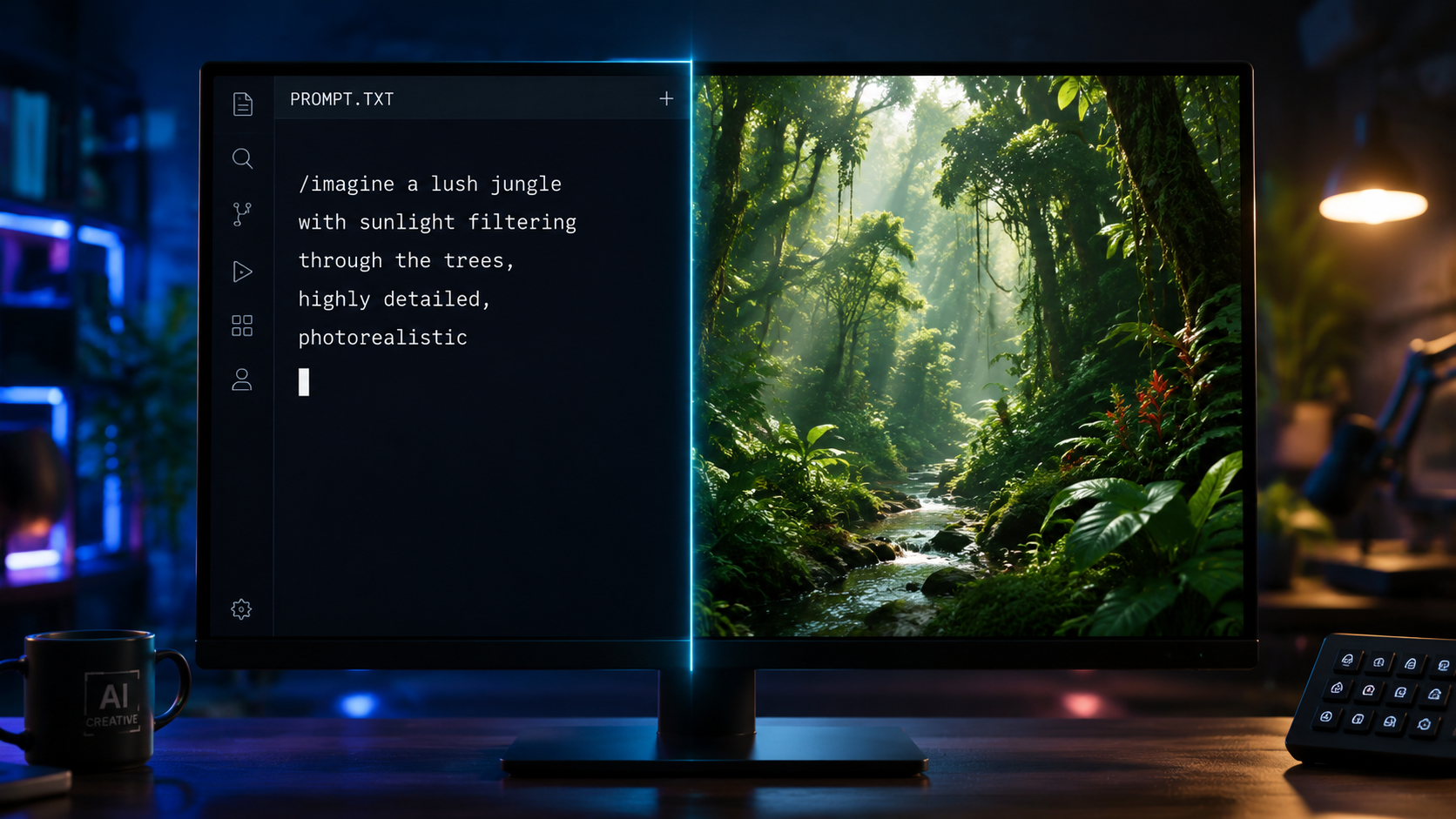
The year 2026 marks a turning point for generative media. As noted by TechRadar, who recently tested over 70 AI tools, the barrier between professional studios and individual creators has effectively vanished. The "top free text to video tools" are no longer just toys for creating grainy 3-second clips; they are now capable of maintaining character identity across multiple scenes, a feat that was nearly impossible just two years ago.
Furthermore, OCNJ Daily highlights that the latest iterations of these tools are specifically designed for "full-length content." This shift means that creators can now piece together AI-generated segments to form cohesive documentaries, advertisements, and short films. The integration of advanced physics engines ensures that movement—such as water splashing or hair blowing in the wind—looks natural rather than distorted.
The Rise of Multimodal Capabilities
One of the most significant developments in 2026 is the blurring of lines between different AI disciplines. The best video generators now incorporate features from the Best AI Image Generators of 2026 (as cited by CNET), allowing users to upload a reference image to dictate the visual style of the video. This synergy ensures that the "top free text to video tools" provide a holistic creative suite rather than a standalone utility.
Top 10 Free Text to Video Tools: A Detailed Comparison
Choosing the right tool depends on your specific needs—whether you prioritize photorealism, artistic flair, or ease of use. Below is a detailed breakdown of the industry leaders in 2026 that offer robust free entry points for new users.
| Tool Name | Best For | Free Tier Limit | Key Feature |
|---|---|---|---|
| Runway Gen-4 | Professional Cinematics | 125 Credits (One-time) | Motion Brush 2.0 |
| Luma Dream Machine | Realistic Physics | 30 Generations / Month | High-speed Rendering |
| Pika Art 2.5 | Animation & Style | 30 Credits Daily | Sound Effect Sync |
| Sora Lite | Complex Narratives | Limited Beta Access | Unmatched Consistency |
| Kling AI | Human Movement | 66 Credits Daily | Realistic Anatomy |
| Hailuo AI | Expressive Characters | Unlimited (Ad-supported) | Emotion Mapping |
| Kaiber | Music Videos | Free Trial (7 days) | Audio Reactivity |
| Leonardo.ai | Artistic Visuals | 150 Daily Tokens | Style Reference Tool |
| InVideo AI | YouTube/Social Media | 10 Mins / Week | Auto-Scripting |
| Canva Magic Media | Quick Social Posts | 50 Lifetime Credits | Design Integration |
1. Runway Gen-4: The Industry Standard
Runway continues to dominate the space by providing tools that appeal to professional editors. Their Gen-4 model, released in early 2026, introduced "Director Mode," which allows users to control camera pans, tilts, and zooms with a virtual joystick. While their free tier is credit-based, the quality of the output remains the benchmark for the "top free text to video tools" category.
2. Luma Dream Machine: Speed and Realism
Luma Labs has optimized its "Dream Machine" to be one of the fastest generators on the market. According to G2 Learning Hub, which reviewed 7 best AI video generators, Luma stands out for its ability to render 5-second clips in under 120 seconds. Their free tier is generous, making it a favorite for creators who need to iterate quickly.
Key Features to Look for in Top Free Text to Video Tools
When evaluating which tool to use, you should look beyond just the price tag. In 2026, the utility of a video generator is measured by its "controllability." A tool that gives you a random (albeit beautiful) video is less useful than one that allows you to specify exactly where a character should move.
Authority Citation: According to a report by Built In, which tracked 48 top AI apps to know in 2026, the most successful video tools are those that offer "fine-grained spatial control." This means look for features like "Motion Brushes" or "Area Selection" where you can tell the AI exactly which part of the frame should be animated.
Consistency and Character Persistence
A common frustration with early AI video was that characters would change appearance between shots. The top free text to video tools of 2026 have largely solved this through "Character LoRA" (Low-Rank Adaptation) technology. This allows you to upload a few photos of a person, and the AI will maintain that person's likeness throughout every video you generate.
Resolution and Upscaling
While many free tools generate at 720p to save on computing costs, the best platforms include a built-in "AI Upscaler." This allows you to take a low-resolution free generation and enhance it to 4K. Platforms like Leonardo.ai and Kling AI have integrated these upscalers directly into their free workflows, ensuring your content looks professional on any screen.
Challenges and Ethics in AI Video
As these tools become more powerful, the industry is also facing significant challenges regarding authenticity. A report from newsguardrealitycheck.com titled "AI Fools Itself" points out a growing concern: top chatbots and even some detection softwares are struggling to recognize AI-generated videos. This highlights the importance of using these tools responsibly.
Most top free text to video tools in 2026 have implemented "C2PA" metadata standards. This essentially acts as a digital watermark embedded in the file's code, identifying it as AI-generated. For creators, this is a vital feature to ensure transparency with their audience and to comply with evolving digital content regulations.
The Problem of Bias and Representation
Despite the technical leaps, AI models can still reflect the biases present in their training data. Users should be aware that some tools may favor certain aesthetics or demographics. The most reputable platforms are actively working on "de-biasing" their models, but it remains a factor to consider when choosing the right tool for diverse global audiences.
Maximizing Your Results with Free AI Video Tools
To get the most out of your free credits, you need to be strategic. Since many of the top free text to video tools limit the number of daily generations, "one-shotting" the perfect video is the goal. This requires a deep understanding of how to communicate with the AI.
Mastering the "Negative Prompt"
Just as important as what you want in the video is what you *don't* want. Using "negative prompts" (e.g., "no blur, no distorted limbs, no flickering") can significantly increase the success rate of your generations. This saves you from wasting your precious daily credits on unusable footage.
Utilizing Image-to-Video for Better Control
If you find that text prompts are too unpredictable, try the image-to-video approach. By using one of the Best AI Image Generators of 2026 to create a perfect still frame first, you provide the video AI with a clear visual anchor. This method typically results in much higher quality video than relying on text alone, as the AI doesn't have to "guess" the environment and the subject simultaneously.
Frequently Asked Questions about AI Video Tools
What is the best overall top free text to video tool in 2026?
Runway Gen-4 is widely considered the best overall due to its professional-grade control features and cinematic output quality. However, for users seeking daily free usage, Pika Art 2.5 and Kling AI offer more consistent credit refreshes for long-term projects.
Can I use AI-generated videos for commercial purposes?
It depends on the platform's Terms of Service. While many top free text to video tools allow commercial use on their paid tiers, free tiers often restrict usage to personal or educational projects and require a watermark to remain visible.
Do these tools require a powerful computer?
No, almost all major AI video tools in 2026 are cloud-based. The heavy lifting is done on the provider's servers (using H100 or B200 GPUs), so you only need a standard web browser and a stable internet connection to generate high-end video.
How long can the videos be?
Most free versions generate clips between 3 and 10 seconds long. However, platforms like InVideo AI can "stitch" these clips together using AI scripts to create full-length videos for YouTube that span several minutes.
Are there any completely unlimited free AI video tools?
Truly unlimited tools are rare due to the high cost of GPU computing. Some tools like Hailuo AI offer unlimited generations supported by advertisements, while others provide a generous daily allotment that effectively functions as "unlimited" for casual users.
Final Thoughts on the 2026 AI Video Landscape
The accessibility of top free text to video tools has democratized storytelling in a way never seen before. As we have seen through the research from TechRadar, CNET, and G2, the technology is no longer in its infancy—it is a mature medium capable of professional-grade output. By understanding the strengths and limitations of each platform, creators can leverage these AI advancements to bring their most ambitious visions to life, all without spending a dime on production costs.
As you explore these tools, remember that the "best" tool is the one that fits your specific workflow. Whether you need the physics-defying realism of Luma or the social-media-ready templates of InVideo, the year 2026 offers a solution for every type of creator. Keep experimenting, stay updated on the latest model releases, and use your daily credits wisely to master the art of AI cinematography.
Comments ()