
Top AI Video Generators for Beginners: 2026 Ultimate Guide
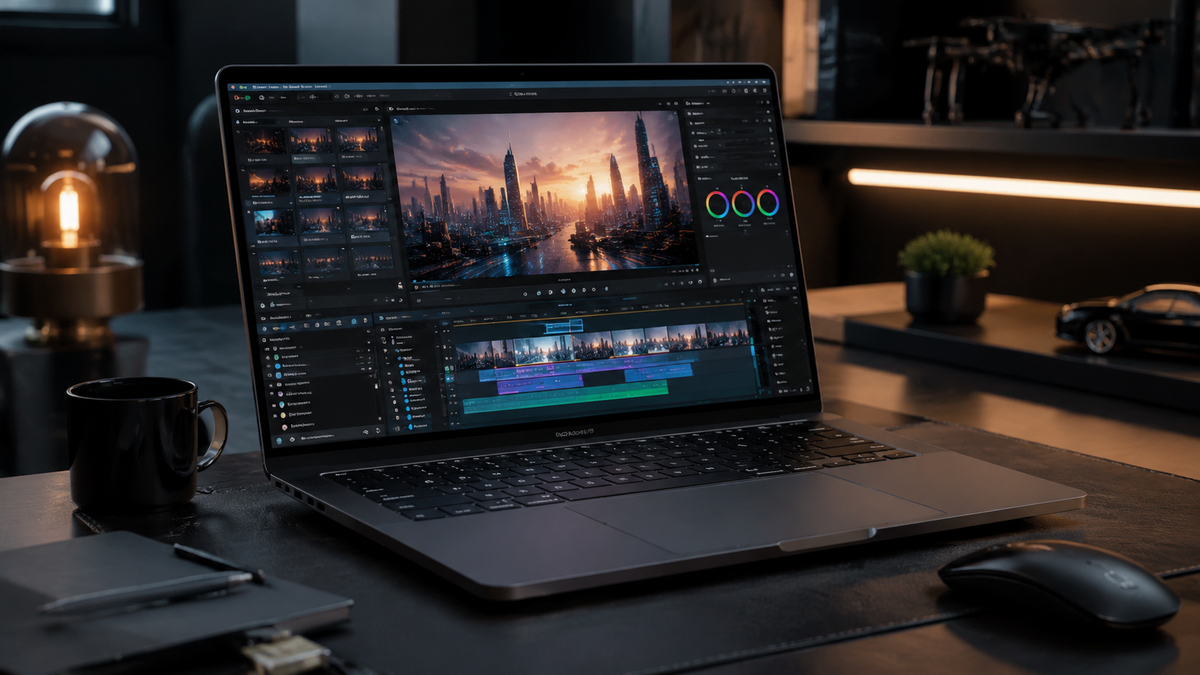
Finding the top AI video generators for beginners in 2026 has become essential for creators who want to produce high-quality content without the steep learning curve of traditional editing software. Today's generative video tools allow users to transform simple text prompts into cinematic clips, professional marketing videos, or social media shorts in a matter of minutes. By leveraging advanced neural networks, these platforms handle the lighting, physics, and cinematography automatically, making video production accessible to everyone regardless of technical skill.
The top AI video generators for beginners are user-friendly platforms like Sora 2.0, Runway Gen-4, and Pika Pro, which allow for text-to-video creation with minimal manual effort. These tools are characterized by intuitive interfaces, "one-click" style presets, and powerful natural language processing that translates basic descriptions into photorealistic or stylized video assets.
- ✓ Most beginner-friendly tools now offer "Direct-to-Social" exports for TikTok and Reels.
- ✓ Real-time rendering has reduced generation times from minutes to seconds in 2026.
- ✓ High-fidelity realism is now the standard across top-tier platforms like CNET-reviewed models.
- ✓ Affordable entry-level tiers make AI video production cost-effective for small creators.
How to Start Using AI Video Generators
Transitioning into AI-driven video production is simpler than ever. In 2026, the workflow has shifted from complex keyframing to conversational prompting. Whether you are building a brand or just experimenting with digital art, the process follows a standardized path across most major platforms. According to The AI Journal, the "democratization of video" is largely due to these simplified four-step workflows that require no prior video editing experience.
- Select Your Model: Choose a platform that fits your style (e.g., photorealistic, 3D animation, or motion graphics).
- Input Your Prompt: Write a descriptive sentence of what you want to see, including subject, action, and lighting.
- Apply Style Presets: Use built-in filters to ensure a consistent cinematic or artistic look without manual color grading.
- Generate and Refine: Hit the generate button and use "Region Edit" tools to tweak specific parts of the video if needed.
Why the Top AI Video Generators for Beginners are Essential in 2026

The landscape of digital media has shifted toward a "video-first" economy. For beginners, the barrier to entry used to be expensive camera gear and years of training in software like Premiere Pro. However, as noted by TechRadar after testing over 70 AI tools this year, the latest generation of video AI has bridged the gap between amateur and professional output. These tools are not just about saving time; they are about expanding the creative horizon for those who previously lacked the technical means to express their ideas visually.
Furthermore, the integration of multimodal AI means that these generators can now understand complex physics. If you prompt a video of a glass breaking, the AI understands how shards should scatter and how light should refract. This level of automated detail is why beginner-focused tools are now being used by small business owners and educators to create high-impact visual aids and advertisements at a fraction of the traditional cost.
The Rise of Real-Time Generation
One of the biggest breakthroughs in 2026 is the move toward real-time previews. In previous years, creators had to wait several minutes to see if their prompt worked. Now, platforms reviewed by Geeky Gadgets highlight that "True Realism" is achieved almost instantly, allowing beginners to iterate on their ideas rapidly. This instant feedback loop is the most effective way for a novice to learn how to prompt effectively, as they can see the immediate impact of changing a single word in their description.
Comparison of the Best AI Video Tools for Beginners
To help you decide which platform suits your needs, we have compiled a comparison of the leading tools based on recent reviews from CNET and Tech Times. This table focuses on the features most relevant to those just starting their journey in AI video creation.
| Platform | Best For | Key Feature | Learning Curve |
|---|---|---|---|
| Sora 2.0 | Cinematic Realism | Complex Scene Logic | Low |
| Runway Gen-4 | Creative Control | Multi-Motion Brush | Medium |
| Pika Pro | Animation & Fun | Lip-Sync Integration | Very Low |
| Luma Dream Machine | Fast Prototyping | High-Speed Rendering | Low |
| Kling AI | Long-Form Clips | 10-Minute Generations | Medium |
Deep Dive into Top AI Video Generators for Beginners
When selecting a tool, beginners should look for "prompt assistance" features. Many of the top-ranked tools in 2026 now include an AI co-pilot that helps refine your basic ideas into high-quality prompts. For example, if you type "a cat in space," the co-pilot might suggest "a fluffy orange tabby floating in a zero-gravity space station, cinematic lighting, 8k resolution, nebula visible through the window." This guidance is what sets beginner-friendly tools apart from professional-grade enterprise software.
According to G2 Learning Hub, which recently reviewed seven of the most loved AI video generators, user satisfaction is highest when the platform offers a "remix" feature. This allows beginners to take an existing high-quality video created by someone else and simply swap out the subject or the setting. This "Lego-block" approach to video creation removes the "blank canvas" anxiety that many new creators face when first opening an AI tool.
User Interface and Accessibility
The best tools of 2026 have moved away from cluttered dashboards. Most now feature a clean, mobile-first design, acknowledging that many beginners are creating content for platforms like Instagram and TikTok directly from their phones. Accessibility features, such as voice-to-video prompting, have also become standard, allowing users to simply describe their scene out loud to generate a clip. This is a significant leap forward in making technology inclusive for all types of creators.
Key Features to Look For in 2026
As you explore the top AI video generators for beginners, keep an eye out for "Consistency Engines." One of the historical struggles of AI video was "hallucination," where characters or backgrounds would change randomly between frames. In 2026, the top-tier tools have solved this. Character consistency modules allow you to upload a photo of a person or an object and ensure that it looks exactly the same across multiple generated clips, which is vital for storytelling and branding.
Another essential feature is "In-Painting" and "Out-Painting." If you generate a video but don't like the hat a character is wearing, you can simply draw over the hat and prompt the AI to change it to a crown. This surgical level of editing, once reserved for professional VFX artists, is now a standard "drag-and-drop" feature in beginner tools. Tech Times reports that these "intelligent correction" tools have reduced the need for re-generating entire videos by 85%, saving users both time and subscription credits.
Sound and Voice Integration
A video is only half complete without audio. The leading platforms in 2026 now offer integrated sound effects (SFX) and music generation that matches the mood of the video automatically. If your video features a rainy street, the AI will generate the ambient sound of raindrops and distant thunder. For beginners, having a "one-stop shop" where video, sound, and even voiceovers are handled simultaneously is a massive advantage over having to juggle multiple subscriptions and software packages.
Future-Proofing Your AI Video Skills
While the tools are becoming easier to use, the "skill" in 2026 lies in creative direction. Beginners should focus on learning how to structure a narrative rather than worrying about the technical settings of the software. Understanding how to sequence 5-second clips into a cohesive 30-second story is the most valuable asset a creator can have. Studies show that viewers in 2026 prioritize "authentic storytelling" over technical perfection, even when the video is clearly AI-generated.
Industry experts suggest that as AI continues to evolve, the distinction between "AI video" and "traditional video" will vanish. According to CNET, by the end of 2026, nearly 60% of all digital video content will have some form of AI enhancement or generation. By starting now with beginner-friendly tools, you are positioning yourself at the forefront of a major shift in how the world communicates and consumes information.
Frequently Asked Questions
Are these AI video generators free for beginners?
Most top platforms offer a "freemium" model where you get a set number of credits per month for free. However, for high-definition exports and removing watermarks, a paid subscription is usually required, typically starting around $10-$15 per month in 2026.
Do I need a powerful computer to run AI video software?
No, almost all modern AI video generators are cloud-based. The heavy processing happens on the provider's servers, meaning you can generate 4K video on a basic laptop, tablet, or even a smartphone as long as you have a stable internet connection.
Can I use AI-generated videos for commercial purposes?
Generally, yes, provided you have a paid commercial license. Most platforms grant full usage rights to subscribers, but it is always important to check the specific terms of service regarding copyright and AI disclosure requirements in your region.
How long does it take to generate a 10-second video?
In 2026, most "top ai video generators for beginners" can produce a high-quality 10-second clip in under 30 seconds. Some platforms even offer "turbo" modes that provide near-instant previews at a slightly lower resolution.
Is it hard to learn how to write prompts?
Not at all. Most tools now include "Prompt Builders" or "Auto-Complete" features that help you fill in the details. If you can describe a scene in plain English, you can generate an AI video.
In conclusion, the top AI video generators for beginners in 2026 have made it possible for anyone with an idea to become a filmmaker. By choosing the right tool and focusing on your unique creative vision, you can produce professional-grade content that stands out in an increasingly visual world. The journey from a simple text prompt to a cinematic masterpiece has never been shorter or more exciting.
Comments ()