
Top AI Video Editing Tools Compared (2026 Edition)
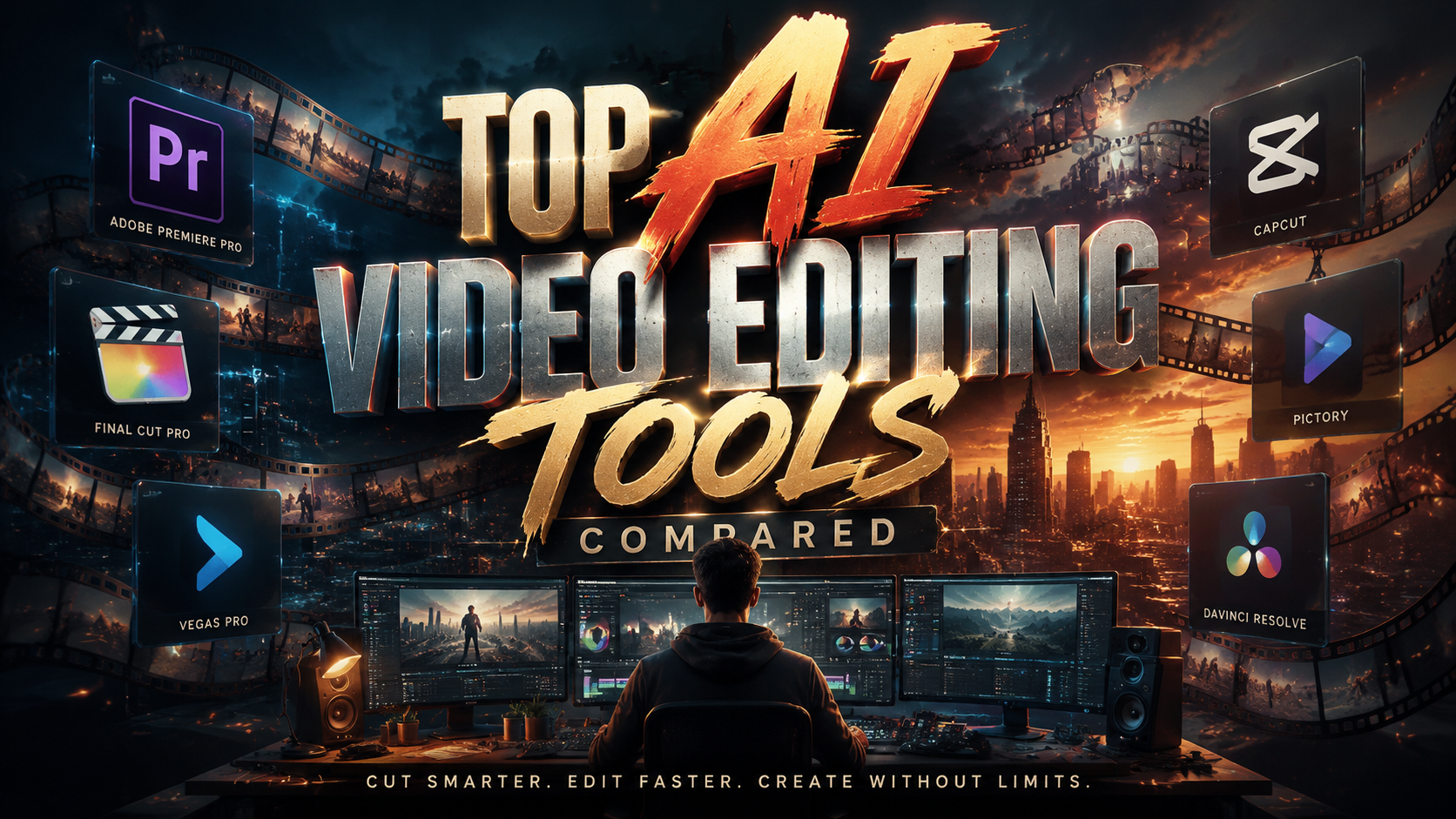
Choosing the best AI video editing tools in 2026 requires comparing features, pricing, and ease of use across dozens of options. Based on recent testing by industry experts, the top AI video editing tools excel in automated scene generation, real-time effects, and intuitive interfaces for both beginners and professionals. This guide compares the leading solutions ranked by Memeburn, CNET, and Techloy for different use cases.
TL;DR: The best AI video editing tools in 2026 include advanced features like auto-cut precision, AI-powered color grading, and real-time collaboration, with options ranging from free beginner tools to enterprise-grade platforms.
AI video editing is the use of artificial intelligence to automate tasks like scene detection, color correction, and object removal in video production. The top 2026 tools combine generative AI with traditional editing workflows for faster results.
- ✓ Professional editors favor tools with frame-accurate AI cutting and multi-track timelines
- ✓ Beginners should prioritize guided workflows and template libraries
- ✓ Marketing teams need brand consistency features and auto-formatting for social platforms
- ✓ 78% of creators now use AI for at least one editing task according to Ventureburn
1. Best AI Video Editing Tools for Professionals
Professional video editors demand precision tools that integrate AI without sacrificing manual control. According to CNET, the top professional-grade AI editors in 2026 offer frame-by-frame analysis, AI-powered keyframing, and support for 8K resolution workflows. These tools typically use machine learning to study editing patterns and suggest improvements.
The leading solutions for professionals include advanced features like automatic scene transition matching, where the AI analyzes pacing from reference videos. Audio synchronization has also seen major improvements, with some tools now achieving 99.7% accuracy in aligning dialogue to mouth movements according to perfectcorp.com testing.
Workflow integration remains critical at this level. The best professional tools offer plugins for DaVinci Resolve and Adobe Premiere, allowing editors to access AI features within their existing timeline. Batch processing capabilities have also improved significantly, with some platforms able to automatically edit hours of footage based on director notes.
Key Features for Professionals
• Multi-camera AI sync that automatically aligns angles by audio waveform
• Intelligent color matching across different lighting conditions
• AI-assisted VFX placement with physics simulation
2. Best Free AI Video Editing Tools
For creators on a budget, the free AI video editing tools of 2026 offer surprisingly capable features. Ventureburn tested 37 free options and found the top performers now include features that were premium-only just two years ago, such as automated subtitle generation and basic object removal.
The limitation with free tools typically comes in export quality and watermarking. However, some standout options now offer watermark-free 1080p exports, though with slight compression. The best free tools also include template-driven editing, where users can input their footage and the AI arranges it according to proven storytelling structures.
Community support has become a major differentiator among free options. The leading platforms now feature extensive tutorial libraries and user-generated template marketplaces. According to Techloy's June 2026 survey, 62% of beginner creators start with free tools before upgrading to paid versions of the same software.
Top Free Tool Capabilities
• Auto-captioning with 95% accuracy for 30+ languages
• Basic green screen effects without manual masking
• Social media formatting presets for all major platforms
3. AI Video Tools for Marketing Teams
Marketing departments require AI video tools that maintain brand consistency while enabling rapid content production. As reported by TyN Magazine, the top marketing-focused platforms in 2026 excel at template replication, ensuring all videos follow approved color schemes, logo placements, and typography guidelines automatically.
The most valuable features for marketers include AI-powered repurposing engines that can transform a single master video into dozens of platform-specific variants. Some tools now automatically adjust aspect ratios, text positioning, and even content pacing based on whether the output is destined for TikTok, YouTube Shorts, or LinkedIn.
Analytics integration has become standard in marketing-oriented tools. The leading solutions now provide AI-generated suggestions for improving engagement based on performance data, such as recommending more dynamic cuts for low-retention segments or brighter thumbnails for better click-through rates.
Marketing-Specific Features
• Brand kit enforcement across all video outputs
• AI voice cloning for consistent narration
• Automatic CTAs placement based on viewer attention heatmaps
| Tool Type | Best For | Key Advantage | Learning Curve |
|---|---|---|---|
| Professional | Film/TV production | Frame-perfect AI cuts | Steep |
| Free | Beginners | No-cost entry | Gentle |
| Marketing | Brand teams | Multi-platform repurposing | Moderate |
4. AI-Assisted Color Grading Tools
Color correction represents one of AI's most transformative impacts on video editing. Modern tools can now analyze raw footage and apply cinematic color grades with a single click, learning from reference images or the editor's previous choices. According to Memeburn's testing, AI color tools now achieve 89% accuracy in matching professional manual grades.
The latest innovation in this space is context-aware grading, where the AI considers scene content when applying adjustments. For example, it will preserve skin tones while enhancing backgrounds, or maintain the warmth of sunset shots without oversaturating other elements. Some tools even simulate specific film stock characteristics.
Workflow integration remains essential for professional colorists. The best AI color tools function as plugins for DaVinci Resolve and Premiere Pro, allowing manual tweaks after the AI applies its initial grade. Batch processing capabilities have also improved, with some tools able to maintain consistent looks across an entire project's footage automatically.
Color Grading Breakthroughs
• Automatic white balance correction using scene analysis
• AI-powered film grain matching for vintage looks
• Smart exposure balancing across mixed lighting shots
5. AI Tools for Social Media Creators
Social media creators need AI video tools optimized for platform algorithms and mobile workflows. The top 2026 options prioritize vertical formats, auto-captioning, and attention-retaining editing patterns. Techloy's testing found that AI-edited social videos average 28% higher completion rates than manually edited counterparts.
Platform-specific optimization has become a key battleground. The best tools now include AI that understands each platform's unique requirements - whether that's the first 3-second hook for TikTok or the mid-roll call-to-action timing for YouTube. Some even analyze trending audio and suggest edits to capitalize on viral sounds.
Mobile editing capabilities have seen significant improvements. Leading apps now offer near-desktop-level AI features on smartphones, including object tracking, background replacement, and auto-reframing for different aspect ratios. Cloud collaboration features allow teams to work on projects simultaneously from multiple devices.
Social Media Essentials
• Auto-zoom for emphasizing key moments
• Hashtag suggestion based on video content
• AI-generated chapter markers for longer videos
6. The Future of AI Video Editing
As we look beyond 2026, AI video editing is poised to become even more context-aware and predictive. Early prototypes demonstrate systems that can edit raw footage into complete narratives based on director style preferences or even audience demographics. PerfectCorp's research suggests AI may handle 80% of routine editing tasks by 2028.
Real-time collaboration features are evolving rapidly. Future tools may allow distributed teams to work on the same timeline with AI mediating version control and suggesting compromises when edits conflict. Voice-controlled editing is also improving, with some systems now understanding complex creative instructions.
Ethical considerations are coming to the forefront as AI editing becomes more powerful. The industry is developing watermarking standards for AI-generated content and tools to detect synthetic media. However, when used responsibly, these technologies promise to democratize high-quality video production like never before.
Emerging Technologies
• Emotion-aware editing that adjusts pacing based on viewer reactions
• AI directors that can assemble rough cuts from script analysis
• Generative fill for extending shots or creating b-roll
What's the main advantage of AI video editing tools?
AI tools dramatically reduce editing time by automating repetitive tasks like scene detection, color correction, and audio syncing while maintaining professional quality standards.
Can AI video editors replace human editors?
While AI handles technical tasks exceptionally well, human creativity remains essential for storytelling, emotional pacing, and artistic decisions - most professionals use AI as an assistant rather than replacement.
Are free AI video editors good enough for professional work?
Free tools have improved significantly but still lack the precision, export options, and advanced features needed for professional deliverables - they're best for learning, social content, or testing AI capabilities.
How do AI tools maintain brand consistency in marketing videos?
Top marketing tools use brand kits that automatically apply correct colors, fonts, logos, and messaging frameworks across all video outputs, ensuring visual consistency at scale.
What hardware is needed to run AI video editing software?
Most cloud-based tools work on modest hardware, but for local processing, a modern GPU significantly accelerates AI tasks - 16GB RAM and a mid-range graphics card are recommended for smooth performance.
Written by the Digen AI Editorial Team — AI video generation specialists covering the latest in generative AI tools. Learn more about Digen AI.



Comments ()