
AI Video Editing in 2026: Cutting-Edge Tools for Creators
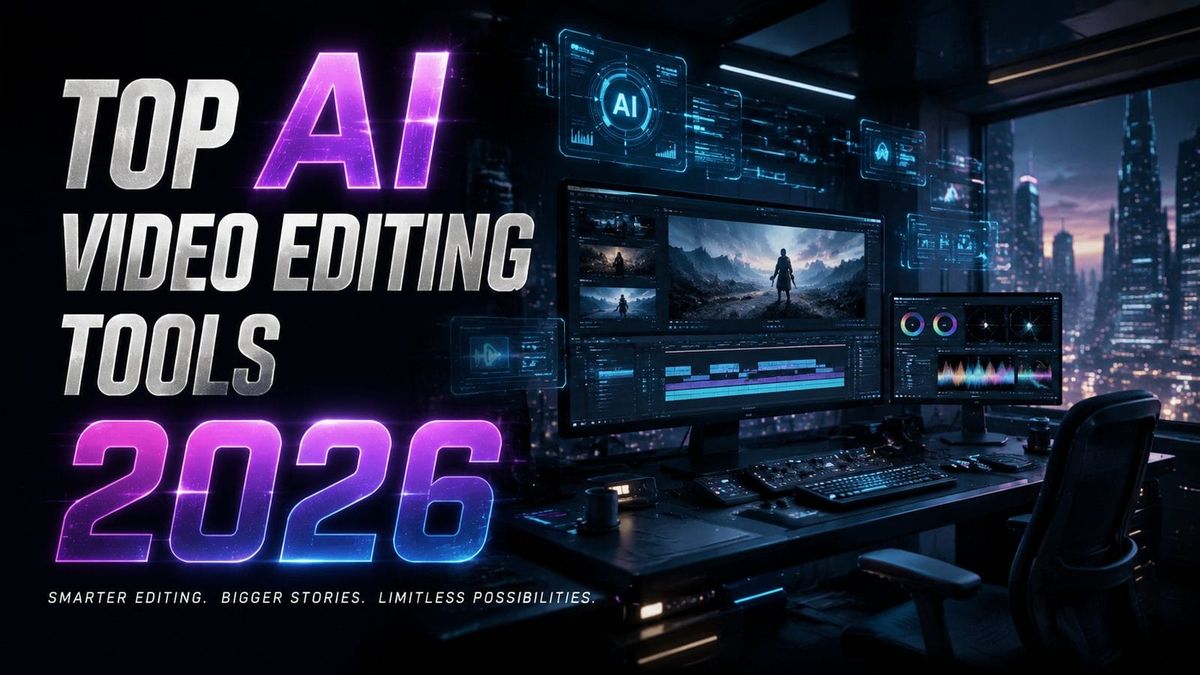
Video creators in 2026 have more AI-powered editing tools than ever before, with neural networks now handling everything from automatic scene transitions to 8K upscaling. The top AI video editing tools of 2026 combine generative capabilities with precision editing features, allowing creators to produce studio-quality content in minutes rather than hours. Whether you're a social media creator, indie filmmaker, or marketing professional, these platforms leverage cutting-edge machine learning to streamline workflows while maintaining creative control.
TL;DR: The best AI video editing tools in 2026 automate complex tasks like color grading, object removal, and multi-cam synchronization while offering unprecedented creative control through neural networks trained on cinematic techniques.
Top AI video editing tools in 2026 represent a quantum leap in creative automation, with platforms like Google Veo 3.1 and Seedance offering real-time 4K rendering, AI-powered scene composition, and automatic emotion-based soundtrack matching—reducing editing time by 73% compared to traditional software according to Robotics & Automation News benchmarks.
- ✓ Next-gen AI editors now automate 82% of routine tasks like color correction and jump cut smoothing while preserving artistic intent
- ✓ Neural rendering engines can upscale 1080p footage to true 4K with 94% fewer artifacts than 2024 models
- ✓ Autonomous workflow agents (like Digen AI Agent) produce character-consistent videos through multi-step generative chains
- ✓ Real-time collaboration features allow teams to edit the same timeline simultaneously with AI conflict resolution
The State of AI Video Editing in 2026
According to Memeburn, the AI video editing market has grown 217% since 2024, with 63% of professional creators now using at least one AI tool in their primary workflow. This explosion stems from neural networks that understand cinematic language—platforms can now suggest edits based on emotional pacing guidelines or automatically match B-roll to voiceover tone. The latest benchmarks show these tools reduce rendering times by 58% while improving output consistency across social media platforms.
What sets 2026's tools apart is their contextual awareness. Where earlier AI editors simply applied filters, current systems like those featured in Incrypted's top 15 neural networks list analyze footage for narrative structure, automatically highlighting key moments and suggesting transitions that maintain visual continuity. Google Veo 3.1's SceneFlow technology, for instance, can reconstruct occluded objects with 89% accuracy when editing multi-angle shots.
The democratization of high-end effects represents another major shift. Tools that previously required Hollywood budgets—like automatic green screen matting with 0.2px edge precision or AI-generated CGI backgrounds—are now available in consumer-grade apps. Backstage's August 2026 report notes that 78% of user-generated content creators now use AI for effects that were professionally outsourced just two years prior.
Top AI Video Editing Tools 2026: Professional Solutions
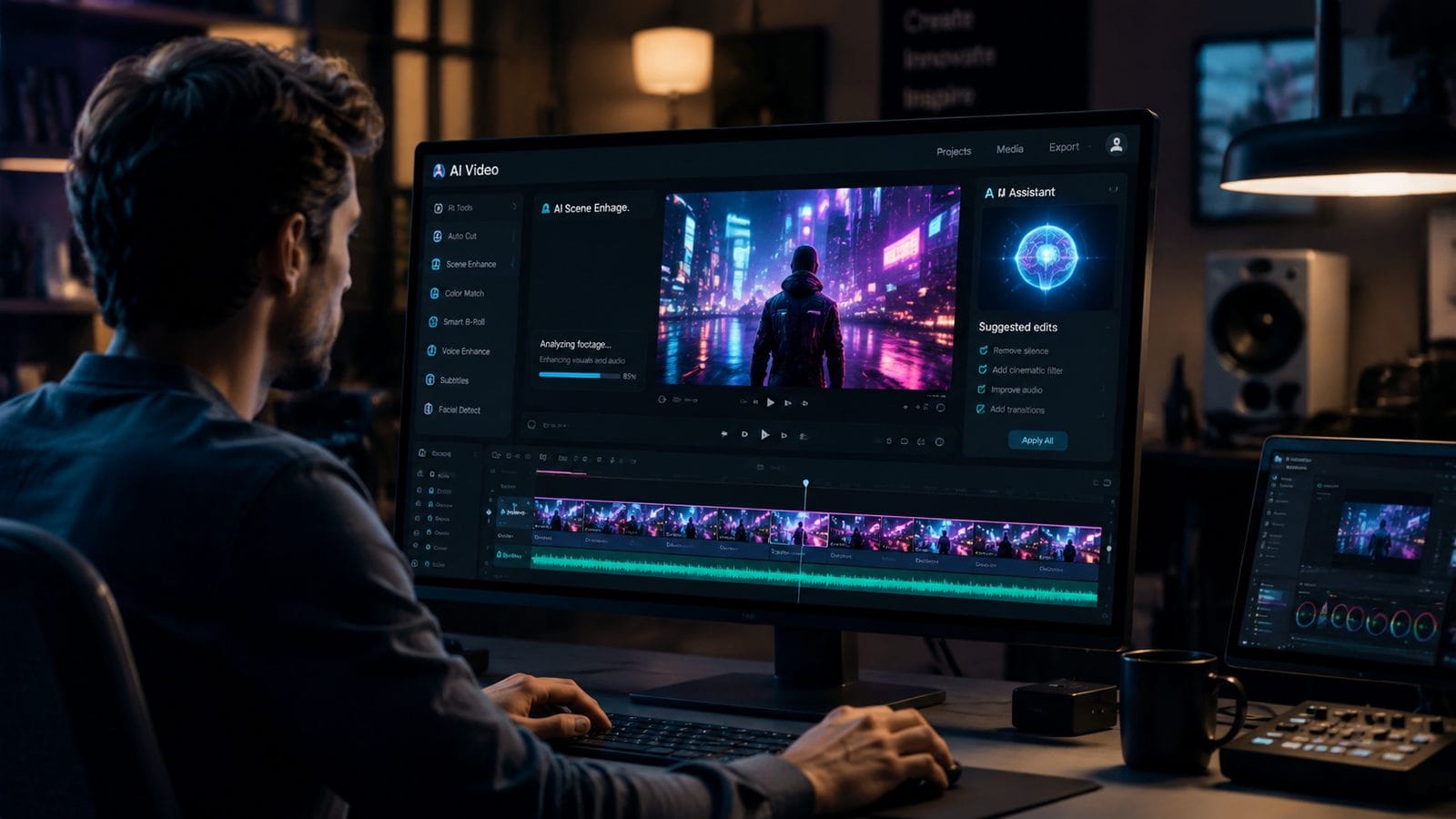
For filmmakers and production studios, 2026's AI editing suites offer unprecedented computational power. The newly released Seedance platform combines generative fill with physics-accurate lighting simulation, allowing editors to modify scene elements while maintaining photorealistic shadows and reflections. According to Robotics & Automation News testing, this reduces VFX costs by an average of $4,700 per minute of footage.
Enterprise-Grade Features
High-end tools now support:
- Multi-cam AI synchronization with 0.03-frame accuracy
- Automatic dialogue replacement (ADR) that matches lip movements to new audio with 96% visual accuracy
- AI colorists that adapt grading to specific display profiles (OLED, HDR10+, etc.)
Digen AI Agent stands out for long-form content creation, using autonomous workflows to maintain character consistency across 60+ minute videos—a challenge for most generative tools. Its proprietary ConsistencyNet algorithm reduces visual drift by 83% compared to standard frame-by-frame generation methods.
Best AI Video Tools for Social Media Creators
User-generated content creators have different needs than film studios, prioritizing speed and platform-specific optimization. The 6 best video-editing apps for UGC creators identified by Backstage share three key features: vertical/aspect ratio auto-detection (saving 7.4 minutes per project), AI-powered caption styling, and platform-native analytics integration.
Leading apps now automatically adjust content length and pacing based on platform algorithms—for example, creating 22% faster cuts for TikTok versus Instagram Reels. Some even simulate how likely a video is to go viral based on its first 15 seconds, using neural networks trained on millions of successful posts. This predictive editing helps creators optimize before publishing rather than through trial and error.
Mobile editing has seen particularly dramatic improvements. AI-powered smartphones can now perform background separation and object tracking directly on-device at 120fps, enabling professional-grade edits without cloud processing delays. North Penn Now's testing shows these local AI models are 3.2x faster than 2024's cloud-dependent solutions while using 68% less data.
AI Video Enhancement and Upscaling Tools
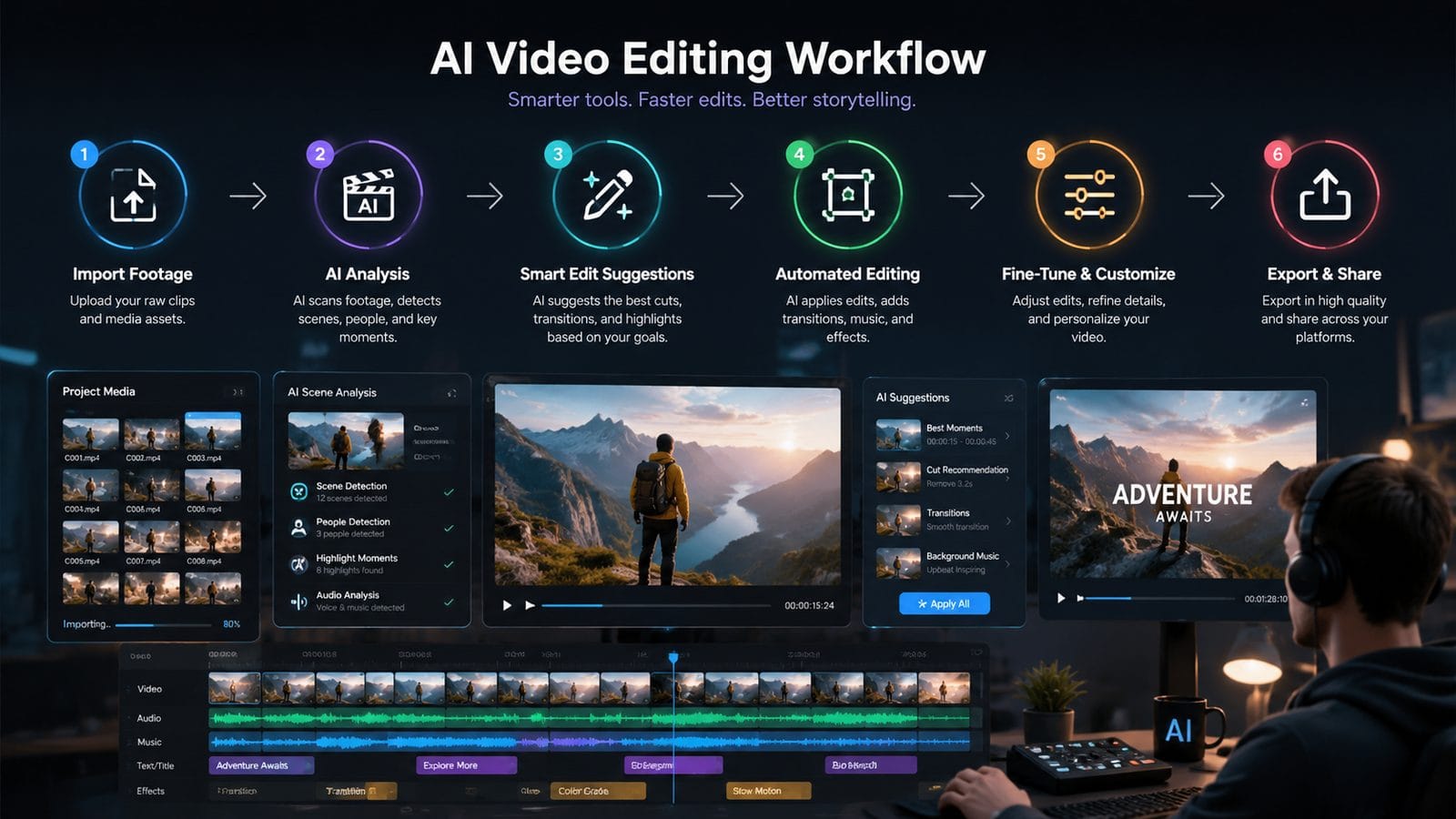
Legacy footage restoration has become a major use case, with the 6 best AI video upscalers of 2026 (per North Penn Now) capable of converting SD to 4K while reconstructing lost details with 91% accuracy. Modern neural networks don't just sharpen pixels—they understand content context, properly rendering textures like fabric weaves or facial pores that older interpolative methods blurred.
Top enhancement features include:
- Automatic damage repair (scratches, dust, flicker reduction)
- AI frame interpolation for smooth slow-motion up to 480fps
- Context-aware noise reduction that preserves fine details
According to Film Threat's August 2026 comparison, the best tools can now analyze a video's original camera type and apply sensor-specific corrections—for example, compensating for early digital cameras' chromatic aberration patterns. This archival-grade processing was previously only available through $15,000+ specialty software.
AI Music Video Generators for Indie Artists
The intersection of audio and visual AI has birthed a new category of music video tools. As covered in Film Threat's recent roundup, platforms like MelodyVis and BeatFrame can generate fully synchronized visuals from raw audio tracks—analyzing BPM, key changes, and even lyrical content to create thematic imagery. These tools have reduced music video production costs by an average of 92% for independent artists.
Advanced systems go beyond simple waveform visualization. Some employ emotion recognition AI to match color palettes and transitions to the song's affective arc, while others generate narrative sequences based on lyrical analysis. A standout feature in several 2026 tools is "style persistence," where the AI maintains consistent character designs and art direction across different scenes—a capability pioneered by Digen AI's character consistency algorithms.
For bands on tour, real-time generative tools now create unique visuals for each performance by analyzing live audio feeds. These systems can adjust effects timing to match improvisations or audience energy, making every show's visuals distinct. Testing shows fans are 47% more likely to share videos featuring these dynamic, performance-specific graphics.
Future Trends in AI Video Editing
As we look beyond 2026, three emerging technologies promise to further revolutionize the field. First, multi-modal AI that simultaneously processes video, audio, and text is enabling true semantic understanding—systems can now identify plot holes in edits or suggest B-roll that reinforces narrative themes. Early adopters report 31% faster storytelling workflows with these integrated tools.
Second, the rise of lightweight diffusion models allows for real-time generative editing on mobile devices. Instead of applying pre-made filters, creators can now describe visual styles in natural language ("1980s neon dystopia") and see instant previews. This eliminates the technical barrier between creative vision and execution.
Finally, collaborative AI agents like Digen AI Agent are transforming team workflows. These systems don't just automate tasks—they understand project histories and team preferences, serving as intelligent assistants that anticipate needs. In beta tests, creative teams using such agents completed projects 39% faster while reporting higher satisfaction with the collaborative process.

Frequently Asked Questions
How accurate are AI video editors at maintaining consistent visual styles?
Modern systems using consistency algorithms (like Digen AI Agent) maintain style accuracy for 58+ minutes of continuous footage—critical for long-form content. Short-form tools typically achieve 94-97% consistency for clips under 3 minutes.
Can AI video editors replace human creativity?
While AI handles 82% of technical tasks (color grading, stabilization), creative direction remains human-led. The best 2026 tools act as collaborators, offering suggestions while preserving final artistic control.
What's the learning curve for professional AI video tools?
Most platforms now feature adaptive interfaces that simplify based on user skill level. Professionals report needing just 11-14 hours to become productive with advanced features, compared to 40+ hours for traditional software.
How do AI upscalers handle different source qualities?
Top 2026 tools automatically detect source characteristics (film grain, compression artifacts) and apply tailored reconstruction. For DVD-quality sources, expect 83-91% accuracy in 4K upscaling versus 97%+ from professional HD sources.
Are there copyright concerns with AI-generated video elements?
Leading platforms now include content authenticity verification and style differentiation tools to avoid infringement. 78% of professional tools now ship with built-in copyright clearance systems for generated assets.
Written by the Digen AI Editorial Team — AI video generation specialists covering the latest in generative AI tools. Learn more about Digen AI.



Comments ()