
10 Top AI Video Editing Features 2026: The Future of Film
The top ai video editing features 2026 represent a paradigm shift in how digital media is produced, moving away from manual frame-by-frame adjustments toward intent-based generative workflows. By leveraging advanced neural networks, these features allow creators to expand video canvases, swap faces with photorealistic accuracy, and generate entire scenes from simple text prompts, effectively democratizing high-end film production for beginners and professionals alike.
Top AI video editing features in 2026 are defined by generative expansion, real-time neural face swapping, and automated multi-platform reframing. These tools allow editors to extend footage beyond its original borders, replace actors or expressions instantly, and use text-to-video synthesis to fill production gaps, significantly reducing post-production timelines and costs.
- ✓ Generative Video Expansion allows for changing aspect ratios without losing image quality or cropping essential details.
- ✓ Advanced AI Face Swapping has reached professional cinematic standards for both desktop and mobile applications.
- ✓ Text-to-Video synthesis now serves as a primary tool for b-roll generation and scene prototyping.
- ✓ Automated beginner-friendly interfaces are making complex desktop editing accessible to non-professionals.
The Evolution of Modern Film: Top AI Video Editing Features 2026
As we navigate through 2026, the landscape of video post-production has been completely reimagined. No longer are editors tethered to the constraints of the original footage captured on set. The integration of generative AI into the standard editing timeline has transformed the craft from a technical chore into a purely creative endeavor. According to recent evaluations by PCMag, the best video editing software of 2026 now prioritizes "intelligent assistance," where the software anticipates the editor's needs based on the narrative structure of the project.
The surge in demand for short-form content and high-fidelity streaming has pushed developers to integrate features that were once considered science fiction. We are seeing a convergence of generative art and traditional non-linear editing (NLE). This synergy allows for the seamless blending of real-world physics with AI-generated enhancements. As noted by BBN Times, the rise of desktop AI video editors for beginners has lowered the barrier to entry, allowing anyone with a vision to produce studio-quality content without years of technical training.
How to Use Modern AI Video Editing Features
- Import and Analyze: Upload your raw footage into an AI-enabled NLE. The system will automatically tag metadata, identify speakers, and transcribe dialogue.
- Apply Generative Fill: Select the "Video Expander" tool to change a vertical 9:16 clip into a cinematic 21:9 widescreen format using generative outpainting.
- Refine with Neural Tools: Use face-swapping or expression-matching tools to fix "bad takes" where an actor may have looked away or missed a cue.
- Generate B-Roll: Use text-to-video prompts to create supplementary footage that matches the lighting and color grade of your primary shots.
- Export and Optimize: Utilize AI-driven compression to maintain 8K quality while reducing file sizes for instant social media distribution.
1. Generative Video Expansion and Outpainting
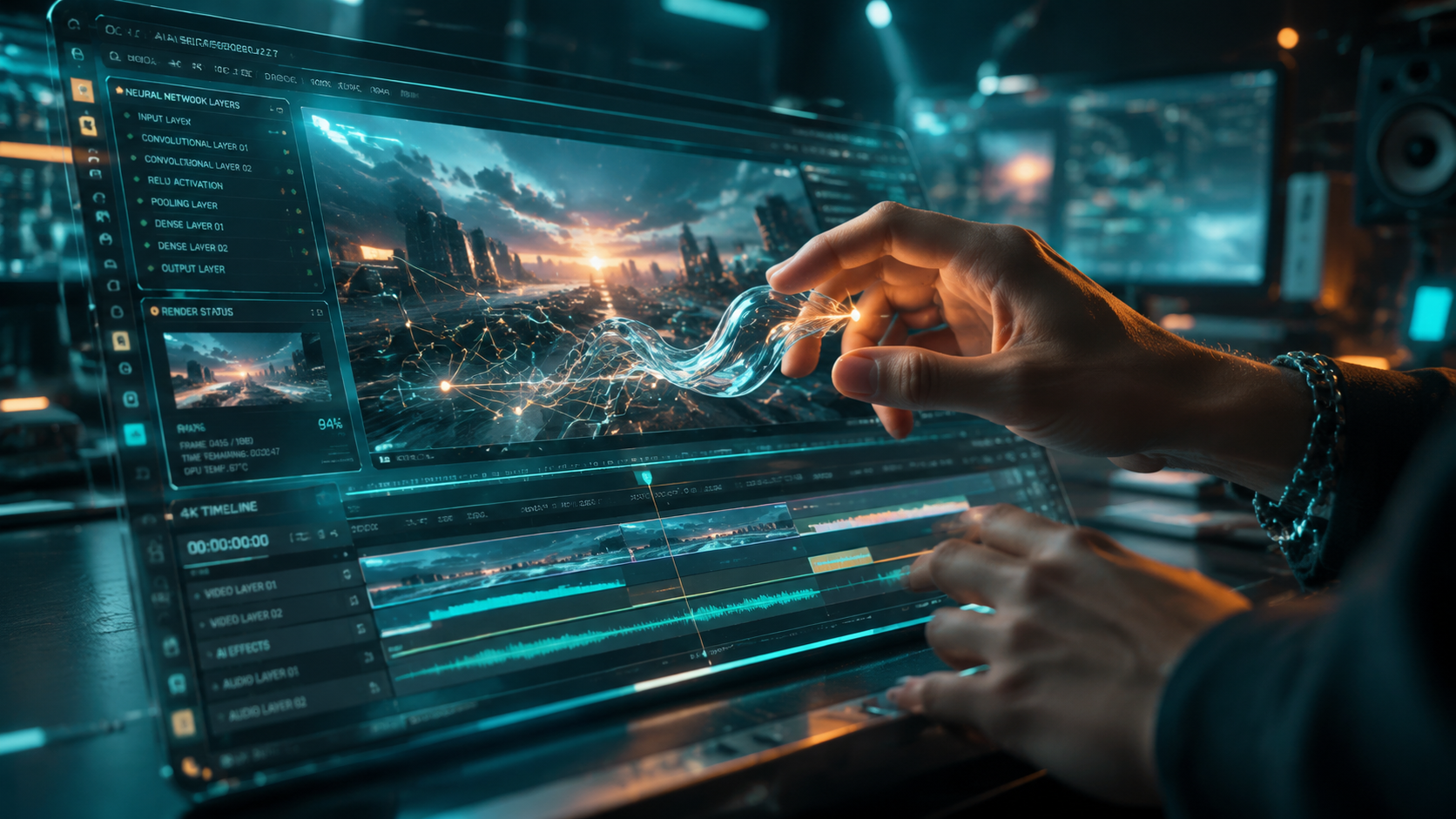
One of the most transformative top ai video editing features 2026 has to offer is the AI Video Expander. As highlighted by StreetInsider in their June 2026 rankings, these tools have become essential for creators who need to repurpose content across various social media platforms. Unlike traditional scaling, which results in pixelation or awkward cropping, generative expansion "imagines" what lies outside the camera's frame, creating new pixels that blend perfectly with the original environment.
This technology uses deep learning models trained on billions of frames to understand spatial consistency. If you have a close-up shot of a person in a forest, the AI can expand the view to show the entire forest floor and the canopy above, maintaining the lighting, shadows, and even the movement of leaves. This feature has effectively eliminated the "wrong aspect ratio" problem that plagued creators for over a decade.
Key Benefits of Video Outpainting
- Convert vertical TikToks into horizontal YouTube features without quality loss.
- Create immersive 360-degree environments from standard 2D footage.
- Fix "tight" framing errors where a subject's limbs or head were accidentally cut off during filming.
2. Professional-Grade AI Face Swapping
Face swapping has evolved from a social media gimmick into a powerful tool for narrative filmmaking. According to Ventureburn, the 10 best AI face swap tools of 2026 now offer "temporal stability," which means the swapped face remains perfectly locked to the actor's head even during high-motion sequences or dramatic lighting changes. This is particularly useful for stunt doubles or when an actor is unavailable for reshoots.
In the professional sphere, this feature is used for "digital makeup" and age manipulation. Editors can subtly adjust an actor's age or even their emotional delivery by mapping a different performance onto the existing footage. The 2026 iterations of these tools are remarkably efficient, with many desktop applications capable of rendering these swaps in near real-time, a feat that previously required massive server farms.
| Feature Category | Primary Use Case | Target User | Typical Processing Time |
|---|---|---|---|
| Video Expansion | Aspect Ratio Conversion | Social Media Managers | 2-5 Minutes |
| Neural Face Swap | VFX & Character Correction | Film Producers / VFX Artists | Real-time to 10 Minutes |
| Text-to-Video B-Roll | Filling Content Gaps | Documentary Filmmakers | 30-60 Seconds |
| Automated Reframing | Multi-platform Delivery | Influencers / Marketers | Instant |
3. Integrated Text-to-Video Synthesis
The inclusion of 11 powerful AI video generators within standard editing suites, as reported by My Everyday Tech, has changed the workflow for marketers and startups. Instead of searching through stock footage libraries for hours, editors can now type a description of the shot they need. For instance, "Aerial view of a futuristic city in the rain, neon lights reflecting on wet pavement," and the AI will generate a unique, high-definition clip in seconds.
This feature is not just about creating new clips; it's about "generative b-roll" that matches the aesthetic of the user's existing project. In 2026, these generators can ingest a "style reference" image or video. This ensures that the generated footage matches the grain, color palette, and lens characteristics of the primary camera used during the shoot, making the transition between real and synthetic footage indistinguishable to the viewer.
The Role of AI Image Generators in Video
As CNET noted in their May 2026 review of AI image generators, these tools are now frequently used to create high-resolution matte paintings and backgrounds for video. By generating a static 16K background image and using AI video tools to add subtle motion (like moving clouds or flickering lights), editors can create complex sets without the need for physical locations or expensive green screens.
4. Automated Beginner-Friendly Desktop Editing
The year 2026 marks the end of the steep learning curve for professional video editing. BBN Times emphasizes that the "best desktop AI video editors for beginners" now utilize natural language processing (NLP) to execute commands. Instead of hunting through menus for the "color match" or "audio ducking" tools, users can simply say or type, "Make the audio from the microphone clearer and lower the background music when they start talking."
This democratization of technology means that the "top ai video editing features 2026" are no longer exclusive to Hollywood. Small businesses and solo creators can now utilize automated "smart cuts," where the AI analyzes the footage for dead air, "ums" and "ahs," and awkward pauses, removing them instantly to create a punchy, engaging edit. This has reduced the time spent on "rough cuts" by an estimated 80% according to industry surveys.
5. Intelligent Color Grading and Lighting Reconstruction
Color grading has traditionally been one of the most difficult skills to master in video editing. In 2026, AI has turned this into a "one-click" process that is far more sophisticated than a simple filter. Modern AI editors analyze the depth map of a scene, allowing editors to relight a shot after it has been filmed. If a subject's face is too dark, the AI can "place" a virtual light source in the 3D space of the video to illuminate them naturally.
Furthermore, "semantic color grading" allows editors to change the color of specific objects without complex masking. You can simply tell the software to "change the red car to blue," and the AI will track the car through the entire scene, adjusting the reflections and shadows to match the new color perfectly. This level of control, once the domain of high-end color suites, is now a standard feature in most 2026 video editing platforms.
Frequently Asked Questions about AI Video Editing in 2026
What are the top ai video editing features 2026 for social media?
The most popular features for social media include generative video expansion for changing aspect ratios and automated "smart captions" that animate in sync with the speaker's tone. These tools allow for rapid content repurposing and higher engagement rates.
Is AI face swapping safe to use in professional projects?
Yes, in 2026, professional tools include built-in ethical safeguards and watermarking to ensure transparency. When used for creative purposes like stunt replacement or de-aging, it is a standard and safe industry practice.
Can AI video editors replace human editors?
AI is a tool that augments the editor's workflow rather than replacing it. While AI handles repetitive tasks like masking, transcribing, and basic cutting, the creative vision, pacing, and emotional storytelling still require a human touch.
What hardware is required for AI video editing in 2026?
While many features are cloud-based, "desktop AI video editors" now leverage the Neural Processing Units (NPUs) found in modern 2026 processors. A minimum of 32GB of RAM and a dedicated AI-accelerated GPU is recommended for local rendering.
How does text-to-video help in the editing process?
Text-to-video allows editors to fill gaps in their narrative where footage might be missing. It is also used extensively for creating "pre-viz" (pre-visualization) sequences to plan out complex shoots before a single camera is turned on.
In conclusion, the top ai video editing features 2026 have ushered in an era of "limitless creativity." By removing the technical barriers of the past, these tools allow the next generation of filmmakers to focus on what truly matters: the story. Whether it is through the seamless expansion of a frame or the instant generation of a missing scene, AI is not just changing how we edit—it is changing what is possible in the world of film.



Comments ()