
10 Top AI Video Editing Apps for 2026: The Ultimate Guide
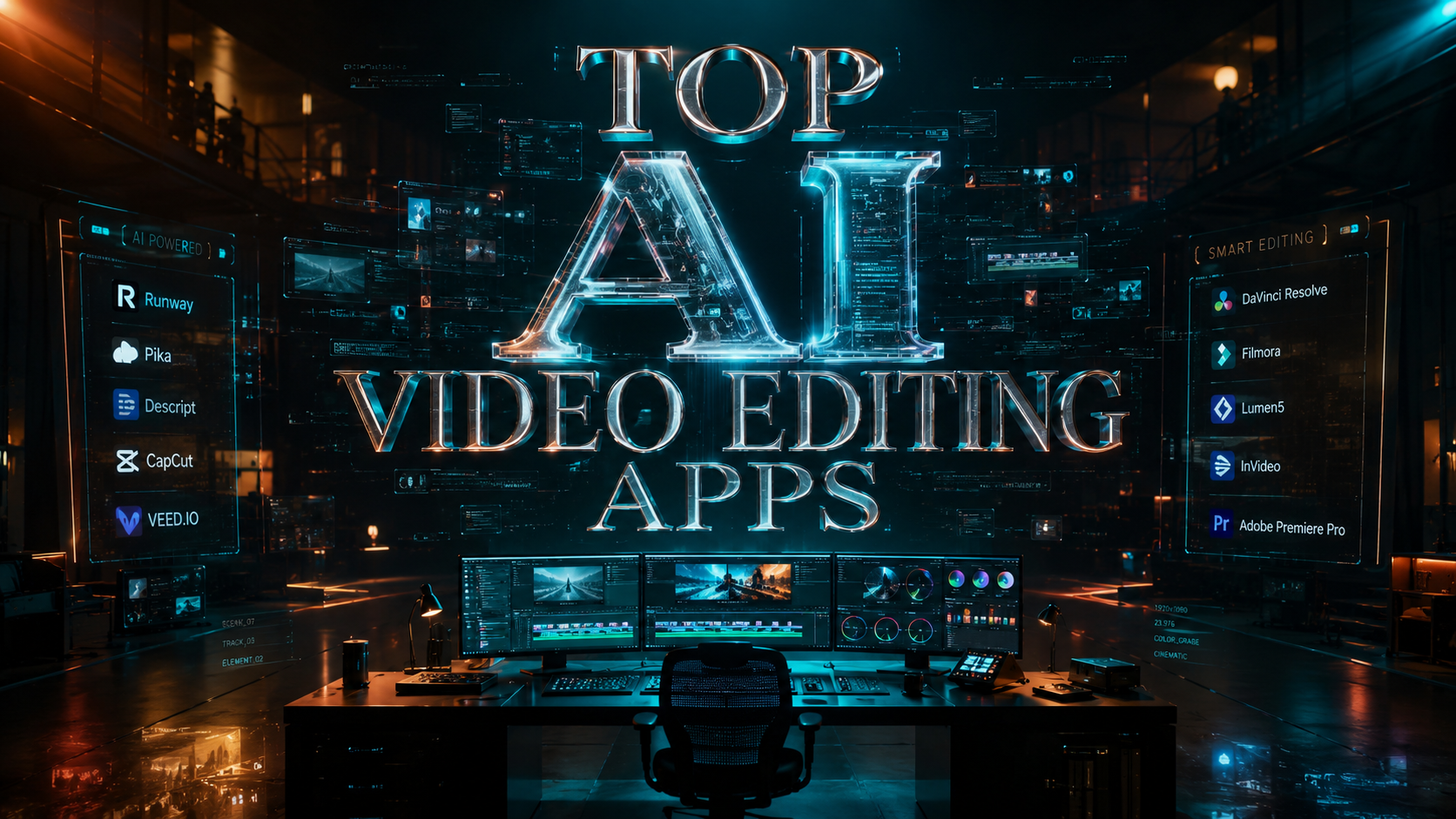
Choosing the top AI video editing apps in 2026 requires a focus on generative capabilities, automated workflows, and cross-platform accessibility. These applications utilize advanced neural networks to handle complex tasks like object removal, color grading, and script-to-video generation, allowing creators to produce professional-grade content in a fraction of the time previously required. Whether you are a mobile creator or a desktop professional, the current landscape of AI-driven tools offers unprecedented precision and creative freedom.
The top AI video editing apps are software platforms that integrate generative artificial intelligence to automate video production tasks. In 2026, leading tools like Descript, Adobe Premiere, and mobile-first apps leverage AI for text-based editing, automated scene generation, and real-time visual enhancements to streamline the creative process for professionals and hobbyists alike.
- ✓ AI-driven text-based editing has become the industry standard for rapid dialogue cutting.
- ✓ Mobile video editing apps now rival desktop software in processing power and AI feature sets.
- ✓ Generative video tools can now create high-fidelity b-roll and transitions from simple text prompts.
- ✓ Cost-efficiency is increasing, though building custom AI editors remains a significant enterprise investment.
The Evolution of AI Video Editing in 2026
As we navigate through 2026, the distinction between traditional editing and AI-assisted creation has almost entirely vanished. According to recent insights from PCMag, the best video editing software tested this year focuses heavily on "assistive intelligence," which predicts a creator's next move based on their previous projects. This evolution has shifted the editor's role from a manual technician to a creative director who oversees automated processes.
The rise of generative models has also changed the way we think about stock footage. Instead of searching through libraries, editors now use built-in AI generators to create specific clips on the fly. This integration is no longer a "plugin" but a core architecture of the software. As CNET noted in their 2026 reviews, the ranking of video generators now depends on their ability to maintain temporal consistency—ensuring that characters and environments look the same from one shot to the next.
Furthermore, the democratization of these tools has reached a peak. High-end features that once required expensive hardware are now available on mobile devices. Creative Bloq highlights that the gap between "pro" and "consumer" apps is narrowing, as cloud-based AI processing offloads the heavy lifting from the local device, allowing for complex 8K renders on tablets and smartphones.
How to Choose and Use Top AI Video Editing Apps
Selecting the right tool depends on your specific workflow, whether you are a YouTuber, a social media manager, or a film professional. To get the most out of these applications, follow these steps to integrate AI into your production pipeline:
- Identify Your Primary Output: Determine if your content is primarily for social media (vertical, short-form) or cinematic platforms (horizontal, long-form) to choose between mobile-first or desktop-heavy apps.
- Utilize Text-Based Editing: Start by generating a transcript of your footage. Delete words or sentences in the text to automatically cut the corresponding video frames, a feature perfected by apps like Descript.
- Apply AI Scene Detection: Use automated scene detection to split long clips into manageable segments, allowing the AI to suggest the best transitions based on the rhythm of the audio.
- Enhance with Generative B-Roll: If you lack specific footage, use the app's generative prompt tool to create supplementary visuals that match your primary footage's color and style.
- Automate Color Grading: Apply AI-driven color matching to ensure visual consistency across clips filmed on different cameras or in varying lighting conditions.
Comparison of Leading AI Video Editing Platforms
To help you decide which tool fits your budget and technical needs, we have compiled a comparison of the top contenders based on the latest 2026 testing data from PCMag and CNET.
| App Name | Primary Strength | Platform | AI Feature Focus |
|---|---|---|---|
| Descript (2026 Edition) | Podcast & Social Video | Desktop / Web | Voice Cloning & Text-to-Video |
| Adobe Premiere Pro | Professional Film | Desktop | Firefly Generative Fill & Auto-Reframe |
| CapCut AI Pro | Short-form Content | Mobile / Desktop | Auto-Captions & Trend Analysis |
| LumaFusion AI | Mobile Production | iOS / Android | Neural Color Grading |
| Microsoft Clipchamp | Quick Business Edits | Windows / Web | Auto-Composition & Brand Kits |
Top AI Video Editing Apps for Professional Workflows
For professionals, the focus is on precision and integration. Adobe Premiere Pro remains a titan in the industry, having fully integrated its Firefly generative AI directly into the timeline. According to Microsoft, the integration of advanced editing tools within Windows environments has made it easier for professionals to toggle between system-level AI assistants and creative software. This seamless workflow allows for "context-aware" editing, where the software understands the narrative of the video and suggests cuts that align with emotional beats in the music.
Descript continues to dominate the "text-to-video" niche. As explored by appinventiv.com, the cost to build an AI video editor like Descript is substantial because of the complex synchronization between speech recognition and video manipulation. In 2026, Descript has expanded its "Underdub" feature, allowing users to change the movement of a speaker's lips to match new dialogue generated by AI, making it an essential tool for correcting mistakes in post-production without reshooting.
The "pro" category is also seeing a surge in collaborative AI. New cloud-based editors allow multiple users to prompt an AI simultaneously to "re-style" a scene. For example, a director can ask the AI to change a scene from "day" to "sunset" while the colorist fine-tunes the skin tones, with the AI ensuring that both changes harmonize perfectly without manual masking.
Mobile Excellence: Top AI Video Editing Apps on the Go
Mobile editing has undergone a massive transformation. PCMag’s testing of the best mobile video editing apps for 2026 shows that mobile chips are now optimized specifically for neural engine tasks. Apps like CapCut and LumaFusion are leveraging this hardware to provide real-time background removal and 3D tracking that previously required a desktop workstation.
These mobile apps are particularly adept at "trend-spotting." By analyzing viral content patterns, the AI can suggest edits, music, and effects that are currently performing well on social algorithms. This makes them the top ai video editing apps for creators who need to maintain a high volume of output without sacrificing quality. The AI handles the tedious parts of the edit—like syncing cuts to the beat—allowing the creator to focus on the storytelling.
The Impact of Generative AI on Video Production
Generative AI is no longer just about creating "fake" videos; it is about enhancing reality. CNET’s 2026 review of AI video generators highlights how these tools are now used for "Generative Expand," where an editor can turn a vertical video into a horizontal one by having the AI fill in the missing sides of the frame. This is a game-changer for repurposing content across different social media platforms.
However, the rise of these powerful tools brings up questions of cost and accessibility. As appinventiv.com notes, the development of these platforms involves massive investments in GPU clusters and machine learning models. For the end-user, this often translates to subscription models that include "compute credits" for generative tasks. Despite the cost, the time saved—often cited as a 70% reduction in editing time—provides a clear return on investment for businesses and high-level creators.
Moreover, the ethics of AI editing are being addressed through "Content Credentials." Most top ai video editing apps in 2026 now automatically embed metadata that indicates which parts of a video were generated or modified by AI. This transparency is becoming a requirement for news organizations and commercial entities to maintain trust with their audiences.
Windows Integration and Native AI Tools
Microsoft has made significant strides in 2026 by embedding AI video tools directly into the Windows operating system. The latest versions of the Photos and Clipchamp apps use the system's NPU (Neural Processing Unit) to perform local AI tasks, which keeps data private and reduces latency. According to Microsoft, these built-in tools are designed for the "everyday creator" who needs to produce high-quality videos for school, work, or family without a steep learning curve.
Clipchamp, in particular, has evolved from a basic web-based editor into a powerhouse that features "Auto-Compose." This feature allows a user to upload a folder of raw footage and a script; the AI then selects the best takes, arranges them on the timeline, adds captions, and applies a professional grade. It is one of the top ai video editing apps for those who need speed and simplicity over granular control.
Future Trends: What to Expect Beyond 2026
Looking forward, the trajectory of AI in video editing suggests a move toward "holistic production." We are seeing the early stages of AI that can not only edit video but also compose original, royalty-free music that perfectly fits the emotional arc of the visual edit. The integration of 3D Gaussian Splatting is also expected to become a standard feature in top ai video editing apps, allowing editors to turn 2D video clips into 3D environments that can be "re-filmed" from any angle.
The role of the editor is becoming more about "curation" and "prompt engineering." Understanding how to communicate with the AI to achieve a specific cinematic look is becoming a vital skill. As Creative Bloq suggests, the "Best" app of the future will be the one that most intuitively understands human creative intent, reducing the friction between an idea and a finished video file.
What are the top AI video editing apps for beginners in 2026?
For beginners, Microsoft Clipchamp and CapCut are the leading choices. They offer "one-click" AI features like auto-captioning and auto-composition, making professional-looking video production accessible without prior editing experience.
How much do professional AI video editing apps cost?
While basic versions are often free, professional AI tools like Adobe Premiere Pro or Descript typically cost between $20 and $60 per month. Some apps also charge based on "AI credits" for generative features like voice cloning or frame expansion.
Can AI video editors replace human editors?
No, AI is a tool that augments human creativity. While it can handle repetitive tasks like cutting, color matching, and noise reduction, the final narrative decisions and emotional resonance still require a human touch.
Which AI video app is best for social media creators?
CapCut remains the top choice for social media due to its deep integration with trending sounds and visual effects. Its AI-driven "Shorts Generator" can automatically turn long-form videos into viral-ready clips.
Do I need a powerful computer to use AI video editing apps?
Not necessarily. While desktop apps like Premiere Pro benefit from high-end GPUs, many 2026 apps are cloud-based or optimized for mobile NPUs, allowing high-quality editing on tablets and standard laptops.



Comments ()