
Top 10 AI Video Tools 2026: The Future of Film & Content
The top 10 ai video tools 2026 represent a paradigm shift in digital storytelling, moving beyond simple automation to high-fidelity, character-consistent cinematic production. In 2026, these tools leverage advanced diffusion models and multimodal neural networks to transform text, images, or basic sketches into professional-grade video content in minutes. Whether you are a filmmaker seeking consistent character branding or a beginner looking for free generative options, the current landscape of AI video offers unprecedented creative control and efficiency.
AI video tools in 2026 are generative software platforms that use artificial intelligence to synthesize motion, sound, and visual effects from natural language prompts. These tools enable creators to produce high-definition video content without traditional cameras or expensive editing suites, focusing on features like temporal consistency, 8K resolution, and real-time physics simulation for realistic movement.
- ✓ AI video generators now offer full character consistency across multiple scenes, a breakthrough for brand storytelling.
- ✓ The top 10 ai video tools 2026 prioritize multimodal input, allowing users to combine text, image, and audio prompts.
- ✓ Free-to-use tiers have become more robust, with several platforms offering high-quality exports without watermarks.
- ✓ Integration with AI music generators allows for synchronized, royalty-free soundtracks tailored to the video’s emotional arc.
- ✓ Real-time rendering has reduced production times from hours to seconds for short-form social media content.
As we navigate the mid-point of the decade, the distinction between "AI-generated" and "traditionally filmed" content is blurring. According to the 6th Edition of the Top 100 Gen AI Consumer Apps by Andreessen Horowitz, video generation apps have seen the highest growth rate among all creative software categories in 2026. This surge is driven by the democratization of high-end visual effects that were previously reserved for Hollywood studios.
How to Use the Top 10 AI Video Tools 2026
Getting started with generative video has never been more accessible. Most industry-leading platforms have streamlined their user interfaces to cater to both professional editors and total beginners. By following a standardized workflow, you can ensure that your generated content remains cohesive and high-quality.
- Define Your Visual Style: Choose a base model (cinematic, 3D render, or anime) within your chosen AI tool to set the aesthetic foundation.
- Input Your Prompt: Write a descriptive prompt including lighting, camera movement (e.g., "dolly zoom"), and subject actions.
- Upload Reference Assets: Use the "Character Consistency" feature by uploading a reference image to ensure the subject looks the same across different clips.
- Generate and Iterate: Produce a low-resolution preview, adjust the "motion scale" or "seed" if necessary, and then upscale to 4K or 8K.
- Add AI-Generated Audio: Synchronize your visuals with an AI music generator to create a complete, branded experience.
The Evolution of Character Consistency and Branding
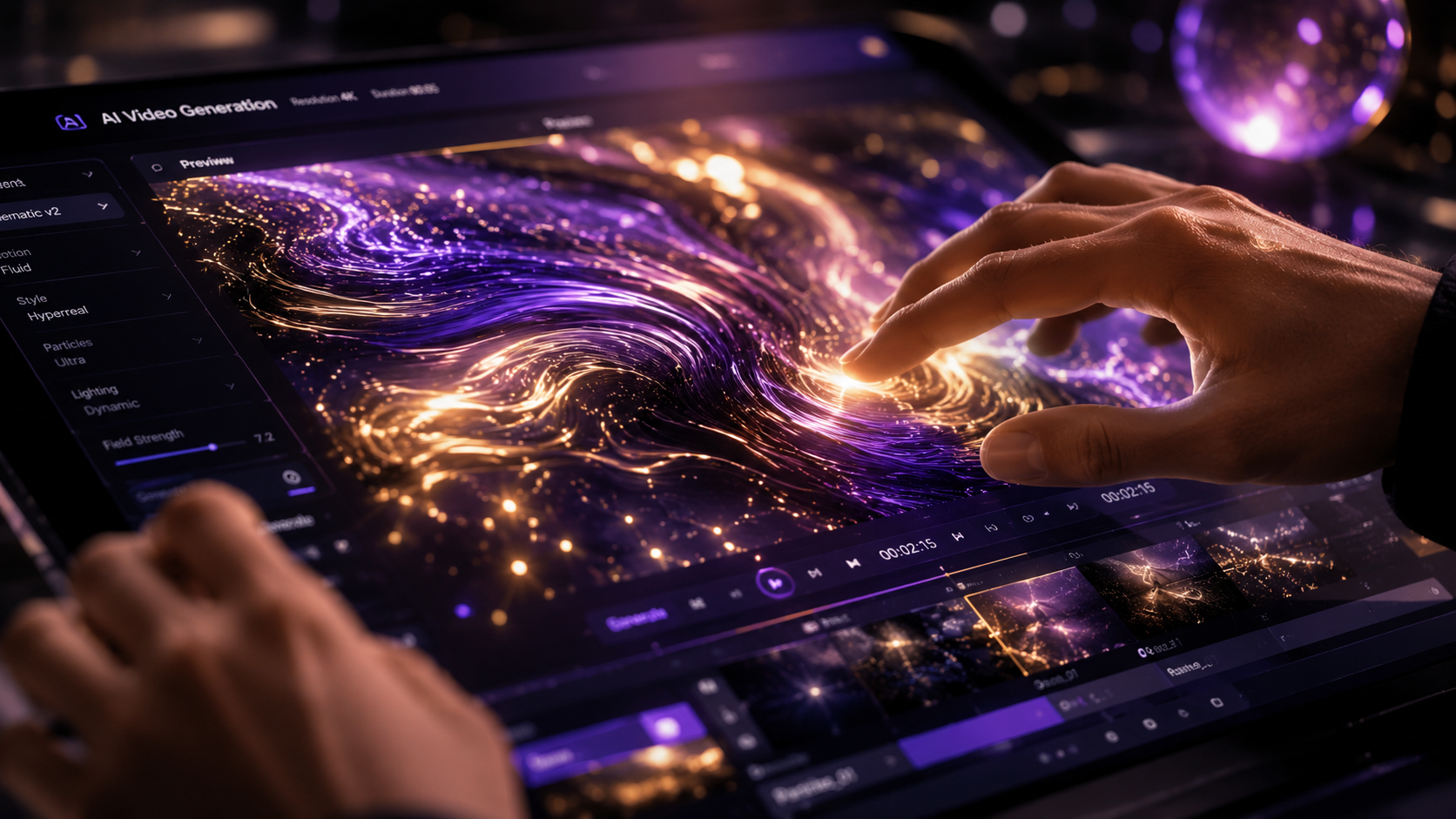
One of the most significant hurdles in early generative video was "flicker" and the inability to keep a character's face the same from one shot to the next. In 2026, this problem has been largely solved. As reported by Eye On Annapolis, the best AI music video generator tools now prioritize character consistency and artist branding, allowing musicians to create entire visual albums where their digital likeness remains flawless throughout.
Advanced Subject Tracking
Modern tools now use "persistent latent space," which means the AI remembers the geometry of a character's face and clothing. This is essential for brands that want to use a digital spokesperson across a multi-video campaign. You no longer need to re-describe the character in every prompt; you simply select your saved "Brand Identity" profile.
Branding for Independent Artists
For independent creators, these tools provide a way to compete with large-scale production houses. By utilizing the top 10 ai video tools 2026, an artist can generate a music video that features consistent outfits, recurring environments, and specific color palettes that align with their personal brand, all while maintaining a cohesive narrative flow.
Comparison of the Best AI Video Generators in 2026
To help you choose the right platform for your specific needs, we have compared the leading tools based on their primary strengths, pricing models, and unique features as of mid-2026.
| Tool Name | Primary Strength | Best For | Free Tier Available? |
|---|---|---|---|
| Sora Pro (OpenAI) | Hyper-Realism | Cinematic Filmmaking | Limited Credits |
| Runway Gen-4 | Physics Simulation | Experimental Visuals | Yes (Daily Refresh) |
| Luma Dream Machine 3 | Speed & Fluidity | Social Media Content | Yes |
| Kling AI Global | Character Consistency | Narrative Storytelling | Yes |
| Pika Labs 3.0 | Animation Styles | Explainer Videos | Yes |
| HeyGen Studio | Lip-Sync & Avatars | Corporate Training | No (Trial Only) |
| Synthesia 2026 | Multilingual Avatars | Global Marketing | Yes |
| Vidu AI | High-Action Scenes | Commercials | Limited |
| Kaiber Pro | Music Synchronization | Music Videos | No |
| Leonardo Motion | Artistic Control | Concept Art | Yes |
Top 10 AI Video Tools 2026: Detailed Reviews
The following tools have been selected based on their performance in recent industry tests. According to PerfectCorp, which tested 23 best AI video generators for 2026, these platforms lead the market in terms of user retention and output quality.
1. Sora Pro: The Cinematic Standard
Sora Pro remains the benchmark for high-fidelity video. In 2026, it has introduced "Director Mode," which allows users to control specific camera angles and lighting setups using a 3D interface. It is the preferred choice for filmmakers who need the AI to understand complex physical interactions, such as liquid pouring or fabric draping.
2. Runway Gen-4: The Creative Powerhouse
Runway continues to push the boundaries of what is possible with "Multi-Motion Brush" technology. This allows users to paint over specific areas of a static image and dictate exactly how those areas should move. It is widely considered the most versatile tool for professional editors who require granular control over every frame.
3. Luma Dream Machine 3: High-Speed Generation
For those who need results fast, Luma Dream Machine 3 is the industry leader. It can generate 10-second clips in under 30 seconds. Ventureburn ranked this as one of the best free AI video generators in 2026 due to its generous free tier and the lack of complex prompt requirements for beginners.
4. Kling AI: The Narrative Expert
Kling AI has gained massive popularity for its ability to generate long-form clips (up to 2 minutes) in a single pass. Its "Story Mode" allows users to input a full script, which the AI then breaks down into a series of consistent scenes, maintaining the same characters and environments throughout the sequence.
5. Pika Labs 3.0: Stylized Excellence
Pika 3.0 excels in non-photorealistic styles. If you are looking to create 3D animations, claymations, or traditional 2D cartoons, Pika offers the best stylistic presets. Its "Sound FX" feature automatically generates foley sounds (like footsteps or wind) that match the visual action perfectly.
The Rise of Free and Beginner-Friendly Tools
Accessibility is a major theme this year. Techloy recently published a comparison guide titled "Top 10 AI Video Generators for Beginners in 2026," highlighting that the barrier to entry has vanished. Tools like Leonardo Motion and Pika are now integrated directly into mobile apps, allowing users to create high-quality video on the go.
Why Beginners Should Start with Free Tools
For those just entering the space, using the top 10 ai video tools 2026 that offer free tiers is the best way to learn "prompt engineering." Many of these platforms, such as Luma and Runway, provide community galleries where you can see the exact prompts used to create successful videos. This "open-source" approach to learning has accelerated the skills of millions of creators globally.
The Impact of AI Image Generators
It is important to note that many video tools now start with an image. According to CNET, the best AI image generators of 2026 (such as Midjourney v7 and DALL-E 4) are now designed to work seamlessly with video tools. You can generate a perfect, high-detail character image in one tool and "animate" it in another, ensuring the highest possible starting quality.
Ethics, Deepfakes, and the Future of Content
As these tools become more powerful, the industry has moved toward standardized "Content Credentials." Most of the top 10 ai video tools 2026 now automatically embed metadata that identifies the content as AI-generated. This is a critical step in maintaining trust in digital media, especially as the realism of these videos makes it nearly impossible to distinguish them from reality with the naked eye.
Furthermore, the shift toward "Artist-Centric AI" means that many platforms now offer opt-out mechanisms for artists who do not want their work used for training data. This ethical evolution has allowed professional studios to embrace AI tools more fully, knowing they are operating within a more regulated and respectful ecosystem.
What are the top 10 AI video tools in 2026?
The leading tools include Sora Pro, Runway Gen-4, Luma Dream Machine 3, Kling AI, Pika 3.0, HeyGen, Synthesia, Vidu, Kaiber, and Leonardo Motion. These platforms are selected for their balance of realism, speed, and character consistency.
Can I create AI videos for free in 2026?
Yes, many platforms like Luma Dream Machine and Runway Gen-4 offer free tiers with daily credit refreshes. While some advanced features are locked behind subscriptions, beginners can produce high-quality short clips without any cost.
Is character consistency possible in AI video?
Absolutely. By 2026, tools like Kling AI and HeyGen have mastered character consistency, allowing you to use reference images or "digital twins" to ensure a person looks identical across different scenes and lighting conditions.
Do I need a powerful computer to run these tools?
No, most of the top 10 ai video tools 2026 are cloud-based. All the heavy processing is done on the provider's servers, meaning you only need a standard web browser or a mobile app with a stable internet connection.
How long does it take to generate an AI video?
Depending on the complexity and the tool used, generation times range from 30 seconds for a 5-second social media clip to about 10 minutes for a high-fidelity, upscaled cinematic sequence.



Comments ()