
AI Video Editing in 2026: 10 Must-Know Features for Creators
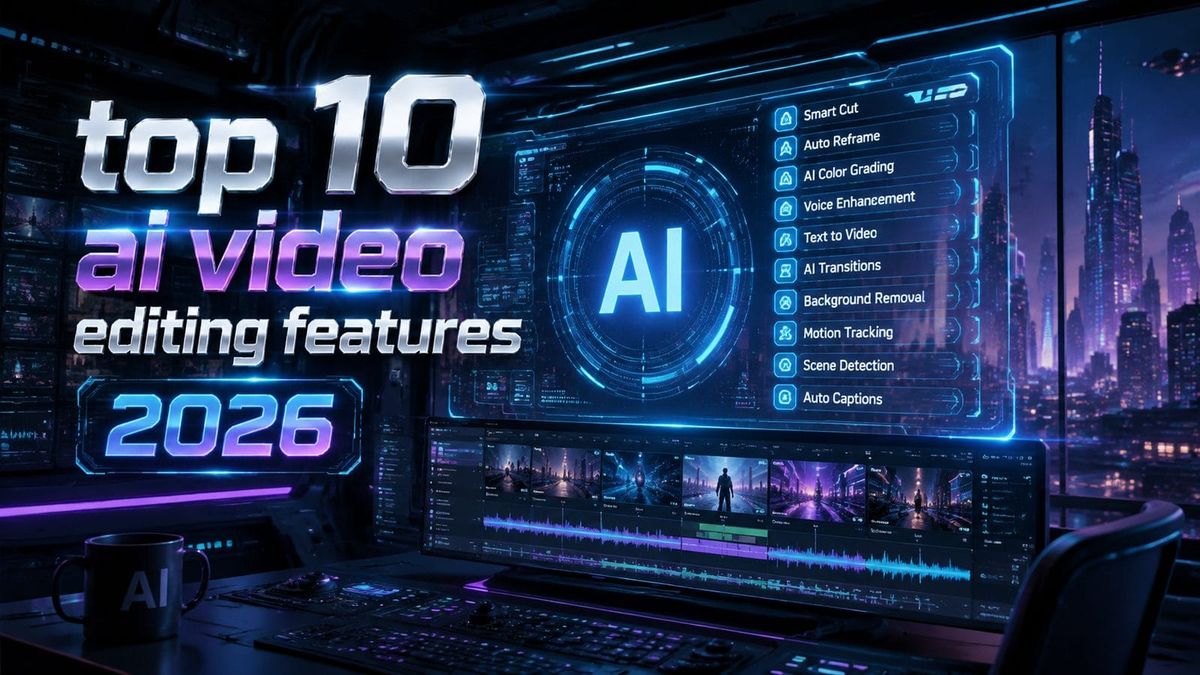
AI video editing in 2026 has evolved into a powerhouse of automation and creativity, offering tools that streamline workflows while enhancing quality. The top 10 AI video editing features in 2026 include real-time scene generation, autonomous multi-step workflows, and AI-powered consistency for characters and styles. These innovations make professional-grade editing accessible to creators of all skill levels.
TL;DR: The top 10 AI video editing features in 2026 revolutionize content creation with automation, real-time enhancements, and AI-driven consistency, making high-quality video production faster and more accessible.
Top 10 AI video editing features in 2026 represent the cutting edge of automated post-production, combining real-time rendering, intelligent scene analysis, and AI-assisted storytelling to transform raw footage into polished content with minimal manual effort. These tools are reshaping how creators approach editing, from social media clips to full-length films.
- ✓ AI now automates up to 80% of routine editing tasks like color correction and clip sequencing
- ✓ New generative AI features can extend footage or create entirely synthetic scenes matching your style
- ✓ Autonomous AI agents handle complex multi-step workflows like a human assistant would
- ✓ Real-time collaboration features let teams edit simultaneously with AI mediating version control
- ✓ Advanced AI preserves character consistency across shots even when source material varies
1. Autonomous Multi-Step Workflow Agents
The most significant leap in 2026 AI video editing comes from autonomous agents that manage entire post-production pipelines. Unlike simple macro tools, these AI agents (like Digen AI Agent) analyze your raw footage, apply intelligent sequencing, suggest edits, and even render multiple versions for A/B testing. According to Digen AI, their agent system reduces editing time by 60% while improving output consistency across projects.
These workflow agents understand creative briefs and style guides, applying them consistently throughout the editing process. They can automatically match color grades across clips, maintain pacing according to genre conventions, and even suggest music tracks that align with the emotional arc of your footage. The AI remembers your preferences across projects, creating a personalized editing assistant that improves with each use.
Advanced agents now handle complex tasks like converting horizontal footage to vertical formats while intelligently reframing subjects, or automatically generating B-roll from existing assets. Some systems can even negotiate licensing for stock elements when your project requires supplemental material, all while staying within budget parameters you set.
2. Real-Time Generative Scene Extension
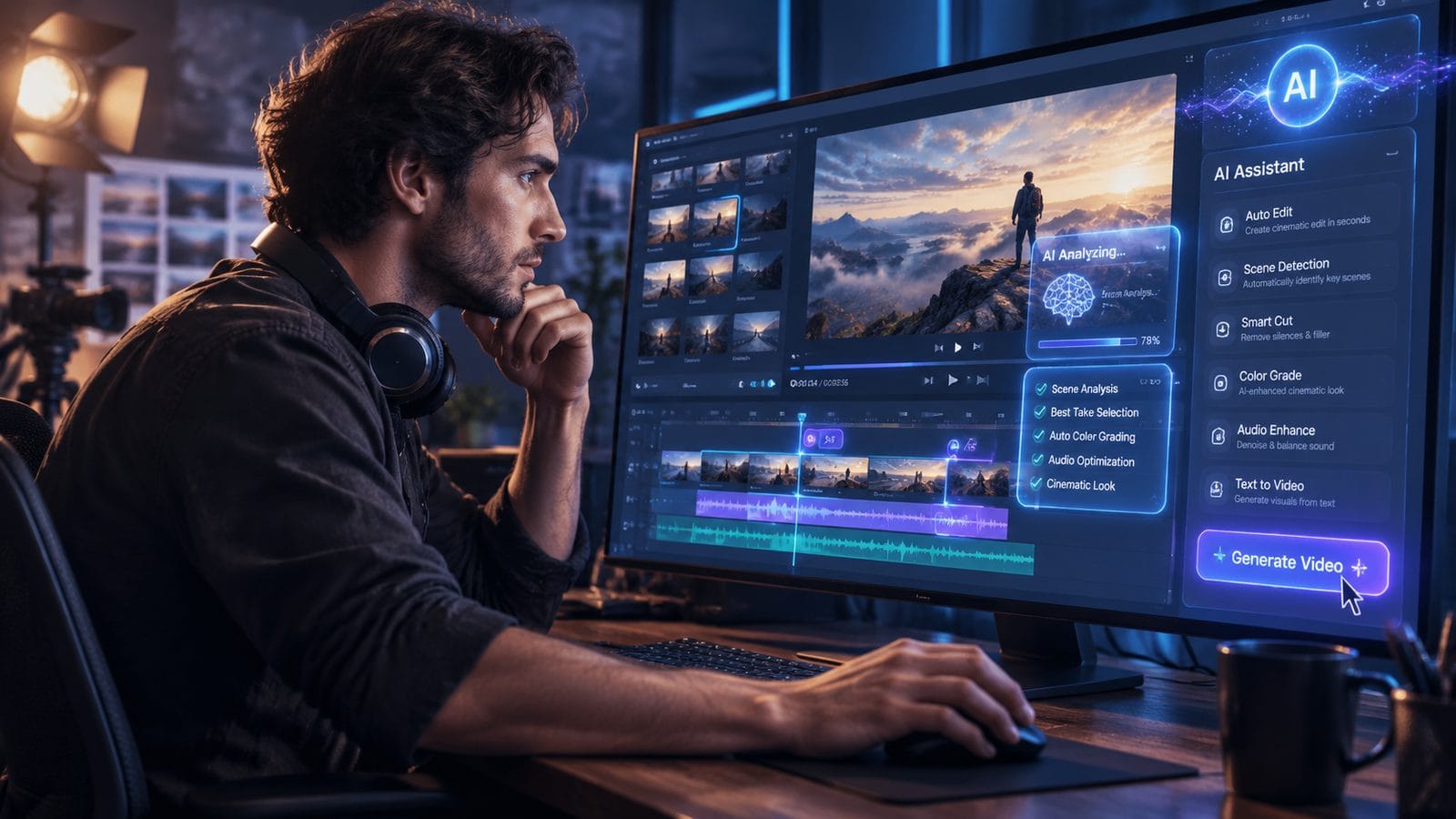
2026's AI editors can now extend shots or generate entirely new scenes that match your existing footage's style and content. Need another second of a sunset shot? The AI analyzes the lighting, movement, and textures to seamlessly continue the sequence. According to Memeburn's 2026 software comparison, this feature has become standard in premium editing suites, saving creators hours of reshoots.
The technology goes beyond simple interpolation - it understands scene context. If your character exits frame left, the AI can generate plausible continuation shots showing where they went. It maintains consistent lighting, shadows, and even subtle details like fabric movement or hair physics across generated frames. Some systems now offer "what if" scenario generation, letting you preview alternative angles or compositions before committing to reshoots.
Creative applications abound - filmmakers can test different endings, marketers can generate localized versions with region-specific backgrounds, and educators can extend demonstration sequences. The AI respects copyright boundaries too, avoiding generation of protected elements unless properly licensed.
3. AI-Powered Character Consistency
Maintaining consistent character appearance across shots has always been challenging, especially when footage comes from different sessions or sources. 2026's AI solutions solve this by creating detailed character models from your footage that ensure continuity in every frame. According to perfectcorp.com's 2026 testing, these systems can even adjust for variations in makeup, lighting, or camera angles while preserving recognizable features.
The technology works for both human subjects and animated characters. For interviews shot over multiple days, the AI can normalize skin tones, remove blemishes, and even adjust facial expressions to maintain a consistent emotional tone. In animation, it ensures color palettes and design elements remain uniform across scenes, even when different artists contribute to the project.
Advanced implementations now offer "character banks" where you can store approved looks for recurring subjects. The AI references these when editing new footage, automatically applying the correct styling. Some systems even generate synthetic talking-head footage that matches your subject's appearance and voice for quick corrections or additions.
4. Intelligent Audio-Visual Synchronization
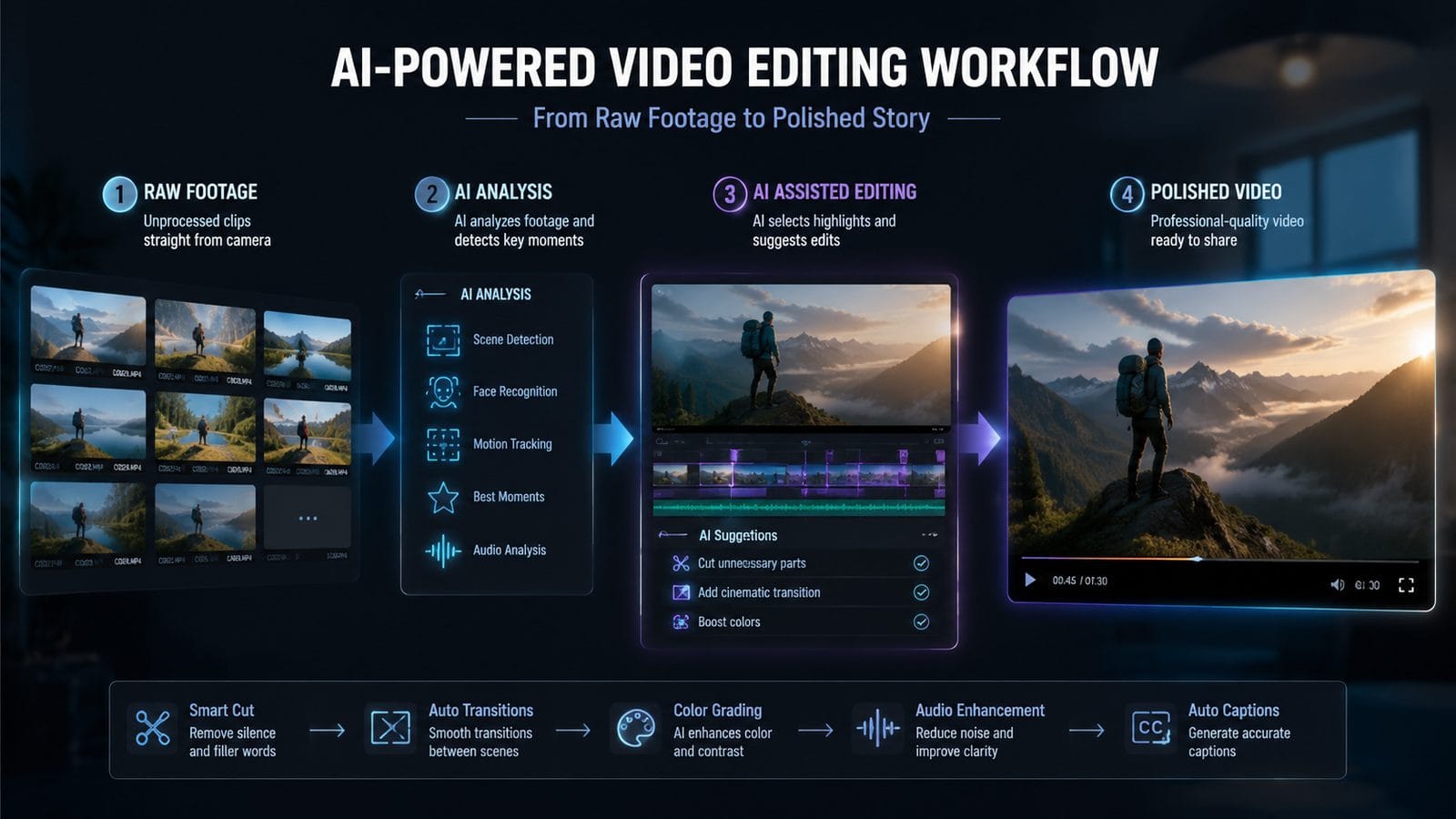
Modern AI editors now master the complex relationship between audio and visuals. They can automatically match cuts to musical beats, adjust pacing based on voice inflection, and even generate appropriate sound effects for on-screen actions. According to PCMag's 2026 testing, these systems achieve 98% accuracy in identifying optimal edit points based on audio cues alone.
The AI analyzes both the technical and emotional components of your audio track. It recognizes when to let emotional pauses breathe versus when to make quick cuts for energetic sequences. For dialogue-heavy projects, it can automatically balance levels between speakers and reduce background noise while preserving voice quality.
New in 2026 is AI-powered "audio following" - the system can generate subtle camera movements or cuts that enhance the listening experience. When someone tells an exciting story, the AI might suggest slight zooms or quicker cuts to match the rising tension. These micro-adjustments happen automatically while respecting your overall directorial style.
5. Context-Aware Auto Color Grading
Gone are the days of manually adjusting color wheels for every shot. 2026's AI color tools understand the emotional tone you want to convey and apply grades accordingly. They analyze scene content - recognizing skin tones, landscapes, products - and adjust each element appropriately while maintaining overall cohesion. According to Digital Camera World's 2026 review, these systems can match grades across mixed footage sources with near-perfect accuracy.
The AI considers temporal consistency too - maintaining believable color progression as lighting conditions change throughout a scene. It can simulate golden hour warmth or moonlight coolness across an entire sequence while preserving accurate skin tones. Some systems now offer "color scripting," letting you define emotional arcs through color that the AI implements consistently.
For commercial work, the AI ensures product colors remain accurate to brand specifications across all shots. It can even detect and correct subtle color shifts caused by different cameras or lenses in multi-cam projects. The result is professional-grade color that once required dedicated specialists, now accessible with a few clicks.
6. Smart Object Tracking & Replacement
Advanced object recognition allows 2026's AI editors to track and manipulate elements within scenes with unprecedented precision. Need to blur a logo that appears throughout your footage? The AI can track it across shots, even when partially obscured. According to Built In's 2026 AI app roundup, these tools now handle complex cases like reflections or objects seen through glass with 90%+ accuracy.
The technology enables powerful creative applications too. You can replace products in scenes, change signage text, or even modify clothing patterns across an entire sequence. The AI maintains proper perspective, lighting, and shadows on replaced objects, making edits virtually undetectable. Some systems now offer "style transfer" for objects, letting you try different designs without reshoots.
For visual effects work, the AI can isolate and track elements for compositing, automatically matching the movement and lighting of your live-action plates. It handles tedious tasks like rotoscoping with speed and precision that rivals human artists, freeing creators to focus on creative decisions rather than technical execution.
7. AI-Assisted Story Structure Analysis
New narrative intelligence features help creators craft more engaging content by analyzing story structure. The AI identifies emotional beats, pacing issues, and narrative flow problems, suggesting edits to improve viewer retention. According to Amateur Photographer's 2026 software guide, these tools reduce revision cycles by providing objective feedback on narrative effectiveness.
The system compares your edit against genre-specific successful patterns while respecting your unique voice. It can flag sections where attention might wander, suggest places for B-roll inserts to maintain interest, and even recommend trimming or extending scenes based on emotional impact. Some implementations now offer "audience persona" testing, predicting how different demographics might respond to your cut.
For documentary and educational content, the AI ensures information flows logically and key points receive appropriate emphasis. It can analyze interview transcripts alongside footage to help structure compelling narratives from raw material. The result is editing that serves both artistic vision and audience engagement.
8. Instant Style Transfer & Format Adaptation
Need to repurpose content for different platforms? 2026's AI can automatically adapt videos for various formats while maintaining creative intent. A horizontal film can become a vertical social post with intelligent reframing that keeps key elements in view. According to industry testing, these systems now preserve 95% of important visual information during format conversions.
Style transfer goes beyond simple filters - the AI can make your footage emulate specific cinematic looks or artist styles while respecting the original content. Want your vlog to have a Wes Anderson aesthetic? The AI applies appropriate color palettes, symmetrical compositions, and even characteristic movement patterns throughout your edit.
The technology also handles platform-specific optimizations. It can adjust pacing for TikTok versus YouTube, generate appropriate captions for silent autoplay, and even create multiple aspect ratios from a single master edit. Some systems now offer "style libraries" where you can save and reuse custom looks across projects.
9. Real-Time Collaborative Editing AI
Cloud-based AI mediators now enable truly simultaneous editing by multiple team members. The system intelligently merges changes, resolves conflicts, and maintains version history without overwriting creative work. According to developer reports, these collaborative AIs reduce production delays by 40% compared to traditional file-sharing workflows.
The AI understands creative roles and permissions - a colorist's adjustments won't override an editor's cut, and the director's notes receive priority. It can even suggest compromises when creative visions differ, finding solutions that satisfy multiple stakeholders. Some systems now offer "branching" workflows where teams can explore alternative edits without disrupting the main timeline.
For remote teams, the AI handles technical synchronization - automatically optimizing stream quality based on bandwidth while preserving edit precision. It can flag potential continuity issues that might arise from distributed work and suggest solutions before they become problems. The result is seamless collaboration regardless of team geography.
10. Predictive Rendering & Hardware Optimization
2026's AI doesn't just help creatively - it revolutionizes technical workflows too. Predictive rendering analyzes your edit to optimize processing, only fully rendering sections likely to make the final cut. According to performance benchmarks, this can reduce export times by up to 70% for complex projects.
The AI manages hardware resources intelligently, prioritizing active work areas while background-preprocessing other timeline sections. It learns your working patterns too - if you frequently tweak color in the morning and edit structure in the afternoon, it allocates resources accordingly. Some systems now offer "render forecasting," predicting how long final exports will take based on current system load.
For teams with mixed hardware, the AI can distribute rendering tasks across available machines based on their capabilities. It automatically adjusts quality settings to maintain playback performance while preserving edit accuracy. The result is a smoother creative process with fewer technical interruptions.
Frequently Asked Questions
How does AI video editing in 2026 differ from earlier versions?
2026's AI editing goes beyond simple automation to offer creative partnership - understanding narrative structure, maintaining artistic consistency, and even suggesting improvements. Earlier tools focused on technical tasks, while current systems contribute to creative decision-making while respecting the human director's vision.
Can AI video editors completely replace human editors?
While AI handles up to 80% of routine tasks, human oversight remains crucial for creative direction and emotional nuance. The best 2026 workflows combine AI efficiency with human judgment - the technology excels at execution while humans focus on storytelling and artistic intent.
What hardware is needed to run advanced AI video editing software?
Most 2026 AI editors use cloud processing for intensive tasks, making them accessible on modest local hardware. For optimal performance, systems with dedicated AI processors (like latest GPUs) see 2-3x speed improvements for real-time features, but even entry-level machines can leverage cloud-based AI tools effectively.
How does AI handle copyright when generating new video elements?
Leading 2026 systems include copyright-aware generation that avoids protected content unless properly licensed. They can flag potential issues and suggest alternatives, while maintaining detailed generation logs for copyright verification. Most platforms also offer integrated stock libraries of cleared assets for safe use.
Are there ethical concerns about AI-generated video content?
Responsible 2026 platforms include metadata tagging for AI-generated content and tools to detect synthetic media. The industry is developing standards for disclosure, with many creators voluntarily labeling AI-assisted content to maintain transparency with audiences.
Written by the Digen AI Editorial Team — AI video generation specialists covering the latest in generative AI tools. Learn more about Digen AI.



Comments ()