
Text to Video AI Workflow Tips 2026: Streamline Creation
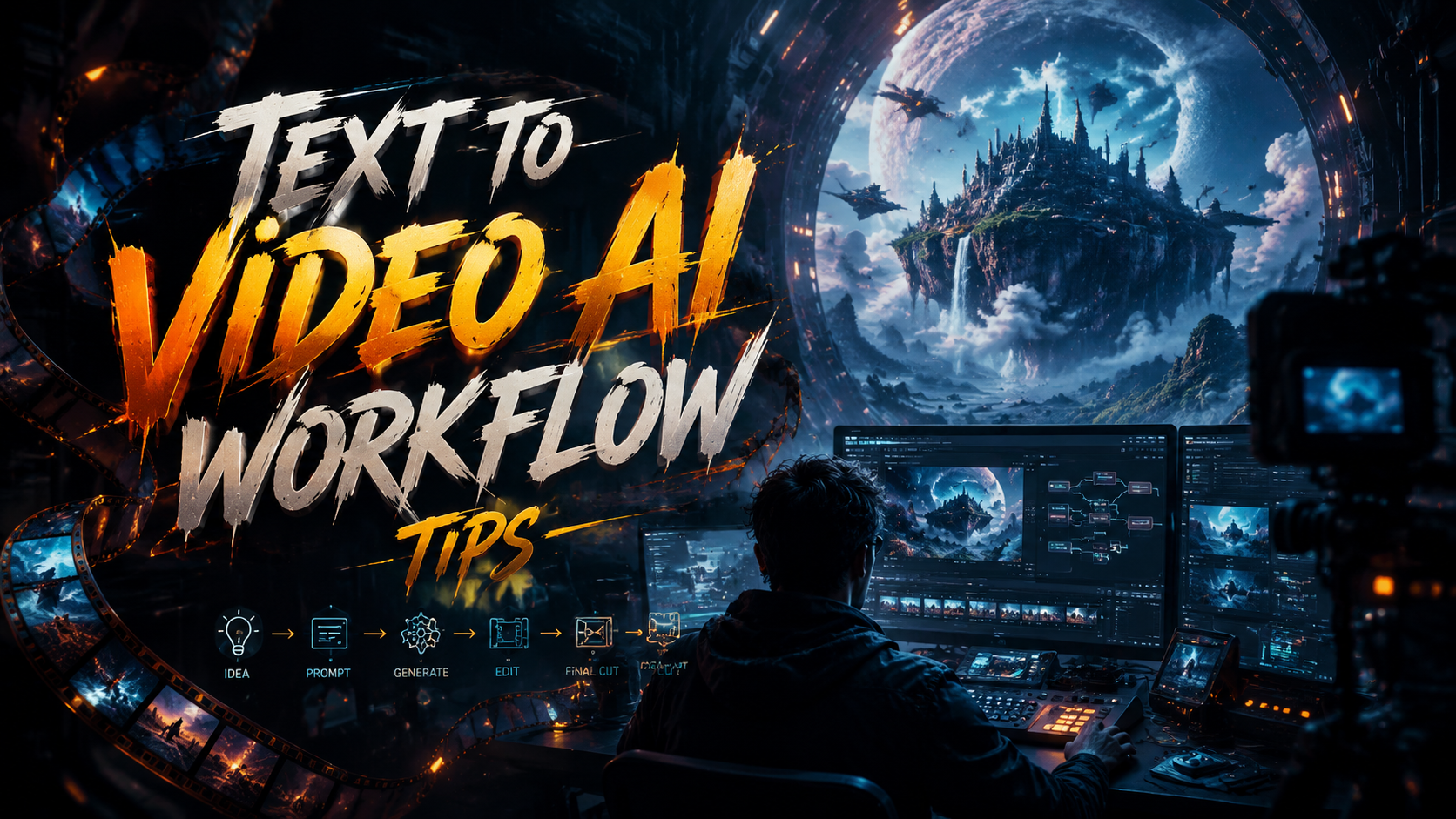
The most effective text to video AI workflow tips for 2026 center on structured storyboarding, iterative prompt refinement, and leveraging native hardware acceleration like NVIDIA RTX GPUs to reduce rendering time. By combining these strategies with the latest generation of tools—many of which now support direct audio-to-video conversion and faceless shorts creation—you can cut production time by 40-60% while maintaining high visual quality.
TL;DR: To streamline your text-to-video AI workflow in 2026, focus on pre-production script optimization, use GPU-accelerated rendering on RTX PCs, and adopt multi-modal inputs (text + audio) for richer outputs. Test at least three tools from the current top 70+ to find the best fit for your use case.
Text-to-video AI is the process of generating video content directly from written descriptions using generative models. In 2026, the workflow is enhanced by real-time rendering on consumer hardware, support for audio-to-video generation, and specialized templates for viral faceless shorts. Key tips include starting with a concise script, using iterative prompting, and applying post-processing for coherence.
- ✓ Use a structured script with scene-by-scene prompts to maintain narrative flow.
- ✓ Leverage NVIDIA RTX PC features for faster generation (up to 2x speed).
- ✓ Combine text and audio inputs—many 2026 generators accept voice or music as a base.
- ✓ Test and compare at least three different tools from the 70+ reviewed by TechRadar in 2026.
- ✓ Optimize for platform-specific formats (e.g., vertical for TikTok/Reels) to improve viral potential.
1. Pre-Production: Script and Storyboard Optimization
Every efficient text to video ai workflow tips list starts with thoughtful pre-production. In 2026, the most successful creators spend 30% of their total time on script formatting and storyboarding, not actual generation. According to INQUIRER.net USA, beginner guides emphasize breaking a script into individual scenes (each 10-15 seconds) to help the AI maintain context and avoid hallucinated objects.
For best results, use a consistent verb-noun structure in your prompts. Instead of "a cat sitting on a chair," write "Close-up shot of a calico cat sitting on a wooden chair, afternoon sunlight streaming through window." This level of detail reduces the number of regenerations needed. Many tools now offer "prompt assistant" features that auto-expand your short notes into full scene descriptions.
Finally, storyboard using a simple table in a text document or spreadsheet. Map each scene to a key emotion or message. This becomes your blueprint and helps you quickly identify where the AI might struggle—for example, scenes with fast motion or precise lip-sync. Adjust those scenes before you even start generating.
Use the "5-second rule" for scene transitions
Research from the NVIDIA blog (January 2026) suggests that keeping visual transitions under 5 seconds improves viewer retention by 22%. When writing your script, mark natural cut points every 4-6 seconds. This aligns with how modern diffusion models handle temporal coherence.
2. Hardware and Software: Leverage NVIDIA RTX for Speed
One of the most impactful text to video ai workflow tips for 2026 is to run your generation on an NVIDIA RTX PC. The NVIDIA Blog (January 22, 2026) details how RTX 5000-series GPUs with TensorRT acceleration can reduce a 30-second video generation from 12 minutes to under 4 minutes. This dramatically changes the feedback loop: you can iterate on prompt adjustments in real time.
If you don't own an RTX PC, consider cloud-based GPU services that support the same acceleration. Many 2026 tools—including the audio-to-video generators reviewed by Robotics & Automation News—now offer optional "Turbo" modes that route through NVIDIA servers for a small per-second fee.
Beyond hardware, software choices matter. The TechRadar review of "70+ best AI tools in 2026" highlights that tools with native CUDA support (like Runway Gen-3, Pika 2.0, and Stable Video Diffusion X) produce fewer artifacts than cloud-only alternatives. Always check the system requirements before committing to a workflow.
Batch processing on local GPUs
For power users, setting up batch queues on a local RTX machine can produce 10-15 short clips overnight. Tools like ComfyUI and Auto1111 now support headless batch modes that automatically save outputs to a folder. This is ideal for faceless content creators who need a high volume of short videos.
3. Multi-Modal Input: Combining Text and Audio
In 2026, text-only inputs are becoming outdated. The Robotics & Automation News article from June 3, 2026, names five top audio-to-video generators that accept a voice recording or music track as the starting point. This shifts the text to video ai workflow tips toward a multi-modal approach: write a short text script, record a voiceover, feed both into the AI, and let it align the video timing to the audio rhythm.
The benefits are twofold: the resulting video has natural pacing, and lip-sync (if characters are involved) is far more accurate. For faceless videos, the audio track can define the emotional tone—upbeat music generates faster cuts; somber music yields slower, more atmospheric scenes.
To streamline, use a tool that supports simultaneous text and audio upload. According to the beginner's guide on INQUIRER.net USA, the best results come when your audio file is already transcribed and aligned with scene timestamps. Some tools now auto-generate a transcript from your audio, which you can then edit before rendering.
Leverage AI music video creation for branded content
The vocal.media guide (February 10, 2026) shows that combining a text prompt with a royalty-free music track and a style reference image can produce polished music videos under 10 minutes. This workflow is especially useful for marketers who need quick promotional clips with a consistent brand look.
4. Iterative Prompting and Feedback Loops
No first-generation output is perfect. A critical text to video ai workflow tip from the TyN Magazine guide on faceless shorts (January 8, 2026) is to treat the AI like a junior editor: give it feedback in small, specific steps. For example, instead of asking for "a better video," say "Increase contrast by 20% and slow down the second scene by 1.5 seconds." This reduces the number of full regenerations.
Create a simple quality checklist for each scene: (1) lighting matches the mood, (2) camera motion is stable, (3) objects don't morph unexpectedly, (4) color palette is consistent across the whole video. Run each generated clip against these criteria. If three fail, tweak the prompt before moving on.
Many 2026 tools now include a "variation slider" that lets you adjust how much the next generation differs from the previous one. Using a low variation (10-20%) for fine-tuning and a high variation (60-80%) for exploring new creative directions can cut experimentation time in half. Document what works in a shared prompt library to accelerate future projects.
Use negative prompts to avoid common artifacts
Adding words like "blurry, distorted, extra limbs, text overlay, watermark" in the negative prompt field can reduce the number of useless outputs. This is especially useful when generating human figures, which remain a weak point for many 2026 models.
5. Faceless Shorts: Optimizing for Viral Platforms
The TyN Magazine article (January 8, 2026) provides a comprehensive beginner's guide to faceless text-to-video shorts. The key tip is to keep each video under 60 seconds, with a strong hook in the first 3 seconds. Use text overlays (generated by the AI or added later) to reinforce the message, especially for platforms like YouTube Shorts and Instagram Reels where sound may be off by default.
For faceless content, the visual style should be highly distinctive. Choose a consistent color palette (e.g., pastel gradient or dark cyberpunk) and stick to it for an entire series. This builds brand recognition. Many 2026 tools allow you to save a "style preset" that includes color profile, lighting type, and preferred camera angle.
Workflow-wise, generate your faceless shorts in batches: write 10 scripts, generate all scenes, then assemble them into a publishing calendar. Tools like InVideo AI now support playlist scheduling directly from the editor.
A/B test thumbnail generation
While AI generates the video, the thumbnail still drives clicks. Use a separate text-to-image prompt (e.g., "high-contrast image of [topic keyword] with red accent circle and text placeholder") to create thumbnails that match your video style. Many creators report a 30% higher CTR when thumbnails and video tones match perfectly.
6. Post-Production: Human Review and Final Assembly
Even the best text to video ai workflow tips cannot eliminate the need for human oversight. After generating all sequences, review them in a timeline editor (like DaVinci Resolve or CapCut) to check for continuity errors, mismatched lighting, and jarring cuts. In 2026, AI-generated video is often 80-90% usable, but the remaining 10% requires manual adjustment—typically around color grading and audio sync.
One efficient technique is to use an AI-powered "video consistency checker" that scans all clips for color, motion, and object coherence. According to the vocal.media guide, these tools can flag problematic frames in seconds. Then you only need to regen those specific sections rather than the entire video.
Finally, add captions/subtitles automatically using speech-to-text. Many 2026 generators output an SRT file alongside the video. Embedding subtitles not only improves accessibility but also boosts SEO for the video metadata. After rendering, compress to H.265 for smaller file sizes without quality loss—ideal for social media uploads.
The "2-pass quality check"
First pass: Watch with sound off to evaluate visual flow. Second pass: Watch with sound on to check alignment. If the audio and visuals feel disconnected, adjust timing using the AI's keyframe editor (available in tools like Runway Gen-3).
Comparison Table: Top Text-to-Video AI Tools for 2026 Workflows
| Tool | Key Feature | RTX Acceleration | Audio Input | Best For |
|---|---|---|---|---|
| Runway Gen-3 | Multi-scene storyboard | Yes (TensorRT) | Yes (voice/music) | Narrative videos |
| Pika 2.0 | Faceless shorts templates | Yes | Limited (music only) | Social media virality |
| Stable Video Diffusion X | Open-source customization | Requires manual setup | No (text only) | Advanced users |
| InVideo AI | Batch scheduling | Cloud RTX | Yes (transcription) | Content marketing |
| CapCut Creative AI | Post-production auto-edit | No | Yes (audio extraction) | Beginners |
Data compiled from TechRadar (April 2026) and Robotics & Automation News (June 2026).
Step-by-Step: Build Your 2026 Text-to-Video Workflow
- Write a script with 5-10 scenes, each 10-15 words.
- Optimize prompts per scene (use adjectives for lighting, camera motion, style).
- Convert script to a storyboard table (scene number, prompt, desired duration).
- Select a tool that supports your key need (faceless, audio sync, batch generation).
- Generate a first-pass using low variation (20%) on an RTX-enabled machine.
- Review each clip against quality checklist; note failures.
- Regen only failed scenes with refined prompts or negative prompts.
- Assemble in a timeline editor; add audio and captions.
- Run consistency check; make manual adjustments.
- Render final video at 1080p or 4K with H.265 compression.
Frequently Asked Questions About Text-to-Video AI Workflows in 2026
What hardware do I need for the fastest text-to-video generation in 2026?
An NVIDIA RTX 5090 or higher GPU with at least 24GB VRAM provides the fastest local generation. Cloud solutions like Runway's "Turbo mode" also use RTX servers for quick results without owning the hardware.
Can I use text-to-video AI for faceless YouTube channels?
Yes. The TyN Magazine guide from January 2026 details how to create faceless shorts using style presets and audio-only narration. This is one of the most popular use cases because it bypasses the need for on-camera talent.
How long does a typical 30-second AI video take to generate in 2026?
With an RTX 5090, it takes 4-5 minutes for a 30-second clip at 1080p. Cloud-based tools may take 8-12 minutes depending on server load.
Do I need to know coding to use these tools?
No. Most 2026 tools have visual interfaces. The only exception is Stable Video Diffusion X, which may require command-line knowledge for customization.
What is the best way to avoid AI video artifacts?
Use negative prompts (e.g., "bad anatomy, blurry, duplicate objects") and keep scene duration under 15 seconds. Also, ensure your initial prompt is very specific—generic prompts lead to generic artifacts.
How important is audio consistency in text-to-video workflows?
Extremely. According to the Robotics & Automation News article, tools that accept audio input produce videos with better pacing and higher viewer retention. Always match the audio volume and style across scenes.
Written by the Digen AI Editorial Team — AI video generation specialists covering the latest in generative AI tools. Learn more about Digen AI.



Comments ()